NotebookLM Power User Tips 2026: Smart Tricks Trending Now
Google NotebookLM, is evolving fast in 2026.
Power users are now using smarter workflows instead of basic uploads and summaries.
The latest NotebookLM power user tips focus on source management, custom AI tutoring, and cleaner research organization. Moreover, these methods improve answer accuracy and save time during long projects.
From dynamic Suggested Formats to living Google Docs integration, advanced users are reshaping how AI-assisted research works. As competition in AI productivity tools grows, these strategies are quickly becoming essential for students, creators, researchers, and SEO professionals.
Quick Summary
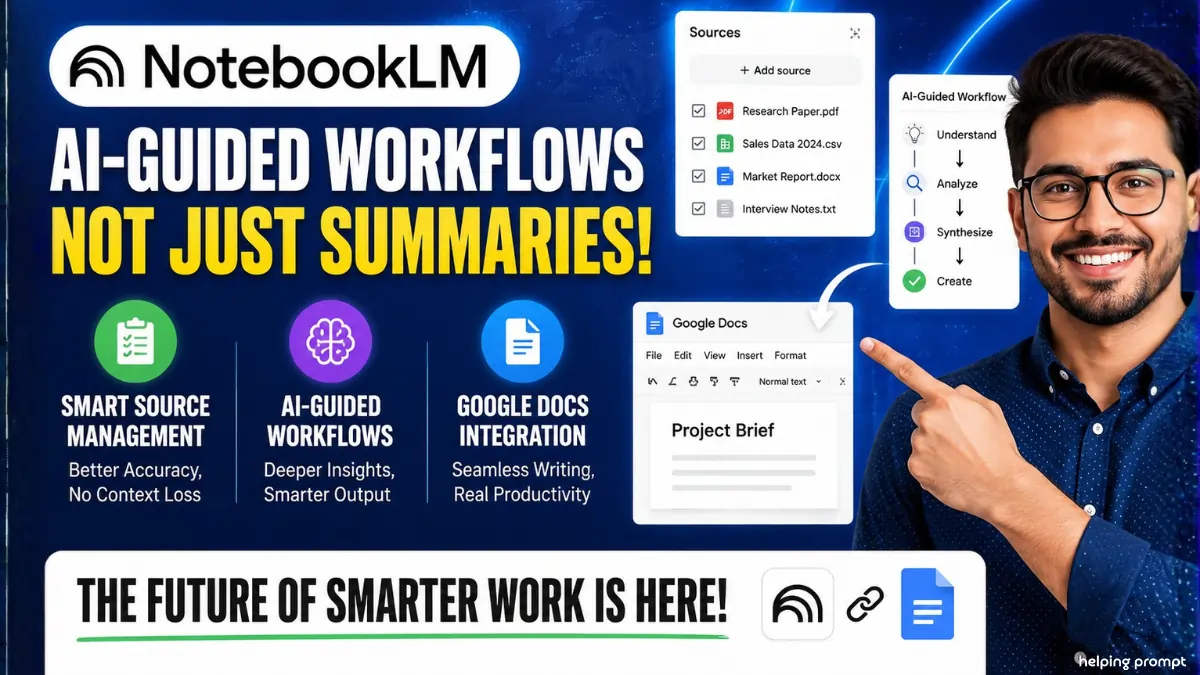
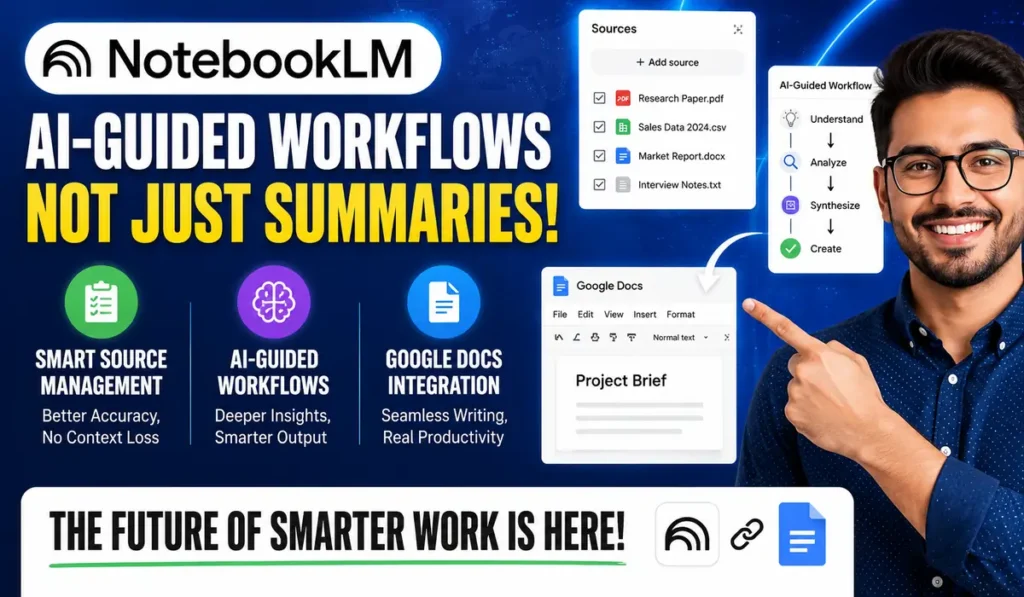
- NotebookLM users now prefer AI-guided workflows instead of simple summaries.
- Smart source management improves output accuracy and prevents context loss.
- Google Docs integration is becoming a major productivity advantage.
NotebookLM Power User Tips Changing AI Research Workflows
The biggest trend inside NotebookLM is the rise of “Suggested Formats.”
Instead of selecting generic templates, users now allow the AI to study uploaded files first. Consequently, NotebookLM recommends tailored outputs like briefing reports, research maps, or competitive insights.
This approach improves content relevance and reduces manual editing. Therefore, many marketers and analysts now use it for faster decision-making and cleaner documentation workflows.
Why Source Optimization Matters More in 2026
NotebookLM still limits source uploads inside each notebook.
However, experienced users have developed smart workarounds to maintain research depth without losing context.
Short meeting notes and memos are often merged into one document before uploading. Meanwhile, large PDFs are split into smaller files under 100 pages. This method prevents important information from being ignored near the end of massive documents.
As a result, AI-generated summaries become more balanced and accurate.
Guiding Persona Prompts Are Becoming a Major Trend
Another fast-growing NotebookLM power user tip involves “Guiding Persona” instructions.
Instead of asking direct questions, users train the AI to act like a tutor.
A popular instruction now says:
“Never give direct answers first. Ask guiding questions and correct mistakes using source passages.”
Because of this, learning becomes more interactive. Students, researchers, and educators especially benefit from deeper understanding instead of quick surface-level responses.
Google Docs Are Turning Into Living AI Sources
NotebookLM treats connected Google Docs differently from uploaded PDFs.
That difference is now creating a major productivity advantage.
When users update a connected Google Doc, NotebookLM can fetch those changes continuously. In contrast, uploaded PDFs remain frozen after upload. Therefore, live collaboration workflows are becoming increasingly popular among teams and agencies.
This feature also helps content creators maintain updated research without repeated uploads.
How To: NotebookLM Power User Tips 2026
- How to improve NotebookLM answer accuracy?
Use smaller document uploads and regularly clear unnecessary chat history.
- How to use NotebookLM as a tutor?
Add custom instructions asking the AI to guide with questions first.
- How to organize sources in NotebookLM efficiently?
Merge short notes together and convert important AI insights into Sources.
Chat Cleanup Is Improving AI Accuracy
Long AI conversations can slowly reduce response precision.
That is why experienced NotebookLM users regularly clear old chats after completing a task.
Before deleting history, many users save valuable insights as Notes. Later, those Notes are converted into Sources. Consequently, important information remains permanently accessible inside future workflows.
This strategy improves contextual clarity while reducing repetitive prompts during research sessions.
Why These NotebookLM Power User Tips Matter for Professionals
AI productivity tools are becoming central to modern digital work.
Therefore, workflow efficiency now matters more than basic AI access.
NotebookLM users who organize sources properly usually receive cleaner summaries and stronger contextual answers. Moreover, structured prompting helps reduce hallucinations during research-heavy projects.
SEO experts, journalists, and analysts are especially adopting these strategies for faster information processing and content production.
NotebookLM Is Quietly Becoming an AI Research Hub
While many AI platforms focus on chat experiences, NotebookLM is evolving into a structured knowledge workspace.
That shift is attracting advanced users looking for long-term research stability.
The combination of live documents, guided tutoring prompts, and smarter source handling gives NotebookLM a unique position in the AI productivity race. As AI competition intensifies in 2026, these small workflow tricks may become standard professional practices.
Pro Tips
- Split huge PDFs into smaller sections before uploading.
- Save valuable AI insights as Notes for future reuse.
- Use tutoring prompts instead of direct-answer prompts.
The Bottom Line
NotebookLM power user tips are no longer limited to tech enthusiasts.
Students, agencies, writers, and researchers are now adopting these methods for daily workflows. Moreover, smarter source organization is helping users improve AI reliability and research depth.
As AI tools continue evolving, workflow strategy will become as important as the model itself. Therefore, users who learn advanced NotebookLM techniques early may gain a strong productivity advantage. Staying updated with these trends can help professionals work faster, reduce errors, and create more accurate AI-assisted outputs in 2026.
FAQs
The latest NotebookLM power user tips focus on source optimization, live Google Docs, and tutoring-style prompts.
Large PDFs may lose context near the end, so smaller files improve AI accuracy.
Yes. Connected Google Docs work as living sources and refresh with new edits.
- Amazing NotebookLM Uses: 5 Smart Free AI Tricks in 2026?
- Stunning Best 5 Prompt for Podcast in NotebookLM?
- NotebookLM AI Prompts: 5 Powerful Tricks Everyone Uses?
- Top 10 Hidden NotebookLM Features in 2026 That Smart Users Already Use Daily
- How Indians Can Earn Money Using NotebookLM in 2026 With Smart Side Hustle Ideas
- NotebookLM vs ChatGPT 2026 Comparison: Which AI Tool Fits Work, Study & Content Needs