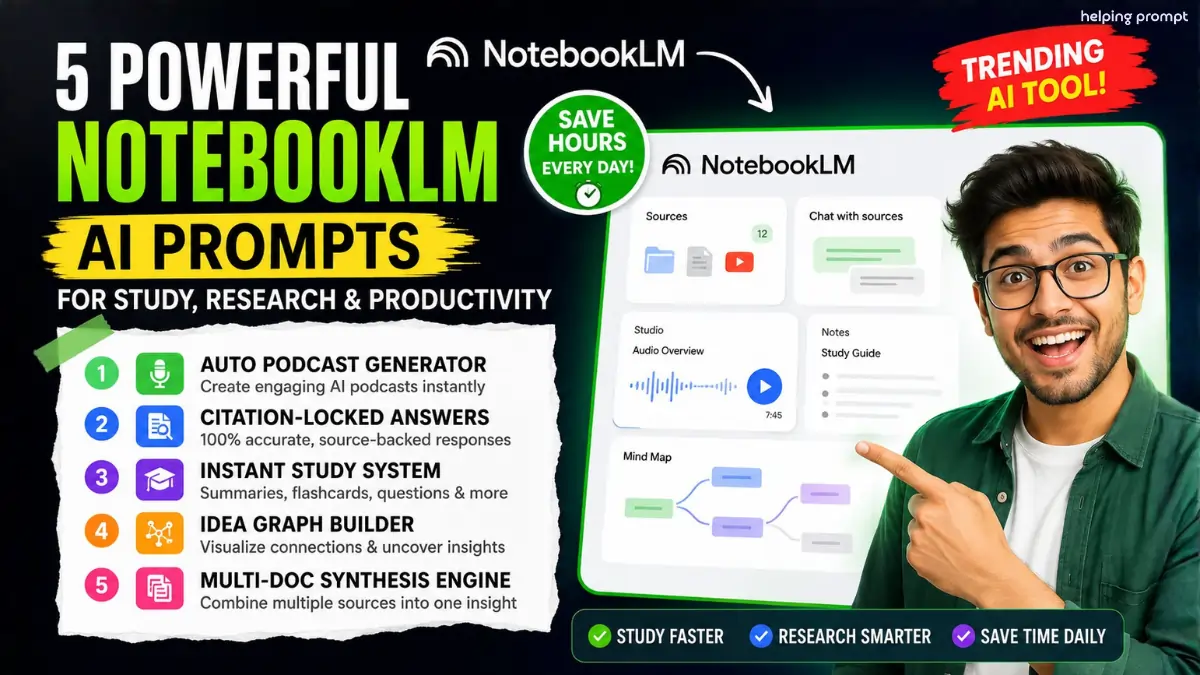
NotebookLM AI Prompts: 5 Powerful Tricks Everyone Uses?
NotebookLM AI prompts are exploding across productivity and study communities right now.
Creators, students, and researchers are using Google NotebookLM to automate learning faster.
From AI podcasts to citation-based answers, these workflows save hours daily.
Here are the smartest NotebookLM prompts trending globally today.
Best NotebookLM AI Prompts for Productivity
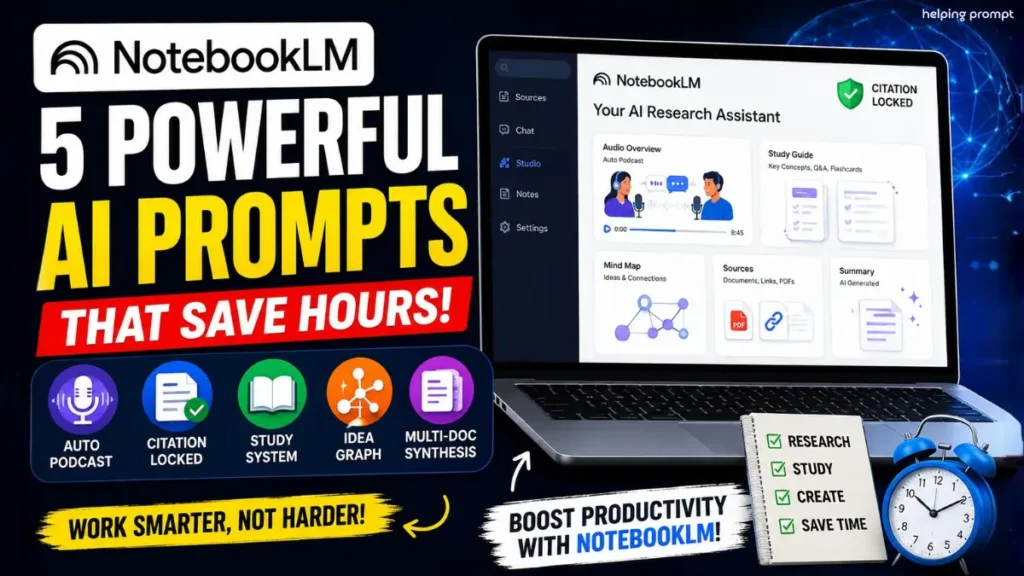
1. NotebookLM Podcast Generator Prompt
“Use multiple uploaded PDFs, reports, YouTube transcripts, and research links to create a realistic two-host podcast discussion. Explain difficult concepts simply with storytelling, natural reactions, humor, expert comparisons, and real-world examples. Include engaging transitions, short debates, beginner-friendly explanations, and memorable takeaways. Structure for a 5–10 minute audio flow. Follow Trending Updates, Future Applicable, Follow Real Study Data.
2. NotebookLM Citation-Locked Research Prompt
“Answer every question strictly using uploaded sources only. Add citations after every claim, quote exact source lines when relevant, and avoid assumptions completely. If information is unavailable, reply with ‘Not in sources.’ Keep responses highly accurate, research-focused, trustworthy, and fact-verified for academic or professional use. Maintain a clean structure with bullet summaries and source references. Follow Trending Updates, Future Applicable, Follow Real Study Data.”
3. NotebookLM Smart Study System Prompt
“Analyze uploaded notes, books, articles, and PDFs to generate a complete study system. Create 10 key concepts, 10 flashcards with answers, 5 exam-style questions, memory techniques, and a one-page quick revision sheet. Keep everything highly scannable, mobile-friendly, and easy to memorize quickly. Organize content with headings and rapid-learning formatting for students and researchers. Follow Trending Updates, Future Applicable, Follow Real Study Data.”
4. NotebookLM Idea Graph Builder Prompt
“Review all uploaded documents and build a structured idea graph connecting themes, insights, arguments, contradictions, patterns, and missing gaps. Explain how concepts relate across different sources using simple language and visual mapping logic. Highlight opportunities, hidden trends, and weak areas needing more research. Keep the output organized for strategic planning and advanced learning workflows. Follow Trending Updates, Future Applicable, Follow Real Study Data.”
5. NotebookLM Multi-Document Synthesis Prompt
“Take multiple articles, PDFs, research papers, meeting notes, and transcripts and synthesize them into one unified insight report. Compare agreements, disagreements, repeated patterns, strongest evidence, and final conclusions without repetition. Keep the tone analytical, concise, and highly informative for creators, students, researchers, and business teams. Format output into quick sections for fast mobile reading. Follow Trending Updates, Future Applicable, Follow Real Study Data.”
How To Use NotebookLM AI Prompts
- How to create AI podcasts in NotebookLM?
Upload sources, paste the podcast prompt, and request a conversational two-host discussion format.
- How to generate study notes using NotebookLM AI prompts?
Upload notes or PDFs and ask NotebookLM to create flashcards, summaries, and practice questions.
- How to get citation-based answers in NotebookLM?
Use prompts requesting “sources only” responses with exact citations and zero assumptions.
Quick Settings Guide for NotebookLM Prompts
- Upload PDFs, Docs, links, or transcripts first
- Use clear instructions inside NotebookLM AI prompts
- Keep outputs “structured and scannable”
- Ask for citations in research workflows
- Request conversational tone for podcasts
- Combine multiple sources for deeper synthesis
- Use shorter prompts for faster generation
Pro Tips
- Add “no assumptions” for higher accuracy
- Upload updated sources for better AI summaries
- Use markdown formatting for cleaner exports
Why NotebookLM AI Prompts Are Trending
AI productivity tools are changing how people study, research, and create content daily.
However, NotebookLM prompts stand out because they work directly with your own sources.
Instead of generic AI answers, you get context-aware insights, structured learning systems, and citation-supported outputs instantly.
Students can revise faster. Creators can generate podcasts quickly. Researchers can compare documents without manual reading overload.
Moreover, teams now use NotebookLM workflows for business reports, strategy analysis, and knowledge management.
If you experiment with better prompting styles, results improve dramatically.
So start testing these prompts today, customize them for your workflow, and build smarter AI systems that actually save time every week.
FAQs
NotebookLM prompts are instructions used inside Google NotebookLM to automate summaries, podcasts, research, and study workflows.
Yes. NotebookLM prompts help students generate flashcards, summaries, and exam questions quickly.
Yes. Citation-focused NotebookLM prompts reduce hallucinations by restricting answers to uploaded sources.