NotebookLM 2026 Features Transform AI Research Into Deliverable Factory
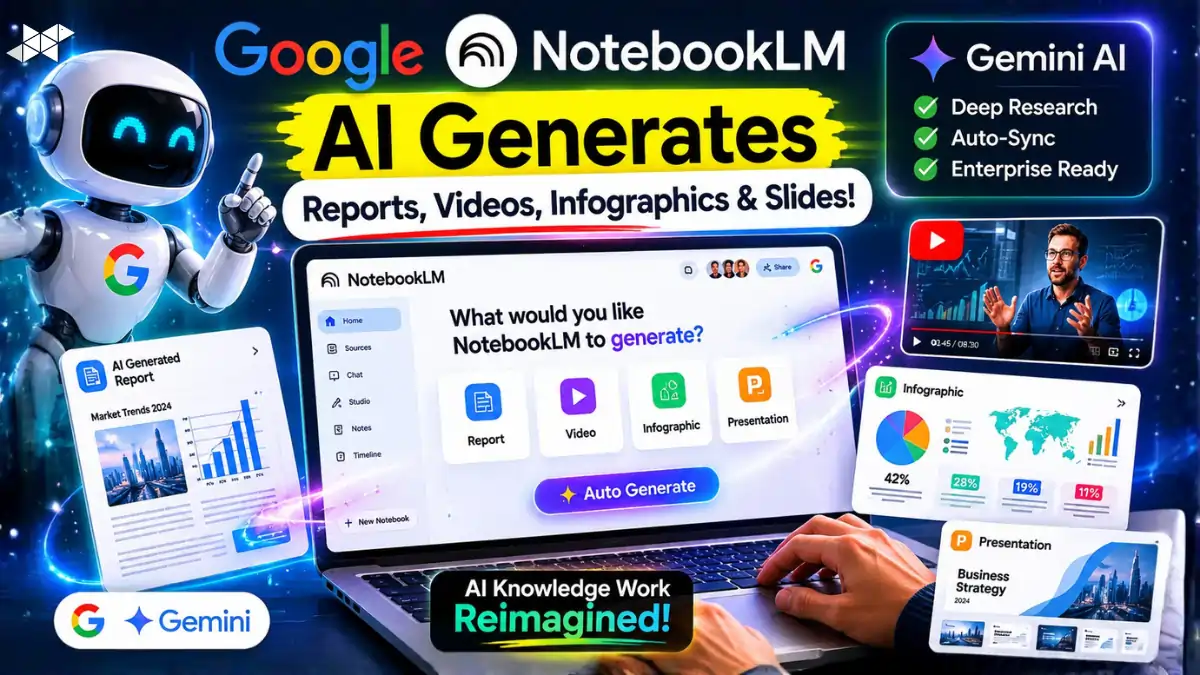
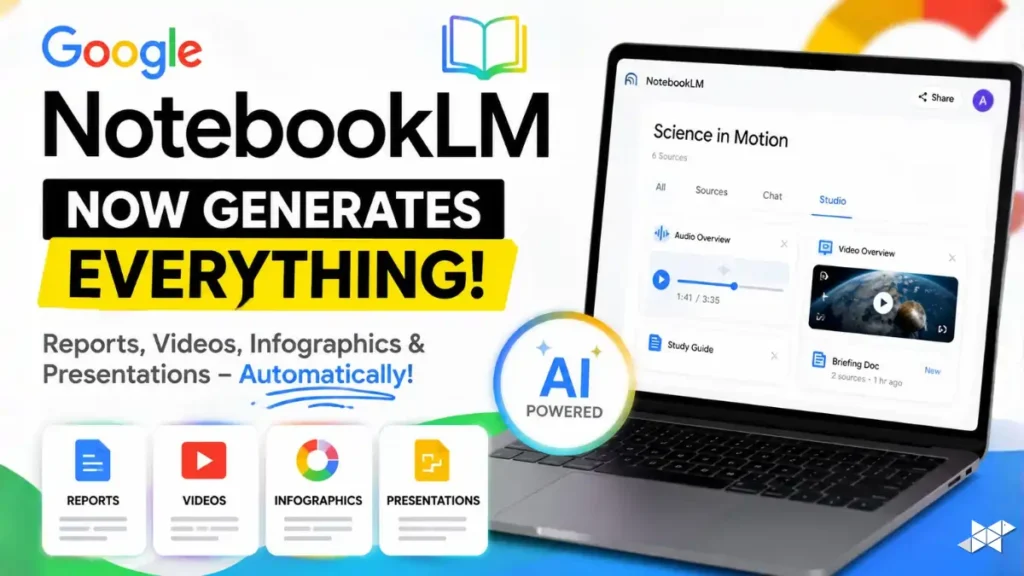
Google’s AI ecosystem is changing rapidly before the next major developer cycle. The latest NotebookLM 2026 features show how the platform evolved from a simple AI research assistant into a full-scale “deliverable factory.” Instead of only summarizing files, the system now creates slide decks, cinematic videos, infographics, and research maps automatically. Moreover, enterprise adoption is accelerating because organizations want faster knowledge workflows with fewer hallucination risks. However, growing competition and technical limitations are also pushing Google to improve transparency, mobile usability, and AI-generated content quality.
Quick Summary
- NotebookLM now generates reports, videos, infographics, and PowerPoint-ready presentations automatically.
- Google integrated Gemini AI, Deep Research, and enterprise auto-sync systems into NotebookLM.
- Experts say AI knowledge work is shifting from manual creation to editorial supervision.
NotebookLM 2026 Features Shift Beyond Basic AI Search
NotebookLM originally launched as an experimental research assistant under Project Tailwind. However, the platform now operates like an AI-powered production engine for enterprises and students. Users can upload PDFs, CSVs, legal files, and research papers, while the system generates polished deliverables within seconds. Furthermore, Google’s Gemini infrastructure allows NotebookLM to process massive datasets without traditional vector database limitations.
The biggest upgrade is the move toward “Source Grounding.” Unlike standard AI chatbots, NotebookLM links every answer directly to uploaded sources. As a result, hallucination risks become significantly lower. This architecture also helps enterprises trust AI-generated summaries for sensitive research, financial analysis, and internal documentation workflows.
How To
- How to use NotebookLM 2026 features for research?
Upload documents, organize notebooks, and use Studio tools for reports, slides, and AI summaries.
- How to create AI slide decks in NotebookLM?
Open the Studio panel, choose Slide Decks, and generate editable presentation files automatically.
- How to improve NotebookLM accuracy?
Use clean source files, separate notebooks by topic, and verify citations before publishing results.
Google Adds Cinematic Video and AI Slide Generation
Google expanded NotebookLM’s Studio panel aggressively in 2026. Users can now create infographics, mind maps, reports, quizzes, and presentation decks instantly. Moreover, AI-generated PowerPoint exports now support editable .pptx formats, which solves earlier enterprise workflow problems. Analysts can revise individual slides using prompts instead of rebuilding entire presentations manually.
The most talked-about update is Cinematic Video Overviews powered by Veo 3 and Gemini AI. These AI-generated mini documentaries transform static files into animated explainers with narration and motion graphics. However, critics say visual hallucinations and long rendering times still create friction for professional use cases.
Gemini Integration Expands Real-Time AI Research
NotebookLM previously worked inside a closed environment using uploaded documents only. Now, Google connected the system directly with the Gemini ecosystem. Therefore, users can combine private notebook data with live web information for deeper research workflows.
This integration is especially useful for financial analysts, researchers, and marketers. For example, companies can compare static annual reports with real-time market updates using Gemini-powered research maps. Meanwhile, synced cloud workflows allow mobile ingestion through Gemini and advanced desktop editing inside NotebookLM.
Enterprise Adoption Is Growing Rapidly
Google introduced NotebookLM Plus for Workspace enterprise customers in May 2026. The premium version supports shared team notebooks, higher AI generation limits, and organization-wide response customization. Consequently, many businesses now use NotebookLM as a centralized knowledge operating system.
Another major upgrade includes Custom MCP server integrations. These pipelines automatically sync updated files from enterprise storage systems into NotebookLM. As a result, organizations maintain live AI-ready knowledge bases without repeated manual uploads. This reduces operational friction for large teams handling constantly changing documentation.
Competition and Technical Friction Still Remain
Despite rapid innovation, NotebookLM still faces criticism from power users. Audio Overview customization remains limited, while the mobile experience feels weaker than dedicated AI learning apps. Additionally, researchers raised concerns regarding hidden document ingestion truncation during very large uploads.
These weaknesses created opportunities for specialized competitors like BeFreed, YouMind, Illuminate, and Nouswise. Some platforms focus on advanced audio learning, whereas others target academic workflows or unlimited document ingestion. Therefore, Google may need stronger transparency and customization controls to maintain leadership.
Pro Tips
- Use NotebookLM 2026 features for research-heavy slide decks and reports.
- Organize notebooks by topic to reduce AI latency and improve accuracy.
- Combine Gemini live search with private files for deeper market analysis.
Conclusion
NotebookLM is no longer just an AI summarization tool. Instead, it is becoming a complete AI-powered knowledge operating system for enterprises, educators, and researchers. Google’s integration of Gemini, Veo 3, and Source Grounding architecture clearly shows its long-term strategy around multimodal productivity.
However, the future success of NotebookLM 2026 features depends on trust, transparency, and usability improvements. Enterprises now expect accurate citations, faster rendering, and stronger mobile experiences. As AI competition intensifies globally, Google’s ability to refine these systems will decide whether NotebookLM becomes the default platform for modern knowledge work.
FAQs
NotebookLM 2026 features include AI slide generation, cinematic videos, infographics, and Deep Research integration.
Enterprises use NotebookLM for automated knowledge management, document analysis, and AI-generated deliverables.
Yes. NotebookLM uses Source Grounding to connect answers directly with uploaded source documents.