
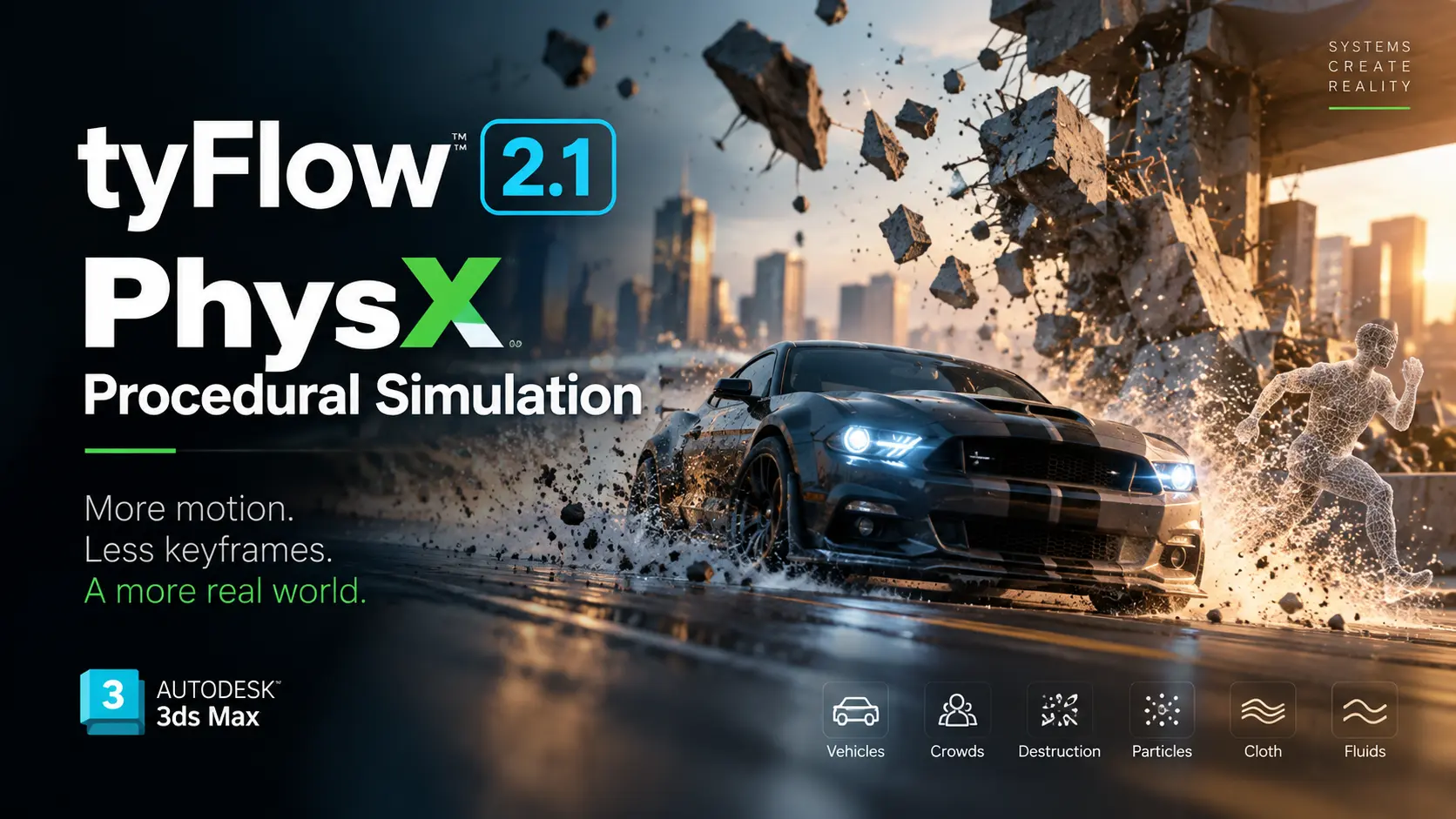
3D animation is moving beyond manual keyframes. PhysX procedural simulation is becoming a bigger part of modern VFX workflows. The latest tyFlow 2.1 update for 3ds Max adds PhysX-based vehicle rigging and simulation. It also introduces new Gaussian Splatting workflows. Instead of animating every wheel, collision, or movement by hand, artists can define systems and let physics drive the result. This shift matters for complex scenes. Vehicles, crowds, destruction, particles, cloth and fluids can all benefit from believable motion generated through procedural rules.
QUICK SUMMARY
- tyFlow 2.1 adds dedicated PhysX vehicle operators, helpers and presets.
- Gaussian Splatting workflows now connect tyFlow with 3ds Max 2027+.
- The update highlights a wider move toward system-driven animation instead of manual keyframing.
Why PhysX Procedural Simulation Is Gaining Momentum
Modern VFX increasingly depends on systems that can generate motion. PhysX handles physical interactions, while procedural tools control how scenes evolve. Together, they reduce repetitive animation work. Therefore, artists can focus more on creative decisions. tyFlow has already supported particles, rigid bodies, cloth, fluids and crowds. Its new vehicle workflow extends that approach into physically driven transportation scenes.
tyFlow 2.1 Brings Vehicles Into the System
The new workflow introduces PhysX Vehicle operators, helpers and flow presets. Artists can build physics-based vehicle rigs and use them inside multi-vehicle simulations. Presets cover vehicles such as cars, trucks and tanks. The system also supports features including suspension, tow physics and procedural skids. As a result, complex vehicle motion can become a simulation problem rather than a keyframe-heavy task.
AI-Style Rules Can Control Vehicles
tyFlow also provides a PhysX Vehicle AI operator for rule-based controls. Vehicles can move toward targets and use spline-based goals. This creates possibilities for traffic, convoy and environmental simulations. Instead of animating dozens of vehicles separately, artists can define behaviours. Consequently, one procedural setup can produce many variations. That approach is especially useful for cinematic environments and large-scale motion graphics.
Gaussian Splatting Joins the Workflow
The update also adds Gaussian Splatting interoperability. Birth Flow and tyMesher can work with objects carrying the Gaussian Splat interface. tyFlow and tyCache can also return Gaussian Splat data. However, these features require 3ds Max 2027 or newer. This connects captured real-world environments with procedural simulation workflows inside the same production ecosystem.
Beyond Vehicles: A Bigger Simulation Trend
The larger story goes beyond tyFlow. Procedural simulation is useful wherever movement depends on interactions. Think destruction, crowds, particles, cloth and fluids. Instead of manually predicting every movement, artists establish physical rules. The software then calculates the outcome. This approach can create more believable secondary motion. It can also make revisions easier when creative requirements change late in production.
Why This Matters for Indian 3D Artists
For Indian VFX studios and independent creators, efficiency matters. Large scenes can require enormous amounts of animation work. Procedural systems can reduce repetitive tasks while creating multiple variations. Moreover, physically driven results can improve consistency across shots. The biggest advantage is not simply speed. It is the ability to build reusable systems that adapt to different scenes, cameras and assets.
Hardware Still Matters
tyFlow’s core simulation can run on CPUs, while several specialised solvers use GPU acceleration. Its PhysX solver supports CUDA acceleration with compatible NVIDIA GPUs. Therefore, hardware choices can influence simulation performance. Artists should also consider scene scale and solver settings. The official documentation notes that incorrect simulation scale can cause unstable vehicle behaviour or unrealistic handling.
The Direction Is Clear
The industry is steadily moving toward procedural, physically believable animation. tyFlow 2.1 is one example of that transition. Manual keyframes are not disappearing. Instead, they are increasingly working alongside simulation systems. For complex motion, this hybrid approach can offer greater control, variation and realism.
PRO TIPS
- Build reusable simulation presets instead of recreating setups for every shot.
- Match your scene scale carefully before running PhysX simulations.
- Test simple scenes first, then increase vehicle, particle or collision complexity.
CONCLUSION
PhysX procedural simulation is becoming more important as 3D scenes grow more complex. tyFlow 2.1 shows how vehicle animation can move toward physics-driven workflows. Its Gaussian Splatting support also connects procedural tools with newer 3D capture techniques. Together, these changes point toward more flexible production pipelines.
For artists, the real opportunity is not replacing keyframes. It is combining them with intelligent systems. Vehicles, crowds, destruction, particles, cloth and fluids can all benefit from this approach. As simulation tools become more accessible, system-driven motion could become a standard part of everyday 3D production.
FAQs
What is PhysX procedural simulation?
It uses physics and procedural rules to generate believable movement instead of manually animating every action.
What does tyFlow 2.1 add?
It adds PhysX vehicle rigging, simulation tools and Gaussian Splatting interoperability for supported 3ds Max versions.
Does tyFlow support other simulations?
Yes. tyFlow supports workflows involving particles, rigid bodies, cloth, fluids, crowds and other VFX systems.
HOW TO
How can artists start with PhysX procedural simulation?
Start with a simple vehicle or rigid-body scene. Then gradually add collisions, constraints and procedural controls.
How can tyFlow create vehicle motion?
Use its PhysX Vehicle helpers and operators to build a physics-based rig and simulate the vehicle.
How can Gaussian Splatting fit into the workflow?
Use supported Gaussian Splat interface objects with tyFlow’s Birth Flow or tyMesher workflows on 3ds Max 2027+.