Create Museum-Quality AI Portraits with This Prompt
AI portrait generation is dominating creative trends this year.
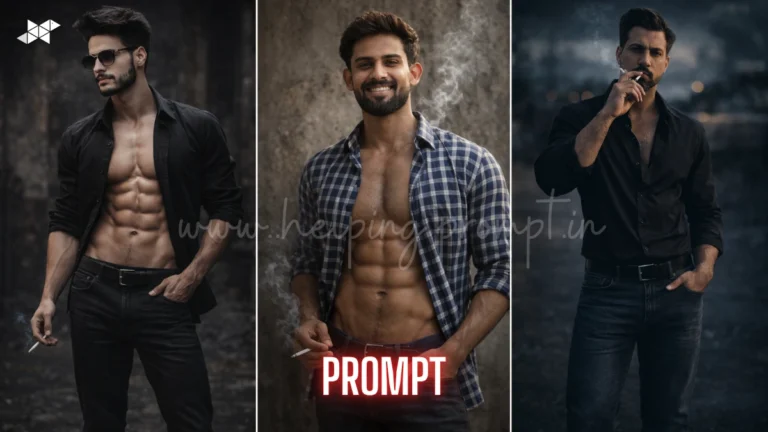
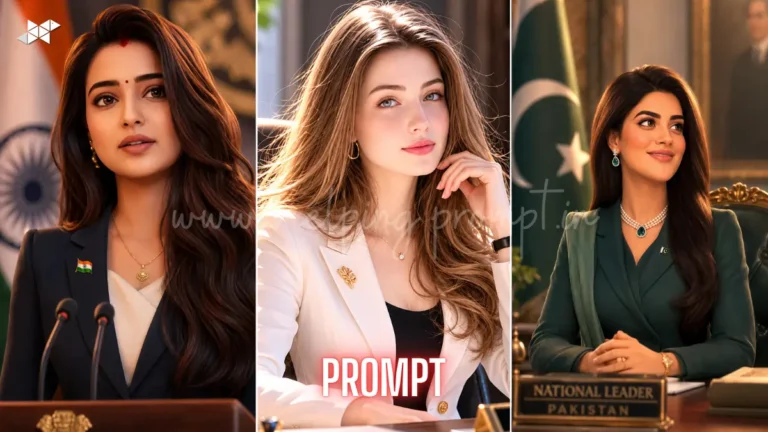
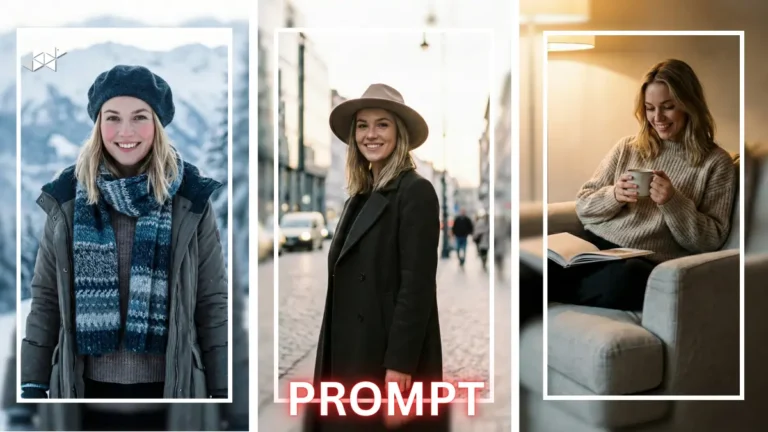
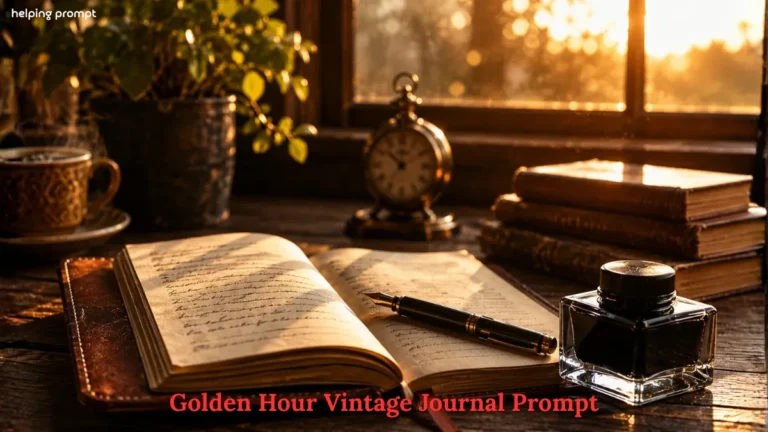
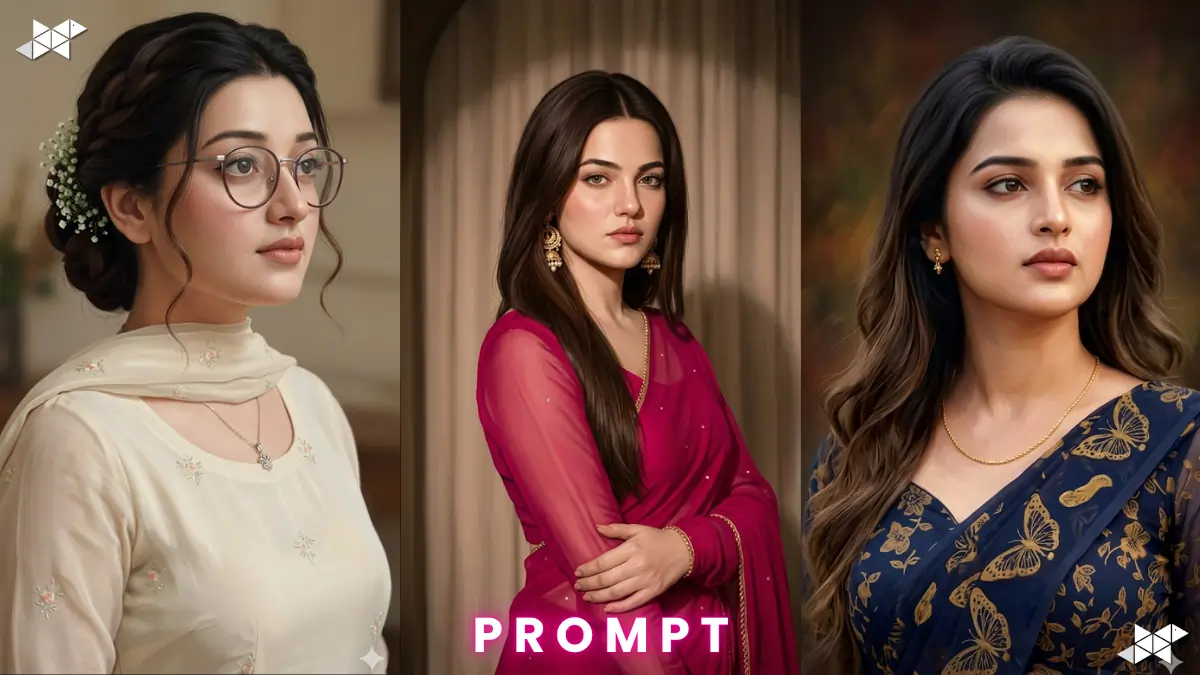
This AI Portrait Painting Prompt helps create realistic 4K digital artwork instantly.
Creators are using advanced AI tools for gallery-quality portraits.
Try it with ChatGPT, Gemini, Midjourney, Gemini, Leonardo AI, DALL·E, Ideogram AI, Krea AI
Best AI Portrait Painting Prompt for Realistic Results
Cinematic Masterpiece – AI Portrait Painting Prompt
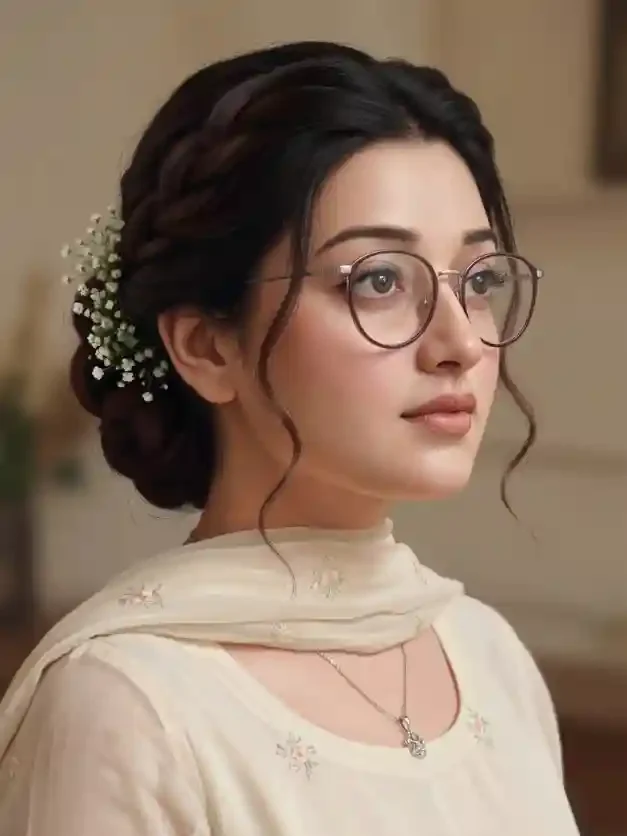
"Create a 4K ultra-detailed digital portrait painting using the provided reference image. Preserve facial identity, age, skin texture, facial proportions, hairstyle, hairline, beard details, and natural expression exactly. Show the subject from the shoulders up in a three-quarter view, looking slightly upward and right. Apply cinematic lighting, realistic shadows, premium brushwork, trending digital art techniques, research-based facial realism standards, future-ready AI rendering quality, sharp focus, museum-grade detail, natural color grading, depth, and photorealistic skin textures."
Luxury Editorial Style – AI Portrait Painting Prompt
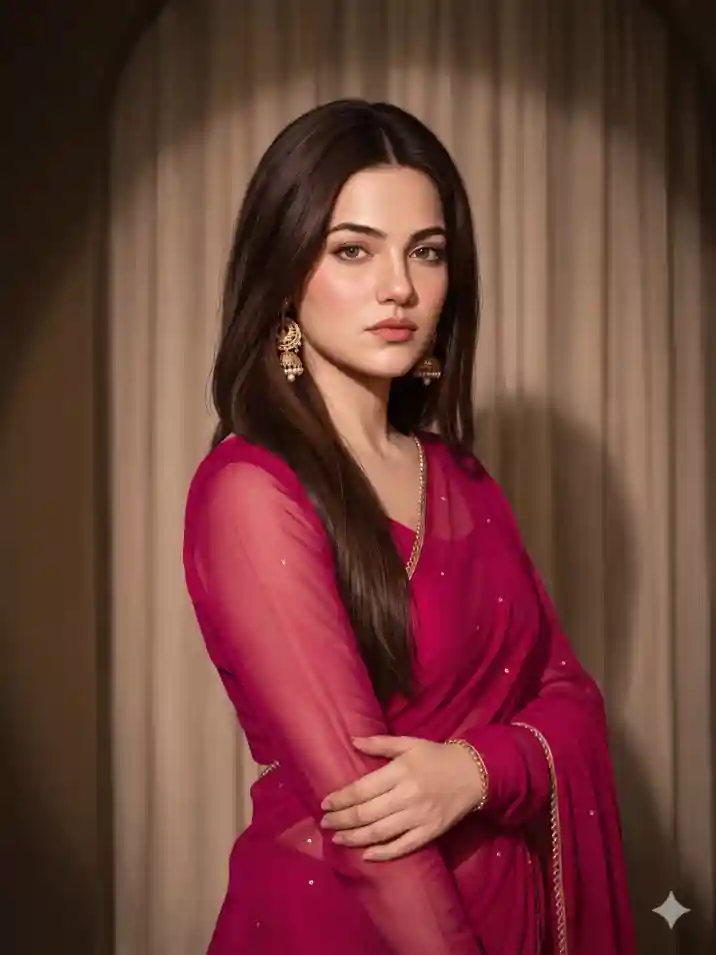
"Generate an ultra-realistic 4K portrait painting from the supplied reference photo. Maintain perfect facial accuracy, authentic skin texture, eye shape, hair structure, and unique facial characteristics. Position the subject in a thoughtful three-quarter angle with a determined expression. Use luxury editorial lighting, premium digital painting strokes, realistic depth mapping, advanced AI realism methods, trending portrait art styles, future-compatible visual standards, data-driven facial rendering techniques, and professional gallery-quality detailing."
Fine Art Realism – AI Portrait Painting Prompt
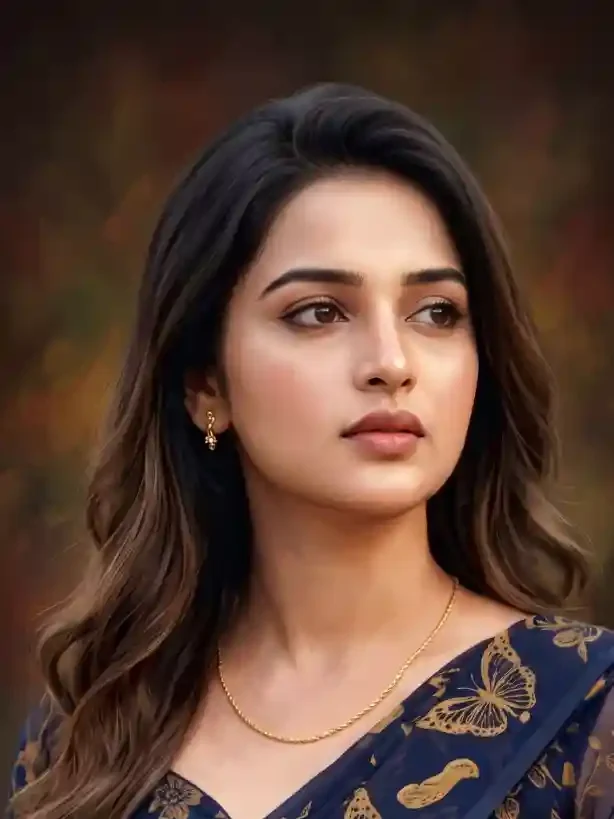
"Produce a highly detailed fine-art digital portrait based on the uploaded reference image. Preserve every facial feature with maximum accuracy, including bone structure, beard growth pattern, hairstyle, and natural skin details. Display the subject from the shoulders upward, gazing slightly right and upward. Incorporate dramatic yet natural lighting, advanced realism techniques, trending AI art enhancements, future-proof rendering workflows, research-backed portrait proportions, ultra-sharp textures, rich depth, realistic brush painting effects, and premium 4K output quality."
How To Create AI Portrait Painting Prompt
- How do I create a realistic AI Portrait Painting Prompt?
Describe facial features, lighting, pose, and desired artistic style clearly.
- Why is facial accuracy important in an AI Portrait Painting Prompt?
It helps maintain identity and creates more believable portrait results.
- What settings work best for an AI Portrait Painting Prompt?
Use 4K resolution, realistic lighting, and maximum detail settings for optimal quality.
Quick Settings Guide
- Aspect Ratio: 4:5 or 9:16
- Resolution: 4K UHD
- Style: Hyper Realistic
- Lighting: Cinematic Soft Light
- Detail Level: Ultra High
- Quality: Maximum
Pro Tips
- Upload the highest-quality reference image.
- Keep facial details preservation enabled.
- Use cinematic lighting for stronger realism.
Final Thoughts
The AI Portrait Painting Prompt gives creators a powerful way to generate stunning digital artwork while preserving facial authenticity. As AI art tools continue evolving, realistic portrait generation is becoming faster, smarter, and more accurate than ever. Experiment with different lighting styles, artistic moods, and rendering techniques to discover unique visual outcomes.
Most importantly, use high-quality reference images for the best results. Whether you create content for social media, personal branding, digital galleries, or client projects, these prompts can dramatically improve image quality and realism. Start testing different variations today, refine your workflow, and unlock professional-level portrait artwork with modern AI tools.
FAQs
An AI Portrait Painting Prompt guides AI tools to generate realistic and accurate portrait artwork.
Most modern platforms support AI Portrait Painting Prompt workflows, including image-generation models.
Use high-resolution references and detailed instructions for better facial accuracy.