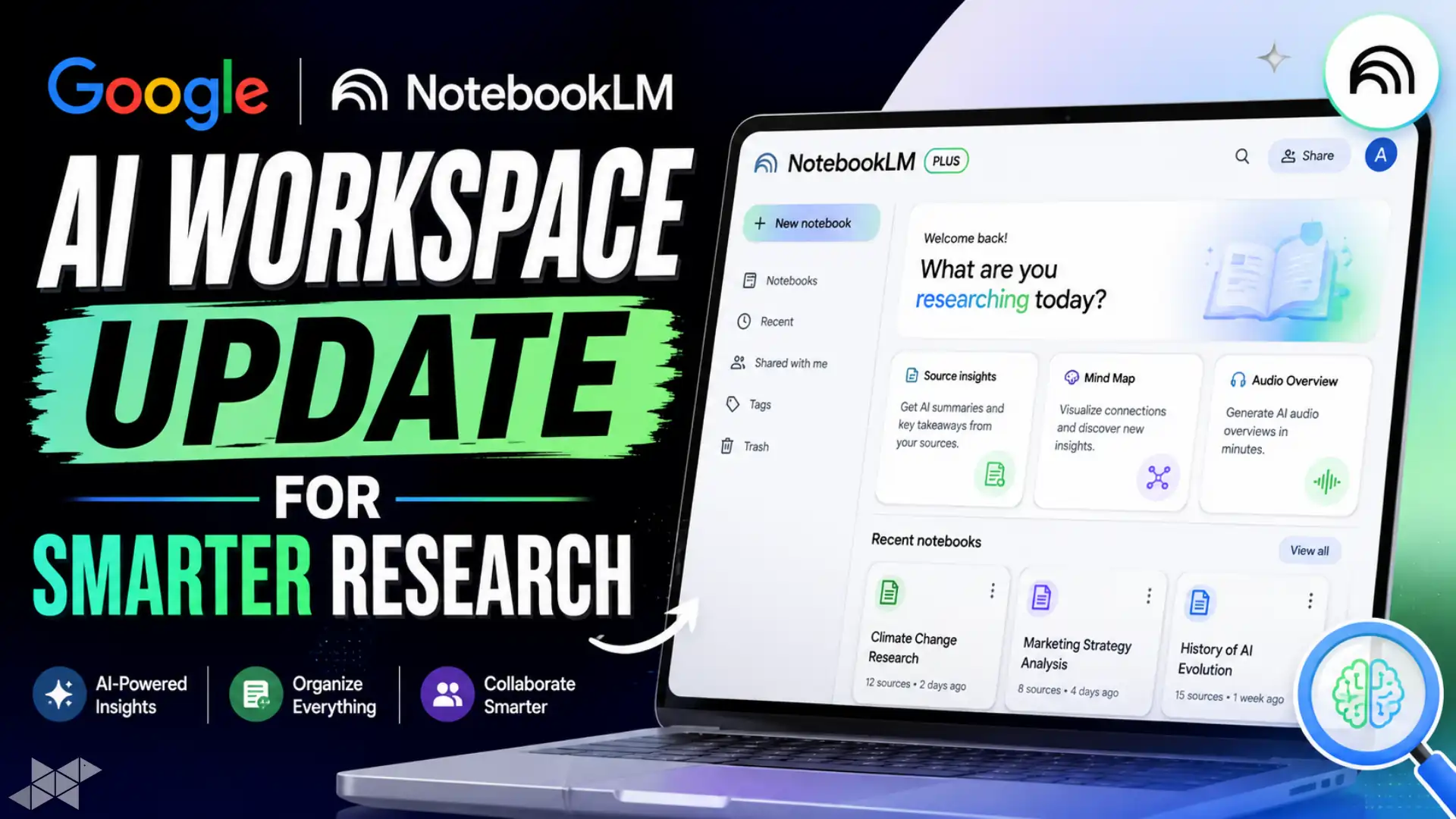
Google NotebookLM AI Workspace Update for Smarter Research
Google is rapidly transforming NotebookLM from a basic AI notebook into a serious production platform. The latest Google NotebookLM updates introduce cinematic video explainers, advanced audio modes, Deep Research integration, and cross-notebook AI querying through Gemini.
Moreover, users can now create slide decks, export PPTX files, and use smarter study tools with saved progress. These upgrades clearly show Google’s push toward enterprise AI productivity, research automation, and creator-focused workflows in 2026.
Quick Summary
- Google NotebookLM updates add cinematic video explainers and interactive audio modes.
- Deep Research can scan hundreds of websites and generate sourced reports automatically.
- Users now get PPTX exports, smarter study tools, and Gemini cross-notebook access.
What Google NotebookLM Updates Mean for AI Productivity
Google’s latest NotebookLM expansion signals a major shift in AI-assisted work. Earlier, the platform mainly focused on question-answer interactions from uploaded sources. However, it now behaves more like a full AI research operating system.
The biggest change is workflow depth. Users can research, summarize, generate slides, create explainers, and study from one connected environment. Therefore, NotebookLM is becoming more useful for students, journalists, analysts, and creators.
Cinematic Video Overviews Bring Visual AI Storytelling
One standout feature in Google NotebookLM updates is Cinematic Video Overviews. These AI-generated explainers combine animations, visuals, and source-backed narration into short presentation-style videos.
As a result, complex reports become easier to understand on mobile devices. This also improves content consumption for teams, educators, and quick-learning audiences. Meanwhile, upgraded Audio Overviews now support Debate, Critique, and Brief formats for different listening styles.
Interactive Audio Mode Changes AI Learning
Google also introduced Interactive Audio Mode inside NotebookLM. Users can pause AI-generated audio, ask questions, and continue playback without restarting the session.
This creates a more natural learning experience. Instead of switching tabs, users stay inside one workflow. Additionally, every answer remains connected to the original notebook sources, which improves trust and citation accuracy.
Deep Research Can Scan Hundreds of Websites
The new Web + Deep Research capability may become NotebookLM’s most powerful feature. Instead of manually collecting sources, the system can scan hundreds of websites and generate fully sourced research reports automatically.
Importantly, those reports are added directly into notebooks as reusable reference material. Therefore, researchers and content teams can save hours of manual work while maintaining organized documentation.
Gemini Now Supports Cross-Notebook Querying
Google has also connected NotebookLM more deeply with Gemini. Users can now mount multiple notebooks simultaneously inside Gemini and search across different projects at once.
This matters for professionals handling large research stacks. For example, startup founders can compare market reports, while journalists can merge political, economic, and tech research into one AI conversation.
Slide Deck Revisions and PPTX Export Improve Workflows
NotebookLM now supports direct slide generation inside the Studio panel. Users can revise individual slides using factual or stylistic feedback before exporting presentations as PPTX files.
Consequently, the tool moves beyond note-taking into real business productivity. This feature may especially help consultants, teachers, startup teams, and agency professionals preparing fast presentations.
Smart Study Tools Become More Personalized
Google is also strengthening NotebookLM’s education features. Flashcards and quizzes now remember user progress across sessions. Learners can mark answers as “Got it” or “Missed it” for adaptive feedback.
In addition, NotebookLM provides citation-backed explanations for incorrect answers. That makes revision more transparent and reliable, especially for competitive exam preparation and academic research.
- How to use Google NotebookLM updates for research?
Upload sources, enable Deep Research, and let AI generate structured reports automatically.
- How to export slides from NotebookLM?
Open the Studio panel, generate slides, review edits, and export the final deck as PPTX.
- How to query multiple notebooks in Gemini?
Mount multiple NotebookLM notebooks inside Gemini and ask cross-topic questions in one chat.
Pro Tips
- Use Deep Research before writing long-form reports or SEO articles.
- Combine multiple notebooks in Gemini for broader AI analysis.
- Export PPTX slides directly for faster client presentations.
Conclusion
Google NotebookLM updates show how AI tools are evolving beyond chatbots into complete productivity ecosystems. Features like cinematic explainers, Deep Research, and cross-notebook AI querying make workflows faster and more connected.
At the same time, study tools, slide exports, and interactive audio experiences improve usability for both professionals and students. As Google continues integrating NotebookLM with Gemini, the platform could become one of the most important AI workspaces of 2026.
FAQs
The latest Google NotebookLM updates include cinematic videos, Deep Research, PPTX export, and interactive audio tools.
Yes. Users can generate slides, revise them with AI feedback, and export files in PPTX format.
Deep Research scans hundreds of websites, creates sourced reports, and saves them directly inside notebooks.