
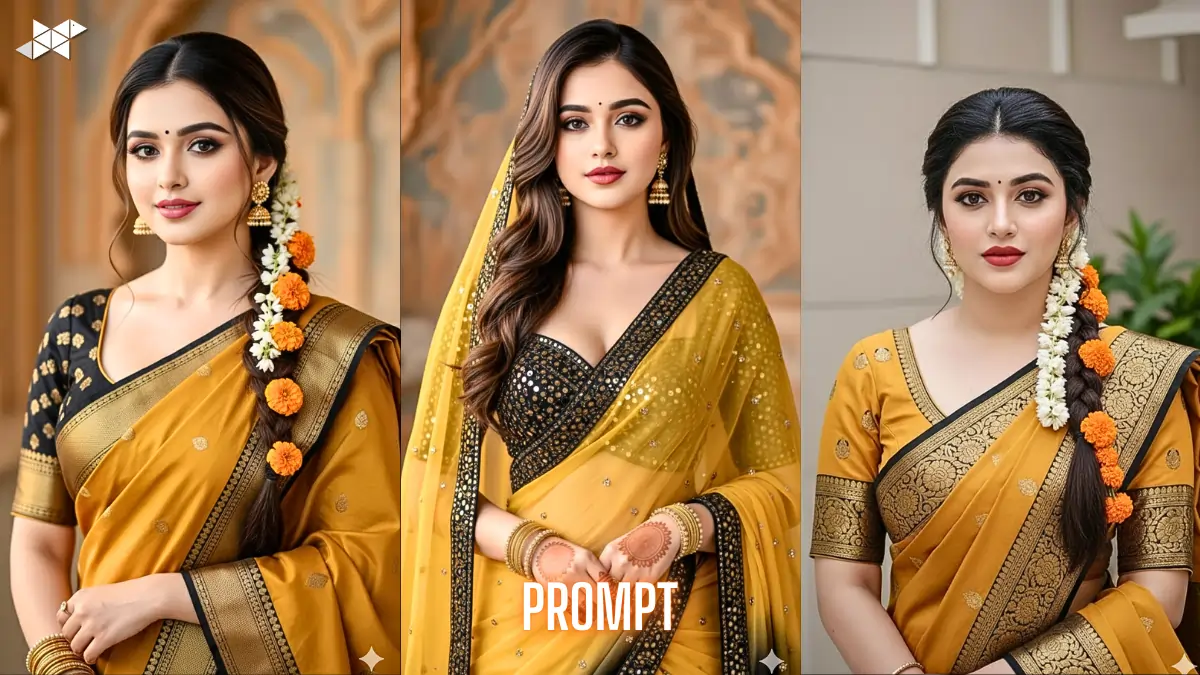
Creating a realistic bridal portrait with perfect saree details is not easy with basic prompts. Most AI images miss fabric texture, jewelry accuracy, or facial symmetry. That’s why a structured prompt matters. In this guide, you’ll get ready-to-use Yellow-Black saari Ai Image prompt 4K examples designed for Gemini Ai. Each prompt is tuned for face accuracy, clothing detail, and studio-quality lighting, so results look clean and professional.
Why Detailed Saree Prompts Improve AI Results
AI image tools respond best to layered instructions. When you describe face shape, makeup, fabric work, and lighting separately, the output becomes more controlled.
Moreover, portrait prompts that include pose and camera style help reduce distortion. This is especially useful for bridal-style saree images where embroidery and skin texture must look natural.
As a result, structured prompts reduce retries and save editing time.
Prompt 1
“Use the uploaded reference image as the main visual source and recreate the same woman with near-identical face structure and expression. Young Indian woman, chest-up portrait, centered, fair to wheatish skin, oval face, sharp features, brown smokey eye makeup, pink matte lipstick, small black bindi. Long dark hair in side braid with jasmine and marigold flowers. Mustard yellow saree with black border, gold zari embroidery, jhumka earrings, bangles, soft studio light, DSLR, 8K, ultra-realistic, shallow depth, no cartoon, no blur.”
Prompt 2
“Reference image must guide identity and facial proportions exactly. Front-facing Indian bridal portrait, symmetrical features, smooth skin texture visible, bridal makeup finish, defined eyebrows, almond eyes. Yellow saree with black shaded border and mirror work, embroidered blouse, dupatta on head. Gold jhumkas and bangles only. Hands together at waist, neutral expression, creamy brown bokeh background, cinematic color grading, high dynamic range, photorealistic 4K, no AI artifacts, no outfit color change.”
Prompt 3
“Recreate the uploaded subject with same face geometry and natural skin tone. Studio chest-up shot, calm expression, direct eye contact. Mustard yellow saree, black border, heavy gold thread work, fitted blouse. Side braid with gajra and marigold decoration, neat hair parting. Soft diffused portrait lighting, sharp focus on face and textile, DSLR depth of field, ultra-detailed texture, realistic pores, cinematic tones. Negative: blur, over-smooth skin, anime style, distorted hands, extra fingers.”
Prompt 4
“Match the reference face exactly with no stylization. Indian woman bridal portrait, oval face, straight nose, soft jawline, smokey brown eye makeup, pink lips, black bindi. Yellow-black saree traditional drape, gold zari and mirror embroidery, veil over head. Traditional gold jhumka earrings and bangles, no necklace. Neutral pose, waist-level hand placement, soft natural light, studio lens look, 8K realism, sharp fabric detail, creamy background blur, no harsh light, no flat lighting.”
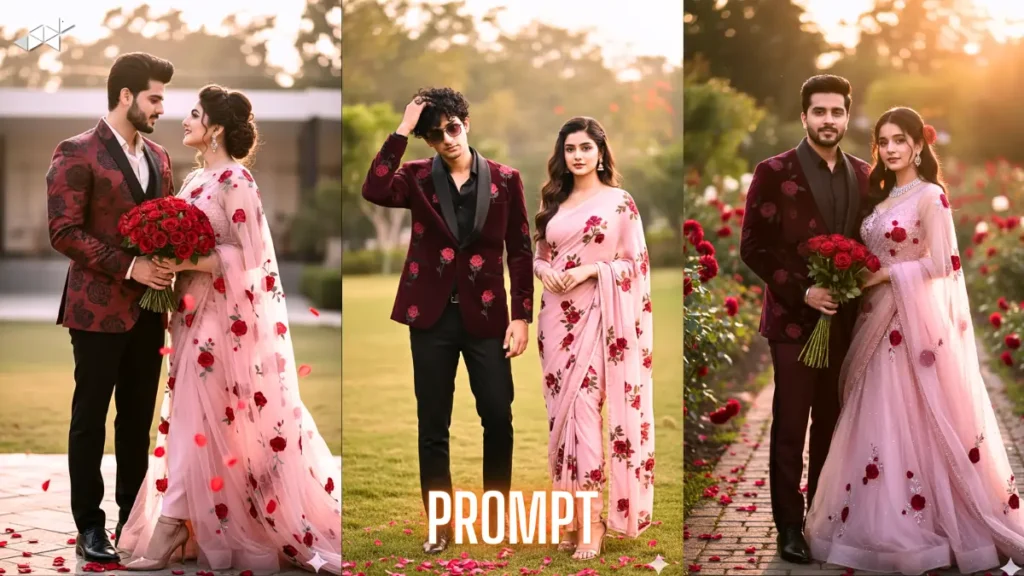
Core Elements Needed for Bridal Saree AI Images
A strong saree portrait prompt should always mention subject, outfit, pose, lighting, and quality controls.
In addition, negative instructions prevent common AI errors like extra fingers or cartoon skin.
Therefore, always combine visual detail with restriction keywords for better realism.
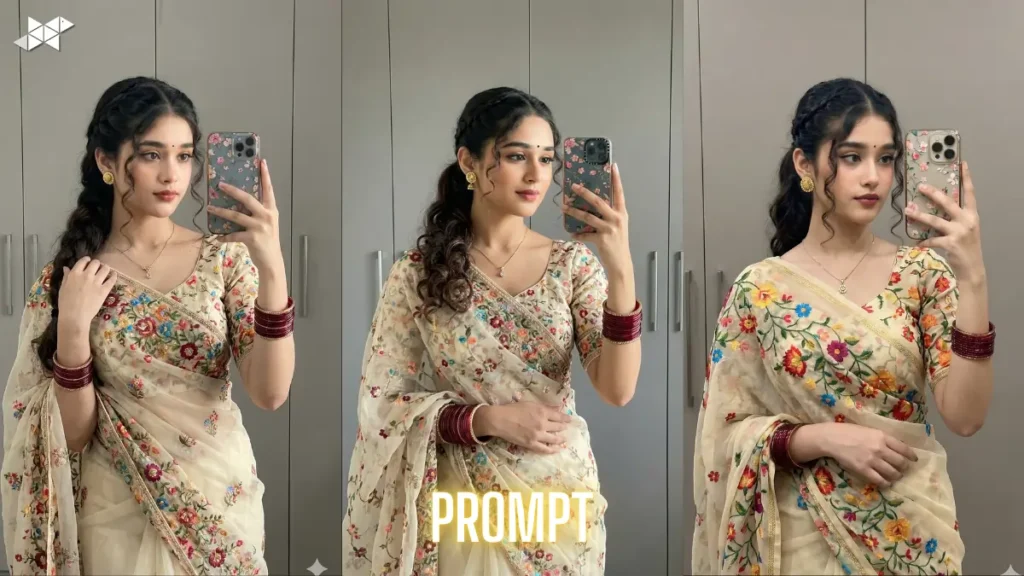
Quick Tips for Better Gemini AI Saree Images
- Always upload a clear reference image for face match accuracy
- However, keep lighting instructions specific like “soft diffused studio light”
- Use negative keywords to block cartoon or over-smooth skin output
- Meanwhile, mention fabric work like zari, mirror, embroidery separately
- Finally, include camera terms like DSLR, shallow depth, 4K or 8K realism
Strong prompts create predictable AI portraits with correct saree detail and facial realism. Use these structured examples directly in Gemini Ai and adjust only small parts when needed. Clean inputs produce clean outputs.


Leave a Reply