
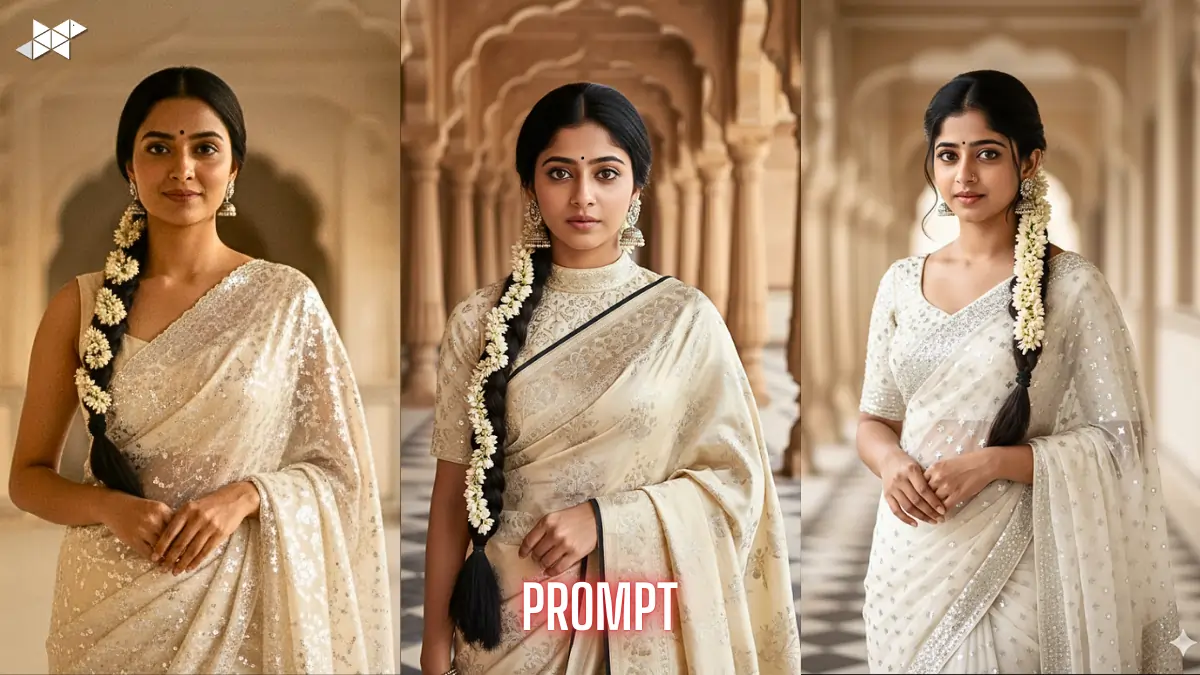
Want a studio-quality traditional portrait using just one detailed prompt? This guide helps you create a hyper-realistic ethnic look using White-Black saari Image prompt 4K settings inside Gemini Ai. Many users struggle with face accuracy and outfit detailing. So here, you get structured, copy-paste prompts and practical instructions. As a result, your generated images look consistent, sharp, and culturally authentic without repeated trial and error.
How to Get Accurate Traditional Portrait Results
Most AI image errors happen due to vague clothing and pose descriptions. Instead, highly specific fabric, jewelry, and lighting details improve output accuracy. Moreover, negative prompts reduce unwanted stylization.
You should always treat the reference image as the primary visual anchor. This keeps the facial structure and styling stable. Consequently, the AI avoids random variations in hairstyle or outfit.
Clear camera and lighting instructions also matter. For instance, lens type and depth of field dramatically affect realism.
Prompt 1
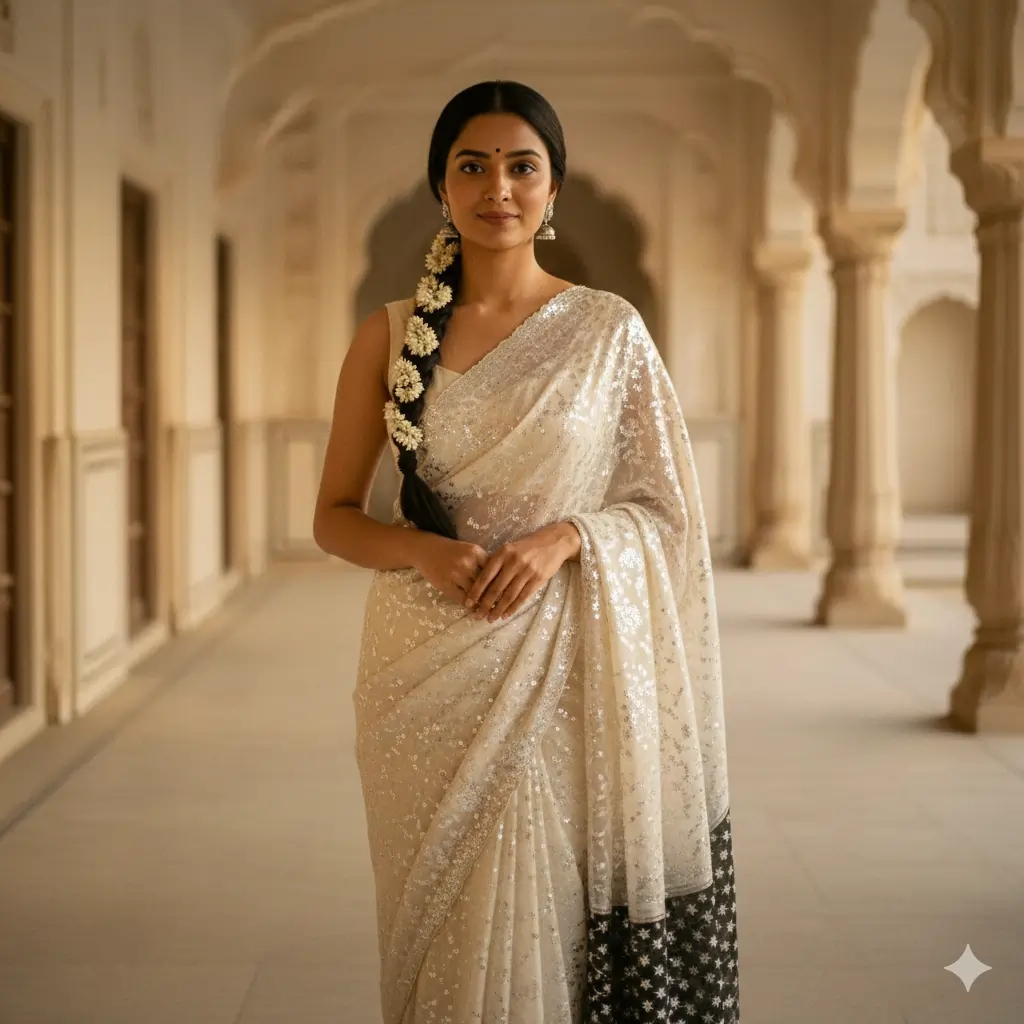
“Use the uploaded reference image as the PRIMARY visual guide and keep the same face and identity. Create a young Indian woman standing front-facing in a Mughal palace corridor wearing an ivory-white saree with dense silver sequin embroidery and a black pallu with small silver star motifs over the left shoulder. Matching embroidered blouse, long braid with jasmine gajra, small black bindi, silver jhumka earrings, no necklace or bangles. Calm expression, hands clasped, soft cinematic warm light, 85mm lens, shallow depth, ultra-realistic 4K, no stylization or art effects. Negative: face change, modern dress, heavy makeup, blur, artifacts.”
Prompt 2
“Reference image must control face, hairstyle, and skin tone with zero deviation. Generate a regal front-facing portrait of an Indian woman in an ivory saree with fine silver embroidery and contrast black pallu drape, traditional short sleeve blouse, detailed fabric texture visible. Long center-parted braid decorated with jasmine flowers, subtle makeup, natural lips, defined brows, silver jhumkas only. Symmetrical Mughal arches background, tiled floor, soft warm cinematic lighting, professional fashion photography, sharp focus, 4K realism. Negative: anime, painting, extra jewelry, smile pose, side angle, distorted hands.”
Prompt 3
“Keep maximum facial fidelity to the uploaded reference photo. Create an ultra-detailed ethnic photoshoot of a young Indian woman wearing a white saree with silver sequin work and black star-motif pallu, fitted embroidered blouse, neat long braid with full jasmine gajra, black bindi, no necklace, no bangles. Expression poised and confident, direct camera gaze, hands joined at waist. Cinematic palace corridor, shallow depth of field, natural skin texture, 85mm DSLR look, high resolution, photorealistic only. Negative: western wear, glamour makeup, oversmooth skin, cartoon, illustration, lighting errors.”
Prompt 4
“Uploaded image is the identity base – do not modify face structure. Produce a front-facing royal corridor portrait with ivory-white and black saree styling, heavy silver embroidery detail, correct drape direction, traditional blouse, jasmine braid, minimal makeup, silver jhumka earrings. Balanced composition, subject centered, soft background blur, warm cinematic tones, high fabric detail, realistic shadows, professional portrait lens, 4K clarity. Negative: hairstyle change, extra accessories, nose ring, bangles, smile, pose change, low detail, noise, AI glitches.”
Why Detailed Saree Prompts Work Better in Gemini Ai
Gemini Ai responds strongly to structured visual language. Therefore, describing embroidery density, drape direction, and accessories produces better textile rendering.
Short prompts often create generic fashion images. However, extended descriptive prompts generate fabric texture, jewelry precision, and realistic skin tones. That is exactly what 4K portrait workflows require.
Negative constraints are equally important. They prevent cartoon effects, western outfits, or modern styling from appearing unexpectedly.
Quick Tips for Better Results
- Always upload a clear front-facing reference image
- Write fabric, jewelry, and hairstyle details explicitly
- Add lens and lighting instructions for realism
- Use strong negative prompts to block style drift
- Keep pose and expression constraints clearly stated
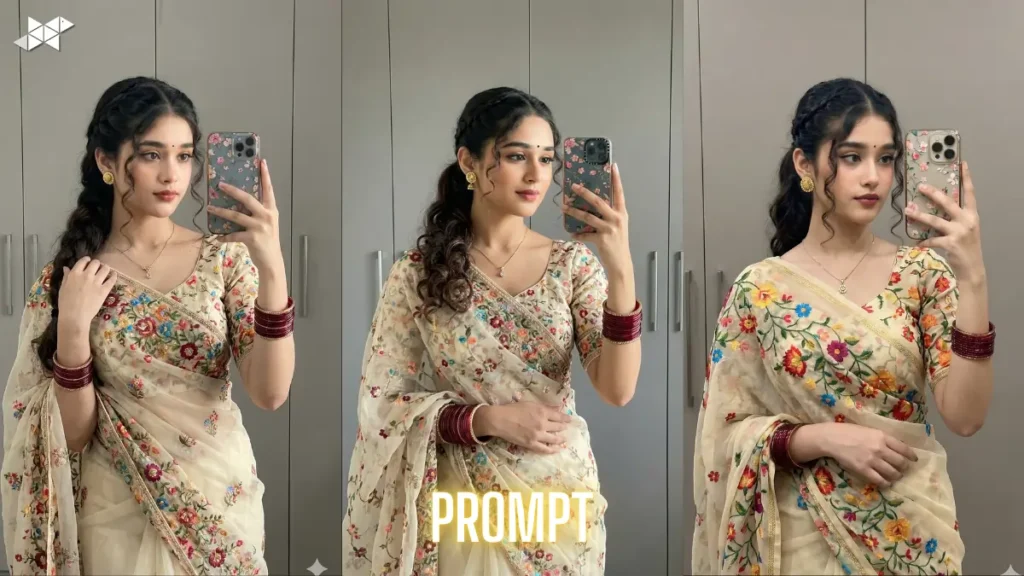
Precise visual language produces better AI portraits than short prompts. With structured inputs and negatives, results stay consistent and realistic. Use these prompts directly and adjust only minor details when needed.







Leave a Reply