
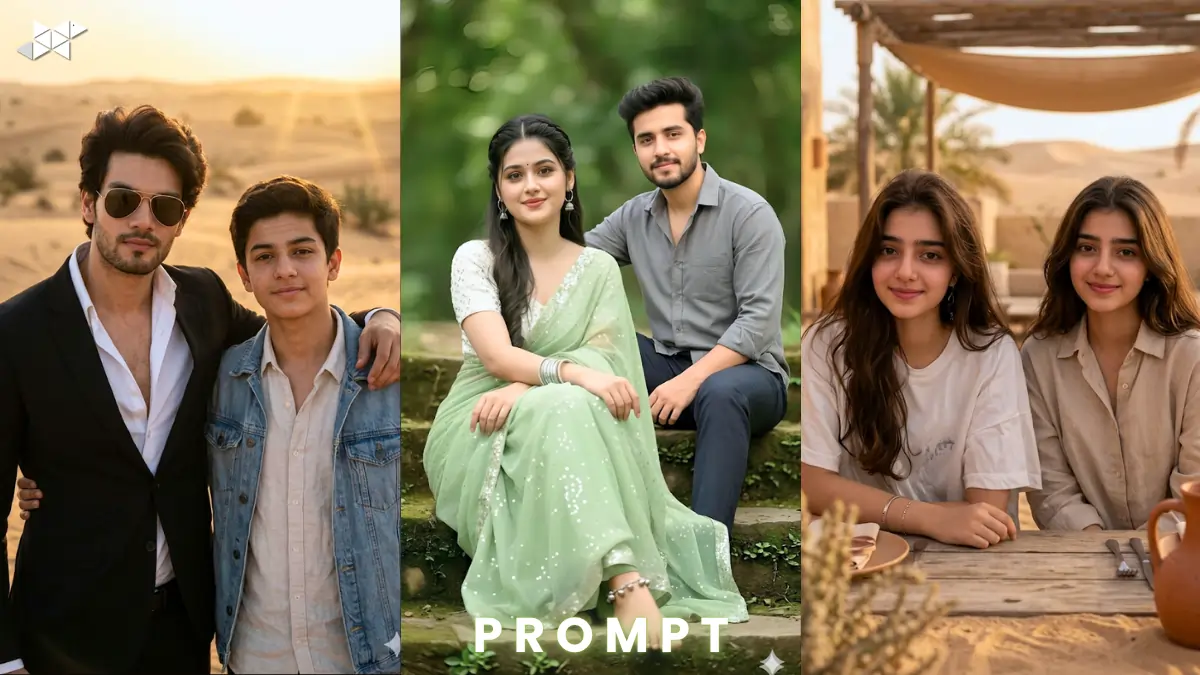
Want a viral edit that looks 100% real? This trend is exploding. Creators use ChatGPT, Midjourney, Gemini, Leonardo AI, DALL·E, Ideogram AI, Krea AI daily. This ultra realistic face swap edit helps you replace a person perfectly. Keep lighting, pose, and mood untouched. Results look cinematic and sharp.
Copy & Paste Ultra Realistic Face Swap Edit
Male Concept Prompt
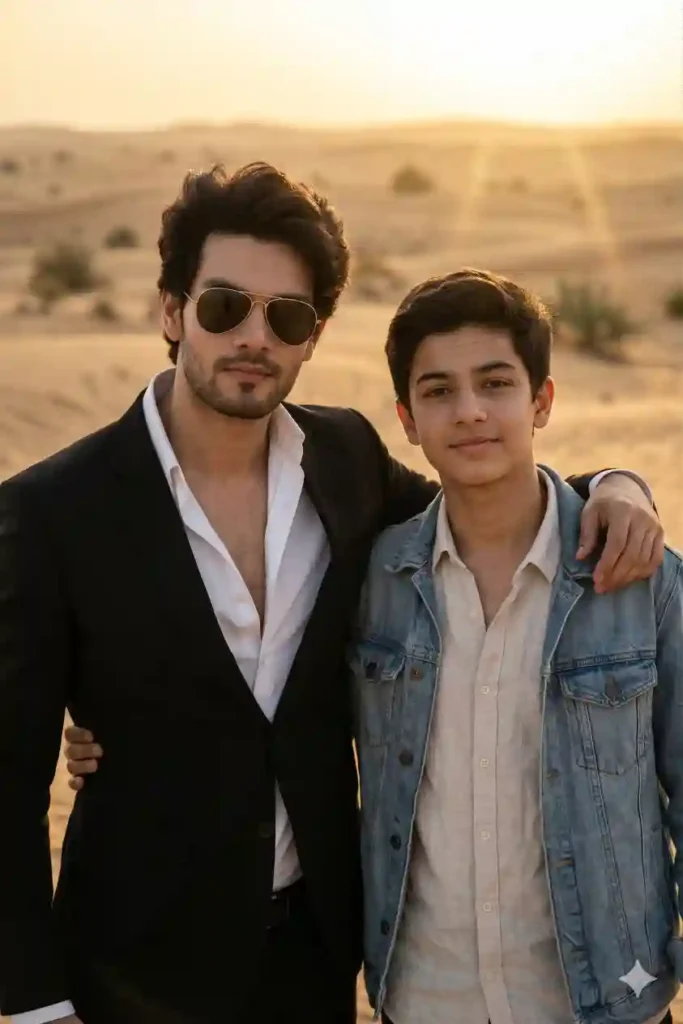
Ultra-realistic photo edit. Keep the man on the left exactly unchanged. Maintain same pose, clothing, sunglasses, lighting, and desert background. Remove the second man. Replace him with an 18-year-old boy in the exact same position. Keep relaxed pose with arm around shoulder. Use the uploaded reference face. Ensure 100% facial match, identical features, skin tone, and expressions. Cinematic lighting, golden hour glow, 50mm lens, shallow depth of field, realistic textures, 8K resolution, ultra-detailed skin, natural shadows, photorealistic finish.
Female Concept Prompt
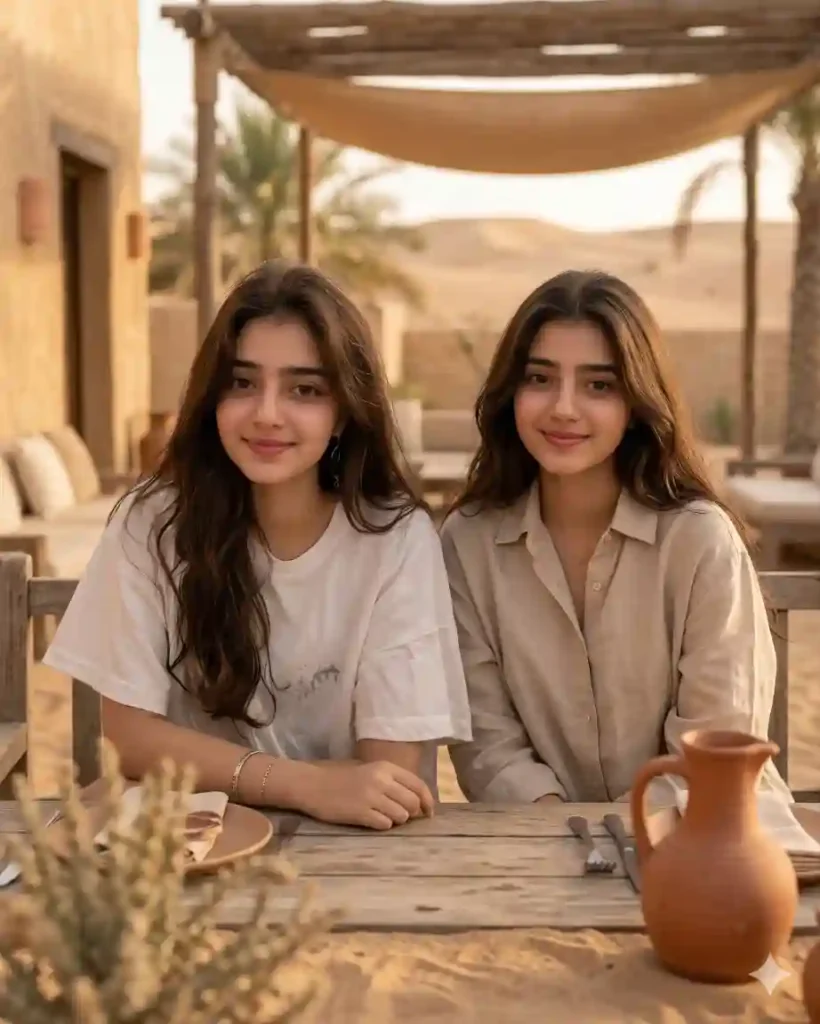
Ultra-realistic photo edit. Keep the main subject unchanged. Replace the second person with a young female model. Match exact pose and body alignment. Use uploaded face reference with 100% accuracy. Maintain lighting consistency, desert tones, and shadows. Shot on 85mm lens, soft cinematic light, shallow depth of field, high realism, 8K detail, natural skin texture, ultra sharp focus, professional color grading.
Couple Concept Prompt
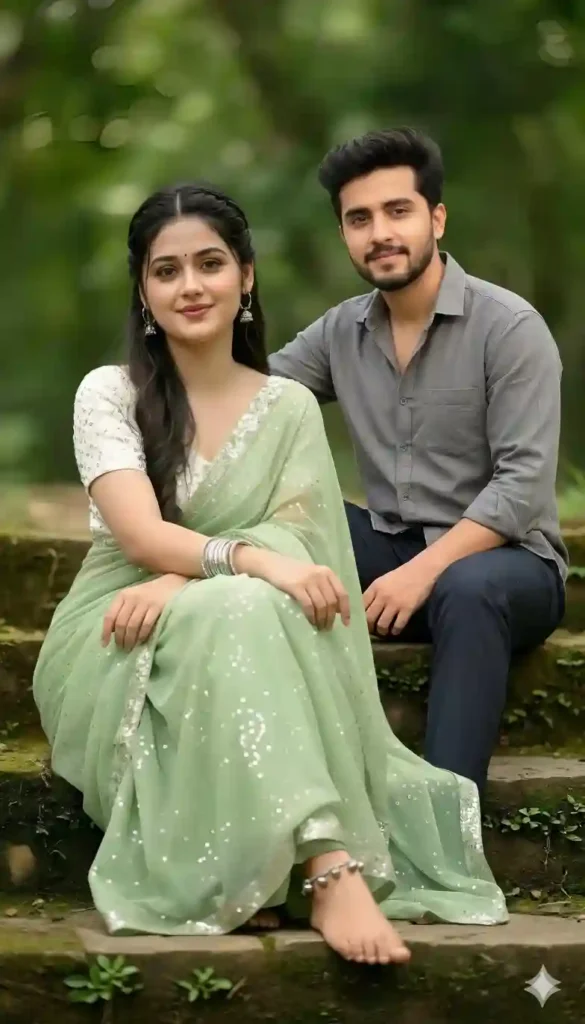
Ultra-realistic cinematic edit. Keep left subject unchanged. Replace second person with a new subject using uploaded face reference. Match pose, height, and arm placement naturally. Ensure 100% face match accuracy. Preserve original lighting, desert environment, and shadows. Shot on 50mm lens, golden hour lighting, depth of field, realistic textures, 8K ultra quality, photorealistic skin and expressions, seamless blending.
HOW TO USE
- How to upload reference face correctly?
Use a clear, front-facing image with good lighting. Avoid blur for best match.
- How to get 100% realistic output?
Keep lighting and angle consistent. Always match pose and camera perspective.
- Which AI tool works best?
Midjourney and Gemini give strong visuals. ChatGPT helps refine prompts.
QUICK SETTINGS
- Aspect ratio: 4:5 or 9:16
- Stylize: 100–250
- Quality: High / 2
- Negative prompts: blur, distortion, extra limbs, wrong face, low quality
PRO TIPS
- Use high-resolution reference images for sharper results.
- Match skin tones carefully for realism.
- Always align shadows and light direction.
FAQs
Yes, with a clear reference image and detailed prompts.
Yes, just copy and tweak the prompt.
Yes, it defines realism and blending quality.
CONCLUSION
Start creating ultra realistic edits today. Use smart prompts and clean references. Stay consistent, experiment more, and turn your edits into viral masterpieces



Leave a Reply