
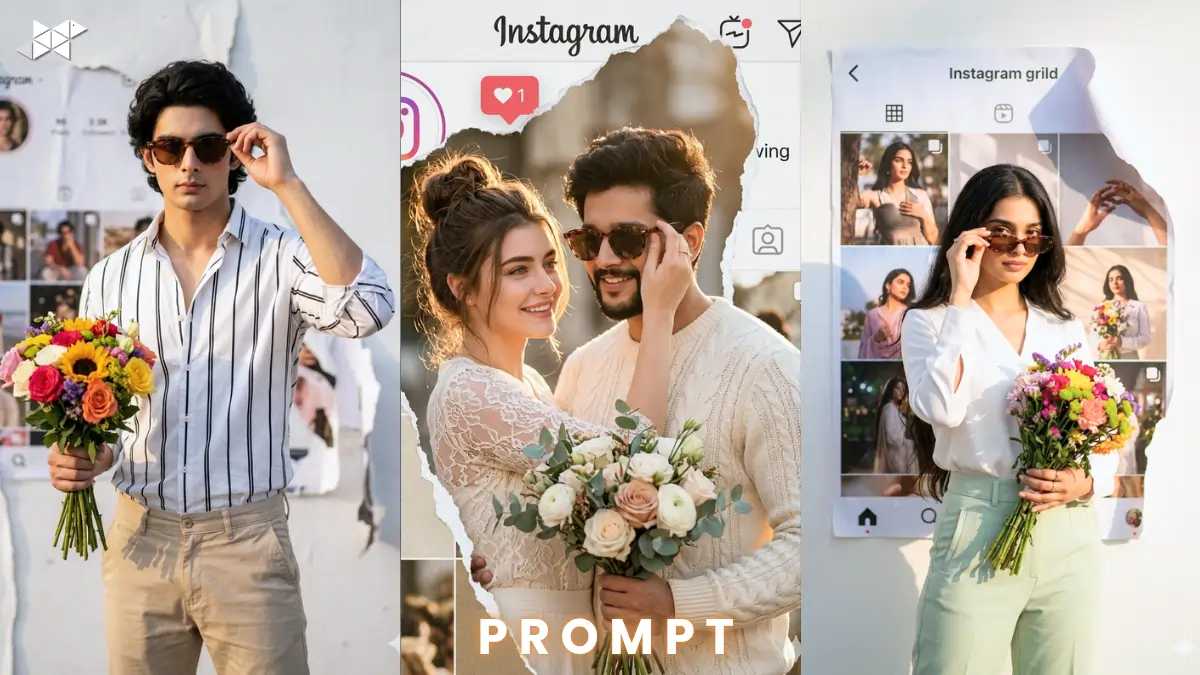
This Instagram portrait trend is exploding right now.
Creators are using Instagram portrait AI prompt workflows for viral visuals.
Tools like Gemini, Midjourney, and ChatGPT make it effortless.
You can create hyper-realistic edits in seconds.
Man Portrait Prompt
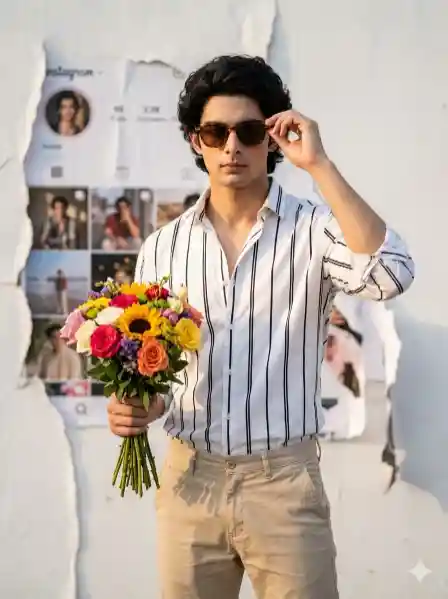
"Highly cinematic portrait of a confident man standing in front of a torn Instagram-themed white background, holding a bouquet of colorful flowers in one hand and adjusting sunglasses with the other, wearing a crisp white and black shirt with beige pants, warm natural sunlight, soft golden hour lighting, 85mm lens, shallow depth of field, ultra-realistic skin texture, HDR, 8K resolution, dramatic shadows, detailed fabric folds, natural color grading, studio-quality realism"
Woman Portrait Prompt
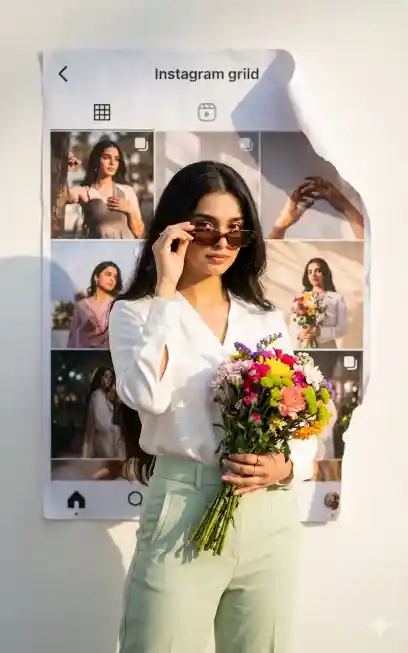
"Highly cinematic portrait of a stylish woman standing before a torn Instagram-themed white background, holding vibrant flowers and slightly tilting sunglasses, wearing an elegant white blouse with pastel trousers, glowing sunlight, soft diffused lighting, 50mm lens, creamy bokeh, ultra-realistic facial details, 4K resolution, natural skin tone blending, depth-rich composition, fashion editorial style, crisp textures, photorealistic finish"
Couple Portrait Prompt
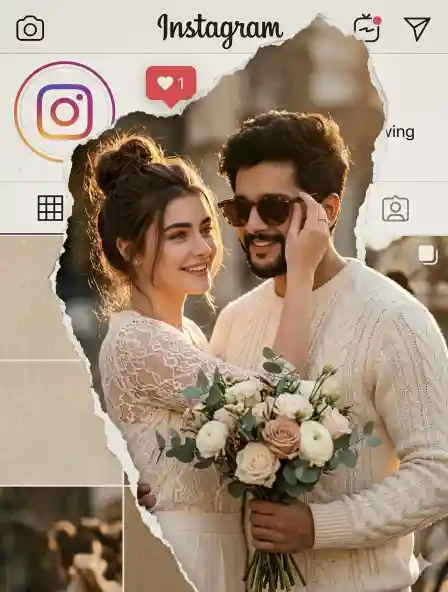
"Highly cinematic portrait of a romantic couple in front of a torn Instagram-themed background, the man holding flowers while the woman adjusts his sunglasses playfully, wearing coordinated white and beige outfits, warm sunlight glow, 35mm lens, shallow depth of field, cinematic mood, ultra-detailed textures, 8K resolution, realistic shadows and highlights, soft skin tones, natural blending, high-end editorial photography style"
Example Image
Imagine a clean Instagram UI torn open.
Subject pops out in sunlight with perfect realism.
Face swap blends seamlessly like real photography.
How to Use
- How to apply this prompt?
Paste the Instagram portrait AI prompt into Midjourney or Gemini.
- How to add your face?
Upload your image and enable face swap or reference mode.
- How to improve realism?
Use high resolution and adjust lighting for better blending.
Best AI Tools
- Midjourney
- Gemini
- ChatGPT + DALL·E
- Leonardo AI
Quick Settings Guide
- Aspect ratio: 1:1 or 4:5
- Stylize: 100–250
- Quality: High / 2x
- Negative prompts: blur, low quality, distortion
Pro Tips
- Use golden hour lighting for natural glow
- Keep background minimal for focus
- Match skin tone carefully for realism
FAQs
It’s a prompt style for realistic Instagram-themed visuals using AI tools.
Yes, just copy-paste and tweak settings for best results.
Midjourney gives top realism, Gemini is fastest for beginners.
Conclusion
Start experimenting with these prompts today.
Test lighting, poses, and styles for better results.
Create scroll-stopping visuals and grow faster







Leave a Reply