I Tried Viral AI Prompts and the Results Shocked Me
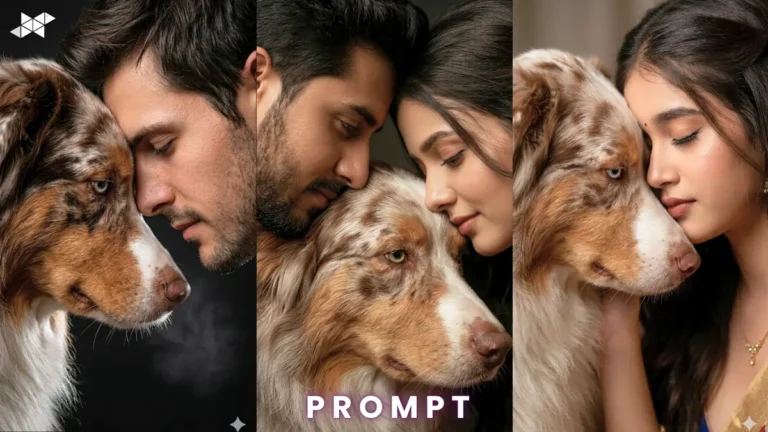
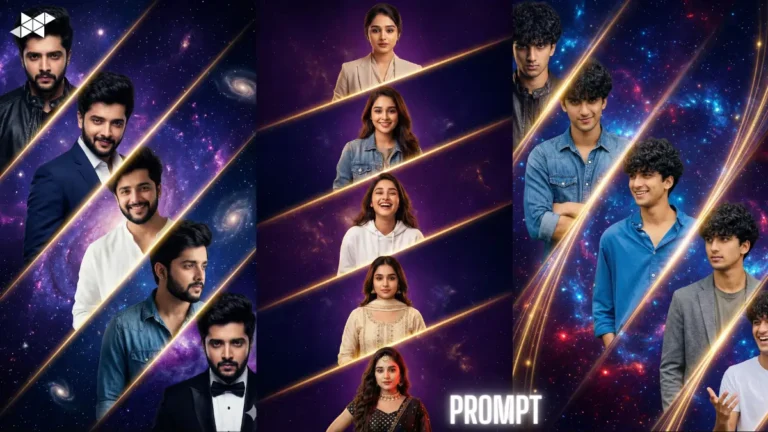
From cinematic portraits to hyper-realistic travel photos, people are using AI tools to create images that look straight out of movies and magazines. After seeing these trends flood Instagram, TikTok, and Pinterest, I decided to test some of the most viral AI prompts myself.
Honestly, I expected average results.
What I got instead was surprisingly impressive.
Some prompts created ultra-realistic portraits in seconds. Others turned simple ideas into dramatic artwork that looked professionally edited. A few completely failed – but even those were entertaining to test.
If you’ve been curious about which AI prompts are actually worth trying, this article breaks down the best ones, what happened when I used them, and how you can get better results yourself.
Why Viral AI Prompts Are Taking Over
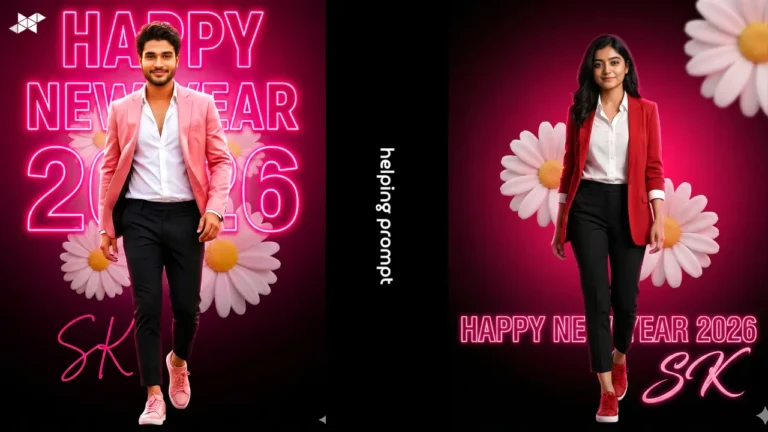
AI-generated content has become one of the biggest internet trends because it allows anyone to create high-quality visuals without advanced editing skills.
People are now using AI prompts for:
- Instagram posts
- YouTube thumbnails
- Profile pictures
- Fashion concepts
- Cinematic edits
- Fantasy artwork
- Travel-style portraits
- Anime transformations
The best part is that most of these prompts only require a single idea and a few descriptive words.
That simplicity is exactly why they spread so quickly online.
The First Prompt I Tried
Cinematic Portrait Prompt
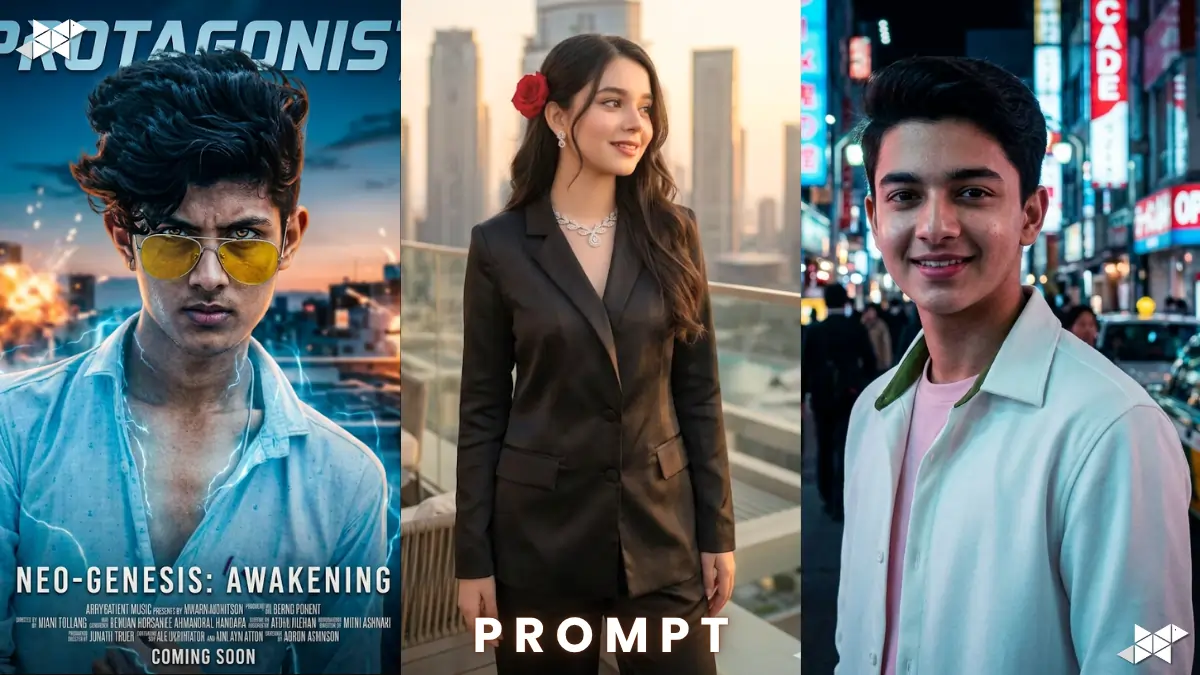
The first viral prompt I tested focused on cinematic photography.
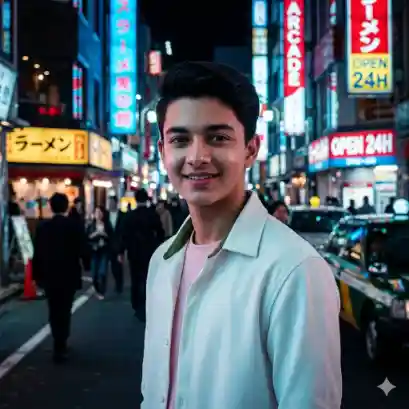
“Ultra realistic cinematic portrait of a young man standing in neon city lights at night, shallow depth of field, dramatic shadows, 85mm lens, highly detailed skin texture, movie-style color grading”
Result
The image looked surprisingly professional.
The lighting felt realistic, the background blur looked natural, and the facial details were much sharper than I expected. It honestly looked like something from a Netflix poster.
What made this prompt work well was the amount of visual detail included. Terms like “85mm lens” and “movie-style color grading” helped the AI understand the exact style.
What I Learned
Specific prompts almost always perform better than short generic ones.
Instead of writing:
“Cool portrait”
It works better to describe:
- Lighting
- Camera style
- Mood
- Background
- Color tone
- Image quality
The Viral Instagram AI Prompt
Luxury Lifestyle Prompt
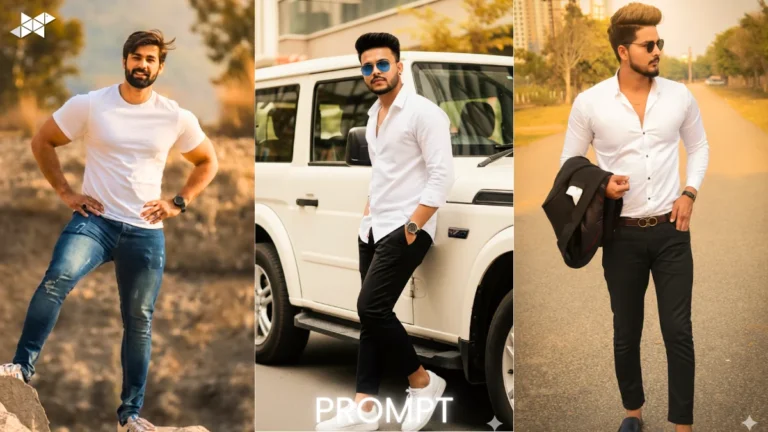
This trend became extremely popular because it creates expensive-looking lifestyle photos.
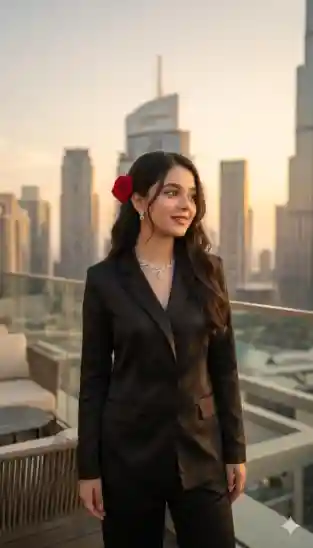
“Luxury rooftop lifestyle portrait during sunset, modern fashion outfit, soft golden hour lighting, realistic city skyline background, magazine photography style”
Result
This one looked almost too real.
The sunset lighting gave the image a premium social media aesthetic, and the AI handled reflections and shadows surprisingly well.
However, I noticed one issue.
The AI sometimes added unrealistic accessories or strange hand details. That still happens with many AI generators today.
Best Use Case
This type of prompt works well for:
- Social media content
- Profile photos
- Fashion concepts
- Personal branding
The Most Surprising Prompt
Anime-to-Realistic Transformation
This trend converts anime-inspired visuals into realistic cinematic characters.
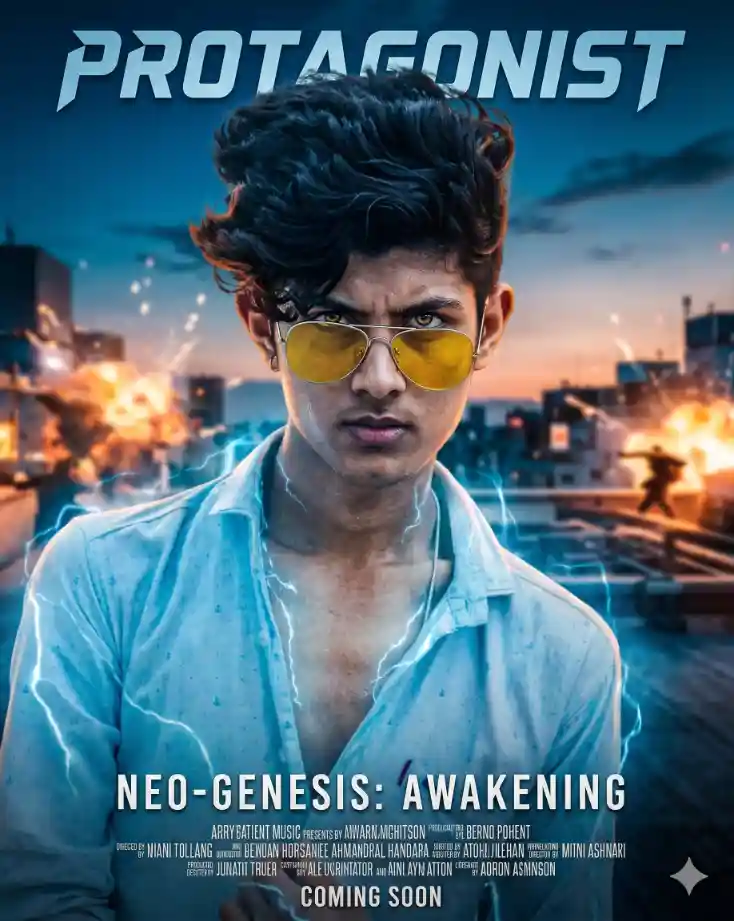
“Realistic live-action version of an anime protagonist, dramatic lighting, realistic skin texture, detailed eyes, cinematic background, Hollywood movie poster style”
Result
This was easily one of the most interesting results.
The AI blended fantasy-style character design with realistic textures in a way that looked surprisingly believable.
The eyes remained expressive while the facial structure looked natural enough to resemble real photography.
This trend is becoming popular because it combines nostalgia with realism.
The Prompt That Failed Completely
Hyper-Detailed Fantasy Battle Scene
“Massive fantasy battle with dragons, explosions, warriors, fire effects, magical storms, cinematic ultra-detail, realistic armor, epic environment”
Result
The image looked visually impressive at first glance, but the details quickly became messy.
Some faces were distorted, background characters blended together, and objects lost consistency.
This showed me something important.
AI tools still struggle when prompts become too crowded with complex action and too many subjects.
Lesson From This Prompt
If you want cleaner AI images:
- Focus on one subject
- Keep scenes simple
- Avoid too many moving elements
- Use clear visual direction
Why Some AI Prompts Perform Better Than Others
Good Prompts Create Clear Instructions
AI image generators rely heavily on descriptive language.
The best prompts usually include:
Lighting
Examples:
- Soft lighting
- Neon lighting
- Golden hour
- Dramatic shadows
Camera Style
Examples:
- DSLR photography
- 35mm film
- 85mm lens
- Shallow depth of field
Quality Details
Examples:
- Ultra realistic
- Highly detailed
- Cinematic quality
- Photorealistic textures
Environment
Examples:
- Rainy street
- Futuristic city
- Luxury apartment
- Mountain landscape
The more clearly you describe the image, the better the AI understands your vision.
AI Prompt Styles That Worked Best
1. Cinematic Prompts
These consistently produced the best results.
Movie-inspired lighting and camera angles create dramatic and visually rich images.
2. Fashion Photography Prompts
AI performs very well with portrait-based fashion concepts because the subject remains simple and focused.
3. Minimalist Portrait Prompts
Simple prompts with clean backgrounds often generated the most realistic outputs.
4. Fantasy Character Prompts
These worked well when the scene stayed focused on a single character instead of large battle scenes.
Mistakes Most People Make With AI Prompts
Using Very Short Prompts
Short prompts give the AI less direction.
A detailed prompt almost always produces stronger results.
Adding Too Many Ideas
Trying to combine ten concepts into one image often creates messy results.
Ignoring Lighting Details
Lighting is one of the biggest factors in realistic AI-generated images.
Expecting Perfect Hands
AI tools are improving, but hands and fingers still occasionally look unnatural.
How to Write Better Viral AI Prompts
Start With the Subject
Describe who or what is in the image first.
Example:
“A stylish young man standing in the rain”
Add Environment Details
Then explain the setting.
Example:
“Neon-lit Tokyo street at night”
Add Camera and Lighting
This dramatically improves quality.
Example:
“Cinematic lighting, shallow depth of field, DSLR photography”
Finish With Style Details
Example:
“Ultra realistic, highly detailed, movie-style color grading”
Are Viral AI Prompts Worth Trying?
Yes – especially if you enjoy creativity, design, or content creation.
Even simple prompts can generate surprisingly impressive visuals in seconds.
The most interesting part is how quickly AI tools are improving. Images that looked fake a year ago now look close to professional photography.
That’s why these trends continue dominating social platforms.
People enjoy experimenting, comparing results, and discovering new visual styles.
- What are viral AI prompts?
Viral AI prompts are detailed instructions used in AI tools to create trending images, artwork, or realistic photos.
- Why do cinematic AI prompts look better?
Cinematic prompts include lighting, camera angles, and color grading details that improve realism and visual quality.
- Which AI prompt style is most popular?
Cinematic portraits and luxury lifestyle prompts are currently among the most popular AI image styles online.
Pro Tips for Better AI Image Results
- Use detailed descriptions instead of short prompts
- Mention lighting styles clearly
- Add camera-related terms like “85mm lens” or “DSLR”
- Keep scenes simple for cleaner outputs
- Experiment with cinematic color grading
- Focus on one main subject
- Test multiple prompt variations
- Avoid overcrowded action scenes
Popular options include Midjourney, ChatGPT image generation, Leonardo AI, and Stable Diffusion.
Yes. Even beginners can create impressive visuals by using detailed prompts and simple scene descriptions.
Images can appear unrealistic when prompts are too vague, overly complex, or missing lighting and style details.
Conclusion
Testing these viral AI prompts turned out to be far more entertaining than I expected.
Some results looked shockingly realistic, while others felt like concept art from big-budget movies. A few failed completely, but even those experiments helped me understand how AI image generation really works.
The biggest takeaway is simple: better prompts create better results.
As AI tools continue improving, viral prompts will likely become even more creative, realistic, and popular across social media. If you enjoy experimenting with visuals or creating content online, now is probably the best time to start testing them yourself.