
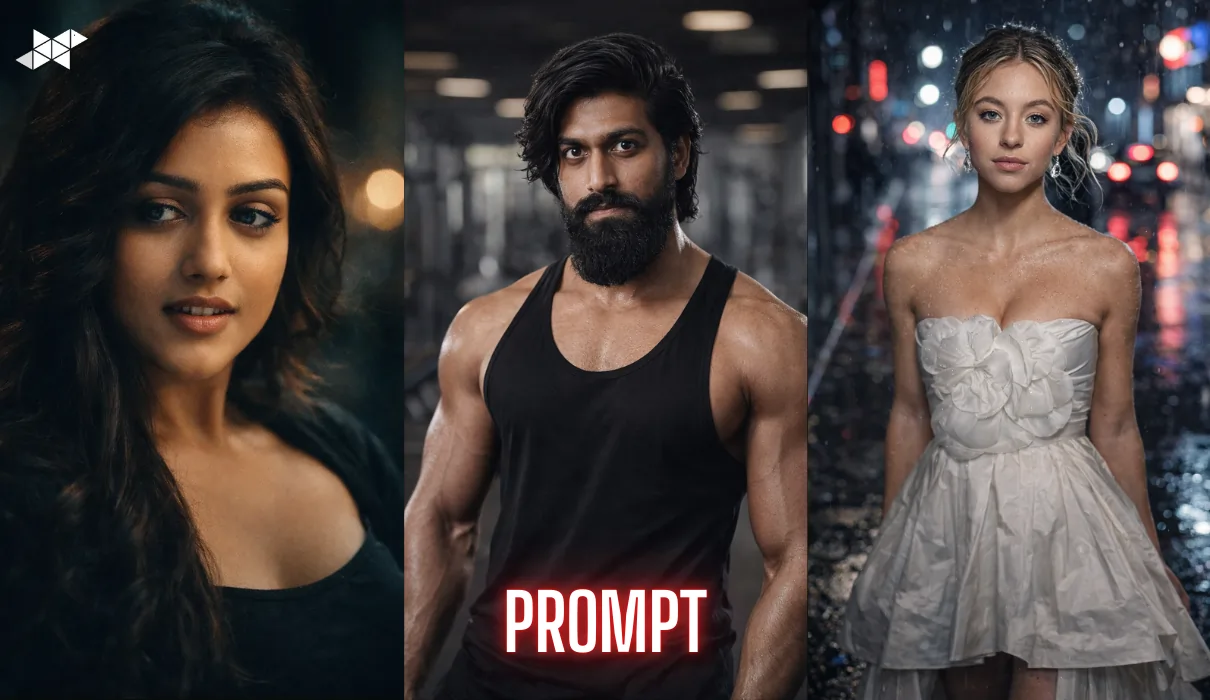
Viral selfies aren’t just about looks anymore. They’re about sharp detail, clean lighting, and a “wow” finish that feels premium. That’s why 4K portrait prompts are trending right now, especially on Gemini. With the right prompt, even an average selfie can look like a studio shoot, a magazine cover, or a cinematic frame. Below are copy-paste Gemini prompts you can use instantly, plus quick tips to get better results every time.
People stop scrolling when a photo looks “expensive”. A crisp 4K portrait with realistic skin texture, soft depth of field, and clean colour grading instantly looks higher quality than a regular selfie.
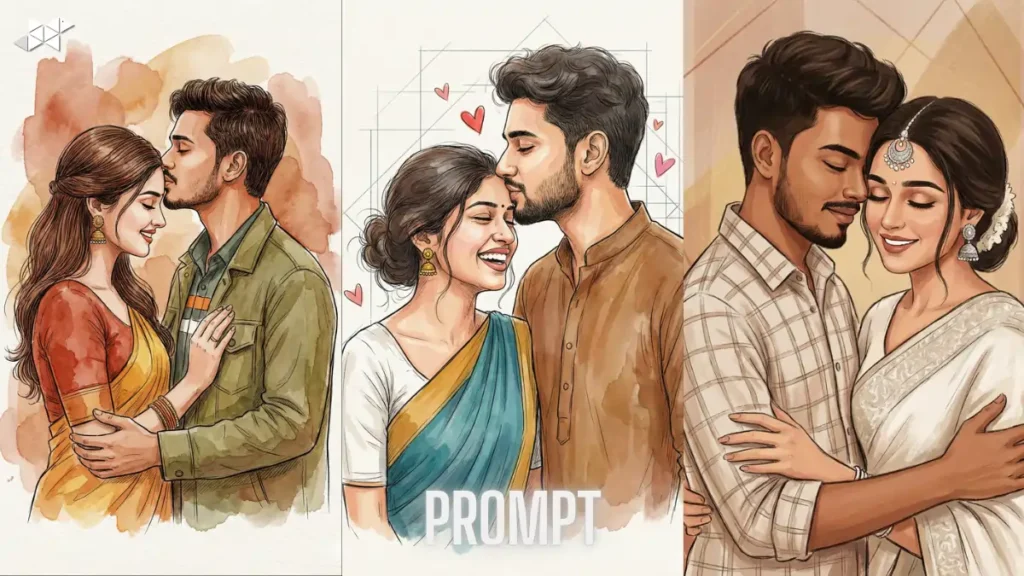
It’s usually a mix of three things:
- Sharp eyes + natural skin detail (not plastic)
- Good lighting (soft, not harsh)
- A strong vibe (cinematic, luxury, retro, sporty, etc.)
A reliable structure is:
Style + Lighting + Camera look + Skin detail + Background + Mood + Output quality
You don’t need technical words. You just need clear instructions.
1) Prompt: Clean 4K Studio Portrait (Most Viral Look)
“Create a hyper-realistic 4K portrait from my selfie with a clean studio look. Keep my face structure exactly the same, natural skin texture with visible pores, sharp focus on the eyes, soft beauty lighting from the front, gentle shadow under the jawline, smooth background blur, realistic hair strands, balanced contrast, and a premium DSLR camera feel. No cartoon effect, no plastic skin, no over-smoothing. Add a subtle cinematic colour grade and export in ultra-high resolution.”
Why it works: Looks like a professional photoshoot instantly.
Best use: Instagram profile photo, LinkedIn DP, WhatsApp DP
2) Prompt: Cinematic 4K Close-Up (Movie Hero Frame)
“Turn my selfie into a cinematic 4K close-up portrait like a movie still. Keep my identity unchanged and facial features accurate. Add soft dramatic lighting with a gentle highlight on the forehead and cheekbones, deep but natural shadows, sharp eyes, realistic skin detail, slightly textured film look, and a shallow depth of field. Background should be dark and blurred with soft bokeh lights. Colour grade in modern teal-orange style but subtle and realistic.”
Why it works: Adds instant “main character” energy.
Best use: Instagram post, story, reels cover
3) Prompt: Luxury Fashion Editorial (Glossy Magazine Style)
“Create a luxury fashion editorial portrait from my selfie in 4K ultra detail. Keep my face and expression realistic, no beauty filter look. Add soft studio lighting with a gentle glow, clean sharp edges, premium magazine retouching while keeping natural skin texture, defined jawline, and crisp hair details. Use a minimal gradient background, high-end colour grading, and a professional photoshoot vibe. Output should look like a Vogue-style cover shot, realistic and classy.”
Why it works: Looks expensive and polished without being fake.
Best use: Instagram DP, profile photo, portfolio
4) Prompt: Golden Hour Outdoor 4K Portrait (Soft, Natural, Viral)
“Transform my selfie into a natural golden hour outdoor portrait in 4K. Keep my face exactly the same with realistic skin pores and texture. Add warm sunlight coming from the side, soft shadows, natural colour tones, and a gentle glow on the skin without over-smoothing. Background should look like a real outdoor location with soft blur and realistic bokeh. Make the image feel candid, fresh, and premium, like a DSLR portrait shot on a 50mm lens.”
Why it works: Natural + flattering always performs well.
Best use: Instagram post, WhatsApp status, Snapchat
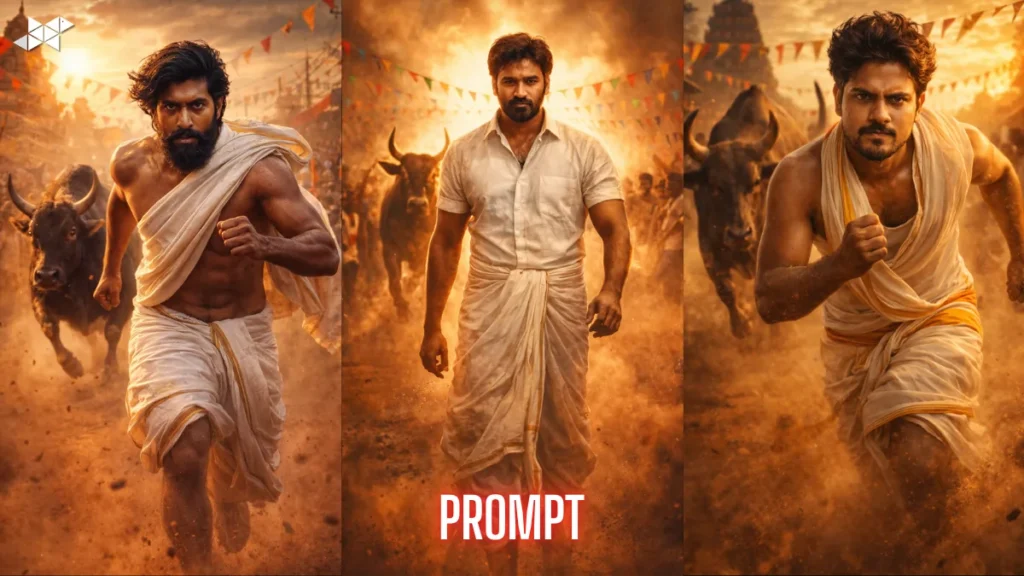
5) Prompt: Soft Retro Film Look (Instagram Aesthetic)
“Convert my selfie into a 4K retro film portrait with realistic analog texture. Keep my identity unchanged. Add soft lighting, slightly faded colours, gentle film grain, and a natural vintage tone like Kodak 35mm film. Maintain sharp focus on eyes, realistic skin texture, and subtle background blur. Add a light vignette and mild halation around highlights for an authentic old-camera feel. Make it look like a restored film photo, not a cartoon or painting.”
Why it works: Retro aesthetics get saves and shares.
Best use: Instagram post, story, reels cover
6) Prompt: Rainy Night Street Portrait (Cyber-Cool Vibe)
“Create a rainy night street portrait from my selfie in hyper-realistic 4K. Keep my face and features the same. Add moody lighting with reflections, soft neon glow in the background, and a shallow depth of field. Skin should remain natural with visible texture, sharp eyes, and realistic hair. Add tiny water droplets and a slightly cool colour grade for a cinematic urban feel. Make it look like a real photo shot in a city at night, not digital art.”
Why it works: High drama + high detail = instant attention.
Best use: Instagram post, Snapchat, reels cover
7) Prompt: Minimal Clean Background (Perfect for DP)
“Make my selfie look like a professional 4K portrait with a clean solid background. Keep my face structure and skin tone accurate. Enhance clarity on eyes, keep realistic skin pores, remove harsh shadows, and apply soft even lighting like a passport-style studio setup but premium. Background should be plain off-white or light grey with a smooth gradient. No over-editing, no artificial face reshaping. Final output should look crisp, sharp, and natural.”Why it works: Clean backgrounds look confident and sharp.
Best use: WhatsApp DP, Telegram DP, profile photo
8) Prompt: Gym / Fitness Portrait (Sharp, Strong, Detailed)
“Turn my selfie into a high-quality 4K fitness portrait. Keep my identity unchanged and realistic. Add strong but clean lighting that defines facial structure without making it look fake. Skin texture should stay natural, sharp eyes, crisp details, and a slightly contrasty look like a sports photoshoot. Background should be a blurred gym environment with subtle depth of field. Keep colours realistic, add a confident mood, and export in ultra-high resolution.”
Why it works: Great for bold, confident profile shots.
Best use: Instagram post, gym story, profile photo
9) Prompt: Soft Glow Beauty Look (Without Over-Smoothing)
“Create a soft glow 4K portrait from my selfie with realistic beauty lighting. Keep my face exactly the same. Smooth only minor blemishes but keep real skin texture and pores. Add gentle highlights on cheeks and nose, soft shadows, and clean sharp focus on eyes. Background should be minimal and blurred. Colour grading should be warm and flattering, with natural tones and no plastic skin effect. Final image must look like a real camera portrait, not AI art.”
Why it works: Glow effect looks attractive but still real.
Best use: Instagram DP, Snapchat, WhatsApp DP
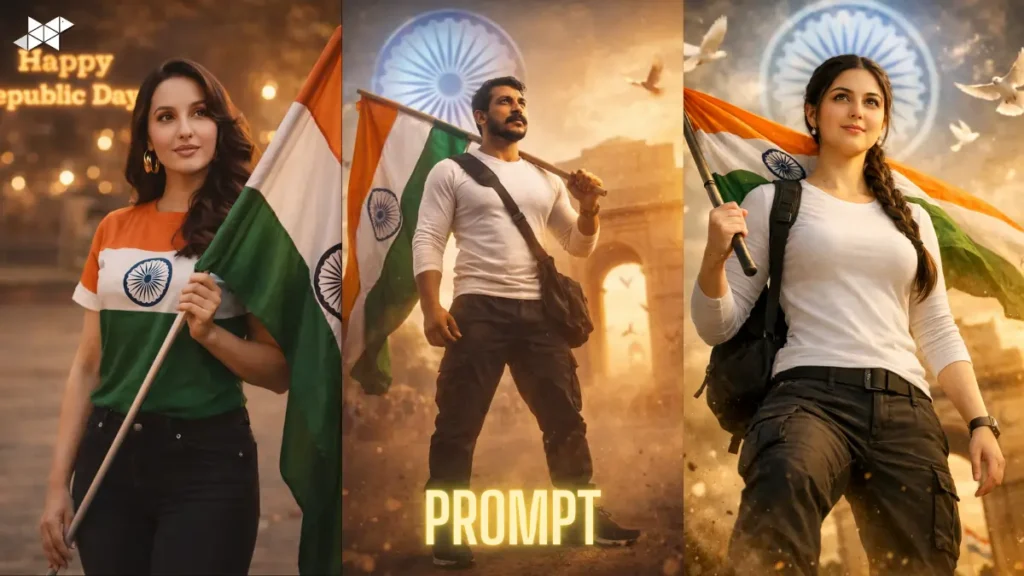
- Use a front-facing selfie with soft light (near a window is perfect).
- Avoid messy backgrounds unless you want a street/cinematic vibe.
- Keep your face straight, not tilted too much for cleaner jawline detail.
- Don’t use heavy beauty filters before uploading-they confuse the AI texture.
- Try the same prompt twice with “more natural skin texture” if it looks too smooth.
With the right Gemini prompt, your selfie can look like a clean 4K portrait without editing skills. Copy a style you like, keep it realistic, and post it where it fits best.







Leave a Reply