
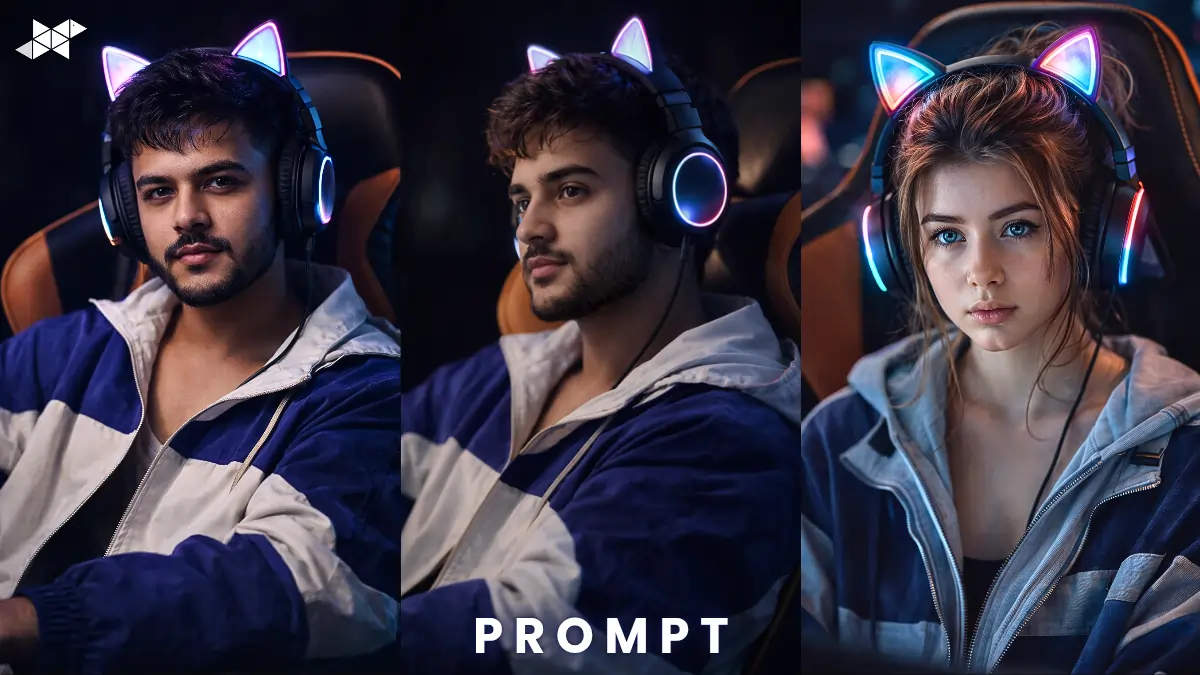
Want a cinematic gamer portrait that actually looks real – not AI-generated?
If you’ve been experimenting with ChatGPT or image tools but your results feel flat, this guide is for you.
Here’s how to create an ultra-realistic portrait of a young man in a gaming setup – complete with LED cat-ear headphones, cinematic lighting, and professional studio depth.
How to Create a Cinematic Gamer Portrait That Looks Real:
The difference between an average AI portrait and a scroll-stopping one comes down to details.
Let’s break it down.
1) Focus on the Chair & Setup
A professional gaming chair with a wide black-and-orange backrest instantly adds authority. It frames the subject and creates contrast.
Moreover, strong color contrast helps the portrait stand out on Instagram or Snapchat.
2) Styling Makes It Feel Authentic
An oversized blue-and-white jacket adds street-style energy.
A thin shoulder strap slightly visible on one shoulder gives a candid, natural vibe.
Meanwhile, messy short hair with soft texture avoids the “over-polished AI look.”
3) LED Cat-Ear Headphones = Visual Hook
Large over-ear headphones with softly glowing LED cat ears are the highlight.
The glow should cast subtle neon reflections on:
- Hair strands
- Cheeks
- Jawline edges
That’s what creates cinematic depth instead of flat lighting.
4) Lighting is Everything
Use:
- Soft rim light from behind
- Low-key moody background
- Subtle depth of field
As a result, the subject pops while the background stays professional.
1) Front-Facing Cinematic Pose Prompt:
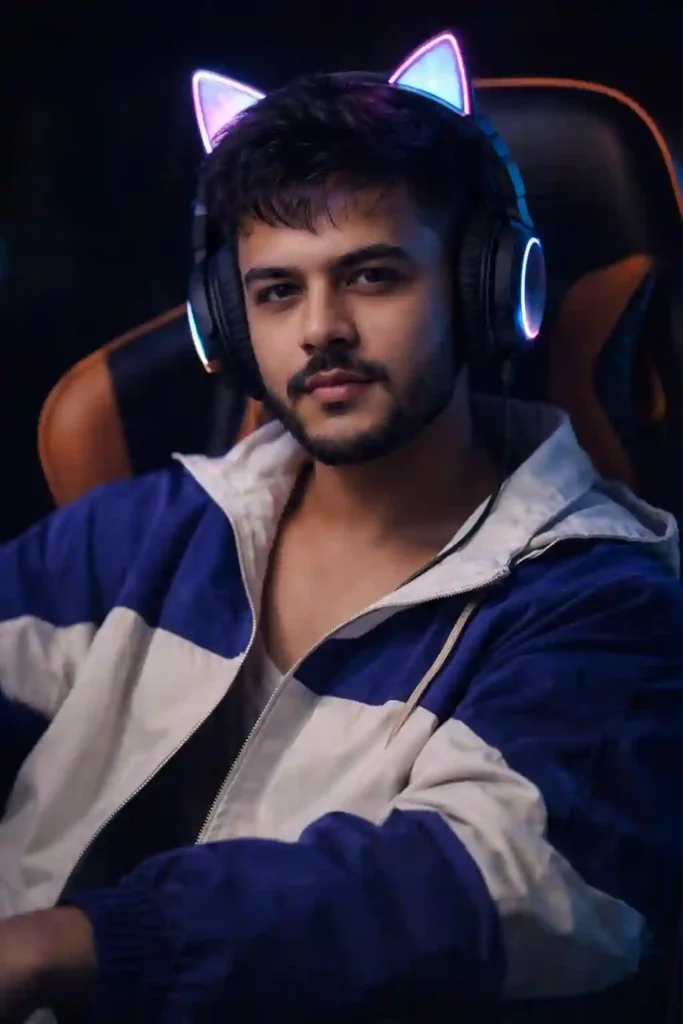
Prompt in Quote:
“Ultra-realistic cinematic portrait of a young man seated confidently in a professional gaming chair with a wide black-and-orange backrest. He wears an oversized blue-and-white jacket with a thin shoulder strap slightly visible on one shoulder. His hair is short, soft, and slightly messy with natural texture. Large over-ear headphones with softly glowing LED cat ears create faint neon reflections on his hair and cheeks. Dramatic moody lighting, shallow depth of field, sharp facial details, DSLR quality, 85mm lens, high dynamic range, ultra-detailed skin texture, studio-grade realism, 8K resolution.”
Why it works: Clean, symmetrical, professional look.
Best for: Instagram profile, LinkedIn DP, YouTube gaming banner.
2) Side-Angle Neon Glow Pose Prompt:
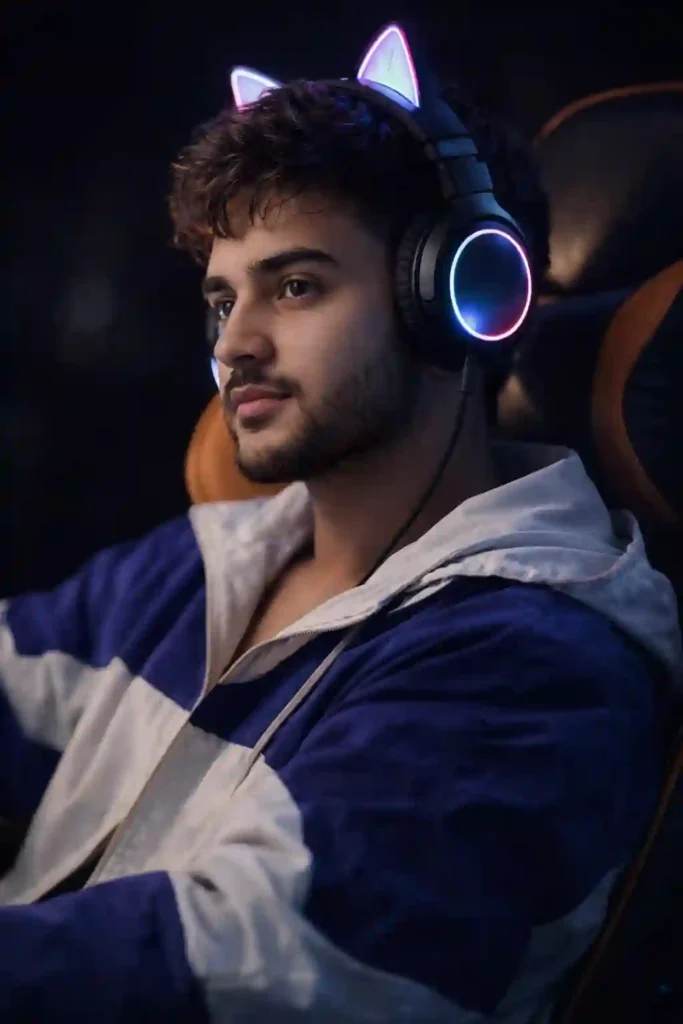
Prompt in Quote:
“Ultra-realistic cinematic side-angle portrait of a young man sitting in a black-and-orange professional gaming chair. He wears an oversized blue-and-white jacket with a visible thin strap over one shoulder. His short messy hair has soft texture and natural movement. Over-ear headphones with glowing LED cat ears emit subtle neon reflections across his cheeks and hair strands. Low-key studio lighting, soft rim light behind head, dark blurred background, cinematic contrast, realistic skin pores, DSLR photography style, 85mm portrait lens, ultra-detailed 8K clarity.”
Why it works: Adds depth and storytelling feel.
Best for: Snapchat spotlight, gaming reels, profile stories.
3) Intense Focus Gaming Pose Prompt:
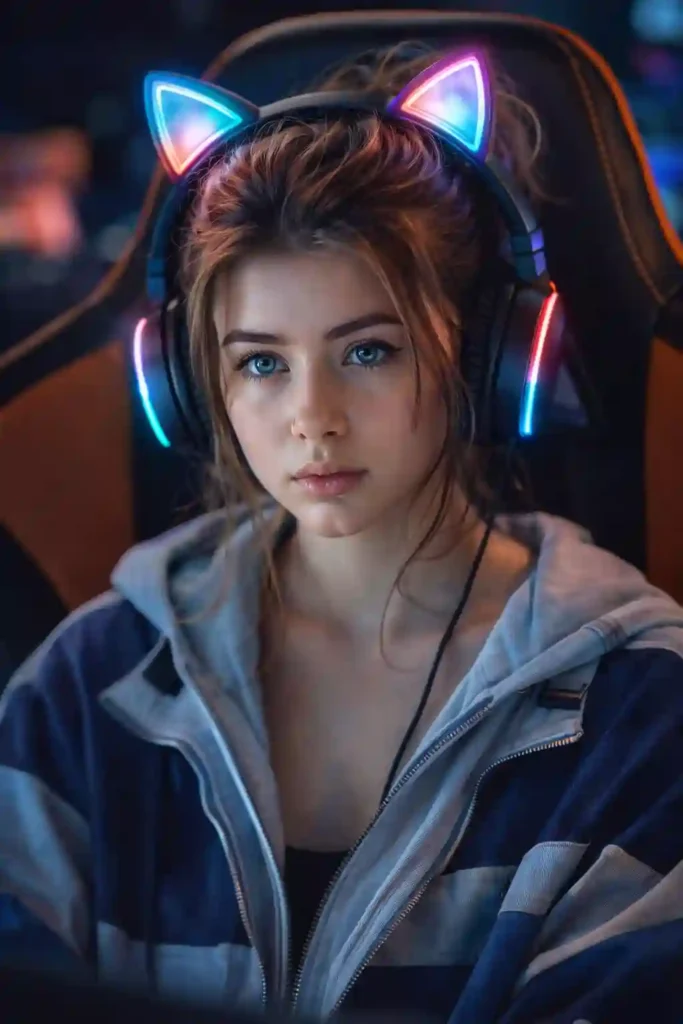
Prompt in Quote:
“Ultra-realistic close-up cinematic portrait of a focused young man seated in a professional black-and-orange gaming chair. He wears an oversized blue-and-white jacket with a subtle shoulder strap detail. His short textured hair appears slightly messy and natural. Large over-ear headphones with softly glowing LED cat ears cast gentle neon reflections on his face. Dramatic front lighting with subtle shadows, blurred gaming setup background, hyper-detailed skin texture, realistic eyes, shallow depth of field, DSLR 85mm lens, professional studio realism, 8K ultra clarity.”
Why it works: Emotional, powerful, immersive.
Best for: WhatsApp DP, esports branding, gaming thumbnails.
Quick Tips for Better Results:
Use realistic camera settings like 85mm lens + shallow depth of field.
Add soft rim lighting for cinematic separation.
Keep facial expression natural – slight confidence works best.
Avoid over-saturated neon; subtle glow feels premium.
Blur background slightly to avoid distraction.
Conclusion:
A cinematic gamer portrait works when small details feel real.
Focus on lighting, texture, and subtle neon reflections.
With the right prompt structure, your AI images can look studio-shot.
FAQs:
Best lens for realism?
85mm portrait lens works best.
How to add neon glow?
Use soft LED reflection prompts.
Which platform fits this style?
Instagram, Snapchat, gaming channels.







Leave a Reply