
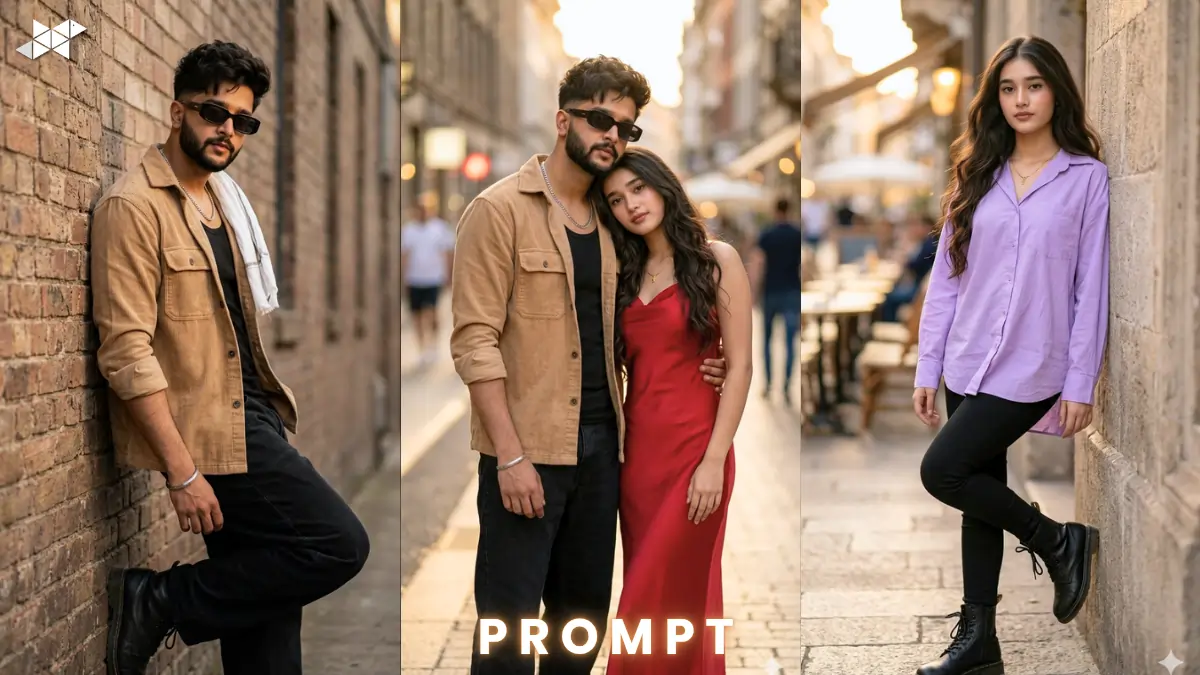
Ultra realistic AI portrait prompts are trending fast on Google Discover.
Creators are using them to generate viral visuals.
With tools like Gemini, Midjourney, and ChatGPT, results look insanely real.
This guide helps you master ultra realistic AI portrait prompts instantly.
3 Ultra Realistic AI Portrait Prompt
Men Prompt
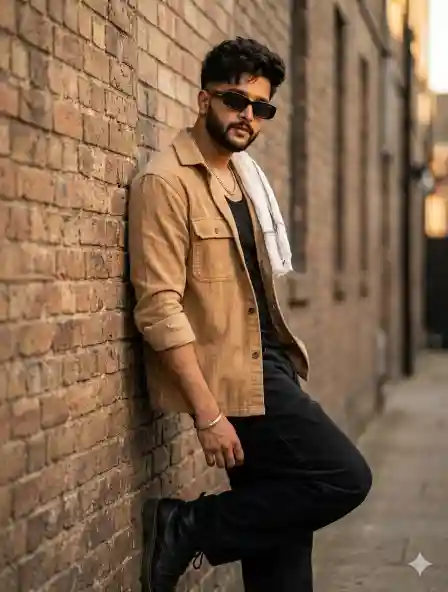
"Ultra realistic AI portrait of a stylish young man with messy dark wavy hair and clean taper fade, wearing tan corduroy shacket over black ganji, black baggy jeans and black boots, white gamcha draped on shoulder, silver chain and kada, dark rectangular sunglasses, leaning pose, cinematic golden hour lighting, 85mm lens, shallow depth of field, hyper-detailed skin texture, natural shadows, 8K resolution, moody urban background, ultra realism, sharp focus, film grain"
Women Prompt
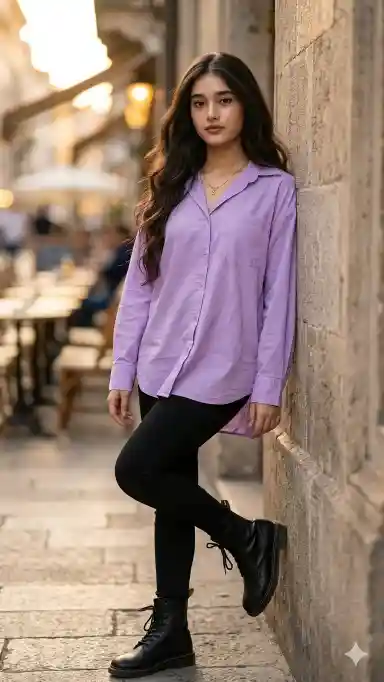
"Ultra realistic AI portrait of a fashionable young woman with soft glowing skin, long flowing dark hair, wearing a pastel oversized shirt with black fitted pants and boots, minimal jewelry, confident leaning pose, soft cinematic lighting, 50mm lens, shallow depth of field, ultra-detailed skin pores, smooth texture, natural color grading, 4K resolution, dreamy background blur, high realism, editorial style"
Couple Prompt
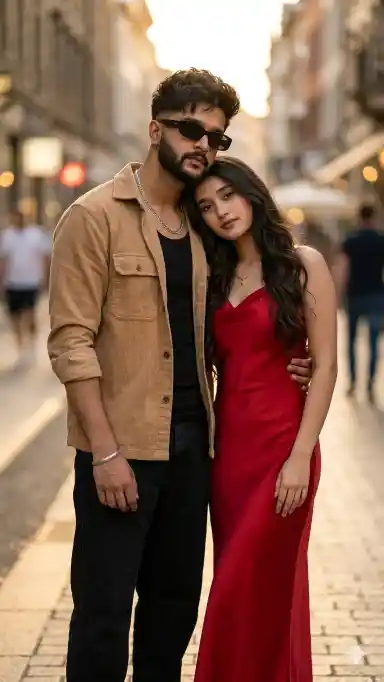
"Ultra realistic AI portrait of a stylish young couple standing close, male wearing tan shacket and black outfit, female in elegant red dress, natural chemistry, soft romantic mood, cinematic lighting with warm tones, 85mm lens, shallow depth of field, ultra-detailed skin texture, realistic shadows, 8K resolution, blurred urban background, high fashion editorial look, hyper realism"
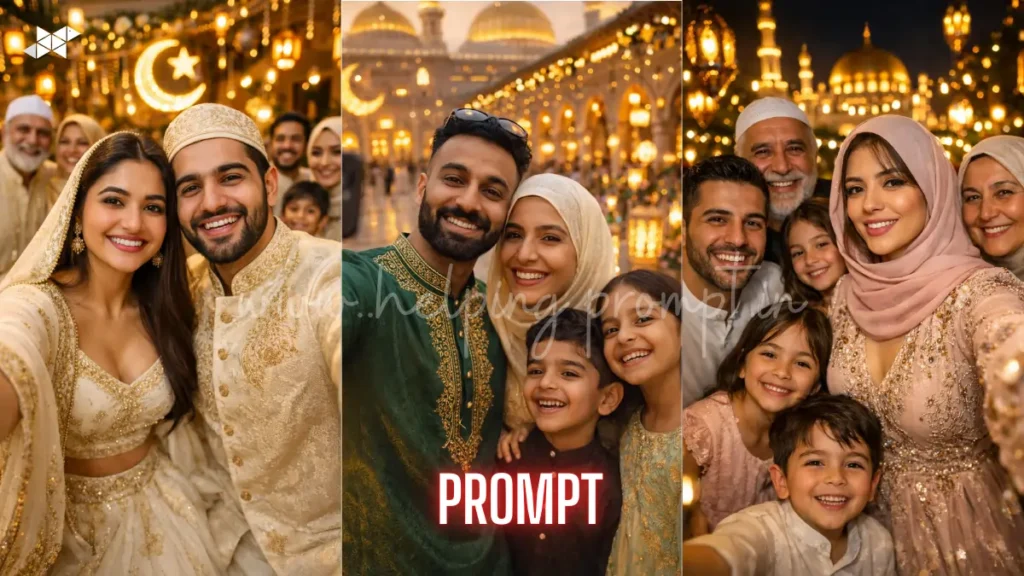
Example Image
Imagine a cinematic portrait with natural skin texture, soft shadows, and crisp detail.
The subject looks like a DSLR-shot editorial photo.
How to Use
- How to generate ultra realistic AI portrait prompts?
Use detailed clothing, lighting, and lens terms in ultra realistic AI portrait prompts.
- Which tool works best?
Midjourney and Gemini give best results for ultra realistic AI portrait prompts.
- How to improve realism?
Add skin texture, lighting direction, and depth of field in ultra realistic AI portrait prompts.
Best AI Tools
- Midjourney
- Leonardo AI
- DALL·E
- Gemini
- ChatGPT
Quick Settings Guide
- Aspect ratio: 4:5 or 1:1
- Stylize: Medium (100–250)
- Quality: High / 2x
- Negative prompts: blur, low quality, extra limbs
Pro Tips
- Use 85mm lens for portrait realism
- Always add “skin texture” and “natural lighting”
- Keep outfit and mood consistent
FAQs
Ultra realistic AI portrait prompts create lifelike human images with high detail.
Yes, simple structured ultra realistic AI portrait prompts work great.
You may be missing lighting, texture, or lens details in ultra realistic AI portrait prompts.
Conclusion
Start experimenting with ultra realistic AI portrait prompts today.
Small tweaks can create viral-level visuals.
Now go create something insanely real







Leave a Reply