
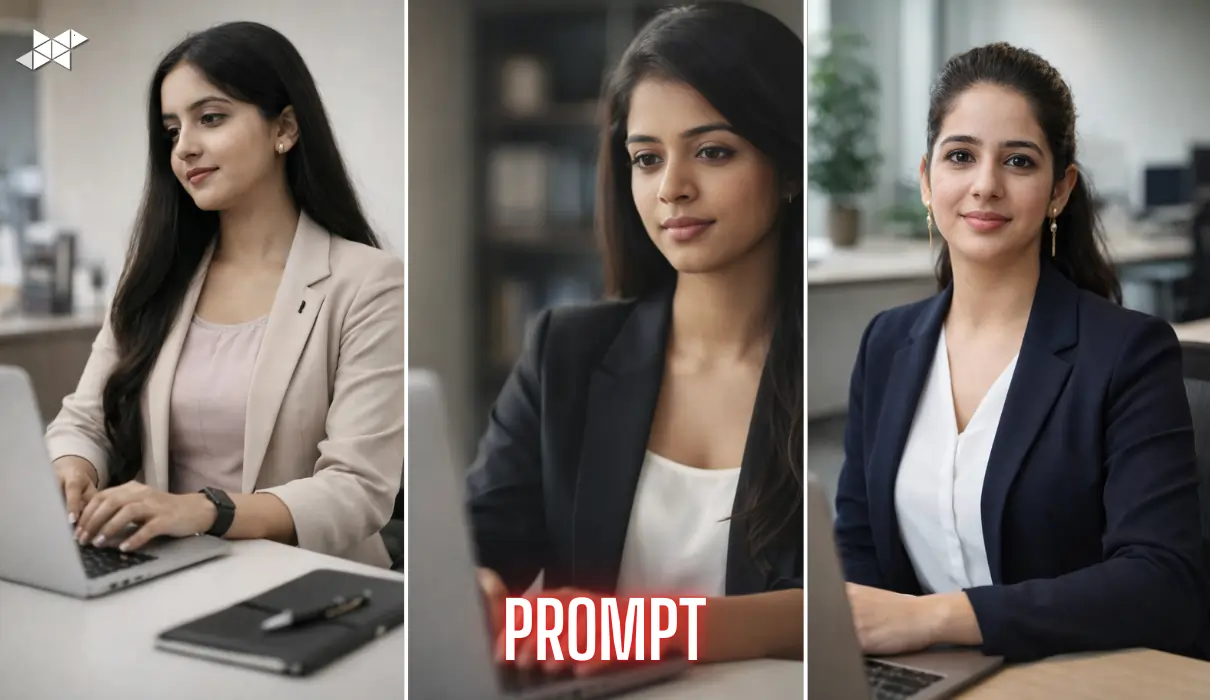
A casual selfie is easy to click, but it rarely looks professional enough for work profiles or branding.
That’s where smart AI prompts change the game.
With the right instructions, you can turn a normal selfie into a clean, editorial-style office portrait-without losing your real identity.
This guide shows how to do it properly, with copy-paste prompts that actually work.
Professional office portraits feel trustworthy and polished without looking staged. They work because they balance realism with refinement.
AI tools can recreate this look only when you guide them clearly-especially for facial accuracy, lighting, and skin texture.
A strong prompt ensures:
- Your face stays 100% you
- The office environment looks believable
- The final image feels magazine-ready, not artificial
What Makes an AI Portrait Look Real (Not Fake)
Ultra-realistic portraits rely on details, not filters.
Key elements include:
- Visible skin texture and pores
- Correct facial proportions
- Natural lighting instead of harsh highlights
- Professional but relaxed expressions
Missing even one of these can make the image look synthetic.
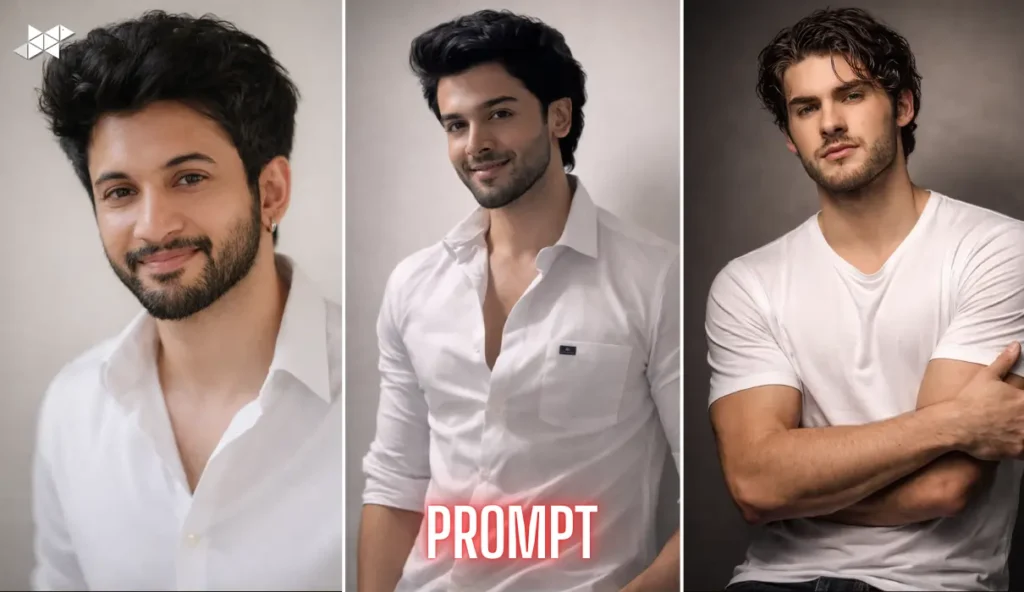
1 Prompt. Editorial Desk Portrait
“Use the uploaded selfie as the sole facial reference. Create an ultra-realistic editorial office portrait of the same person with exact facial features, skin tone, and face shape preserved. The subject is seated at a modern office desk, working on a laptop. Natural posture, relaxed shoulders, confident presence. Expression is calm and focused with a subtle professional smile. Lighting is soft natural daylight from a side window, balanced highlights and shadows. Medium close-up framing, shallow depth of field. Realistic skin texture with visible pores, no smoothing. Photorealistic, magazine-style finish. No facial changes, no distortion, no artificial look.”
Use case: LinkedIn profile, professional bio
2 Prompt. Smart Casual Office Look
“Transform the uploaded selfie into a high-quality, ultra-realistic office portrait while preserving exact identity and facial structure. Scene: modern workspace with a clean desk and laptop. Subject seated naturally, slightly turned toward the camera. Expression is neutral and confident. Outfit is smart casual office wear, neat and professional. Lighting is diffused daylight with soft contrast. Skin texture remains natural with visible pores. Medium close-up framing, shallow background blur. Editorial photography quality, true-to-life colors, no plastic skin or AI artifacts.”
Use case: Instagram profile, portfolio
3 Prompt. Corporate Editorial Style
“Using the uploaded selfie as the main reference, generate a photorealistic editorial office portrait. Preserve exact facial features, proportions, and skin tone. Subject seated at a desk in a minimal corporate office, working on a laptop. Confident but relaxed body language. Eyes gently focused toward the screen. Soft studio-style daylight, balanced exposure, no harsh shadows. Realistic skin texture, visible pores, no retouching. Half-body framing, shallow depth of field. Premium magazine finish with natural colors.”
Use case: Company website, about page
4 Prompt. Natural Workday Moment
“Create an ultra-realistic office portrait using the uploaded selfie as the only facial reference. Maintain exact identity, face shape, and expressions. Scene shows a natural workday moment: seated at a desk, laptop open, minimal office background. Expression is calm and thoughtful. Lighting is soft daylight with gentle highlights. Medium close-up framing. Skin texture remains natural with visible pores. No beauty filters, no facial enhancement. Photorealistic editorial quality with professional tones.”
Use case: Google profile photo

5 Prompt. Minimal Executive Look
“Based on the uploaded selfie, generate a high-quality editorial office portrait with exact facial accuracy. Subject seated confidently at a clean desk setup, modern office environment. Outfit is professional and minimal. Expression is composed and approachable. Lighting is diffused natural light, evenly balanced. Realistic skin texture, visible pores, no smoothing. Half-body framing, shallow depth of field. Sharp focus, true colors, magazine-style realism. Avoid any facial changes or unrealistic proportions.”
Use case: Business cards, press features
6 Prompt. Creative Office Professional
“Use the uploaded selfie as the facial reference to create a photorealistic editorial office portrait. Preserve exact facial details and skin tone. Scene features a modern creative workspace with a laptop and clean desk. Natural seated posture, relaxed shoulders. Expression is confident and calm. Soft daylight lighting with gentle contrast. Medium close-up framing, shallow background blur. Realistic skin texture with pores visible. High-detail, magazine-quality finish.”
Use case: Instagram bio, creator profile
7 Prompt. Formal Corporate Desk Portrait
“Generate an ultra-realistic editorial office portrait using the uploaded selfie. Maintain exact facial structure, proportions, and identity. Subject seated at a professional desk, laptop in front, minimal corporate background. Expression is neutral and professional. Lighting is soft studio daylight, balanced shadows. Skin texture remains realistic with visible pores. Half-body framing, shallow depth of field. Photorealistic, premium editorial look without any AI-art style.”
Use case: LinkedIn banner image
8 Prompt. Clean Magazine-Style Office Shot
“Create a magazine-style editorial office portrait using the uploaded selfie as the main facial reference. Preserve exact facial features, skin tone, and proportions. Scene includes a modern office desk with a laptop. Subject seated naturally, confident posture. Soft, focused expression. Lighting is natural daylight with balanced exposure. Medium close-up framing, shallow depth of field. Realistic skin texture, no over-retouching. Sharp, true-to-life colors.”
Use case: Website hero section
A strong AI prompt can turn a simple selfie into a professional office portrait without losing authenticity.
Clarity, realism, and restraint are what make the difference.







Leave a Reply