
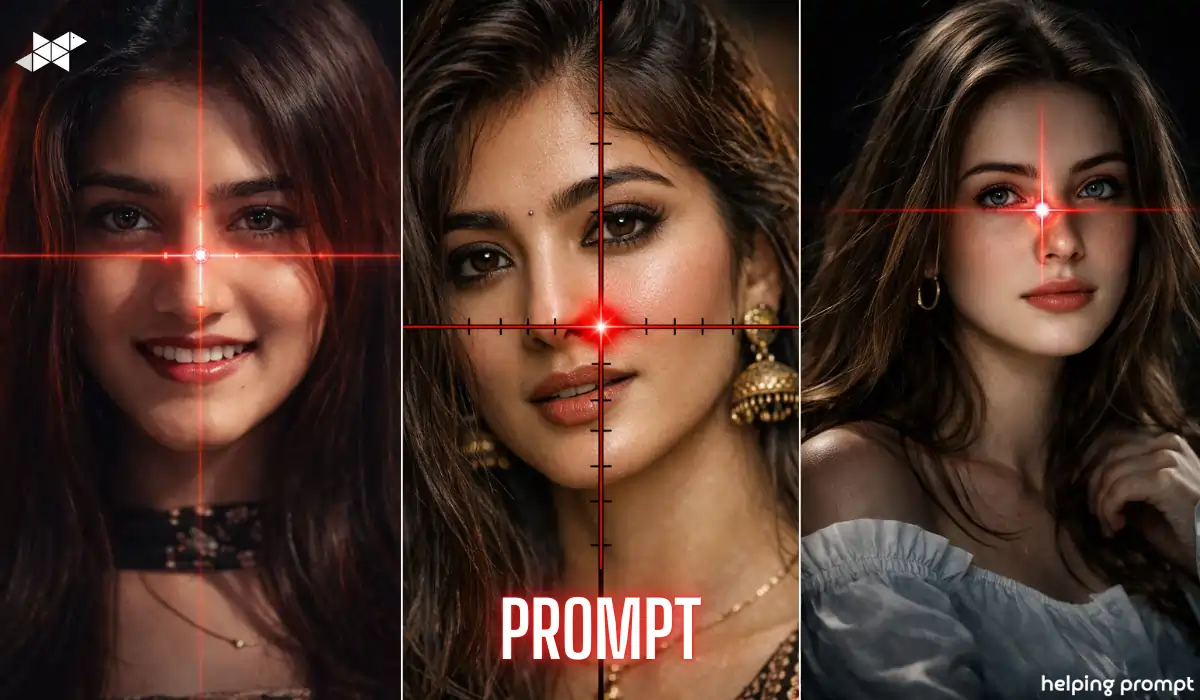
Want your simple selfie to look like a high-end DSLR portrait?
With the right AI prompt, your face can transform into a hyper-detailed 64K cinematic close-up. Tools like Gemini AI and advanced image generators now allow ultra-realistic edits with dramatic lighting, precision focus, and creative overlays like glowing scope effects. However, the secret isn’t the tool – it’s the prompt.
Here’s how to do it right.
How to Create a 64K Ultra-Realistic Cinematic Portrait
High-resolution AI portraits are trending because they look bold, sharp, and almost movie-like. However, random prompts give average results. You need clarity, lighting control, and framing precision.
A 64K-style DSLR portrait focuses on:
- Ultra-detailed skin texture
- Sharp focus on eyes
- Dramatic lighting contrast
- Cinematic color grading
- Clean background separation
Moreover, adding elements like a glowing red crosshair creates a powerful visual focal point. It instantly grabs attention on Instagram and WhatsApp.
From an editing perspective, always ensure:
- The face remains natural
- Lighting looks believable
- Effects enhance, not overpower
That’s where smart prompting makes all the difference.
Ultra-Cinematic Sniper Scope Portrait:
Prompt:
“Transform this image into a 64K DSLR-quality ultra-hyperrealistic cinematic close-up portrait of the same woman in the uploaded photo. Frame the composition extremely tight on her face with dramatic sharp focus, high dynamic range, and ultra-detailed skin texture. Add a glowing red sniper scope crosshair overlay centered precisely on the bridge of her nose, with a subtle red laser flare glow at the intersection point. Use dark cinematic background blur, shallow depth of field, high contrast lighting, and intense confident facial expression.”
Why this works:
It defines framing, lighting, detail level, and effect placement clearly.
Best Use Case:
Instagram profile photo, cinematic reel cover, bold WhatsApp DP.
Hyper-Real HDR Red Scope Close-Up:
Prompt:
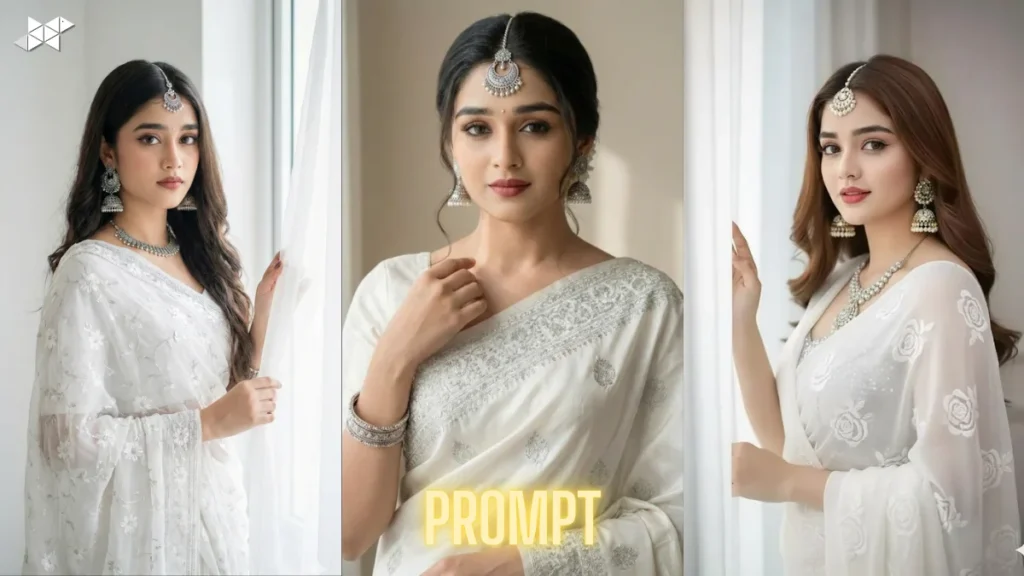
“Using the uploaded face image, create a 64K ultra-HD DSLR hyperreal portrait with extreme facial clarity and dramatic cinematic lighting. Crop tightly around the face, ensuring the glowing red sniper scope crosshair aligns perfectly at the nose bridge. Add subtle lens flare and glowing red laser lines with soft bloom effect. Background must be dark and blurred with professional shallow depth of field. Enhance eye sharpness, realistic skin tone, and high contrast color grading for a movie-poster look.”
Why this works:
It balances realism with stylized visual drama.
Best Use Case:
Snapchat spotlight, YouTube thumbnail, story highlight cover.
Dark Thriller Movie Poster Style:
Prompt:
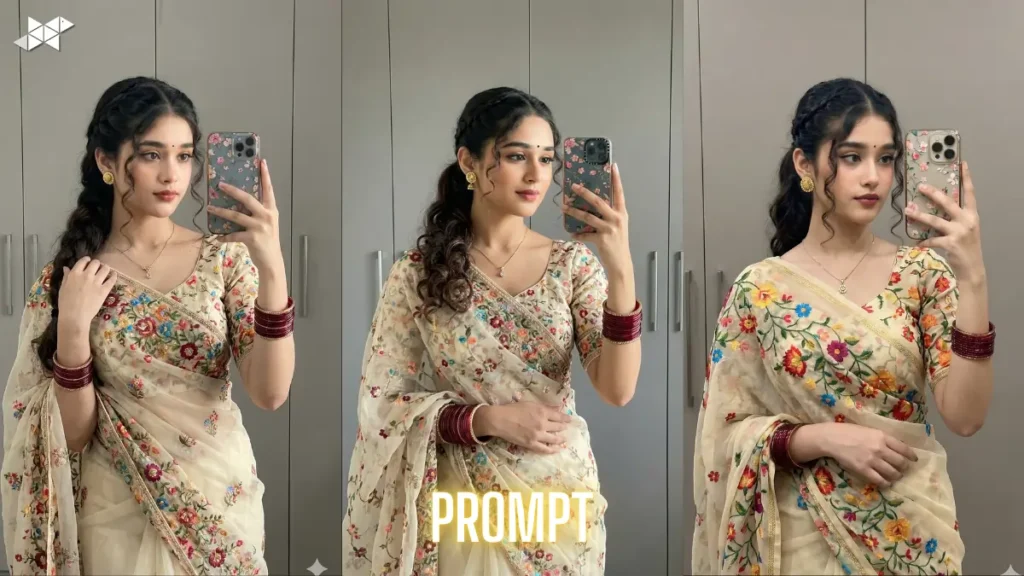
“Convert the uploaded image into an ultra-detailed 64K cinematic thriller-style close-up portrait. Maintain the exact facial structure and identity. Use high-end DSLR texture sharpness with ultra-real skin detailing and intense eye focus. Overlay a glowing red sniper crosshair centered precisely on the nose bridge with realistic laser glow and light flare. Apply dramatic shadow lighting from one side, deep black background, shallow depth of field, and bold cinematic color grading to create a suspenseful movie poster effect.”
Why this works:
It emphasizes mood, shadow, and realism without distorting identity.
Best Use Case:
Instagram posts, cinematic edits, portfolio-style portraits.
Quick Tips for Sharper AI Results
- Use a high-resolution original selfie for better detailing.
- Face the light source slightly for natural shadows.
- Keep expression confident but subtle.
- Avoid cluttered backgrounds before uploading.
- Additionally, mention “maintain exact face identity” in prompts.
Small refinements improve realism significantly.
Conclusion
A strong AI prompt turns a normal selfie into a cinematic masterpiece.
With precise instructions and balanced effects, your 64K portrait can truly stand out.
FAQs
1. Can I create a 64K portrait from a normal selfie?
Yes, but use a clear, high-resolution image for best results.
2. Will the AI change my original face features?
Not if you mention “maintain exact face identity” in the prompt.
3. Which platform is best for using these prompts?
Gemini AI and advanced image generators work best.







Leave a Reply