
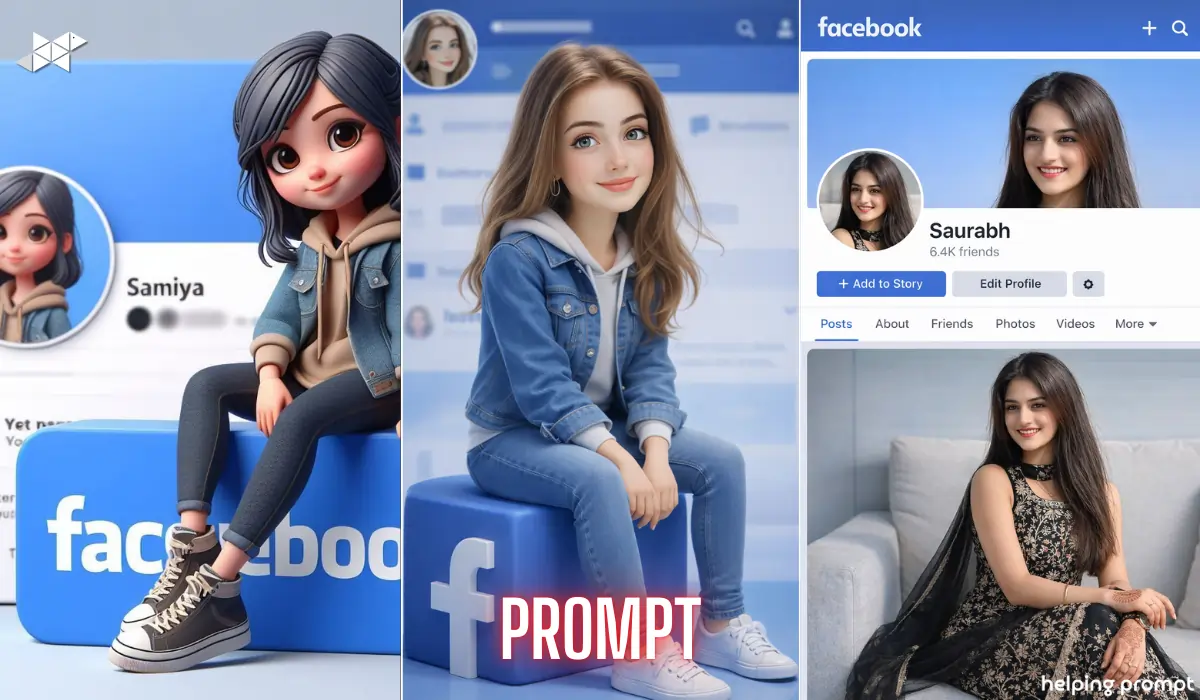
What if your simple Facebook-themed image could look like a professional studio portrait?
Many creators struggle to turn cartoon-style designs into realistic photos without losing layout details.
With the right AI prompt in ChatGPT or advanced image tools, you can keep the exact Facebook layout and transform the character into a fully photorealistic version of yourself. Here’s how to do it properly – without ruining the original composition.
Convert a Facebook-Themed Image
When editing a structured design like a Facebook-themed background, precision matters.
You are not redesigning the frame. Instead, you are replacing only the character.
That means:
- The blue Facebook background stays identical
- The profile layout remains untouched
- The “Samiya” name placement stays exactly the same
- The Facebook logo block positioning remains unchanged
- Lighting, shadows, camera angle, and composition must match perfectly
The only change?
Replace the cartoon female character sitting on the Facebook logo with a 100% photorealistic male version of Saurabh from the real uploaded photo.
1. Studio-Accurate Replacement Prompt for male
Prompt in Quote:
“Use the uploaded Facebook-themed image as the exact reference, keeping the identical blue Facebook background, profile layout, ‘Samiya’ name placement, circular profile photo position, Facebook logo block, lighting, shadows, camera angle and full composition unchanged. Replace only the cartoon female character sitting on the Facebook logo with a 100% photorealistic ultra-detailed male version of Saurabh from the uploaded real photo in the exact same sitting pose, matching legs position, relaxed hands, posture, real facial structure, beard, skin tone, hair texture, body proportions and natural fabric clothing adapted to a male body. Update the circular profile photo to his realistic close-up. No stylization, no extra effects, pure studio-quality photorealism. Generate one final image.”
Explanation:
Maintains every layout detail while replacing only the character with realistic precision.
Best Use Case:
Facebook profile photo, branding page, personal DP.
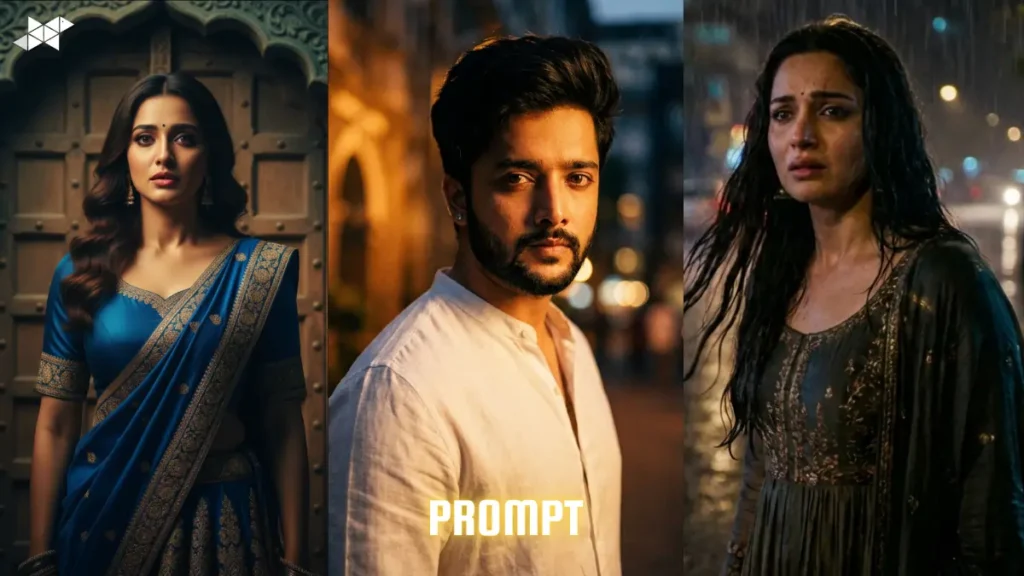
2. Ultra-Real Face Precision Prompt
Prompt in Quote:
Use the uploaded selfie as the exact facial reference. Create a high-quality 3D cartoon-style character sitting on a blue Facebook logo block. Keep the body in cute Pixar-style / 3D animated proportions, but keep the face 85–90% realistic based on the uploaded selfie. Match exact face shape, skin tone, natural smile, eyebrows, eye shape, nose structure, and lip shape from the selfie. Maintain realistic skin texture while slightly smoothing for a semi-cartoon finish.
Outfit: casual trendy clothes (hoodie + denim jacket + fitted jeans + sneakers).
Pose: sitting casually on the Facebook logo block with relaxed posture and legs slightly forward.Background: blurred Facebook profile interface with blue theme.
Lighting: soft studio lighting, smooth shadows, vibrant but natural colors.
Update circular profile picture with matching realistic-cartoon headshot.
No heavy filters. No face distortion. No random face changes. Keep identity accurate.
Explanation:
Focuses more deeply on facial accuracy and texture realism.
Best Use Case:
Instagram DP, WhatsApp profile, portfolio profile image.
3. Perfect Lighting Match Prompt for girls
Prompt in Quote:
“Use the uploaded Facebook-themed image as a strict reference. Preserve the exact blue Facebook background, profile UI layout, text placement, logo block alignment, shadows, lighting intensity, and camera angle. Replace only the seated cartoon female figure with a 100% photorealistic ultra-detailed female version of Saurabh from the uploaded real image. Keep the same sitting pose with legs positioned similarly and hands resting naturally. Match realistic skin tone, natural facial structure, detailed hair texture, subtle feminine features, and authentic female clothing folds. Update the circular profile photo with a realistic close-up of the same female version. No color grading changes, no stylization, studio-level realism only.”
Explanation:
Ensures lighting consistency and avoids tone mismatch.
Best Use Case:
Snapchat story image, Facebook cover post, social preview image.
QUICK TIPS FOR BETTER RESULTS
- Use a high-resolution real reference photo for accurate facial mapping.
- Make sure lighting in the real photo matches the Facebook frame direction.
- Avoid strong expressions – neutral or slight smile works best.
- Ensure beard and hair are clearly visible in the reference image.
- Always specify “no stylization” to prevent cartoon-like output.

Conclusion
Transforming a Facebook-themed image into a realistic studio portrait is about precision, not redesign.
Keep the layout untouched, refine only the character, and demand strict photorealism for best results.
FAQs
Q1: Can AI change only one element?
Yes, if you clearly instruct it to preserve the full layout.
Q2: Why does AI change backgrounds?
Because prompts are not specific about preserving composition.
Q3: Is photorealism guaranteed?
Only when detailed facial and lighting instructions are provided.







Leave a Reply