
Introduction
Want to see yourself as a Jujutsu Kaisen character without losing your real face?
Right now, AI tools like ChatGPT and image generators can transform a normal photo into an ultra-realistic anime-inspired scene. However, the trick is using the right prompt. If you want to convert a man into Megumi Fushiguro with Gojo, Yuji, Todo, Yuta, Panda, and Maki in the background – this guide gives you copy-paste prompts that actually work.
How to Convert a Man Into Megumi-Style 4K Scene:
Creating this kind of image is not just about mentioning character names. Instead, you must control:
- Face preservation
- Pose transformation
- Background theme
- Lighting realism
- Character placement
- 4K ultra-detailed texture
Megumi’s look means sharp spiky hair, calm intense eyes, dark uniform, and a composed stance. Meanwhile, the team standing behind adds depth and drama.
What Makes This Prompt Powerful?
- It keeps the original face 100% unchanged
- It changes only hairstyle, outfit, and pose
- It creates a cinematic Jujutsu Kaisen atmosphere
- It adds full team members in background naturally
- It enhances lighting for ultra-real 4K results
That’s how you move from a basic edit to a Google Discover-worthy visual.
1) Standing Hero Pose Prompt:
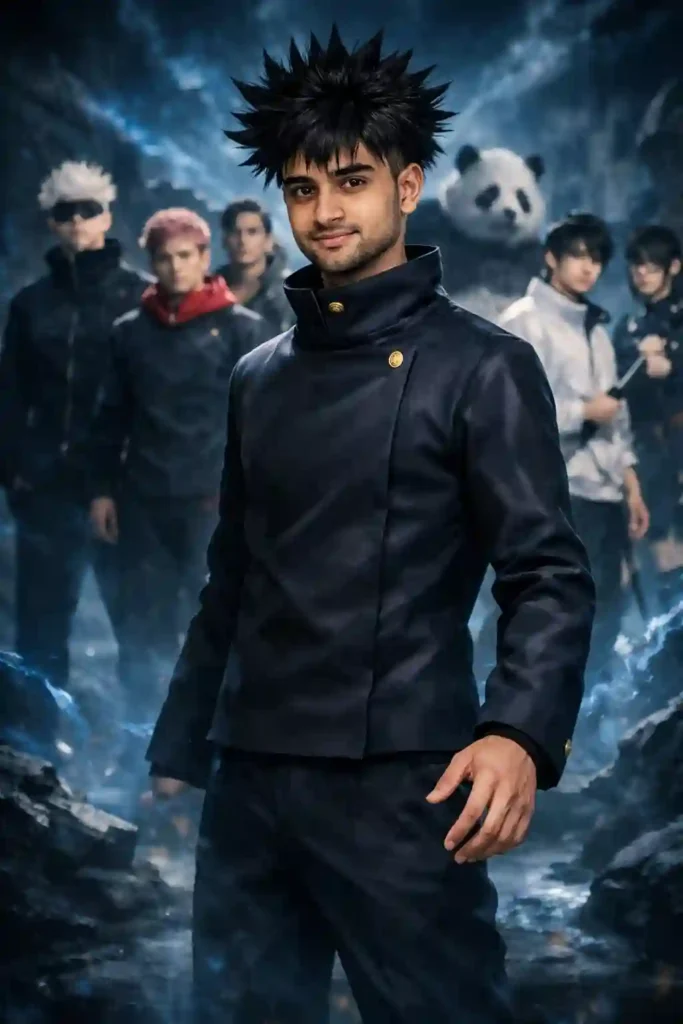
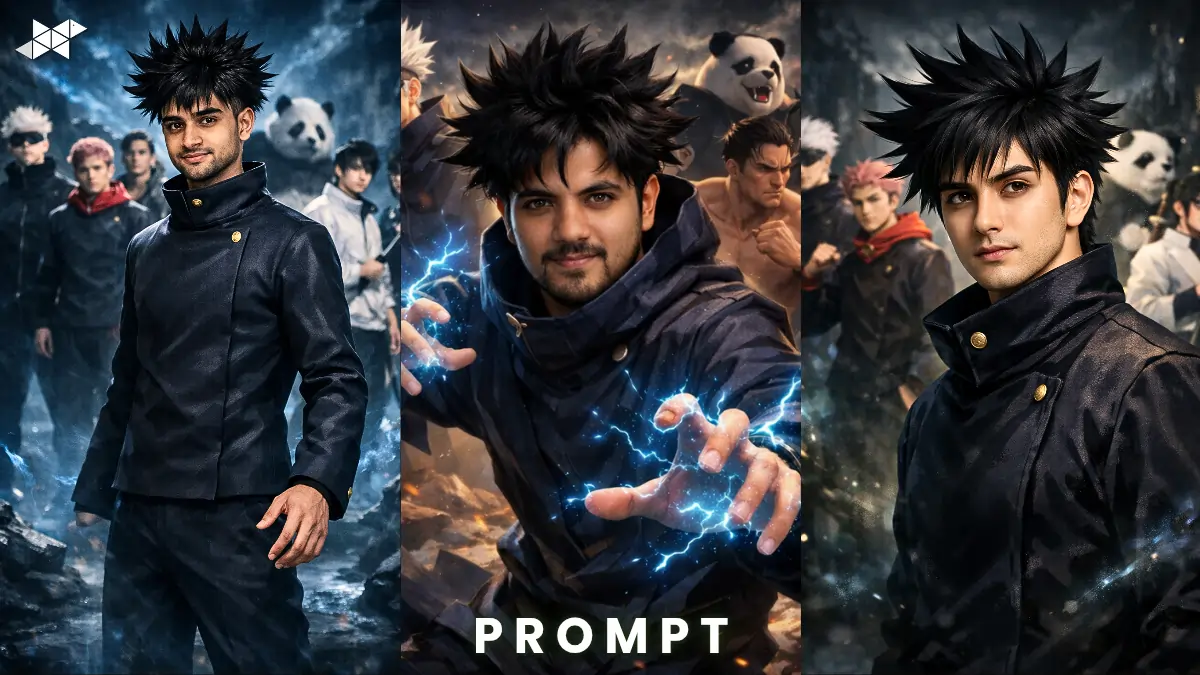
Prompt:
“Use the uploaded image as the base reference and keep the man’s face 100% identical with no facial changes. Transform his hairstyle into Megumi Fushiguro’s sharp spiky black hair while preserving his exact facial structure, skin tone, and expression. Change his outfit into a dark Jujutsu Kaisen uniform. Adjust the pose into a confident standing hero stance with one hand slightly forward. In the background, place Gojo Satoru, Yuji Itadori, Todo, Yuta, Panda, Maki, and the full JJK team standing slightly blurred for depth. Replace the background with a dark blue cursed-energy Jujutsu Kaisen theme environment. Ultra-realistic 4K, cinematic lighting, sharp details, realistic shadows, dramatic atmosphere.”
Why it works:
Creates a powerful main-character look with team depth.
Best use: Instagram DP, WhatsApp profile, poster-style portrait.
2) Action Battle Pose Prompt:
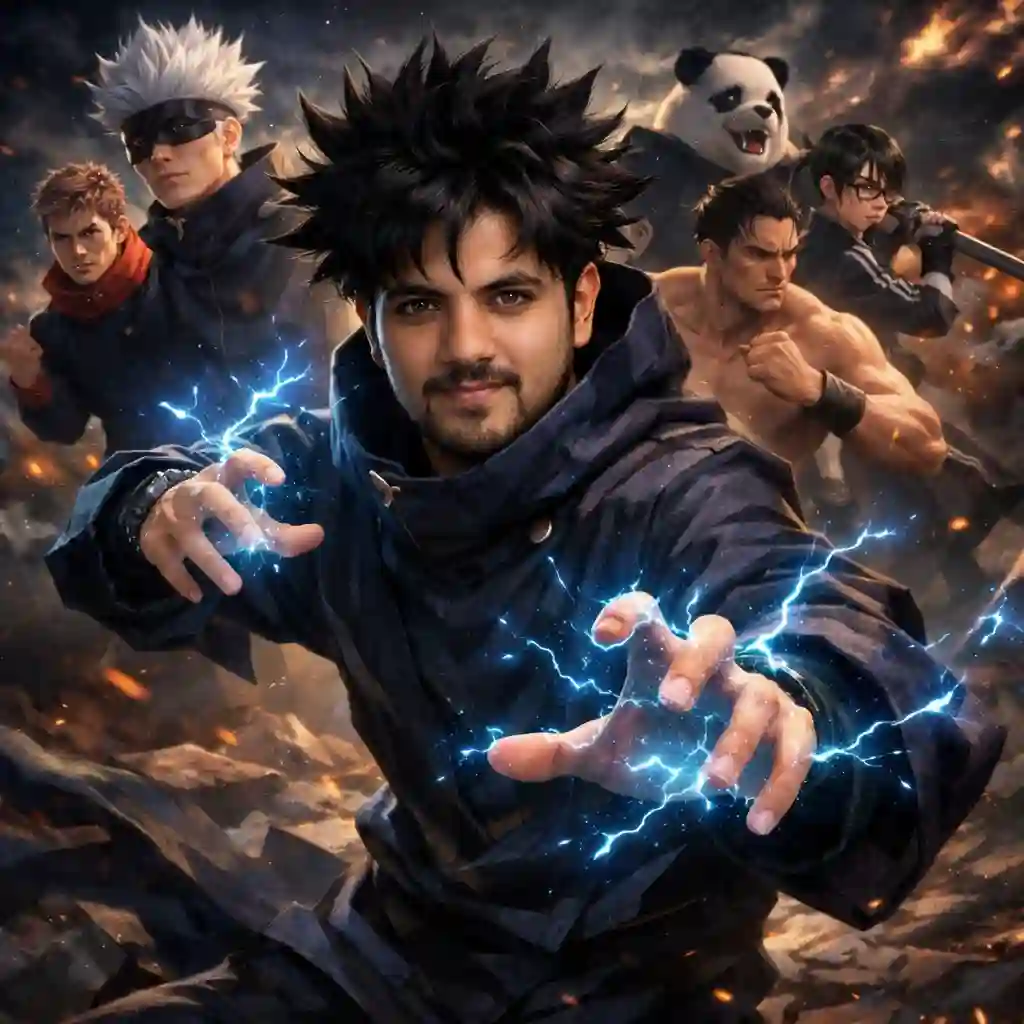
Prompt:
“Keep the uploaded man’s face exactly the same with 100% facial accuracy and realistic skin texture. Convert him into Megumi Fushiguro with spiky black hair and Jujutsu Kaisen uniform. Change his pose into a dynamic action stance as if summoning cursed energy, with natural body motion and flowing fabric details. Add glowing blue cursed energy effects around his hands. In the background, include Gojo, Yuji, Todo, Yuta, Panda, and Maki standing behind in battle-ready poses. Transform the background into a dramatic Jujutsu Kaisen battlefield with dark sky and glowing energy effects. Ultra-realistic, 4K resolution, cinematic depth of field, realistic lighting and shadows.”
Why it works:
Adds movement and cinematic intensity.
Best use: Snapchat story, reel thumbnail, gaming DP.
3) Calm Anime Cinematic Close-Up Prompt:
Prompt:
“Use the uploaded image and preserve the man’s face exactly as it is with perfect identity accuracy. Transform only the hairstyle into Megumi Fushiguro’s spiky hair and dress him in a Jujutsu Kaisen uniform. Keep a calm, serious expression and change the pose into a slightly angled cinematic close-up. In the background, place Gojo, Yuji, Todo, Yuta, Panda, and Maki standing confidently, slightly blurred to create depth. Replace the setting with a dark mystical Jujutsu Kaisen themed environment with subtle cursed energy glow. Ultra-realistic 4K detail, sharp textures, cinematic lighting, soft depth of field, professional anime-real fusion style.”
Why it works:
Perfect balance of realism and anime vibe.
Best use: Profile photo, WhatsApp status, aesthetic DP.
Quick Tips for Better Results
- Use high-quality photos – Clear face, front angle works best.
- Avoid heavy shadows – Good lighting improves face preservation.
- Neutral expression works better – than exaggerated smiles.
- Don’t crop the head too tightly – AI needs hair area space.
- Mention “100% facial accuracy” clearly – to avoid identity distortion.
Also, if results look too animated, add “photorealistic skin texture” in your prompt.
Conclusion
Turning a real photo into a Megumi-style 4K scene is all about prompt precision.
Use the structured prompts above, adjust lighting details if needed, and you’ll get cleaner, sharper, and more realistic results.
FAQs
1. Face change hoga?
Nahi, prompt me 100% face same mention karein.
2. 4K kaise milega?
Prompt me “Ultra-realistic 4K resolution” add karein.
3. Kaunsa tool best?
Advanced AI image generators with face reference support.







Leave a Reply