
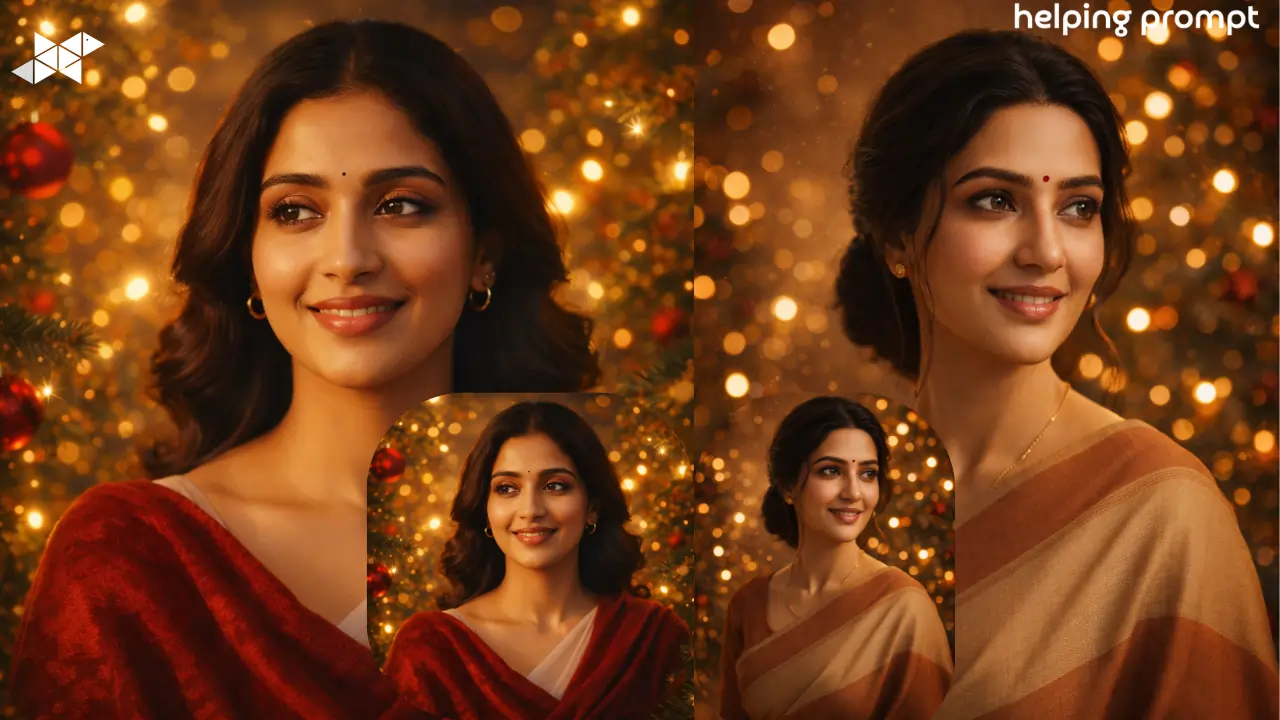
Holiday photos are more than memories – they become gifts, profile pictures, and little emotional time capsules.
With the right AI prompt, even a simple mobile photo can feel like a studio-grade festive portrait.
This guide shows exactly how to get that warm, polished holiday look without sounding like a tech manual.
1) Prompt – Soft Golden Glow Holiday Look
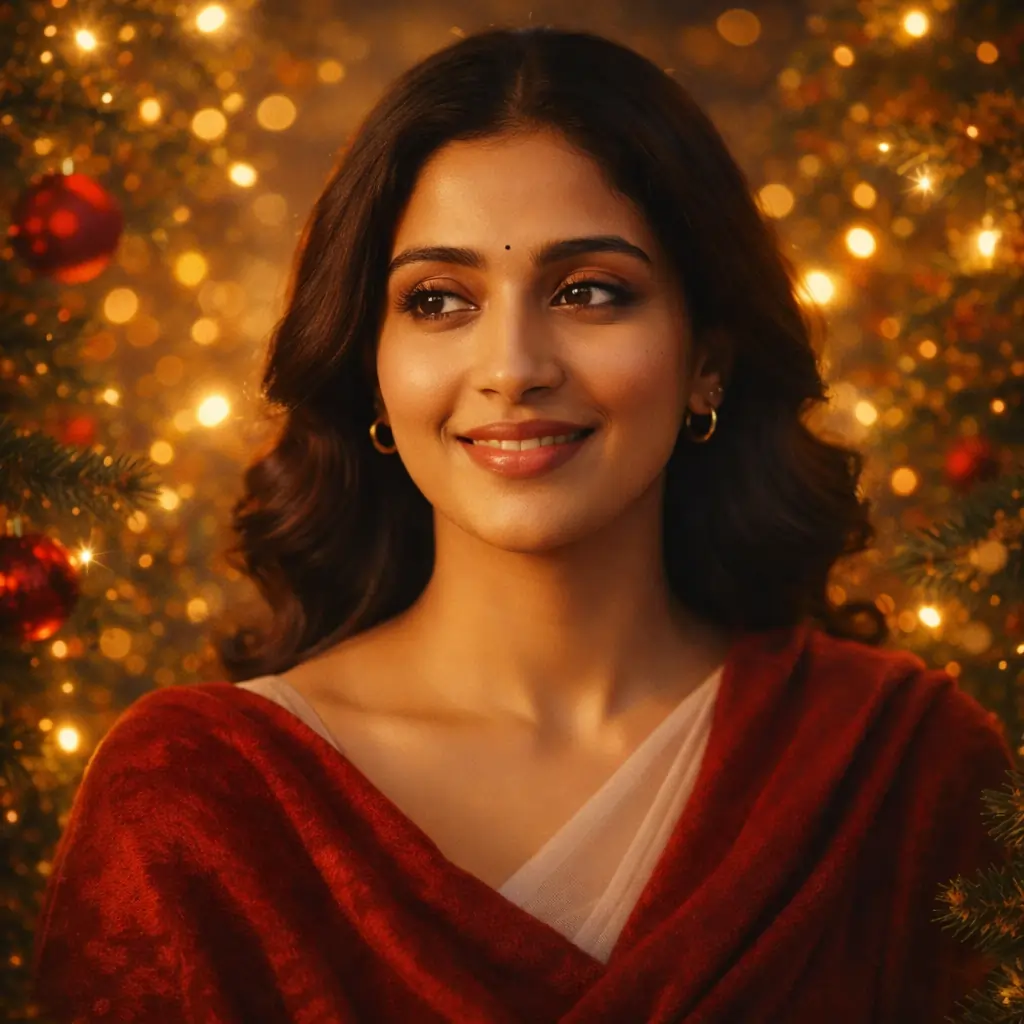
"Transform the uploaded photo into a warm, polished Holiday portrait. Keep the person's REAL face, skin tone, expression, and features exactly the same. Restyle them in soft holiday lighting with gentle golden highlights. Surround them with festive elements like evergreen branches, warm twinkle lights, and a subtle bokeh glow. Add rich reds, forest greens, and cozy textures reminiscent of classic holiday cards. The final image should feel elegant, warm, and timeless - not cartoonish."
2) Prompt – Cozy Indoor Festive Atmosphere

"Transform the uploaded photo into a warm holiday portrait with soft golden lighting, natural skin texture, gentle background blur, subtle festive sparkle in the air, cozy color tones, and a professional studio photography feel. Keep facial features realistic and enhance eyes with soft catchlights. Avoid over-smoothing or plastic skin.
"







Leave a Reply