
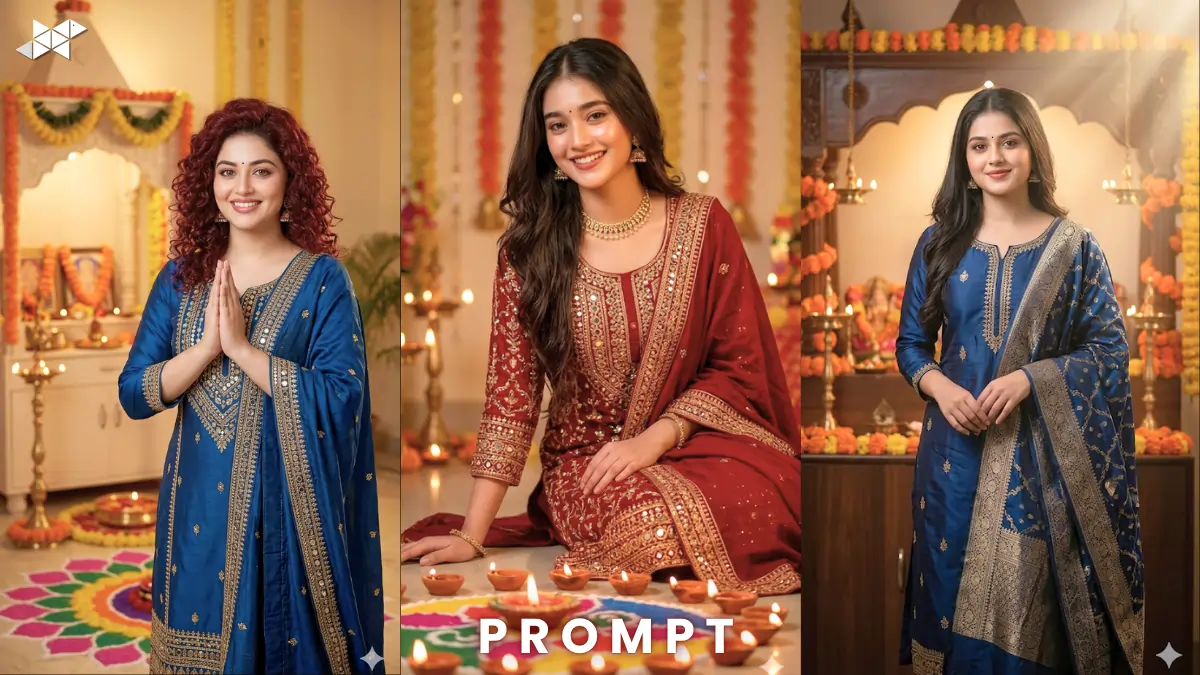
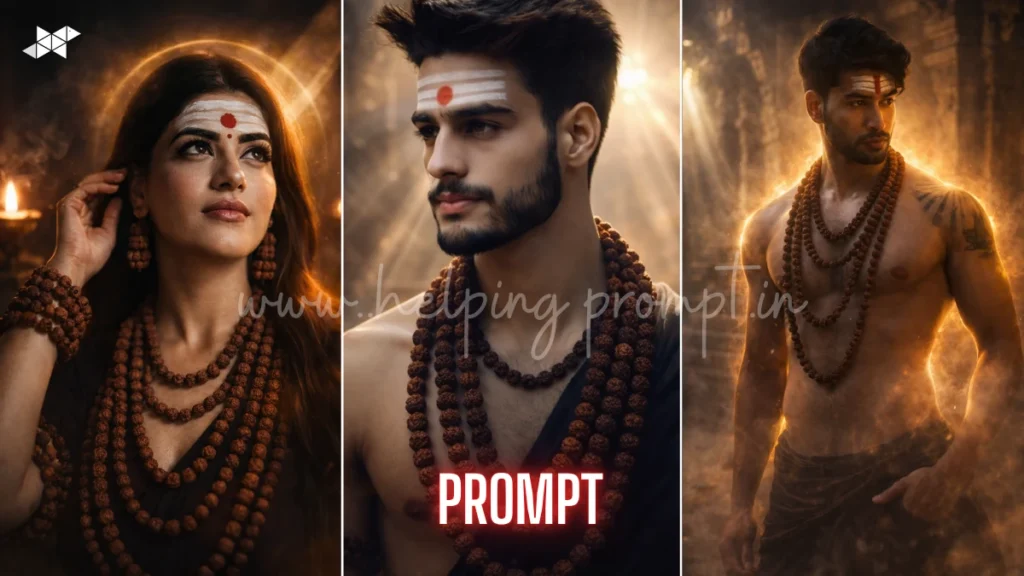
AI portraits are trending everywhere right now. From Instagram reels to festival posts, hyper-real visuals dominate attention. This Navratri AI portrait prompt lets you transform a simple selfie into divine festive art. With tools like ChatGPT, Midjourney, Gemini, Leonardo AI, DALL·E, Ideogram AI, and Krea AI, creating festival-ready portraits is now effortless. Just upload your selfie. Apply the prompt. Watch yourself become a glowing Navratri icon. Perfect for WhatsApp DP, reels, or festive posts.
Copy & Paste Selfie with Navratri AI Portrait Prompt
Navratri AI Portrait Prompt
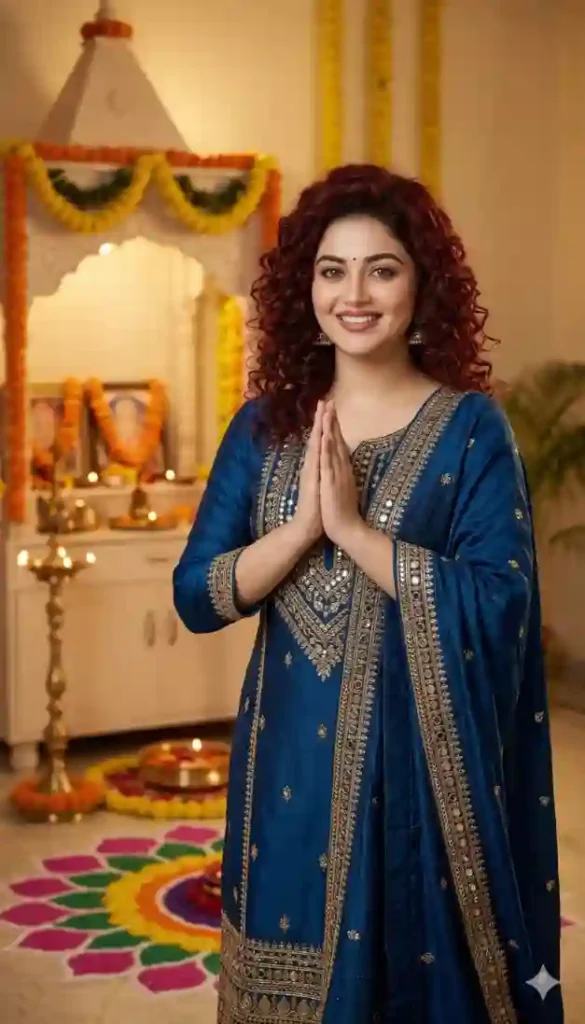
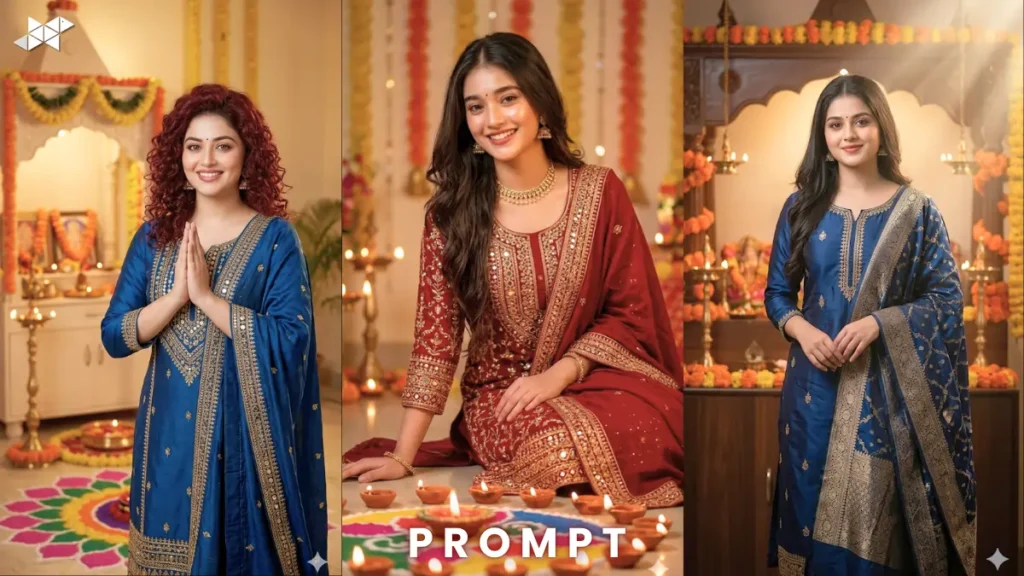
"Ultra-realistic Navratri festive portrait, same person as reference image, wearing elegant traditional kurta with dupatta, standing near beautifully decorated home temple, glowing diyas and vibrant rangoli, soft warm golden lighting, calm and peaceful smile, shallow depth of field, 85mm portrait lens, ultra detailed skin texture, natural glow, cinematic composition, festive ambiance, 8K HDR quality, sharp facial focus, identity preserved"
Cinematic Navratri Home Temple Portrait
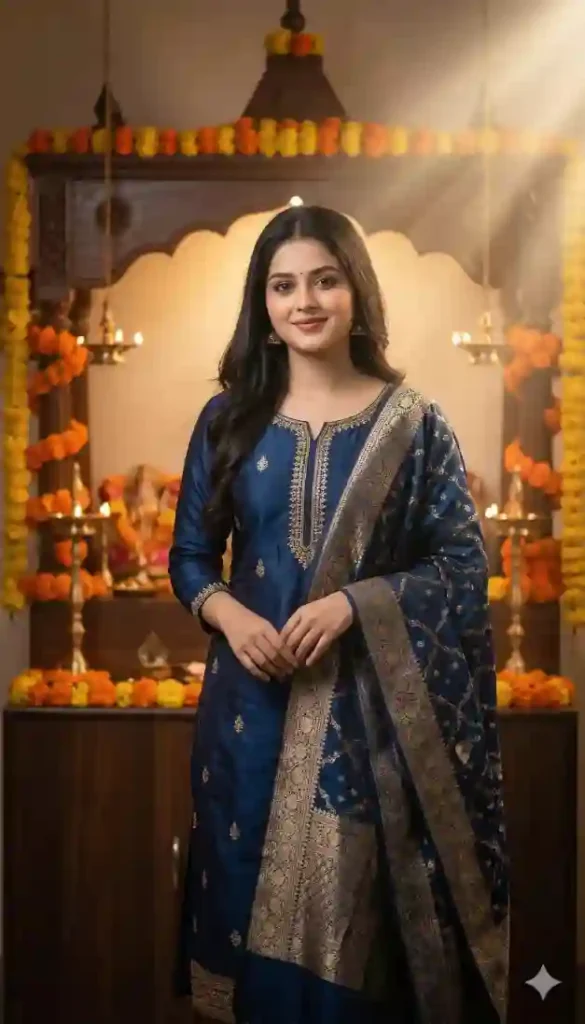
"Highly cinematic Navratri AI portrait prompt, same subject in traditional ethnic kurta with silk dupatta, standing beside home mandir decorated with marigold flowers and oil lamps, dramatic soft lighting with warm highlights, volumetric light rays, 50mm lens, shallow depth of field, ultra realistic textures, divine calm mood, 4K HDR, rich festive colors, detailed face, sharp focus, identity preserved"
Divine Glow Navratri Portrait
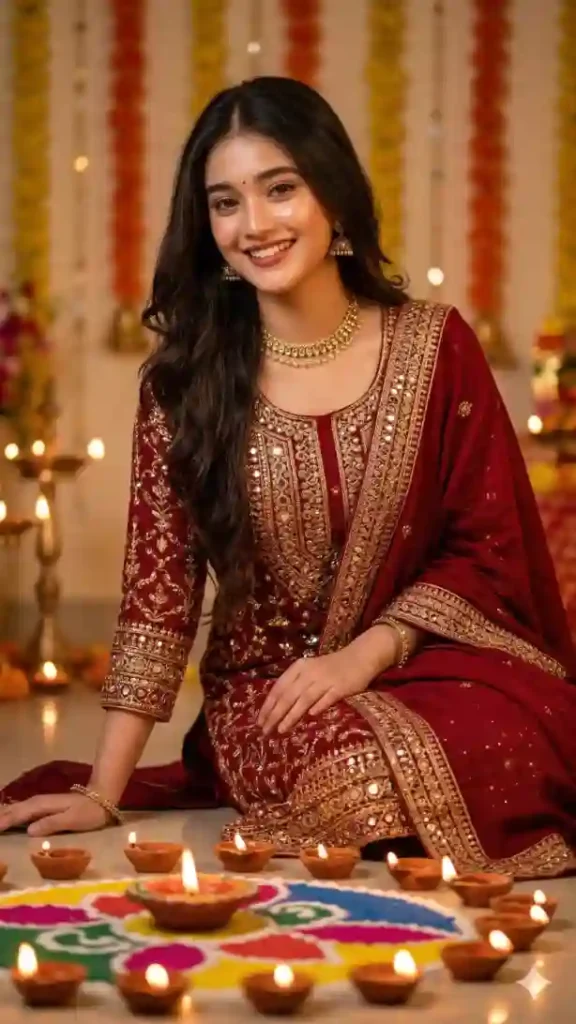
"Hyper-realistic Navratri AI portrait prompt, same person wearing festive kurta with intricate embroidery and dupatta, surrounded by diyas and rangoli patterns, soft cinematic lighting with golden tones, 85mm lens, creamy bokeh background, ultra sharp facial detailing, glowing skin effect, depth of field, 8K ultra HD, realistic fabric textures, spiritual festive vibe, identity preserved"
How To Selfie with Navratri AI Portrait Prompt Guide:
- How to create Navratri AI portrait prompt image?
Upload your selfie and paste the Navratri AI portrait prompt into any AI tool.
- How to get realistic results using Navratri AI portrait prompt?
Use high-quality images and include lighting and lens details in Navratri AI portrait prompt.
- How to make Navratri AI portrait prompt more cinematic?
Add keywords like cinematic lighting, depth of field, and 85mm lens in Navratri AI portrait prompt.
Quick Settings Guide
- Aspect Ratio: 1:1 (DP perfect) or 4:5 (Instagram)
- Stylize: Medium (50–100)
- Quality: High / 4K–8K
- Negative Prompts: blur, low quality, distorted face, extra fingers, bad lighting
Pro Tips
- Use clean, front-facing selfie for best facial accuracy
- Add “identity preserved” for realistic results
- Slight smile enhances festive vibe naturally
FAQs
A Navratri AI portrait prompt transforms your selfie into festive AI-generated images with realistic details.
Tools like Midjourney, DALL·E, and Leonardo AI work best for Navratri AI portrait prompt.
Yes, just upload a selfie and paste the Navratri AI portrait prompt.
Conclusion
Turn your selfie into festive magic. Experiment with lighting and mood styles. Create your perfect Navratri AI identity today.

Leave a Reply