
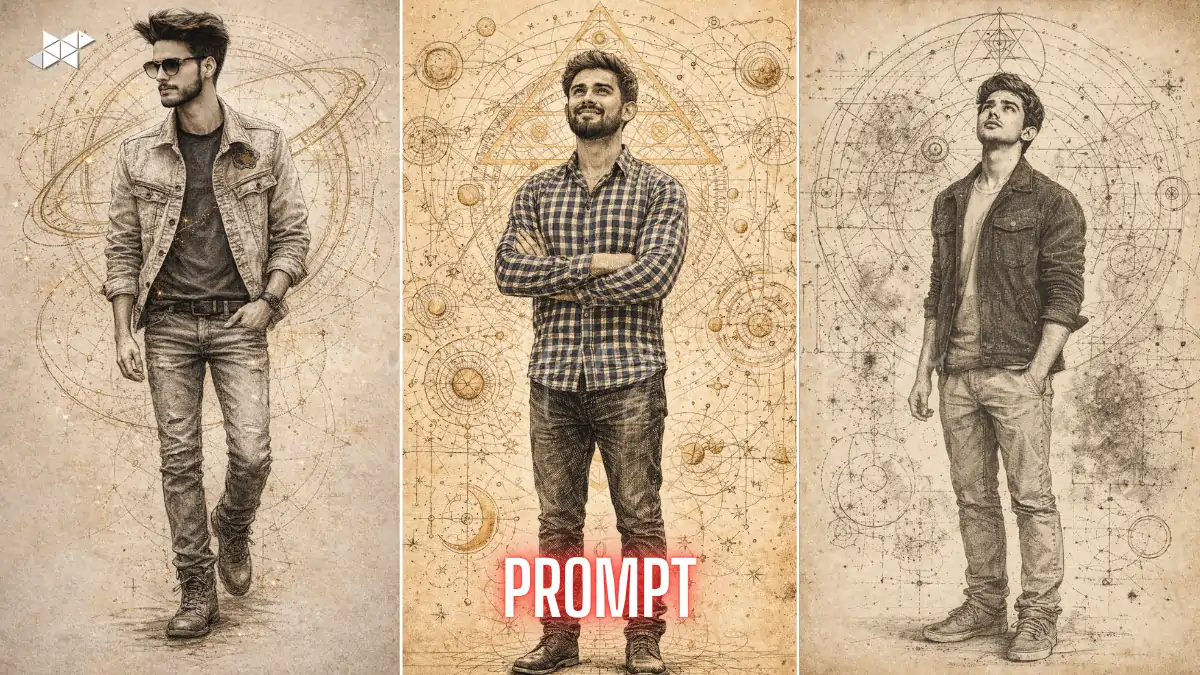
AI sketch portraits are dominating creative trends in 2026.
Artists now want precision, depth, and realistic ink detailing.
This technical ink sketch AI portrait prompt delivers unmatched results instantly.
Use tools like Midjourney, Leonardo AI, and Stable Diffusion with this technical ink sketch AI portrait prompts.
Technical Ink Sketch AI Portrait Prompt
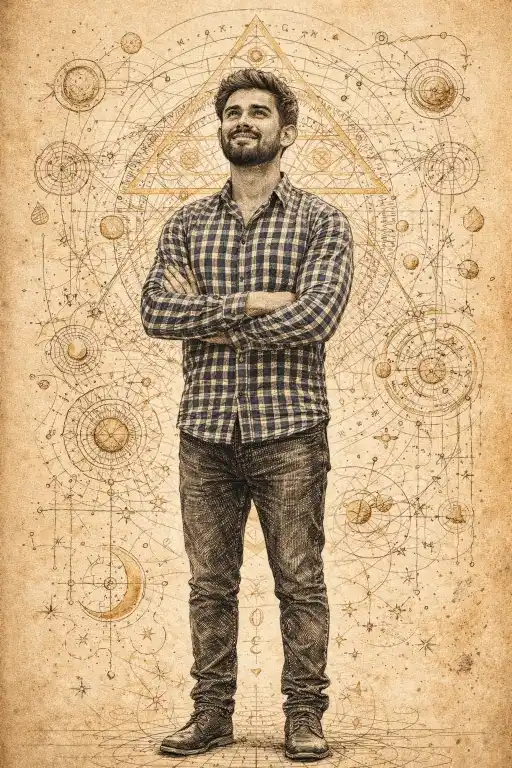
"Create a hyper-detailed full-body portrait using a reference image with 100% exact facial identity, preserving skin texture and bone structure. Subject looks slightly upward with a hopeful expression. Render in technical ink sketch style with fine crosshatching, dynamic line shading, messy natural hair strokes, golden sacred geometry elements, celestial diagrams, parchment background, HDR, 8K, Follow Trending Updates, Future Applicable, Follow Real Study Data"
Cinematic Ink Sketch AI Portrait Prompt
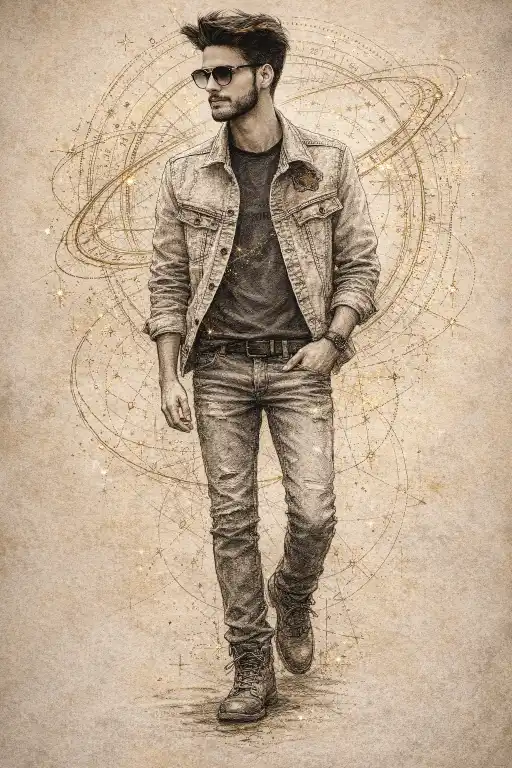
"Generate a full-body technical ink sketch portrait maintaining exact face match from the reference. Use precise anatomical proportions, intricate crosshatching, and flowing ink lines for hair. Add celestial rings, constellation patterns, and mathematical overlays in gold tones. Soft diffused lighting, minimal parchment background, sharp focus, cinematic 85mm lens, ultra-detailed 8K, Follow Trending Updates, Future Applicable, Follow Real Study Data"
Sacred Geometry Ink Portrait Prompt
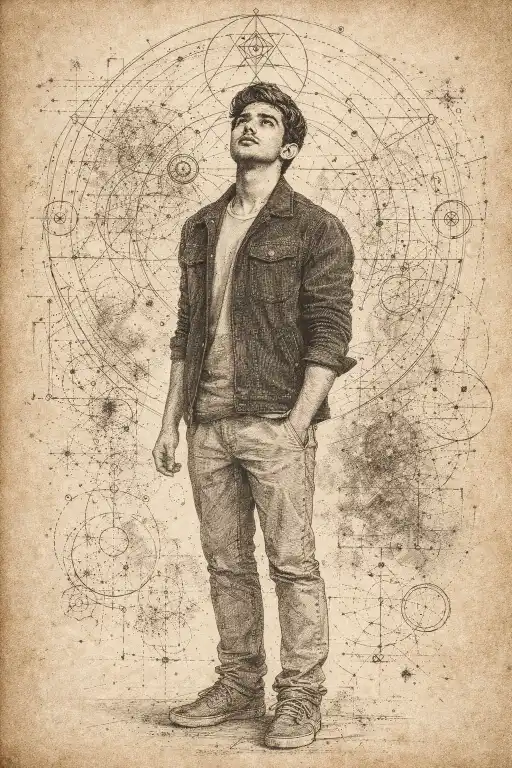
"Produce an ultra-realistic technical ink sketch full-body portrait with perfect facial accuracy from a reference image. Subject gazes upward with introspective emotion. Use detailed linework, crosshatching depth, and realistic proportions. Surround with sacred geometry, circular diagrams, and cosmic schematic overlays. Aged paper texture, HDR lighting, shallow depth, professional illustration, Follow Trending Updates, Future Applicable, Follow Real Study Data"
How To
Time needed: 1 minute
- How to write a technical ink sketch AI portrait prompts?
Combine face accuracy, ink style, lighting, and composition into one structured prompt.
- How to get realistic results in technical ink sketch AI portrait prompts?
Use HDR, 8K quality, and fine line shading keywords.
- How to make AI portraits look hand-drawn?
Add crosshatching, ink strokes, and sketch detailing in your prompt.
Quick Settings Guide
- Model: Midjourney v6 / Leonardo AI
- Style: technical ink sketch AI portrait prompts
- Detail: Crosshatching + line shading
- Lens: 85mm cinematic
- Lighting: Soft diffused
- Output: 8K, HDR
Pro Tips
- Use high-quality reference images for sharp face accuracy
- Add “fine linework” and “crosshatching depth” for realism
- Keep background minimal for clean ink focus
Conclusion
The rise of AI-generated art has made precision-based styles like ink sketches more valuable than ever. With a well-crafted technical ink sketch AI portrait prompts, you can achieve stunning results that combine artistic depth with scientific accuracy. Moreover, the fusion of crosshatching, anatomical detailing, and sacred geometry creates a visually striking composition that stands out across platforms.
As you experiment, try adjusting line intensity, lighting softness, and composition balance to refine your results. Over time, your prompts will evolve into powerful creative tools. So start generating, test variations, and build your own signature AI art style that captures both realism and imagination.
FAQs
It is a prompt designed to create detailed ink-style portraits with precise linework and realism.
Use detailed keywords like crosshatching, anatomical precision, and exact face match.
Midjourney and Leonardo AI are best for high-detail ink sketch outputs.



Leave a Reply