
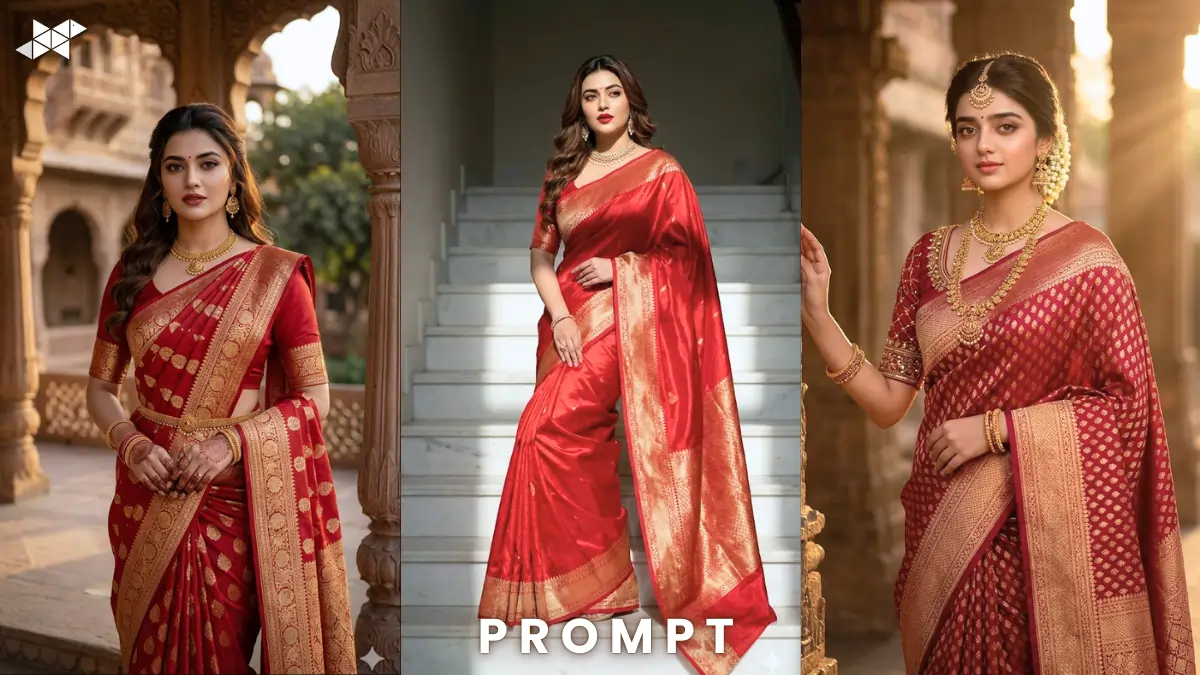
Banarasi fashion is trending again across Instagram and AI art platforms. Creators now generate stunning saree portraits using AI tools. This Red Banarasi Silk Saree AI Prompt helps create ultra-realistic visuals instantly. Works perfectly with Gemini, Midjourney, and ChatGPT image generators.
Cinematic AI Prompts for Banarasi Saree Portraits
Royal Banarasi Saree Portrait (Traditional Look)
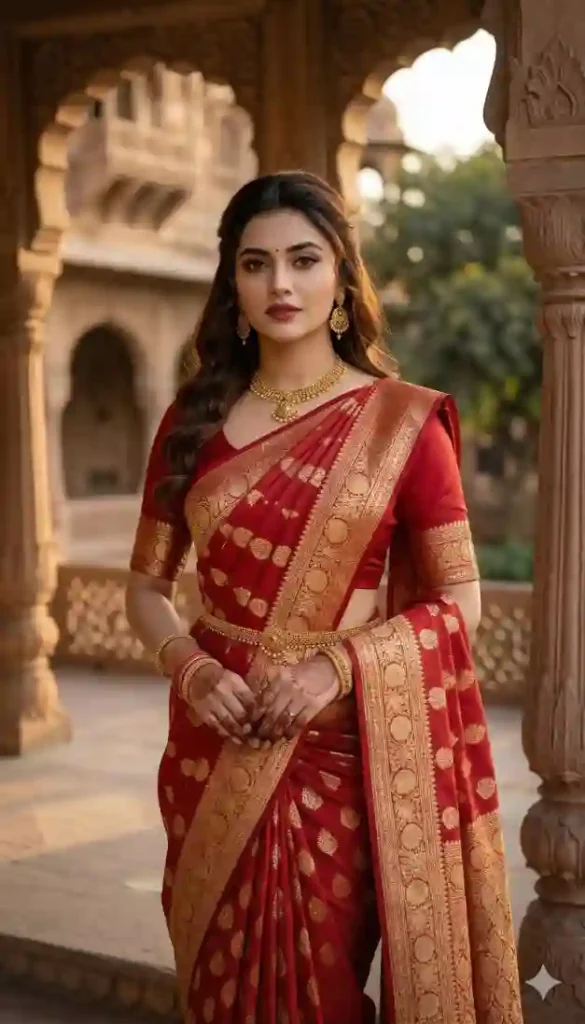
"Ultra-realistic portrait of an elegant Indian woman wearing an elegant red Banarasi silk saree with heavy golden zari border and matching blouse, standing in a historic palace courtyard, soft sunset lighting, royal mood, cinematic composition, 85mm portrait lens, shallow depth of field, intricate silk texture details, glowing jewelry reflections, photorealistic skin texture, dramatic shadows, ultra detailed fabric folds, 8K resolution, highly cinematic atmosphere."
Bridal Banarasi Saree Photography (Wedding Style)
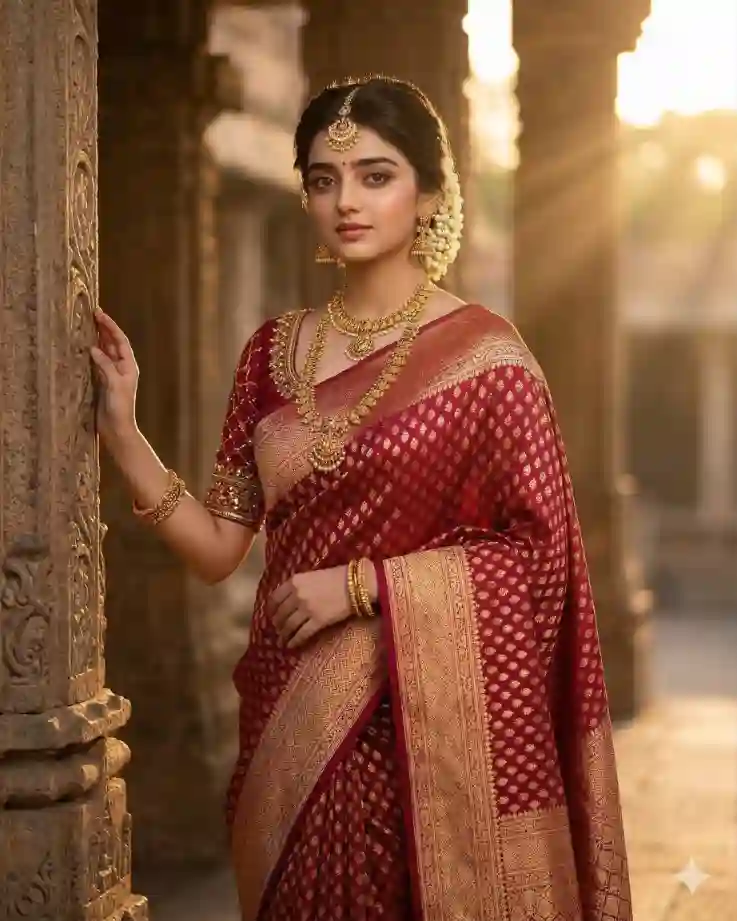
"Indian bridal model wearing a deep crimson Banarasi silk saree with rich golden zari border, ornate gold jewelry, matching blouse, posing gracefully near temple architecture, warm golden lighting, cinematic bridal mood, professional fashion photography, 50mm lens, soft depth of field, ultra-detailed silk weave texture, glowing skin tones, luxurious cultural aesthetic, studio quality realism, volumetric light rays, 8K hyper-realistic image."
Banarasi Saree Fashion Editorial (Modern Pose)
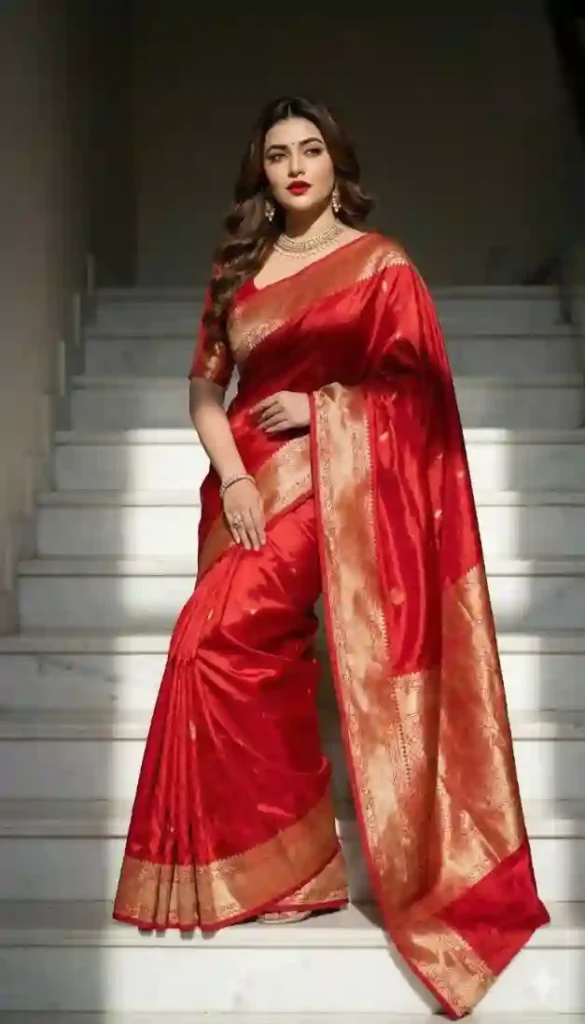
"Fashion editorial portrait of a confident Indian woman wearing a luxurious red Banarasi silk saree with heavy golden zari border, stylish pose on marble stairs, dramatic studio lighting mixed with natural sunlight, cinematic fashion mood, 35mm lens perspective, sharp focus on fabric texture, elegant movement in saree pleats, ultra realistic skin tones, glossy silk reflections, professional fashion photography style, ultra detailed 4K realism."

How To Create Red Banarasi Silk Saree AI Image Guide:
- How to create Banarasi saree AI images?
Paste the Red Banarasi Silk Saree AI Prompt into Midjourney or Gemini and generate images.
- How to make Banarasi saree images more realistic?
Add lens details, lighting effects, and fabric textures in the Red Banarasi Silk Saree AI Prompt.
- How to create viral saree AI portraits?
Use cinematic lighting and luxury backgrounds inside the Red Banarasi Silk Saree AI Prompt.


Quick Settings Guide
- Aspect Ratio: 4:5 or 3:4
- Stylize Level: Medium (250–400)
- Quality: High / 4K–8K
- Negative Prompts: blur, extra arms, bad anatomy, distorted face, low quality
Pro Tips
- Use soft golden lighting to highlight zari embroidery.
- Add palace or temple backgrounds for cultural authenticity.
- Use 85mm portrait lens prompts for cinematic depth.
FAQs
A Red Banarasi Silk Saree AI Prompt is a detailed text instruction used to generate realistic saree images with AI.
Midjourney, Gemini, and ChatGPT image tools work best with a Red Banarasi Silk Saree AI Prompt.
Yes. Beginners simply copy the prompt and paste it into an AI image generator.
Conclusion
AI makes luxury fashion visuals incredibly easy to create. Try these prompts and customize poses, lighting, and colors. Experiment today and create your own viral Banarasi saree AI images.







Leave a Reply