
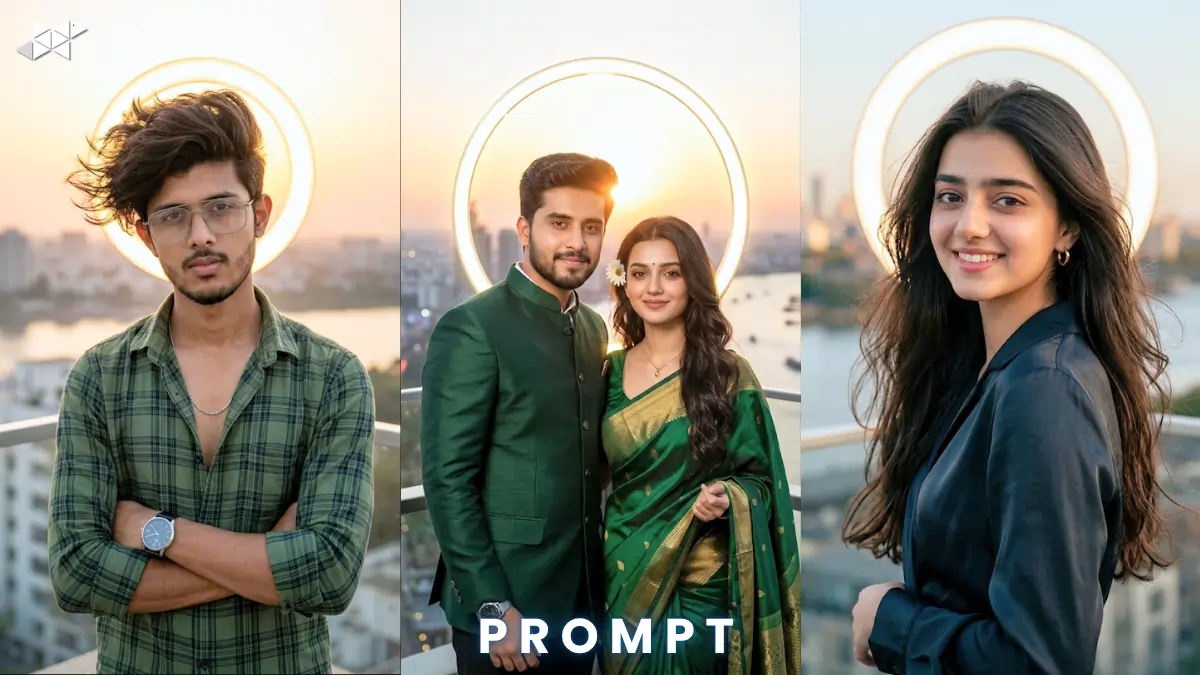
Want scroll-stopping visuals in seconds? This trend is exploding. Creators now use ChatGPT, Midjourney, and Gemini daily. This golden hour rooftop portrait prompt delivers cinematic magic fast. It blends style, light, and realism for viral-quality images.
Copy & Paste Golden Hour Rooftop Portrait Prompt
Male Concept Prompt
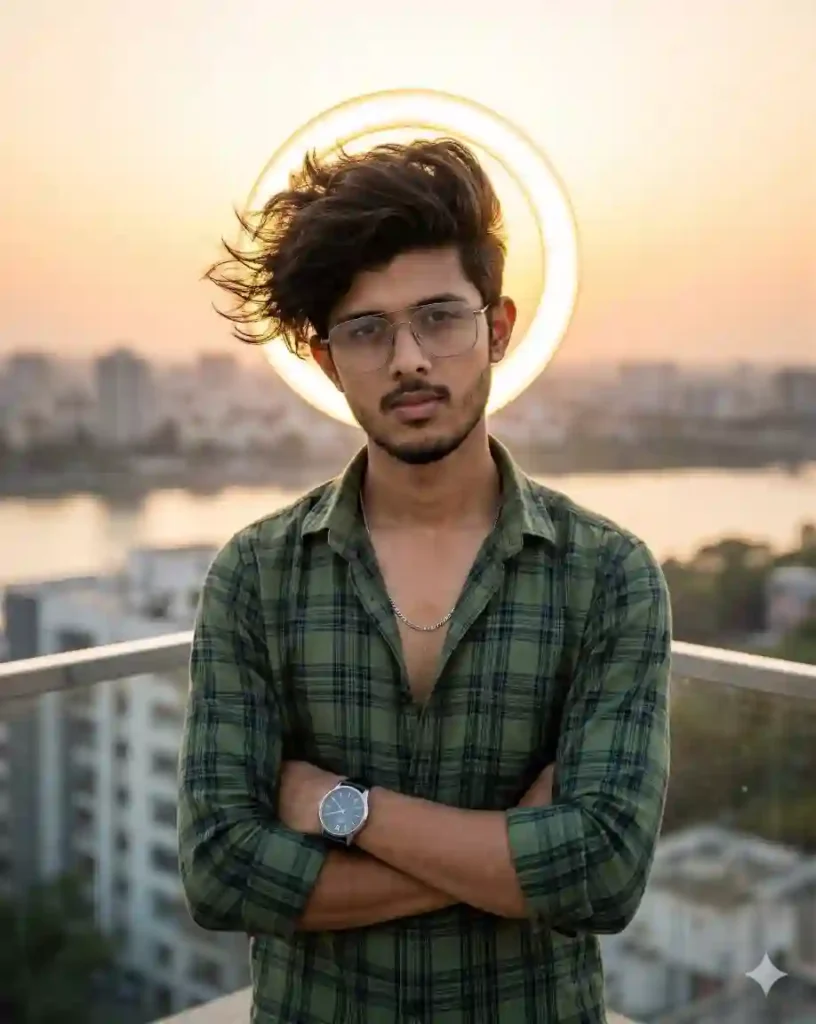
Ultra detailed cinematic portrait of a stylish young Indian man standing on a modern rooftop balcony during golden hour sunset, arms crossed confidently, wearing a green plaid shirt with open buttons, silver chain, modern wristwatch, well-groomed beard, voluminous wind-blown hair, glowing halo light ring behind head, warm golden sunlight on face, city skyline and river background, soft depth of field, realistic skin texture, sharp focus, 85mm lens, f/1.8 aperture, HDR lighting, 8K resolution, natural shadows, cinematic mood
Female Concept Prompt
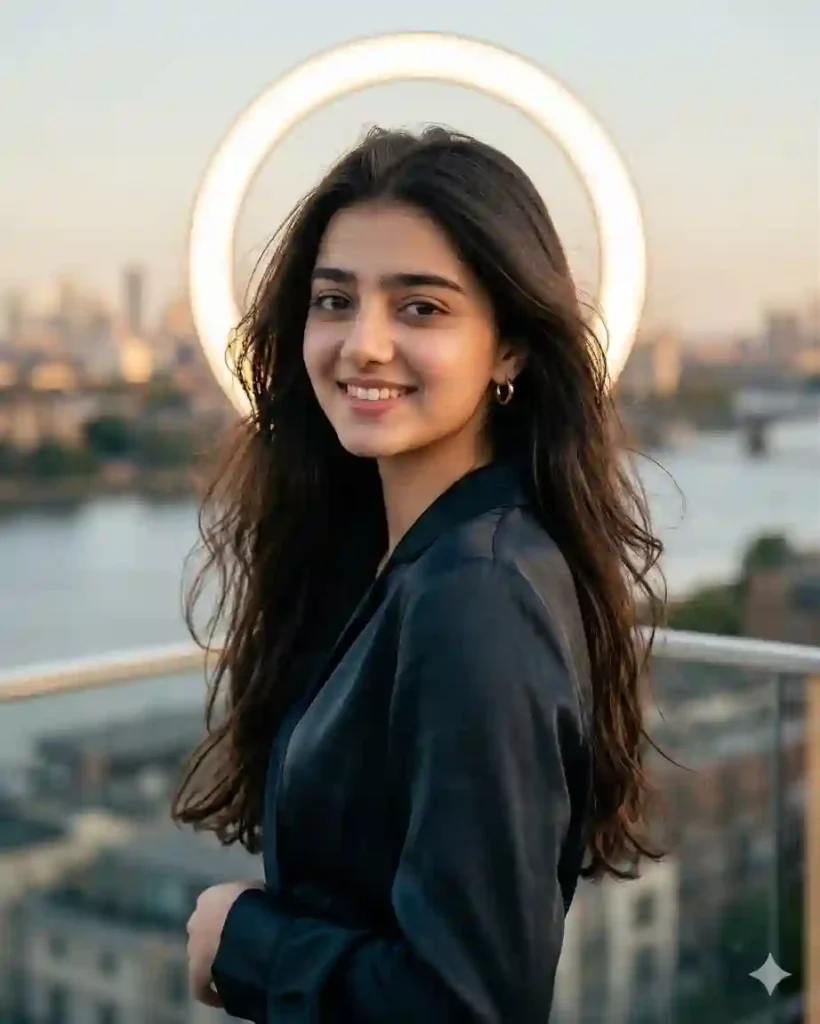
Ultra detailed cinematic portrait of a stylish young Indian woman on a rooftop balcony at golden hour, confident pose, flowing hair in soft wind, elegant outfit with subtle jewelry, glowing halo light ring behind head, warm golden sunlight illuminating face, city skyline and river background, shallow depth of field, soft bokeh, ultra realistic skin tones, 85mm lens, f/1.8, HDR lighting, cinematic composition, 8K resolution, vibrant textures, dreamy mood
Couple Concept Prompt
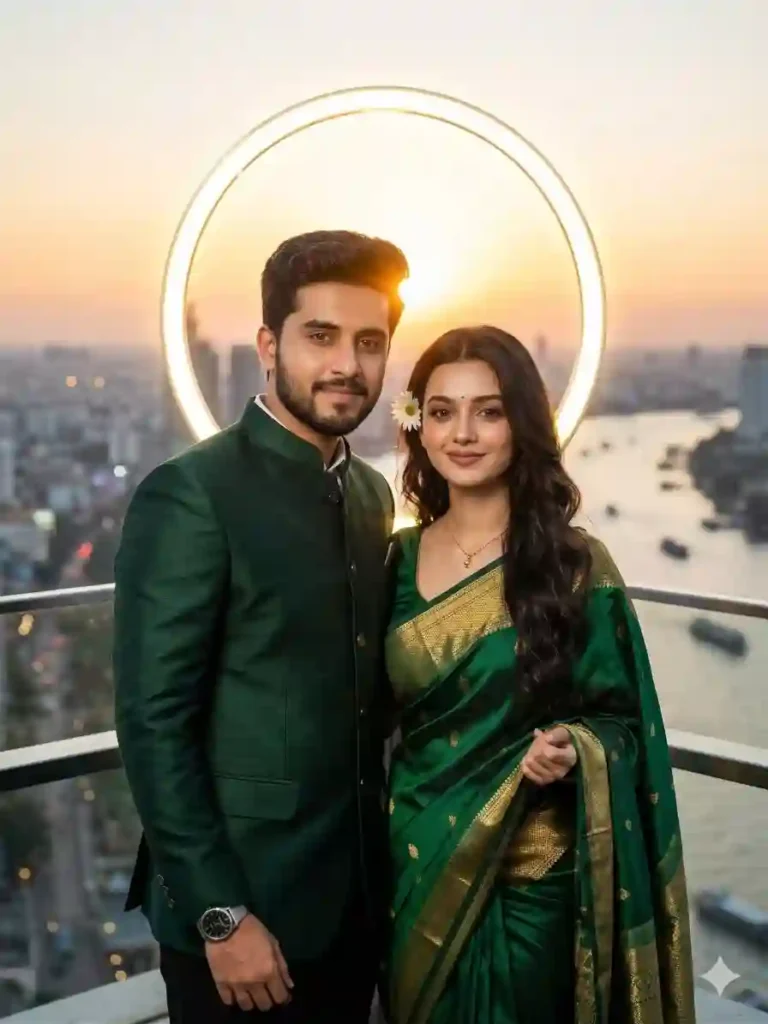
Ultra detailed cinematic portrait of a stylish Indian couple on a modern rooftop balcony duriAng golden hour, standing close with confident expressions, coordinated outfits, subtle jewelry and watches, glowing halo light ring behind them, warm sunset lighting, city skyline and river background, shallow depth of field, soft bokeh, realistic skin texture, 85mm lens, f/1.8 aperture, HDR lighting, cinematic framing, 8K resolution, romantic yet powerful mood
HOW TO USE GOLDEN HOUR ROOFTOP PORTRAIT PROMPT GUIDE:
- Where should I use this prompt?
Use it in Midjourney, Leonardo AI, or Stable Diffusion tools.
- Can I customize outfits or pose?
Yes, replace clothing, pose, or mood details easily.
- How to improve realism?
Add lens, lighting, and texture details for better results
QUICK SETTINGS
- Aspect ratio: 4:5 or 3:4
- Stylize: 250–400
- Quality: High / 2
- Negative prompts: blurry, low quality, distorted face, extra limbs
PRO TIPS
- Use golden hour lighting keywords for warm tones.
- Add lens details like 85mm for depth.
- Always include “realistic skin texture” for better output.
FAQs
Q1: Which AI tool works best?
Midjourney gives strong cinematic output. Others work well too.
Q2: Can beginners use this prompt?
Yes, just copy and paste. No skills needed.
Q3: How to make images viral?
Focus on lighting, emotion, and sharp composition.
CONCLUSION
This prompt helps you create stunning visuals fast. It blends cinematic lighting with modern style perfectly. Try it now and turn your ideas into viral images




Leave a Reply