
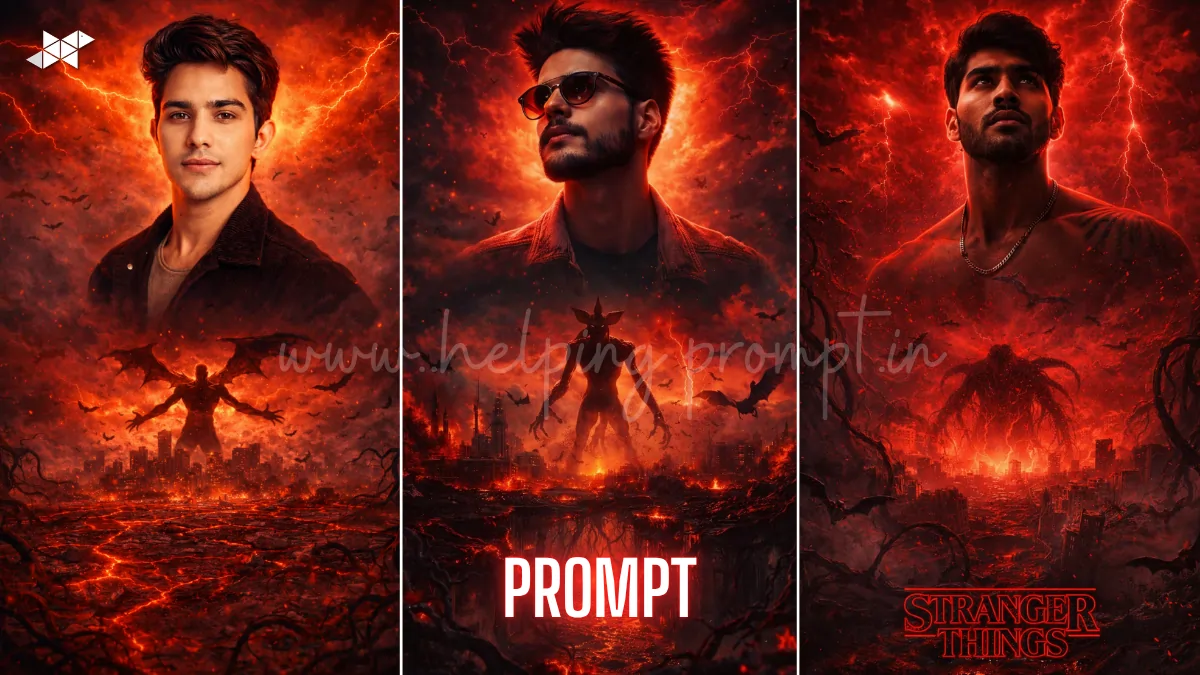
AI posters are exploding on Google Trends right now.
This Stranger Things AI poster prompt lets your selfie become Netflix-level cinematic art.
Creators are using tools like ChatGPT, Midjourney, Gemini, Leonardo AI, DALL·E, Ideogram AI, Krea AI.
Turn your face into a dark, apocalyptic hero in seconds.
Stranger Things AI Poster Prompt
Prompt 1: Cinematic Transformation
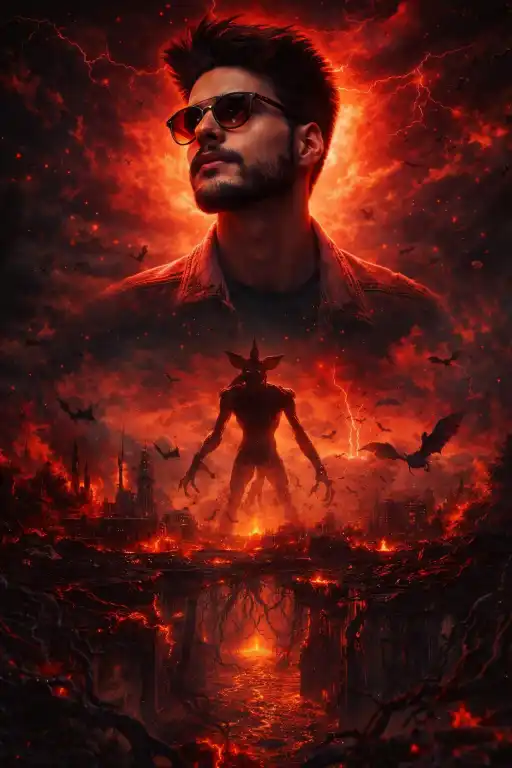
"Highly cinematic Stranger Things-style poster featuring a realistic Indian man from a selfie, placed at the top center, looking slightly upward, dramatic red and orange rim lighting reflecting on face, ultra-realistic skin texture, sharp focus, 85mm lens, shallow depth of field, below a dark Upside Down world with burning city ruins, glowing lava cracks, black tendrils spreading, giant demonic creature with elongated limbs, flying demobats, apocalyptic red sky with lightning, floating debris, volumetric lighting, ultra-detailed textures, 8K resolution, Netflix poster style, dark fantasy mood, high contrast cinematic grading"
2: Dark Fantasy Poster Style
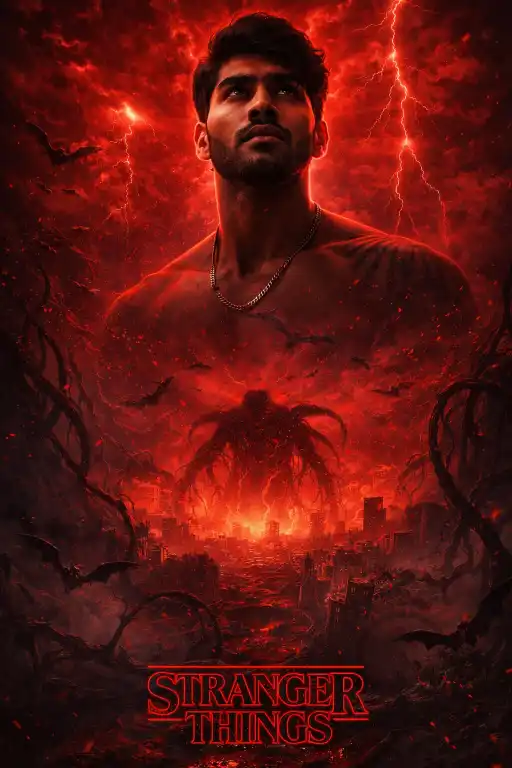
"Ultra-realistic Stranger Things cinematic poster, subject face preserved 99% accuracy from selfie, positioned top center, intense upward gaze, glowing red cinematic lighting, soft shadows, 50mm DSLR lens, deep contrast, below scene shows Upside Down environment with destroyed city, black organic tendrils, lava fissures, massive shadow creature emerging, demobats flying, red storm sky, lightning effects, particles and ash in air, dramatic composition, high detail textures, photorealistic, 4K HDR, cinematic poster aesthetic"
3: Netflix-Level Apocalypse Scene
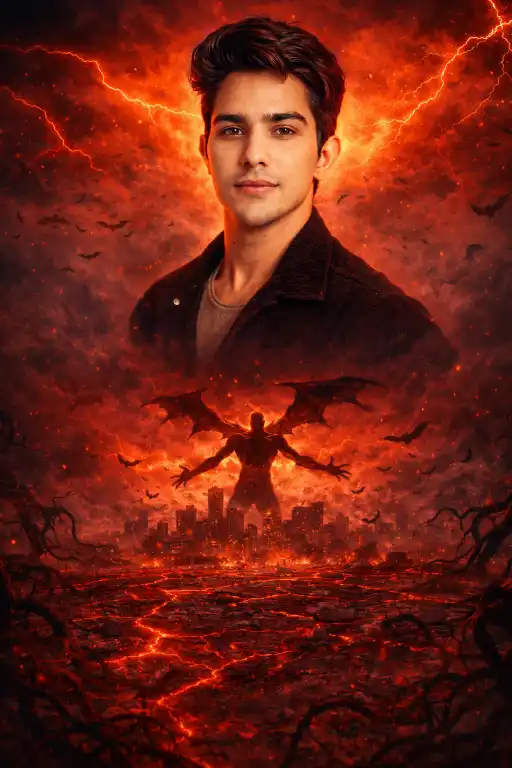
"Hyper-detailed cinematic Stranger Things Season 5 style poster, human face unchanged and realistic, placed top center, glowing red-orange reflections, intense emotion, 35mm lens, depth of field blur background, below an apocalyptic Upside Down city with cracked ground glowing lava, dark vines spreading, giant demon with outstretched limbs, flying demobats swarm, red lightning sky, volumetric fog, ash particles, ultra-HD 8K, cinematic lighting, dark horror fantasy tone, Netflix poster composition"
How To
Time needed: 3 minutes
- How to use Stranger Things AI poster prompts?
Paste the prompt into Midjourney or Leonardo AI with your image.
- How to get realistic results?
Use HD selfies and include lighting, lens, and texture details.
- How to make it viral?
Use strong red lighting, monsters, and cinematic contrast in your prompt.
Quick Settings Guide
• Aspect Ratio: 2:3 (Poster)
• Stylize: 750–1000
• Quality: High / Max
• Negative Prompt: blurry, low detail, distorted face, extra limbs, text errors
Pro Tips
• Use a high-quality selfie for better face accuracy
• Add “face unchanged” or “identity preserved” in prompt
• Increase contrast + shadows for cinematic impact
Conclusion
The Stranger Things AI poster prompt is not just a trend-it’s a viral content weapon.
With the right lighting, composition, and cinematic details, your simple selfie transforms into a Netflix-level masterpiece.
Experiment with different moods, lens styles, and creature intensity to create unique visuals every time.
Don’t just generate images-create scroll-stopping posters that grab attention instantly and boost engagement across platforms.
Start now, refine your prompts, and turn your creativity into viral content.
FAQs
It’s a prompt that transforms your image into a cinematic Upside Down poster style.
Midjourney, Leonardo AI, DALL·E, and Ideogram AI work best.
Yes, add “face unchanged” in the Stranger Things AI poster prompts.




Leave a Reply