
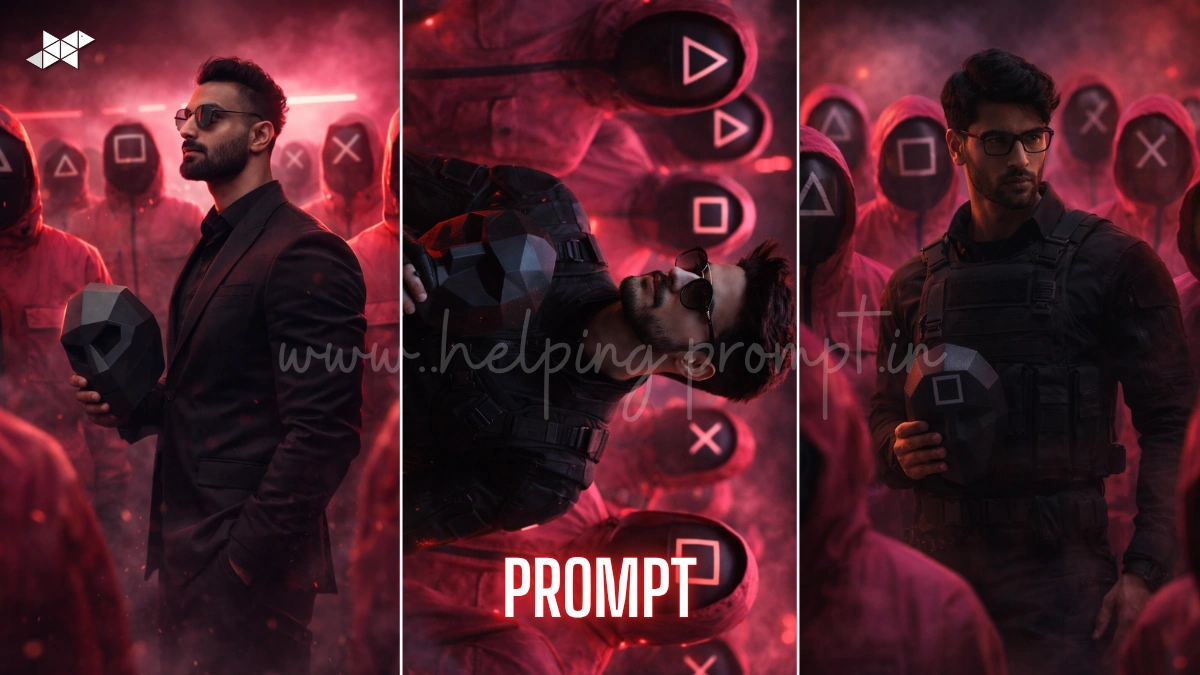
This AI trend is exploding right now 🔥
Create a cinematic Squid Game AI portrait prompts that looks like Netflix-level art
Using tools like ChatGPT, Midjourney, Gemini, Leonardo AI, DALL·E, Ideogram AI, Krea AI.
Turn your photo into a dark cinematic masterpiece in seconds
Cinematic Squid Game AI Portrait Prompt
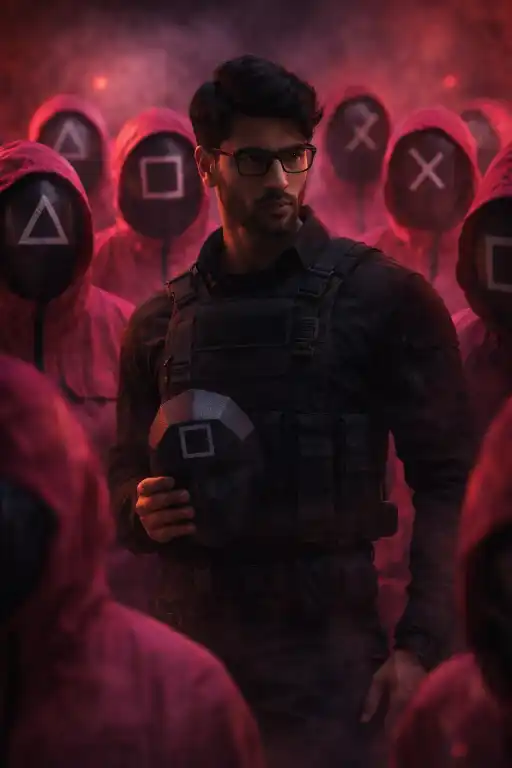
"Highly cinematic portrait of a realistic Indian man based on uploaded photo, wearing square glasses and a dark tactical suit, holding a black hexagonal mask in hand, surrounded by multiple hooded guards in a mysterious formation, guards wearing bright pink jumpsuits inspired by Squid Game, each mask displaying different symbols including triangle, square, and X, random arrangement, dramatic low-key lighting with red and pink neon glow, intense shadows, volumetric fog, ultra-realistic skin texture, 85mm lens, shallow depth of field, hyper-detailed fabric textures, cinematic color grading, dark thriller mood, 8K resolution, sharp focus, high contrast, film grain"
Ultra-Realistic Squid Game Leader Scene Prompt
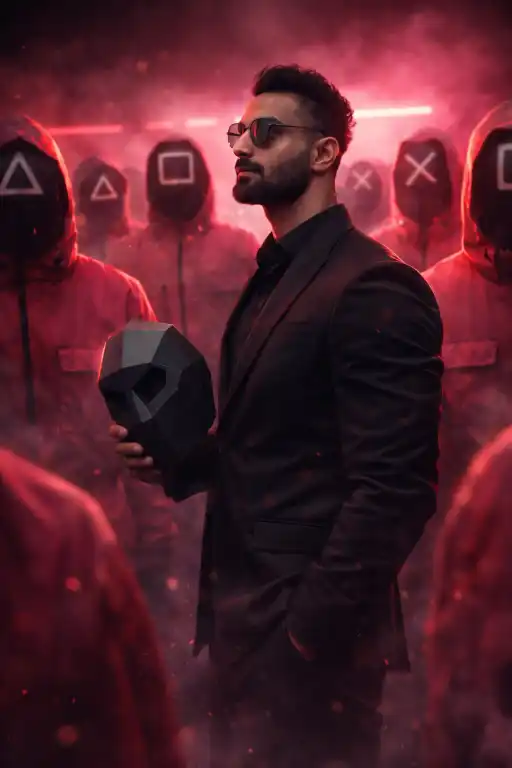
"Hyper-realistic cinematic scene of a man in a tactical black suit and square glasses, holding a matte black hexagonal mask, surrounded by guards in red-pink jumpsuits with triangle, square, and X symbol masks, positioned in a symmetrical yet chaotic arrangement, neon pink lighting reflecting on faces, deep shadows, dramatic rim lighting, 50mm DSLR lens, ultra-detailed textures, photorealistic skin pores, ambient smoke, dystopian Korean drama atmosphere, shallow depth of field, 4K HDR, cinematic composition, intense mood"
Dark Thriller AI Portrait Prompt
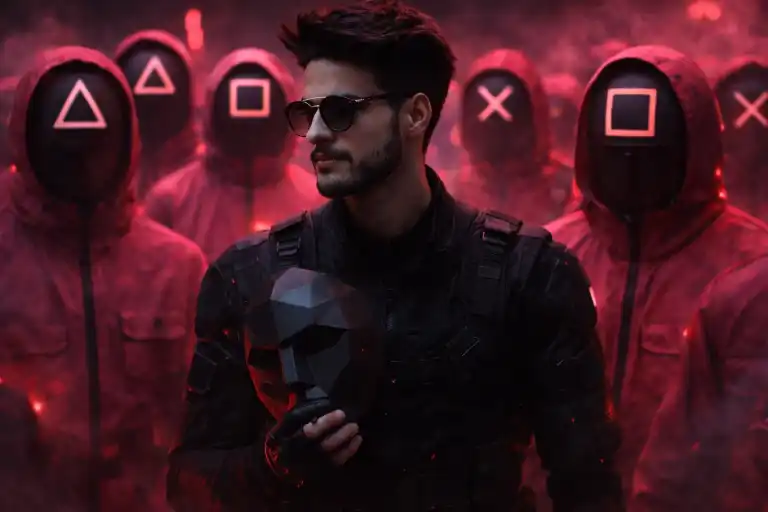
"Dark cinematic portrait of a man transformed into a Squid Game-style commander, wearing a tactical suit and square glasses, holding a black geometric mask, surrounded by masked guards in pink uniforms with triangle, square, and X symbols, dynamic random positioning, glowing red and magenta lighting, soft fog, dramatic backlight, 35mm lens, depth of field blur, ultra-HD 8K, highly detailed textures, realistic reflections, cinematic grading, suspenseful mood, Netflix-style scene"
How To
Time needed: 1 minute
- How to create cinematic Squid Game AI portrait prompts?
Upload your image, paste the prompt, and generate using any AI image tool.
- How to improve cinematic Squid Game AI portrait prompts results?
Add lighting, lens, and mood details for sharper and more realistic outputs.
- How to make cinematic Squid Game AI portrait prompts viral?
Use dramatic lighting, bold composition, and share on trending platforms.
Quick Settings Guide
- Aspect Ratio: 2:3 or 4:5
- Stylize: 250–750
- Quality: High / Max
- Negative Prompts: blurry, low detail, extra fingers, distorted face, low resolution
Pro Tips
- Use a clear face photo for best realism
- Add “cinematic lighting + 85mm lens” for pro output
- Increase contrast for Netflix-style drama feel
Conclusion
The cinematic AI portrait trend is not slowing down-it’s evolving fast.
With the cinematic Squid Game AI portrait prompt, you can transform an ordinary photo into a powerful visual story that feels straight out of a high-budget series.
The key is detail, lighting, and storytelling through prompts.
Experiment with different moods, symbol arrangements, and camera styles to create something truly unique.
Don’t just generate images-create impact.
Start testing now and build your own viral AI visuals that grab attention instantly.
FAQs
It’s a detailed AI prompt that recreates Squid Game-style cinematic scenes using your photo.
Midjourney and Leonardo AI work best for ultra-realistic results.
Yes, just copy and paste the prompt into any AI tool and upload your photo.



Leave a Reply