Spring Blossom Portrait Prompt That Creates Stunning AI Photos
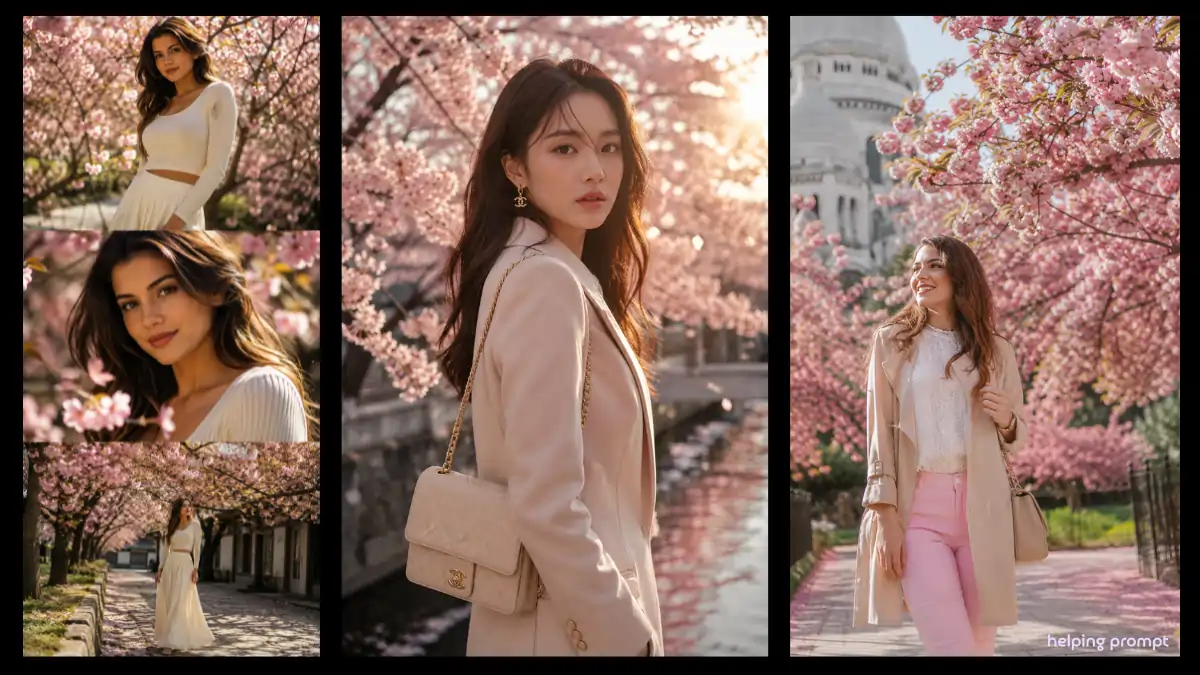
AI portrait photography is evolving fast, and one style that continues to attract attention is the Spring Blossom Portrait Prompt. The combination of soft daylight, blooming pink flowers, cinematic framing, and realistic facial details creates images that feel both artistic and natural.
ChatGPT, Gemini, Midjourney, Gemini, Leonardo AI, DALL·E, Ideogram AI, Krea AI
Whether you’re creating content for Instagram, Pinterest, blogs, or personal projects, this prompt helps produce elegant fashion-style portraits with a professional look.
In this guide, you’ll discover how the Spring Blossom Portrait Prompt works, why it performs so well, and how to get the best results from modern AI image generators.
Why the Spring Blossom Portrait Prompt Looks So Real
The beauty of this prompt comes from its balance between realism and artistic storytelling.
Key elements include:
- Soft warm daylight
- Blooming cherry blossom trees
- Fashion portrait composition
- Natural facial features
- Cinematic collage layout
- Detailed clothing textures
- Professional photography aesthetics
These details help AI models create images that feel closer to magazine photography than standard AI-generated portraits.
Spring Blossom Portrait Prompt for Realistic AI Images
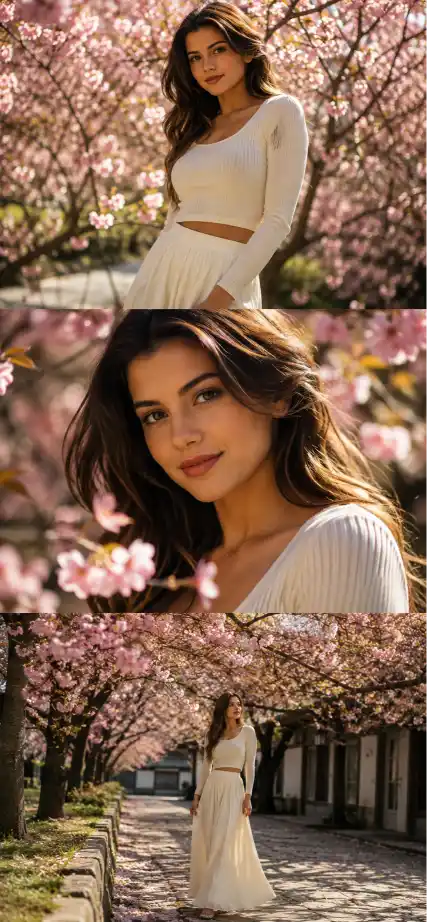
Create a high-quality realistic photo using the face from the reference without any changes or distortions. Vertical photo.

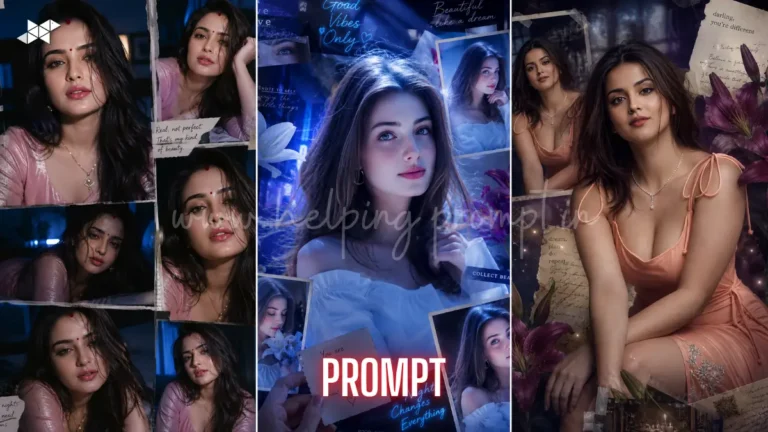
Cinematic composition in a vertical collage format consisting of three horizontal frames unified by the atmosphere of spring blossoms.

The scene takes place outdoors among blooming cherry blossom trees with soft pink flowers in warm natural daylight.

Overall style: fashion portrait emphasizing natural beauty, realistic skin texture, soft lighting, shallow depth of field, detailed clothing, professional photography, and cinematic storytelling.

Top Frame:
Medium shot of the subject standing among blooming trees, gentle sunlight filtering through flowers, relaxed pose, realistic facial details, natural expression.

Middle Frame:
Closer portrait showing detailed eyes, skin texture, and blossom petals around the subject, beautiful bokeh background, fashion magazine style.

Bottom Frame:
Wider environmental shot showing flowering pathways, spring atmosphere, soft pastel colors, elegant composition, cinematic depth.

Ultra-realistic photography, high detail, realistic lighting, natural color grading, DSLR quality, 85mm lens look, sharp focus, premium editorial fashion portrait.
How to Use the Spring Blossom Portrait Prompt
- Upload a Clear Face Reference
Start with a high-quality face image.
- Best practices:
1. Use a well-lit photo.
2. Avoid heavy filters.
3. Keep facial features clearly visible.
4. Choose a front-facing portrait if possible.
A clean reference image allows AI to preserve facial identity more accurately.
Spring Blossom Portrait Prompt Settings for Better Results
The following settings usually improve quality:
- Aspect Ratio: 3:4
- Style: Realistic
- Quality: High
- Lighting: Soft daylight
- Lens Style: 85mm portrait lens
- Depth of Field: Shallow
- Color Grading: Warm pastel tones
These settings help enhance realism while maintaining the dreamy spring atmosphere.
How-To #2: Improve Lighting and Atmosphere
To make the portrait more cinematic:
- Add “golden hour lighting.”
- Include “soft sunlight through blossoms.”
- Use “natural bokeh background.”
- Request “editorial fashion photography.”
Small lighting adjustments often create the biggest visual improvements.
Why This Spring Blossom Portrait Prompt Performs Well on Social Media
Images generated with blossom-themed portrait prompts tend to attract attention because they combine:
- Bright colors
- Emotional storytelling
- Fashion aesthetics
- Seasonal beauty
- Natural-looking portraits
These visual characteristics often perform well across Instagram, Pinterest, and Discover-style content platforms.
How-To #3: Create Viral Variations
You can generate multiple versions by changing:
- Cherry blossoms to magnolia flowers.
- Morning light to sunset light.
- Casual fashion to luxury fashion.
- Soft pastel tones to vibrant spring colors.
Each variation creates a fresh visual style while maintaining the same cinematic feel.
Advanced Spring Blossom Portrait Prompt Variations
Luxury Spring Blossom Portrait Prompt
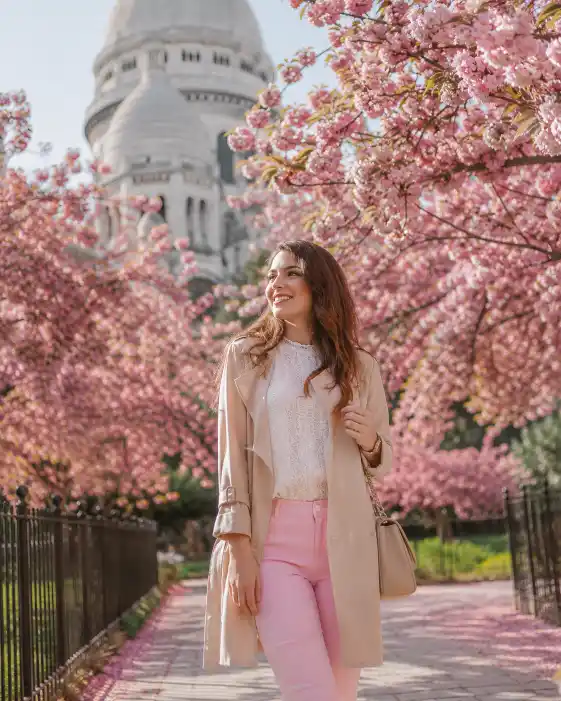
Luxury fashion portrait among blooming cherry blossom trees, elegant outfit, golden hour sunlight, cinematic composition, realistic photography, premium editorial magazine style, ultra-detailed face, soft pastel color grading.
Dreamy Spring Blossom Portrait Prompt
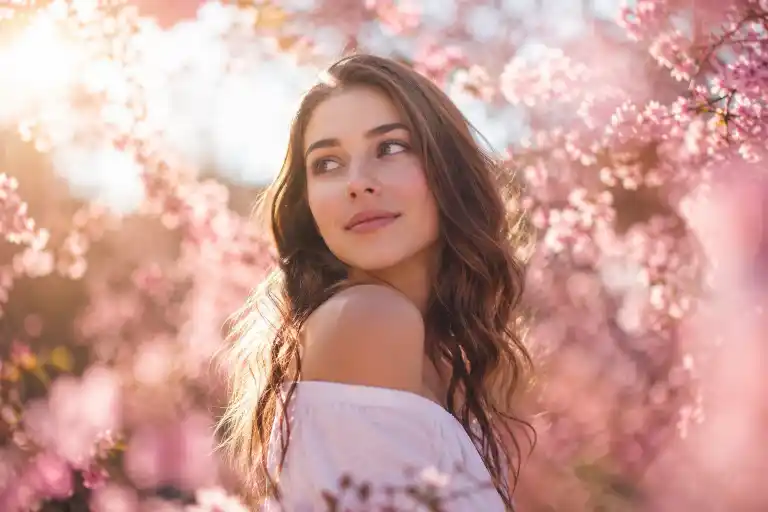
Dreamy spring portrait surrounded by pink blossoms, glowing sunlight, soft haze, natural beauty, realistic skin texture, artistic bokeh, cinematic storytelling, ultra-realistic photography.
Travel Spring Blossom Portrait Prompt
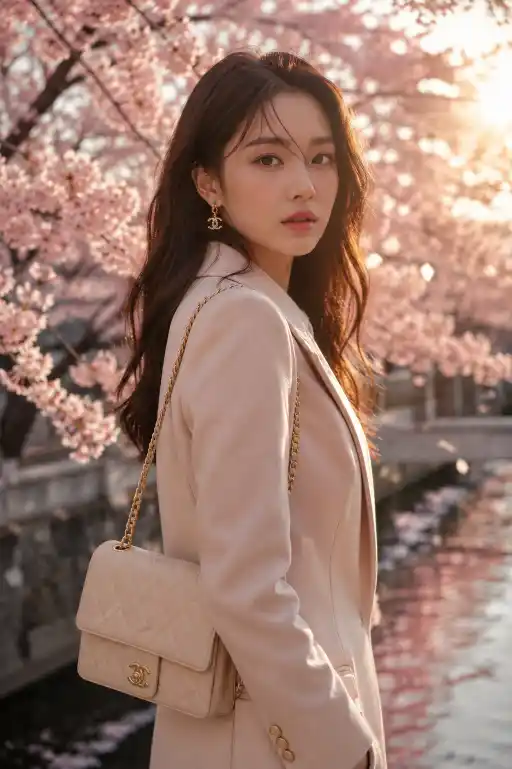
Stylish traveler walking through blossom-lined pathways, warm daylight, cinematic fashion photography, realistic facial details, vibrant spring atmosphere, professional travel magazine aesthetic.
Final Thoughts
The Spring Blossom Portrait Prompt is a powerful way to create realistic, elegant, and visually engaging AI portraits. By combining blooming flowers, natural daylight, cinematic composition, and detailed facial realism, you can generate images that look remarkably close to professional photography.
Experiment with lighting, camera angles, and seasonal variations to create unique portraits that stand out across social media and visual content platforms.