
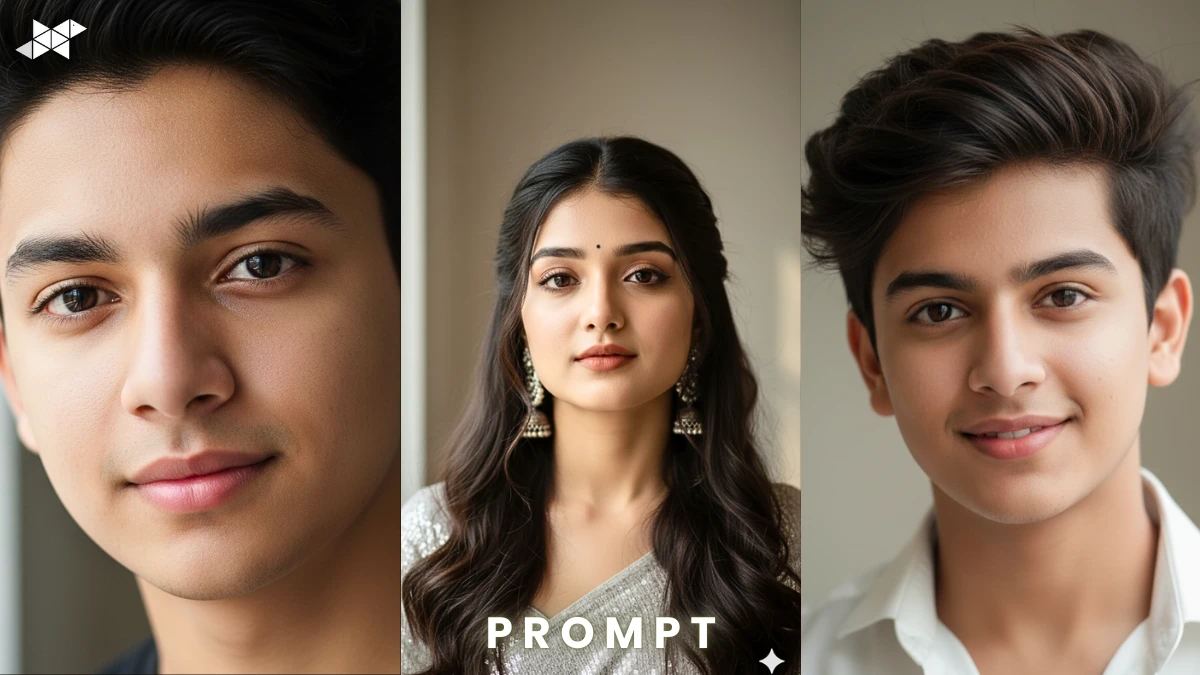
Tired of AI portraits that look plastic, over-smoothed, or unreal?
You’re not alone.
Many creators struggle to get natural skin tone, visible pores, and authentic Indian facial features in close-up shots. However, with the right prompt structure and lighting details, tools like Gemini AI can produce portraits that feel real, warm, and beautifully balanced.
This guide shows you exactly how.
How to Create a Natural, Realistic Close-Up Portrait
A realistic close-up portrait is not about perfection. Instead, it’s about texture, balance, and subtle light control.
Why Most AI Portraits Look Fake
- Over-smoothed skin removes pores
- Incorrect undertones (too pink or grey)
- Harsh shadows under eyes
- Unreal facial proportions
Therefore, your prompt must clearly define skin texture, undertones, and lighting direction.
Key Elements You Must Mention
1. Natural Skin Texture
Use terms like visible pores, fine skin texture, natural glow. Avoid “flawless” or “airbrushed.”
2. Accurate Indian Facial Features
Mention warm brown undertones, realistic nose shape, natural lip tone, dark brown eyes, and authentic hair texture.
3. Soft Window Light
Soft side lighting from a window creates gentle shadows. Moreover, it keeps depth without harsh contrast.
4. Balanced Shadows
Add “soft shadow falloff” and “no overexposed highlights.”
E-E-A-T Boost: Why Lighting Matters
Professional portrait photographers often rely on window light because it creates natural depth without flattening facial structure. In addition, realistic skin texture builds trust and emotional connection in profile photos and social media portraits. Authenticity performs better than heavy filters.
AI Prompt List (Copy-Paste Ready):
Prompt 1
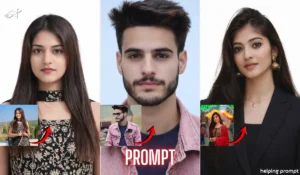
“Create an ultra-realistic close-up portrait of an Indian man(Upload Image Reference) with natural warm brown skin tone, visible pores, fine skin texture, accurate Indian facial features, dark brown eyes, natural lip color, soft side window light entering from the left, gentle shadow falloff on the opposite side, no over-smoothing, no airbrushing, balanced highlights, realistic skin undertones, DSLR quality, 85mm lens depth of field, sharp focus on eyes, subtle catchlight, neutral indoor background.”
Why it works: Emphasizes texture and lighting balance.
Best use: Instagram profile photo, LinkedIn portrait.
Prompt 2
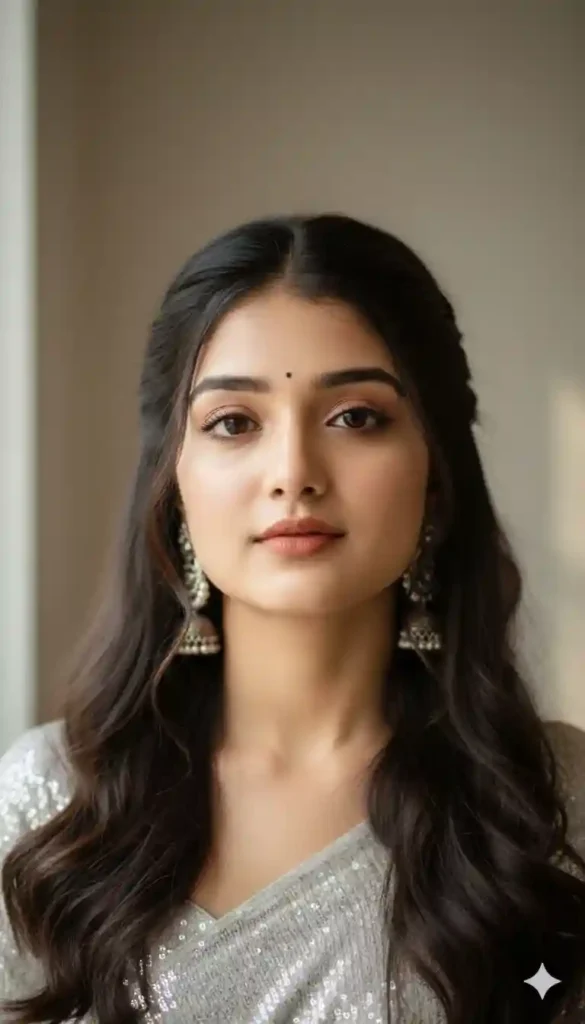
“Generate a hyper-realistic headshot of an Indian woman(Upload Image Reference) with authentic facial proportions, natural skin texture with visible pores, soft daylight from a window illuminating one side of the face, smooth shadow transition, accurate warm undertones, realistic hair texture, minimal makeup look, neutral expression, detailed eye clarity, cinematic natural light photography, no artificial skin smoothing, 4K clarity, shallow depth of field, simple indoor background.”
Why it works: Maintains realism while keeping cinematic softness.
Best use: WhatsApp DP, professional bio image.
Prompt 3
“Create a close-up portrait of an Indian man (Upload Image Reference) with natural brown skin tone, realistic pores and subtle facial hair texture, soft diffused window light, balanced contrast, gentle shadows under cheekbones, natural expression, high dynamic range without overexposure, accurate skin undertones, detailed eye reflection, DSLR portrait style, sharp but natural finish, no beauty filter effect, authentic texture preserved.”
Why it works: Prevents plastic skin effect.
Best use: Instagram story, Snapchat profile, portfolio image.
Quick Tips for Better Results
- Position your subject near a window, but avoid direct harsh sunlight.
- Keep the camera slightly above eye level for flattering angles.
- Maintain a neutral wall background to enhance realism.
- Use calm, relaxed expressions instead of forced smiles.
- Additionally, always specify “no skin smoothing” in prompts.
Conclusion
A natural close-up portrait depends on texture, light, and accurate undertones. When your prompt clearly defines these elements, AI tools deliver realistic, trustworthy results without artificial shine.



Leave a Reply