
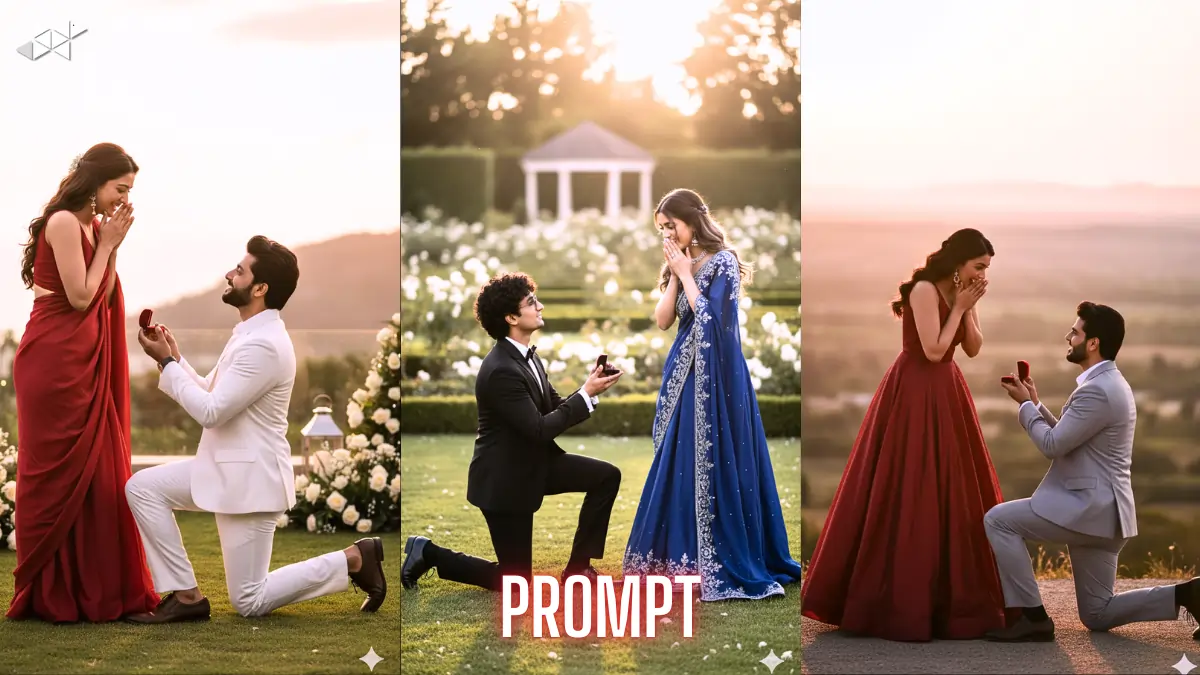
Want to create a realistic proposal photo using your real couple image? Many people struggle to keep faces and identity unchanged while changing the scene. This is where a strong Propose Day Image Prompt helps. With Gemini AI, you can guide the model to preserve facial identity and body details while generating a cinematic proposal moment. So here is a clean, copy-paste ready guide built for real results.
Why Identity-Locked Proposal Prompts Matter
Most AI image tools tend to “improve” faces unless clearly instructed not to. As a result, the final image often looks like different people. That defeats the emotional purpose of a proposal edit.
A well-written Propose Day Image Prompt tells Gemini AI to lock identity first, then change only clothing and background. Therefore, your couple photo still looks authentic while the scene becomes romantic and premium.
Prompt 1

“Use the uploaded couple photo as the exact identity reference. Do not change faces, skin tone, body shape, height, or expressions. Keep both people identical. Create a romantic proposal scene where the man is kneeling with an open ring box and the woman reacts emotionally with joy. Change only clothing and environment. Woman in elegant flowing red gown, man in clean white formal wear. Luxury outdoor sunset location, cinematic golden hour lighting, DSLR realism, shallow depth of field.”
Prompt 2
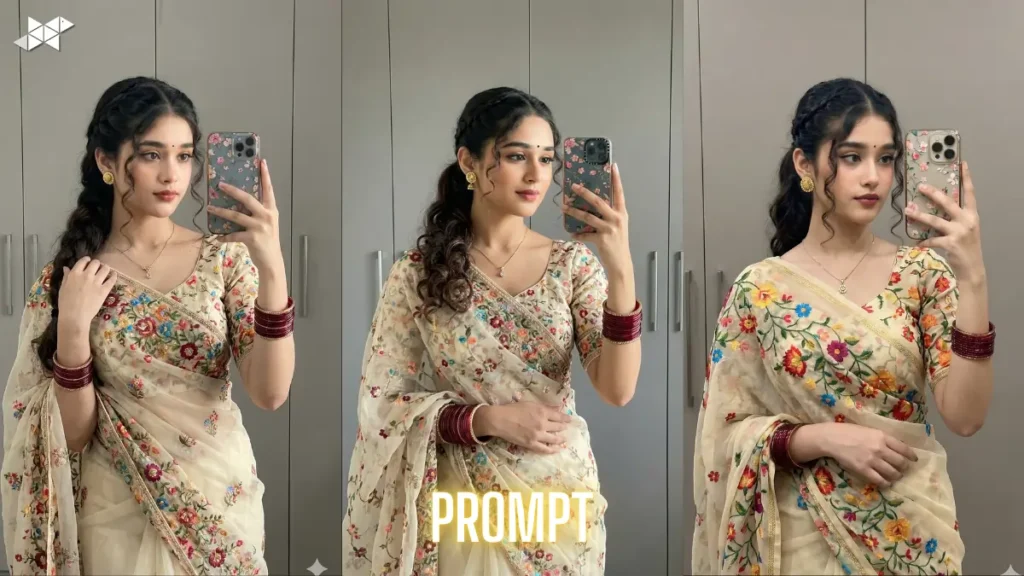
“Take the uploaded image of me and my girlfriend as fixed identity input. No new faces, no face swap, no body modification. Preserve anatomy and proportions exactly. Replace background with a scenic hilltop golden hour proposal setting. Man kneeling and proposing with ring box, woman surprised with hands near face. Wardrobe upgrade only: deep rose luxury gown for woman, light formal outfit for man. Ultra-realistic engagement photoshoot look, warm tones, professional color grading.”
Prompt 3
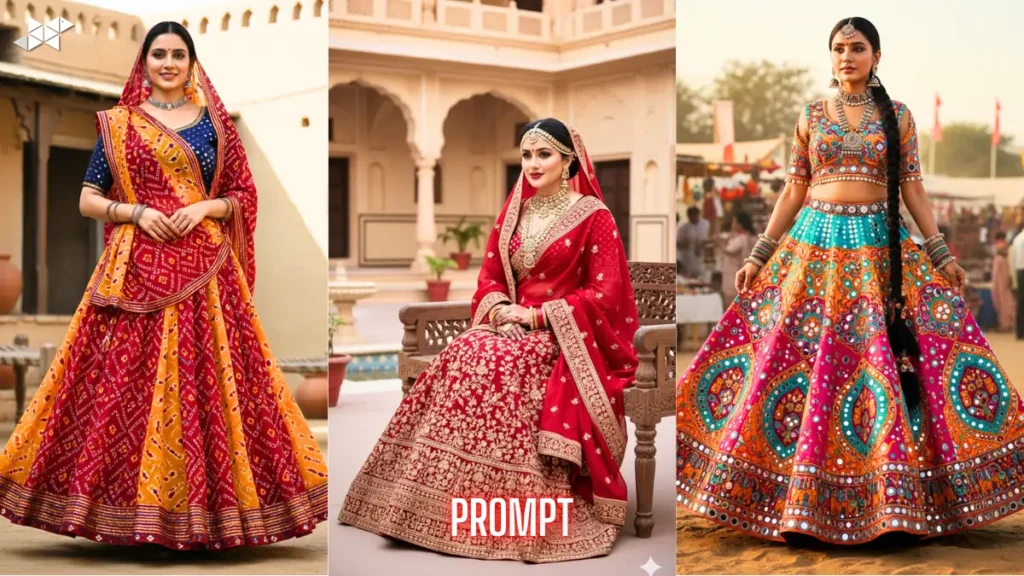
“Reference the uploaded couple photo and copy identities exactly. Do not alter facial structure, eyes, skin color, or expressions. Generate a real proposal moment pose with natural interaction — man on one knee, woman emotional and smiling. Change only outfit and scene. Use luxury garden sunset environment, cinematic composition, soft golden light, realistic shadows, DSLR clarity, shallow focus, premium engagement photography style, no cartoon or stylized rendering.”
Prompt 4
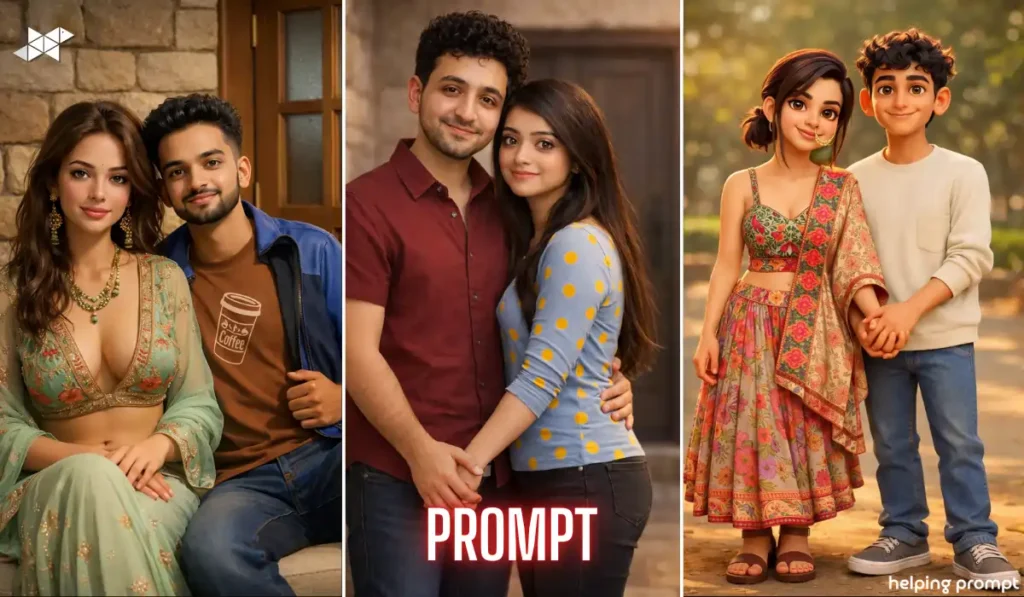
“Use uploaded couple image as strict identity source. Faces and bodies must remain unchanged and recognisable. Create a movie-style proposal photoshoot scene. Man proposing with open ring box, woman reacting with joyful surprise. Upgrade styling only — flowing red evening gown, elegant light formal menswear. Wide landscape sunset view, romantic atmosphere, lens blur background, ultra-real texture, professional photography finish, no identity drift allowed.”
How Gemini AI Handles Face Copy-Paste Prompts
Gemini AI responds better when instructions are direct and repeated in constraint form. In other words, you must clearly say what should NOT change along with what should change.
Identity anchors like face, skin tone, height, and body proportions should be explicitly preserved. Meanwhile, scene, fashion, lighting, and mood can be redesigned creatively.
Quick Tips for Better Results
- Repeat identity protection lines at least twice in the prompt
- Clearly separate “must preserve” and “can change” elements
- Mention realism terms like DSLR, natural skin texture, real anatomy
- Add lighting direction such as golden hour or soft sunset glow
- Avoid artistic or cartoon keywords unless intentionally needed
A precise Propose Day Image Prompt helps Gemini AI keep your real identity intact while upgrading the romance and setting. Use constraint-driven wording and cinematic detail for the best output. Clean prompts produce clean results.



Leave a Reply