
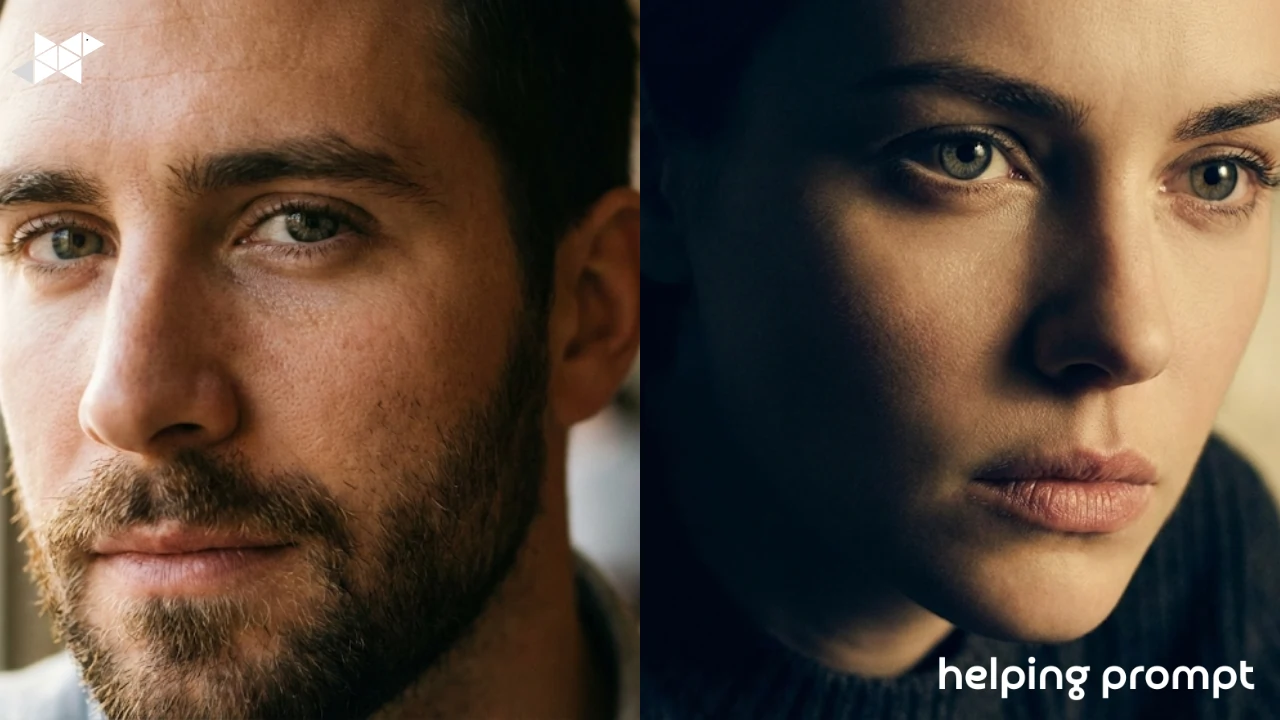
Ever take a photo that almost looks amazing but feels a bit flat? Maybe the background blends too much with the subject, or the face loses that crisp texture you wanted. That’s where cinematic depth comes in.
The good news? You don’t need a Hollywood camera or years of editing skills. With the right AI prompts, you can add sharpness, depth separation, and that subtle “movie-grade” polish-without overdoing it.
Think of it as teaching your AI exactly what to highlight, soften, and enhance. Once you get the hang of it, you’ll watch your regular portraits turn into scroll-stoppers.
How to Use It
If you’re new to AI editing, don’t stress—it’s easier than it sounds.
Here’s the simple flow:
- Upload your photo to your AI tool (Midjourney, Leonardo, or your favorite editor).
- Paste the prompt below and adjust tiny details like age, pose, or background.
- Add extra instructions if needed-skin tone, mood, or lighting.
- Generate – refine – save.
That’s it. The prompts do most of the heavy lifting. You just tweak things until it fits the vibe you want.
Below are three high-impact prompts specifically designed to make portraits look sharper, deeper, and more cinematic-without ruining natural features.
1. Cinematic Foreground Focus + Soft Background Blur
Enhance subject clarity with cinematic depth. Add sharp facial definition, crisp eyes, and clean edges while keeping the background subtly softened. Preserve natural skin texture, warm tones, and realistic lighting. Add a gentle film-like contrast for a dramatic yet natural finish.
2. Sharp Studio-Grade Portrait with Depth Layering
Create a studio-style portrait with strong depth separation. Boost midtone sharpness, define hair strands, and enhance jawline details. Keep the background slightly darker and diffused to make the subject pop. Maintain smooth skin without plastic effects and add soft directional lighting.
3. Moody Cinematic Shadows + High-Detail Highlights
Add cinematic shadows and highlight balance for a dramatic portrait effect. Increase micro-detail on eyes, eyebrows, and lips while keeping overall skin smooth and realistic. Add subtle color grading inspired by movie stills with a crisp, sharp subject in the foreground.
Takeaway
Cinematic depth isn’t about making photos look “edited”-it’s about guiding the viewer’s eye. With the right prompts, your portraits get sharper, cleaner, and more dramatic while still feeling natural.
Start with one prompt today, tweak a few words, and watch how quickly your photos level up.







Leave a Reply