
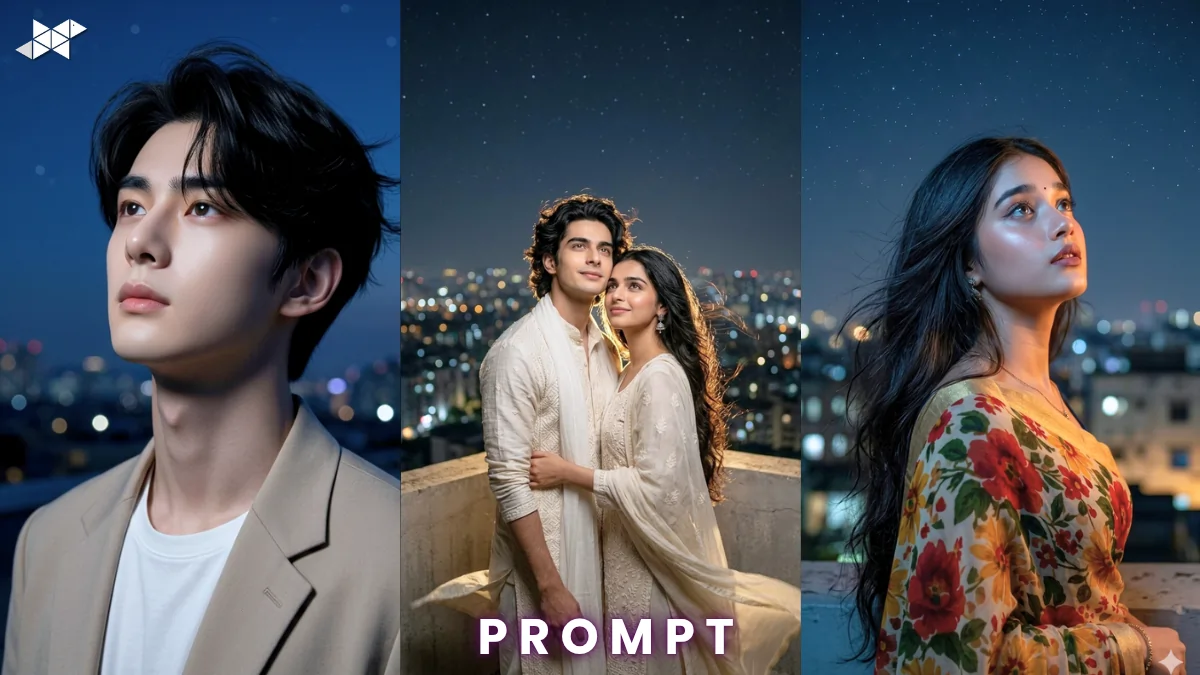
Cinematic portraits are trending across AI platforms right now.
Creators use tools like ChatGPT, Midjourney, and Gemini daily.
This cinematic night portrait prompt helps you create deep visuals.
It delivers emotion, realism, and storytelling in one shot.
Copy & Paste Cinematic Night Portrait Image Prompt
Male Concept Prompt
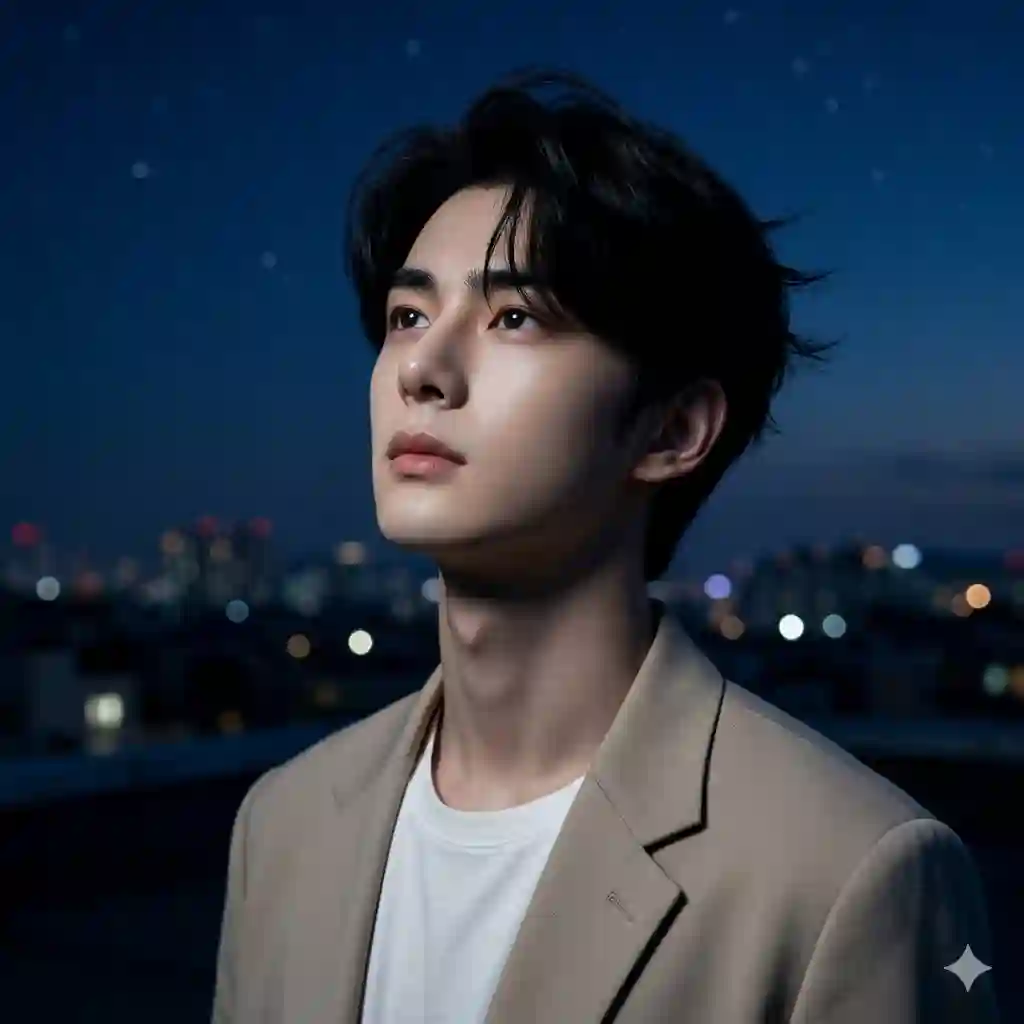
Ultra realistic cinematic night portrait of a young man standing on a rooftop, gazing at the sky, fair skin, sharp jawline, soft lips, calm expression, medium-length black hair with natural volume, wind slightly moving hair, deep blue night sky with faint stars, soft moonlight illuminating face, city lights bokeh in background, 85mm lens, f/1.8 aperture, shallow depth of field, high dynamic range, ultra detailed skin texture, cinematic lighting, dramatic shadows, 8K resolution, photorealistic, moody tone, film grain, soft glow
Female Concept Prompt
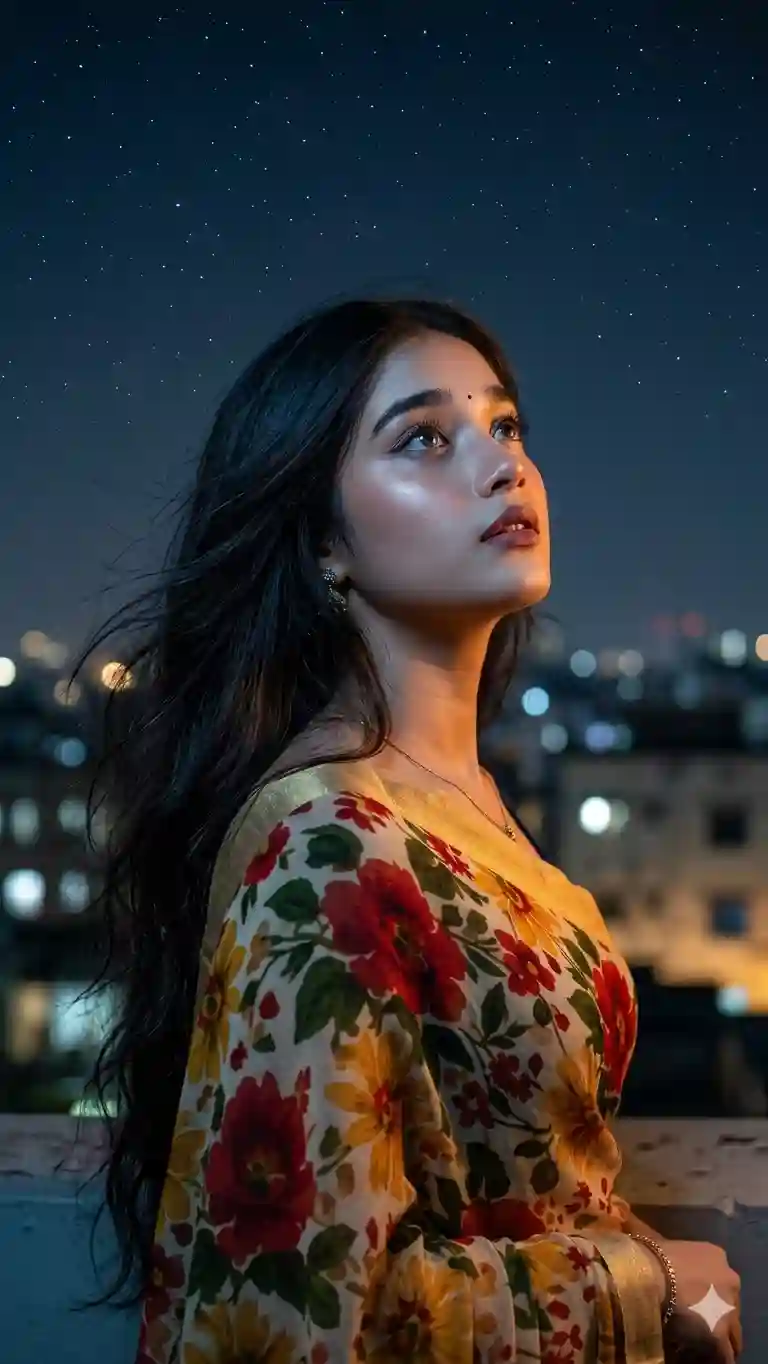
Ultra realistic cinematic night portrait of a young woman on a rooftop, looking at the sky, smooth skin, soft facial features, expressive eyes, long flowing hair with soft texture, gentle wind effect, moonlight highlighting contours, glowing city skyline behind, warm and cool light contrast, 85mm lens, f/1.8 aperture, shallow depth of field, realistic skin details, cinematic lighting, volumetric light, 8K resolution, dreamy mood, photorealistic, soft glow, film tone
Couple Concept Prompt
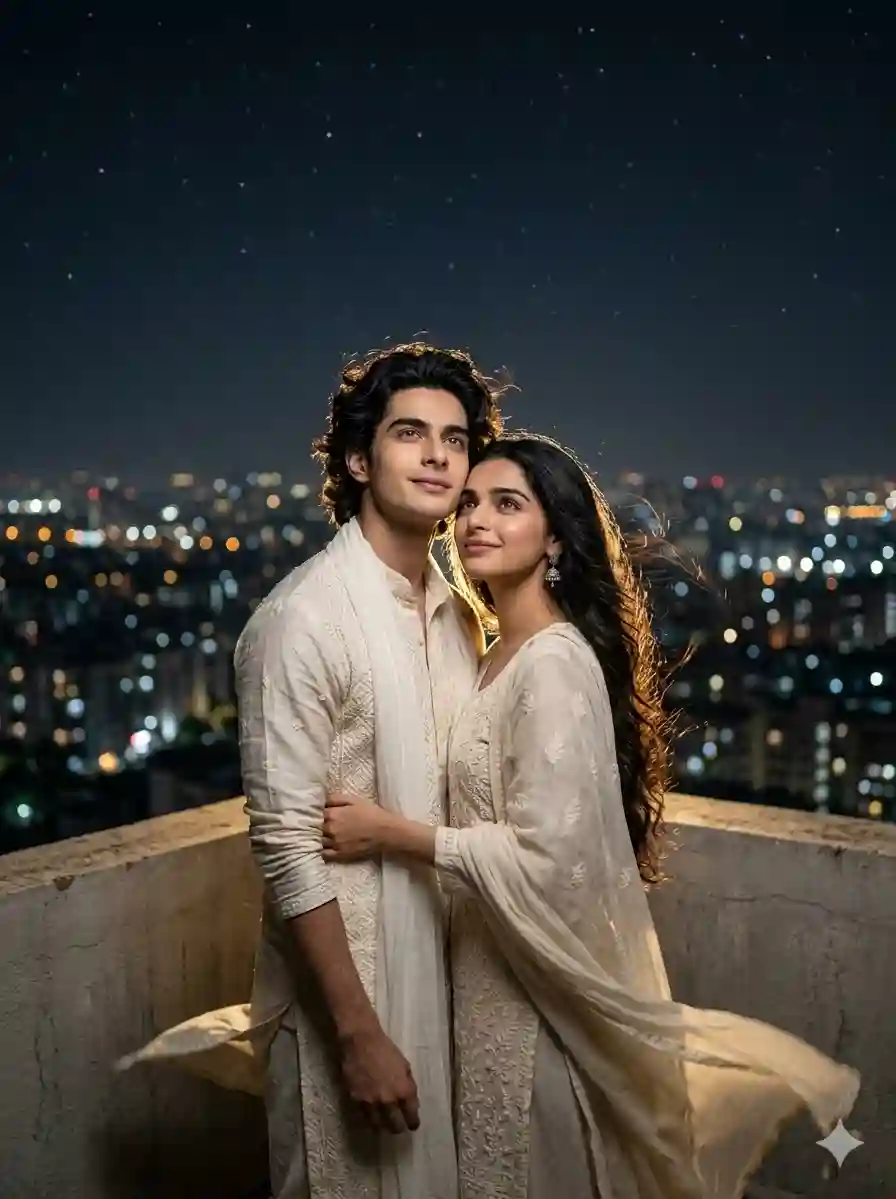
Ultra realistic cinematic night portrait of a couple standing close on a rooftop, looking at the sky, emotional connection, soft expressions, subtle smiles, natural poses, wind gently moving hair and clothes, moonlight casting soft highlights, city lights creating bokeh background, 85mm lens, f/1.8 aperture, shallow depth of field, cinematic composition, ultra detailed textures, realistic skin tones, 8K resolution, romantic mood, film grain, dramatic lighting
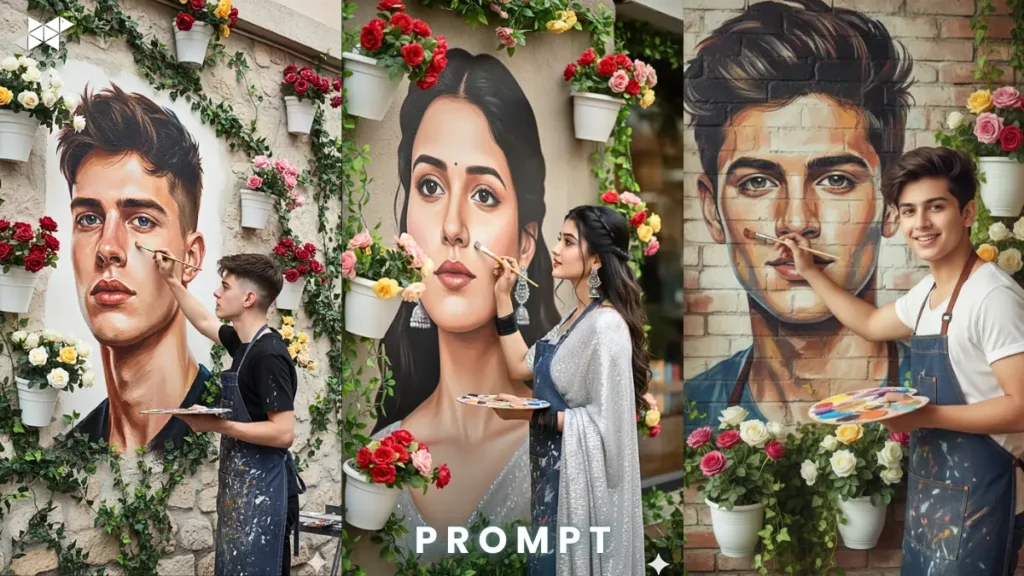
HOW TO USE PROMPT AND CREATE THIS IMAGE:
- Where can I use this prompt?
Use it in Midjourney, Leonardo AI, or Stable Diffusion.
- Do I need to edit the prompt?
Yes, tweak features for personal or brand style.
- How to improve results?
Add lighting or mood keywords for better control.

QUICK SETTINGS
- Aspect ratio: 2:3 or 4:5
- Stylize: 250–500
- Quality: High / 2
- Negative prompts: blurry, low quality, bad anatomy, extra limbs, overexposed
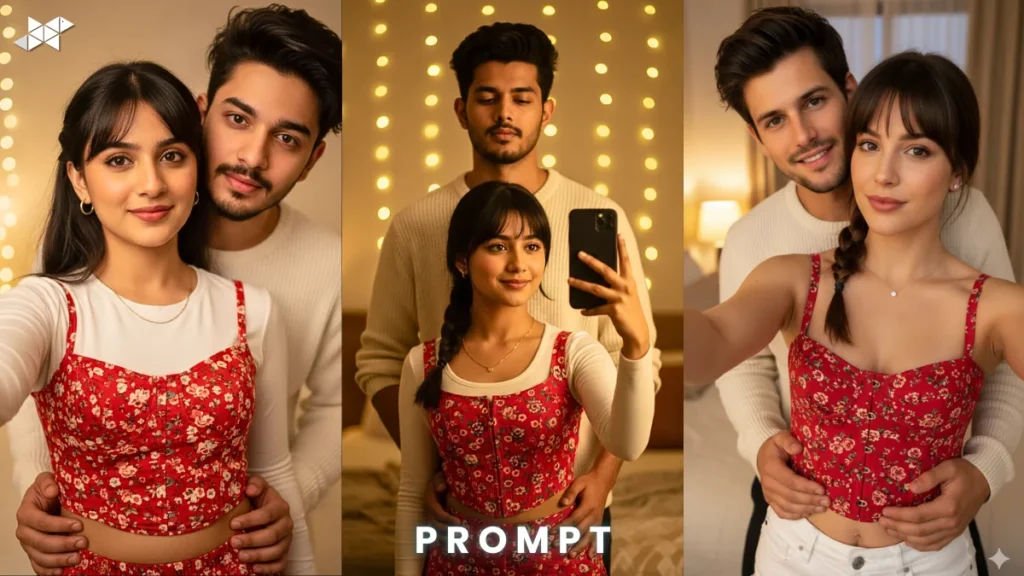
PRO TIPS
- Use moonlight and bokeh keywords for depth.
- Always include lens and aperture settings.
- Add emotions like “calm” or “longing” for realism.
FAQs
Q1: Why does my image look flat?
Lighting may be weak. Add cinematic or volumetric light terms.
Q2: Which lens works best?
85mm gives natural depth and portrait realism.
Q3: Can beginners use this?
Yes, just copy and paste the prompt to start.
CONCLUSION
Now you have a powerful cinematic night portrait prompt.
Start creating stunning visuals with AI today.
Test, tweak, and build your unique style




Leave a Reply