
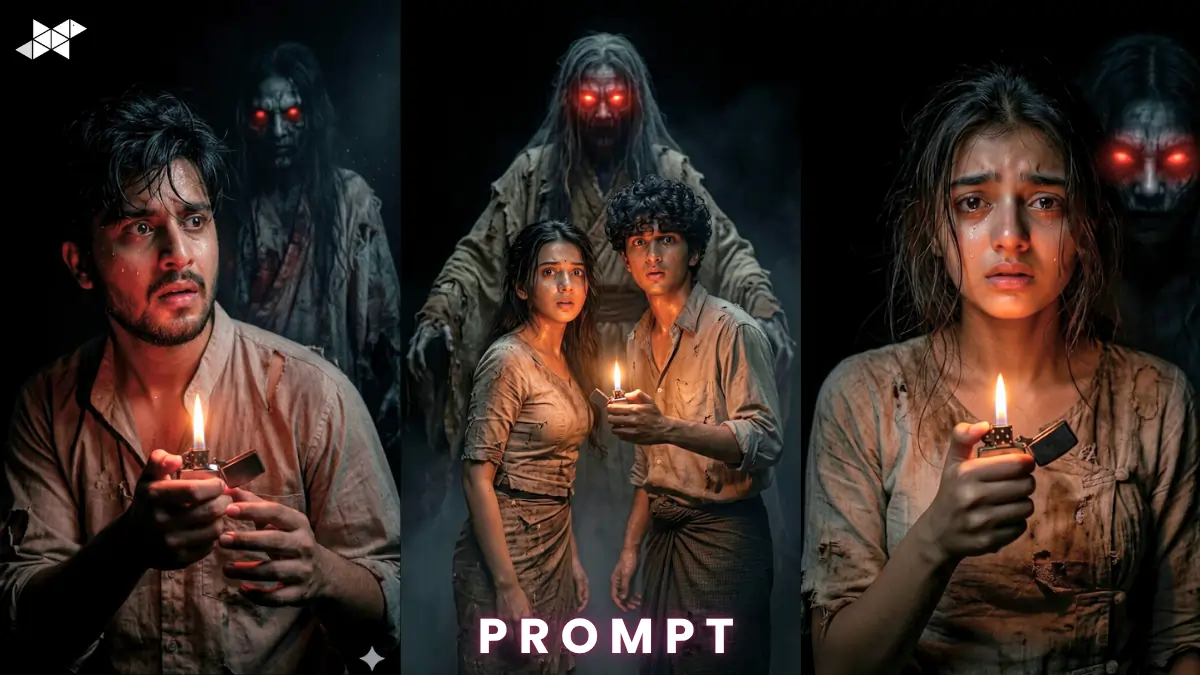
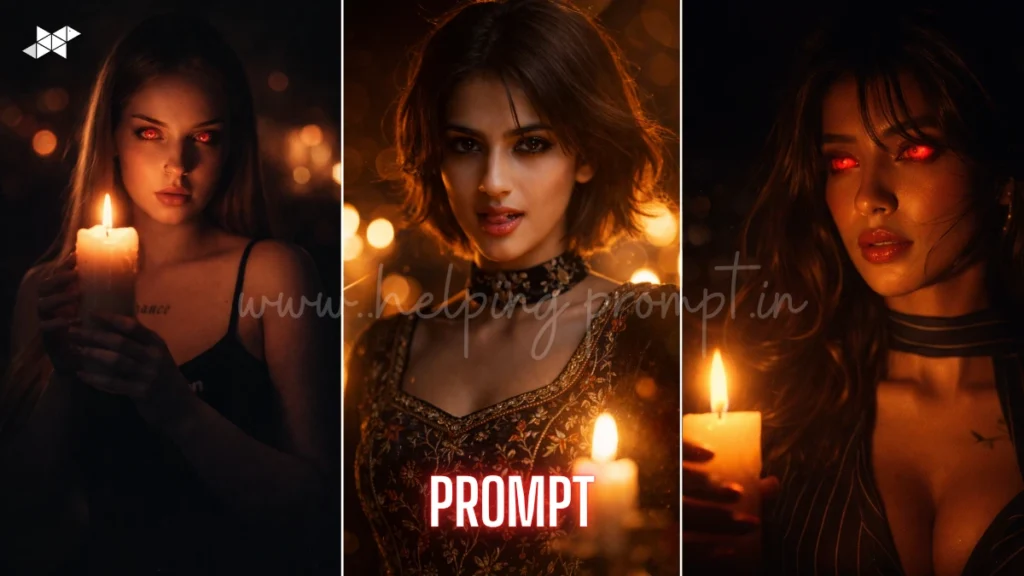
Dark horror visuals are trending fast across AI art platforms. Creators use tools like ChatGPT, Midjourney, Gemini, Leonardo AI, DALL·E, Ideogram AI, Krea AI daily. This cinematic dark horror scene prompt delivers intense realism and fear. It blends lighting, emotion, and storytelling. As a result, you get scroll-stopping visuals. If you want viral horror content, this prompt gives you a strong creative edge instantly.
Cinematic Dark Horror Scene Prompt
Male Concept Prompt
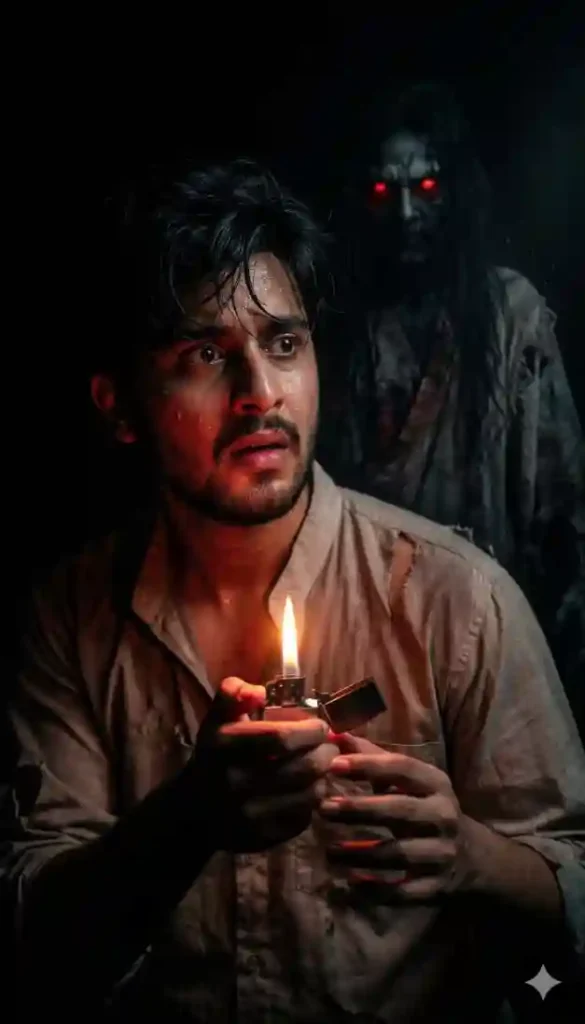
Ultra realistic face match prompt, young boy standing in deep darkness holding a lighter, warm flame glow lighting his face and hands, terrified expression, looking over shoulder, behind him a tall ghostly spirit with glowing red eyes, messy hair, Myanmar traditional torn clothing, cinematic horror mood, volumetric lighting, soft shadows, 85mm lens, shallow depth of field, hyper detailed skin texture, ultra realistic, 8K resolution, film grain, dramatic contrast, eerie atmosphere
Female Concept Prompt
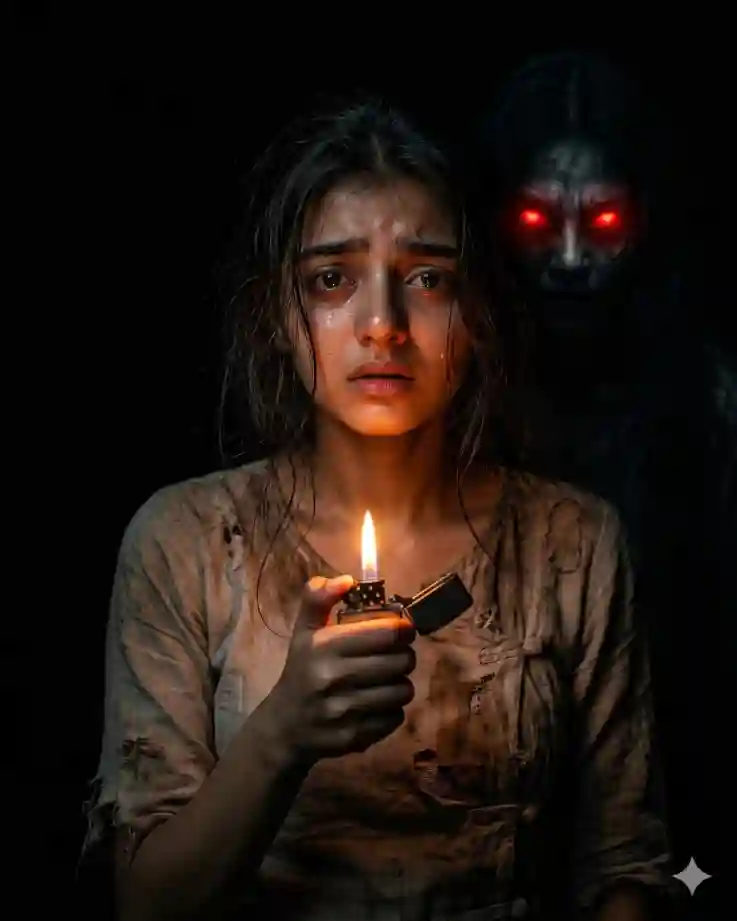
Ultra realistic face match prompt, young girl standing in pitch black darkness holding a flickering lighter, warm orange light illuminating her fearful face, subtle tears, ghostly spirit behind her with glowing red eyes, messy hair, wearing Myanmar traditional worn clothes, cinematic lighting, moody shadows, 50mm lens, shallow depth of field, ultra detailed textures, hyper realism, 8K quality, atmospheric fog, horror tone
Couple Concept Prompt
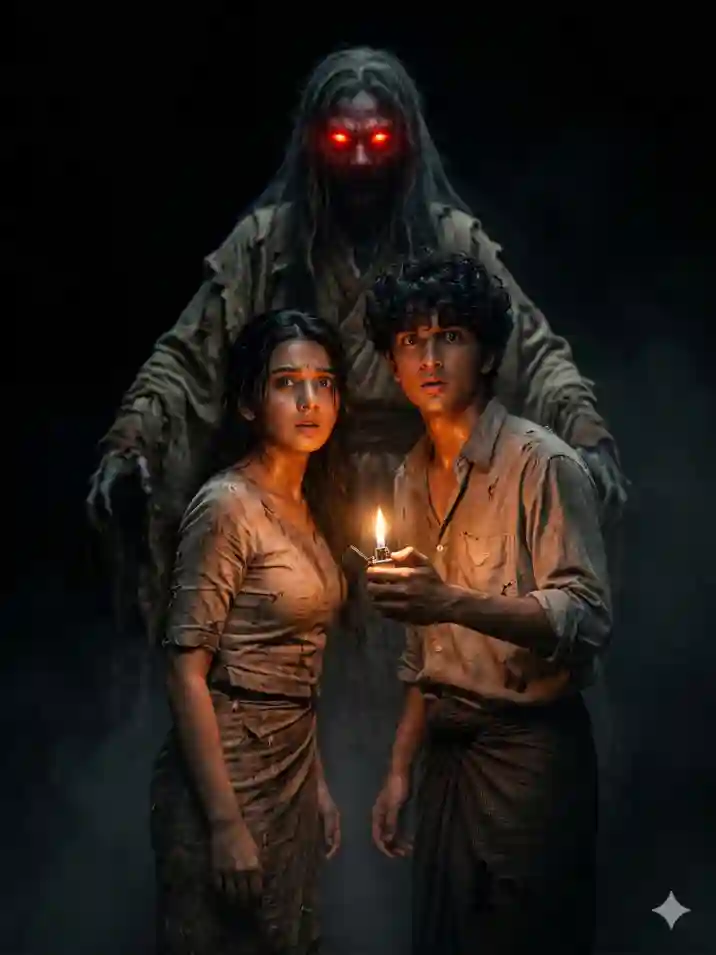
Ultra realistic face match prompt, young boy and girl standing together in darkness holding a lighter, warm glow lighting both faces, both looking back in fear, towering ghost spirit behind them with glowing red eyes, messy hair, Myanmar traditional distressed outfit, cinematic horror lighting, volumetric fog, 35mm lens, shallow depth of field, ultra detailed skin, realistic textures, 8K resolution, dramatic shadows, haunting atmosphere
HOW TO USE CINEMETIC DARK HORROR AI IMAGE PROMPT :
- How do I generate this image?
Paste the prompt into Midjourney or Gemini. Then adjust lighting or mood slightly.
- Can I use my own face?
Yes, add a reference image. Use “face match” or image URL input.
- How to make it more realistic?
Increase quality and add lens details like 85mm or film grain.
QUICK SETTINGS
• Aspect ratio: 2:3
• Stylize: 250–400
• Quality: High (2 or above)
• Negative prompts: blur, low detail, cartoon, extra limbs, overexposed
PRO TIPS
• Tip 1: Use low-key lighting for stronger horror impact
• Tip 2: Add subtle fog for depth and realism
• Tip 3: Keep expressions emotional to boost engagement
FAQs
Midjourney gives top visuals. However, Gemini and ChatGPT also perform well with tweaks.
Yes, add lens type, lighting style, and film grain for cinematic results.
Not always. However, 8K improves detail and sharpness significantly.
CONCLUSION
Start creating intense horror visuals today. Use this cinematic dark horror scene prompt and stand out. Experiment boldly, refine details, and share your masterpiece now.



Leave a Reply