
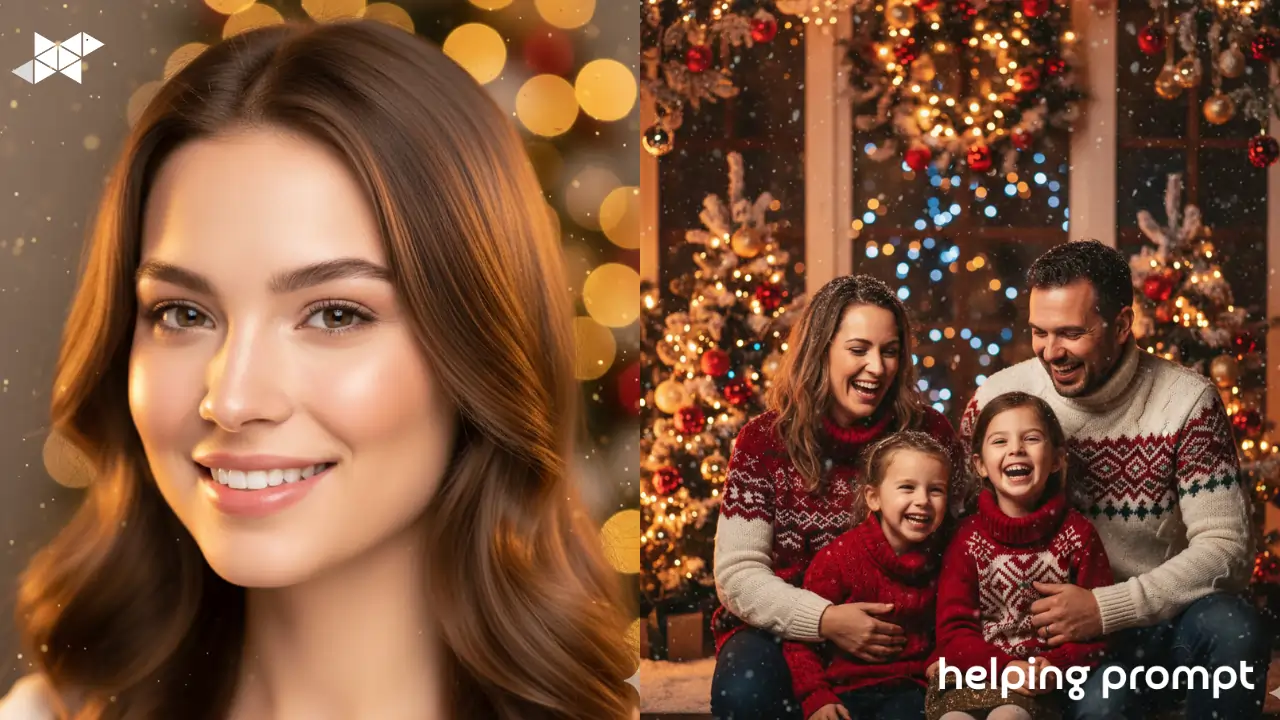
Holiday photos are full of joy-but they’re also full of problems. Harsh lights, busy backgrounds, tired faces after long celebrations. We’ve all been there.
That’s where AI editing really shines. With a few smart tweaks, you can turn an average festive photo into something warm, polished, and share-worthy—without making anyone look fake.
In this article, you’ll discover 7 festive editing ideas, plus 3 best AI prompt examples, designed to make holiday human pics glow naturally.
How to Use It
Festive edits work best when they feel warm and human.
When writing your AI prompt:
- Focus on skin tone balance and soft lighting
- Keep festive colors rich, not overpowering
- Let expressions stay natural-no over-smoothing
- Match the edit to the festival mood (Diwali, Christmas, Eid, weddings)
2. Evening Celebration Look
A holiday portrait taken at night with balanced lighting. Bright but natural facial details, controlled highlights, festive background softly blurred. Realistic and lively atmosphere.
3. Traditional Festive Elegance
A festive human portrait with elegant styling and rich colors. Natural skin texture, soft glow, balanced contrast. The expression remains relaxed and happy, perfect for celebrations.
Takeaway
Festive photos don’t need heavy filters-they need balance.
Use AI to soften light, clean up tones, and enhance warmth while keeping faces real. One gentle glow, one color boost, and one clarity tweak are often enough to turn holiday moments into lasting memories.







Leave a Reply