
PC problems still waste hours in 2026.
But NotebookLM PC troubleshooting Trick is changing that.
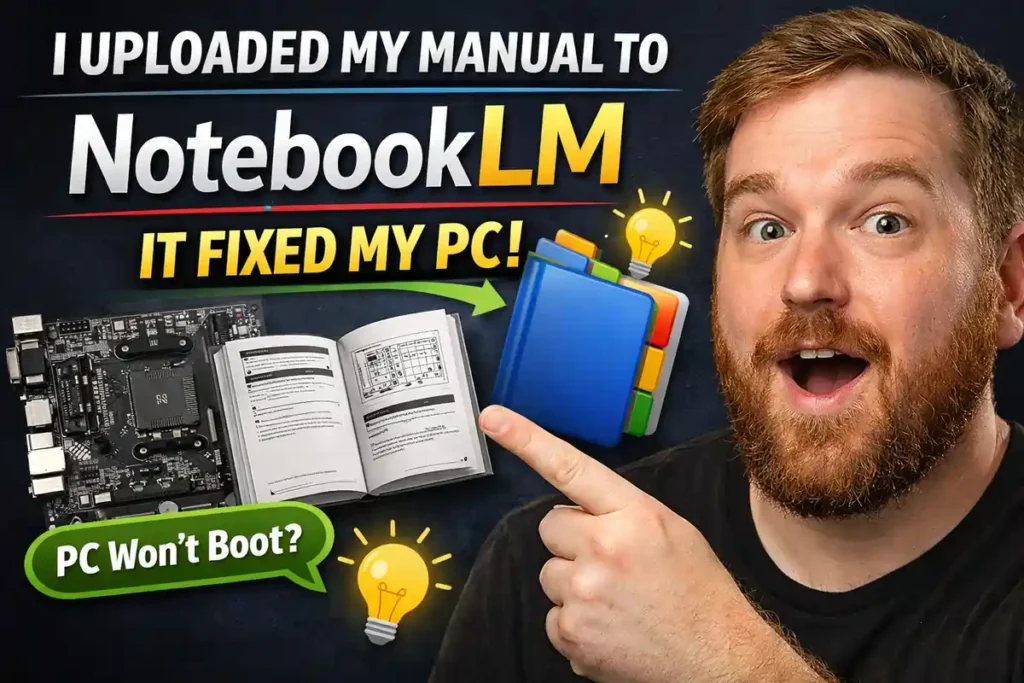
Upload your motherboard manual once.
Then just ask questions and get instant answers.
Quick Summary
• Upload motherboard manuals to NotebookLM for quick answers
• Works across phone, tablet, and PC seamlessly
• Simplifies BIOS, Q-Codes, and technical terms
• Helps beginners understand complex PC issues
• Still requires fact-checking to avoid AI errors
NotebookLM PC Troubleshooting Makes Manuals Searchable
Finding motherboard info is usually slow.
However, NotebookLM turns manuals into a smart assistant.
• Upload PDF from MSI, ASUS, or Gigabyte
• Ask direct questions like “CPU_FAN1 location”
• Get instant, contextual answers
No need to scroll hundreds of pages.
Multi-Device Access Solves Emergency Issues
PC not booting? You’re not stuck anymore.
NotebookLM sync works across devices.
• Ask from your phone during a crash
• Use tablet for quick diagnostics
• Access anywhere with Google account
This improves real-time troubleshooting speed.
Simplifies Technical Jargon for Beginners
BIOS settings confuse most users.
NotebookLM explains them in simple language.
• Converts technical terms into plain English
• Helps explain issues to non-tech users
• Useful for beginners and DIY builders
Even complex PC builds feel easier.
AI Still Needs Verification
AI tools can sometimes guess wrong.
NotebookLM also depends on patterns.
• Always cross-check answers
• Use citation bubbles for verification
• Treat it like a study assistant
This ensures safe troubleshooting.
Why This Matters for Indian PC Users
PC repairs in India can be costly.
NotebookLM reduces dependency on technicians.
• Saves service charges
• Helps students and gamers
• Supports DIY PC culture
This aligns with India’s growing tech adoption.
Pro Tips / Insights
• Upload manuals for all PC components, not just motherboard
• Save backup offline copy for no-internet situations
• Use specific terms like “SYS_FAN2” for better results
Conclusion
NotebookLM PC troubleshooting is a practical upgrade for PC users.
It saves time, simplifies learning, and improves problem-solving.
However, smart users still verify before acting.
FAQs
It uses AI to analyze manuals and answer PC-related questions quickly.
Google states it does not use personal data for training models.
Yes, it simplifies technical terms for easy understanding.
How To
Time needed: 1 minute
- How to use NotebookLM PC troubleshooting?
Upload your motherboard manual and ask specific questions.
- How to fix PC errors using NotebookLM?
Search error codes or BIOS terms inside your uploaded manual.
- How to improve NotebookLM PC troubleshooting results?
Use exact component labels like CPU_FAN1 or RAM_SLOT for accuracy.






Leave a Reply