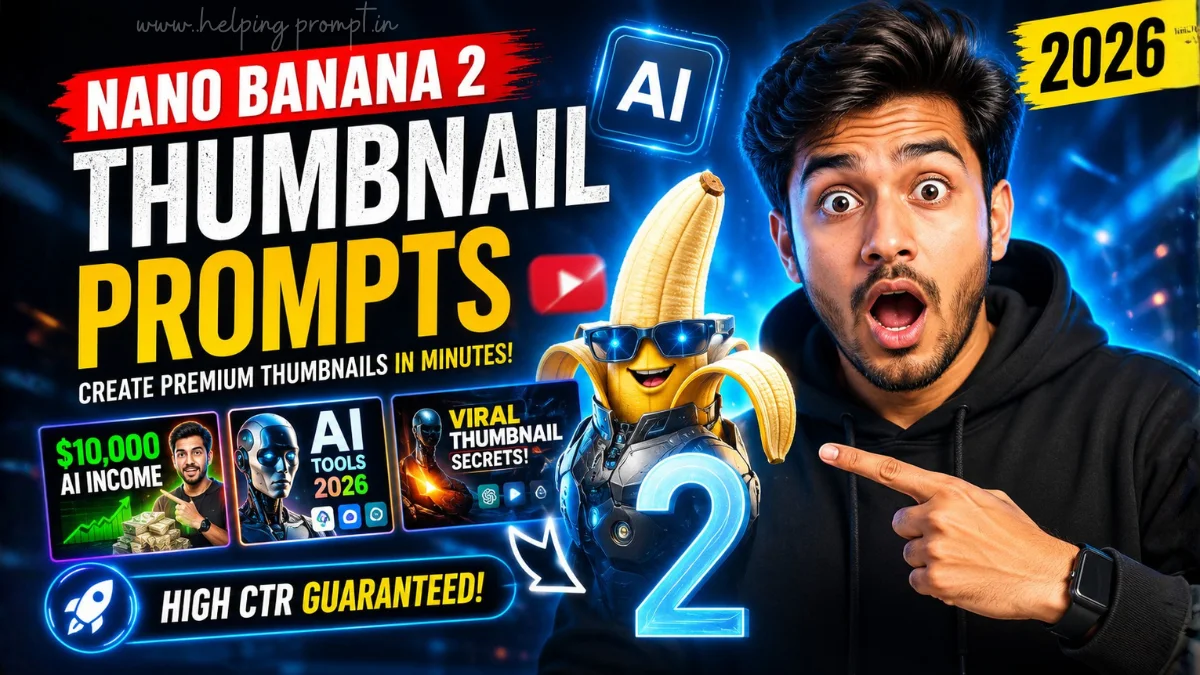
Nano Banana 2 YouTube Thumbnail Prompts for Viral Clicks
Your thumbnail decides whether people click or keep scrolling.
AI-powered thumbnails are dominating YouTube in 2026.
These Nano Banana 2 YouTube Thumbnail Prompts help creators generate premium, high-CTR designs in minutes.
Recommended AI Tools: Nano Banana 2 (Gemini), ChatGPT, Imagen, Canva AI, Adobe Express AI, and Midjourney.
How To Create Nano Banana 2 YouTube Thumbnail Prompts
- How do I create effective Nano Banana YouTube Thumbnail Prompts?
Describe the subject, emotions, lighting, colors, composition, and desired YouTube style clearly.
- Which aspect ratio works best?
Use 16:9 at 1920×1080 or higher for professional YouTube thumbnails.
- How can I improve results?
Generate several versions, compare CTR performance, and continuously refine your Nano Banana YouTube Thumbnail Prompts based on audience response.
Best Nano Banana 2 YouTube Thumbnail Prompts
1. Viral AI Tech Thumbnail
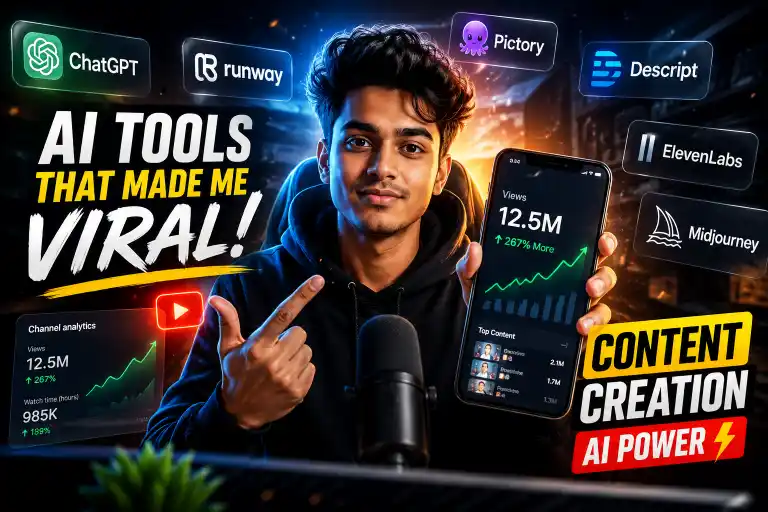
"Create an ultra-realistic YouTube thumbnail about the latest AI breakthrough using Nano Banana 2. Feature a futuristic glowing robot, dramatic cinematic lighting, bold facial emotion, premium blue and orange color contrast, mobile-first composition, high CTR design, clean negative space for title, Google Discover quality visuals, based on current AI trends, future-ready design principles, and research-backed YouTube click-through optimization."
2. Explosive Tutorial Thumbnail
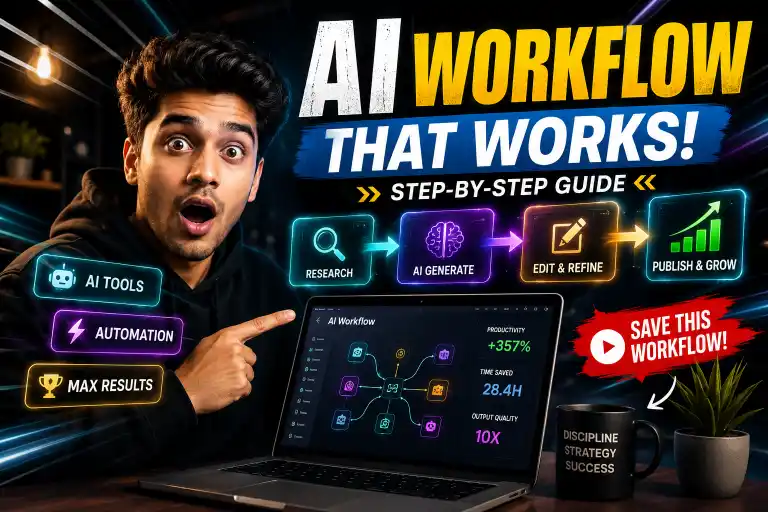
"Generate a premium tutorial YouTube thumbnail showing a creator revealing a powerful AI workflow. Use expressive emotions, dynamic motion blur, realistic workstation setup, glowing UI panels, bold typography space, cinematic depth, trending YouTube design language, optimized for mobile viewing, future AI interface concepts, and data-driven thumbnail psychology for maximum clicks."
3. Before vs After AI Thumbnail
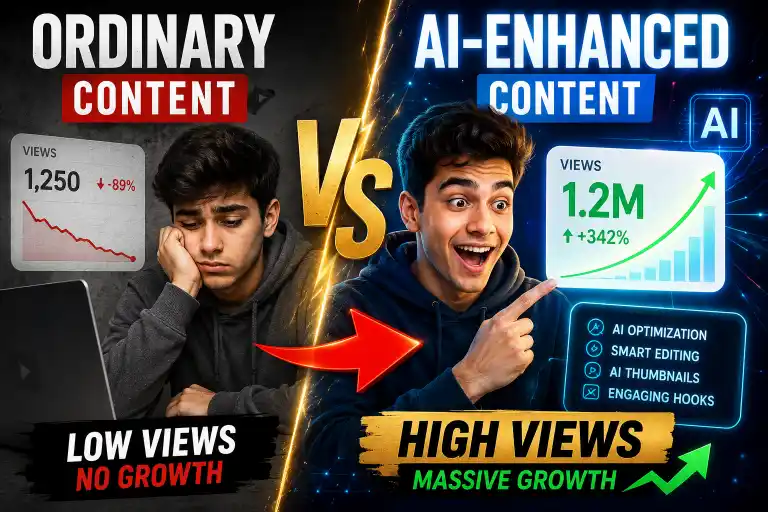
"Design a split-screen YouTube thumbnail comparing ordinary content versus AI-enhanced content. Add dramatic lighting, realistic editing effects, premium color grading, attention-grabbing arrows, emotional reactions, professional composition, future-focused AI aesthetics, trending creator style, and visual hierarchy inspired by high-performing YouTube thumbnail studies."
4. AI Business Growth Thumbnail
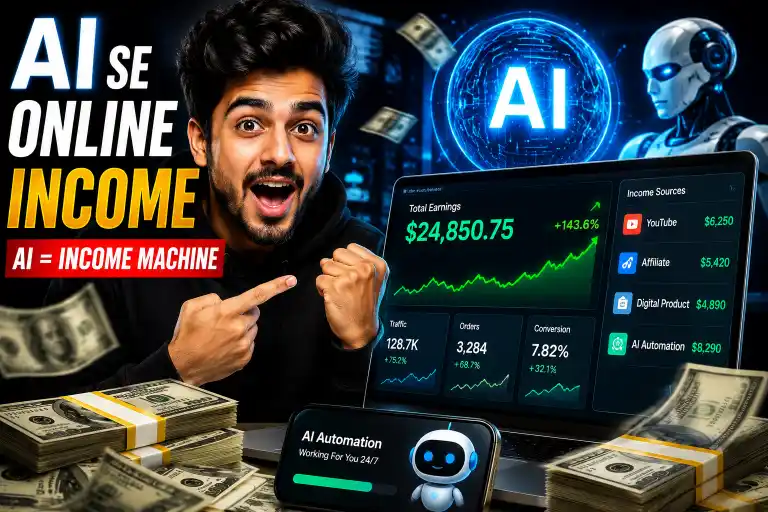
"Create a cinematic thumbnail showing a business owner shocked by explosive online growth powered by AI. Include graphs, glowing analytics dashboard, realistic office environment, premium gold accents, emotional storytelling, mobile-first readability, current marketing trends, future AI business automation concepts, and proven YouTube CTR optimization techniques."
5. YouTube Secret Reveal Thumbnail

"Generate a mysterious YouTube thumbnail featuring hidden AI secrets being unlocked. Use cinematic shadows, glowing vault effects, dramatic contrast, realistic textures, premium typography space, bold visual focus, trending creator aesthetics, future-compatible thumbnail composition, and research-based viewer curiosity triggers for exceptional click performance."
6. AI Tools Collection Thumbnail
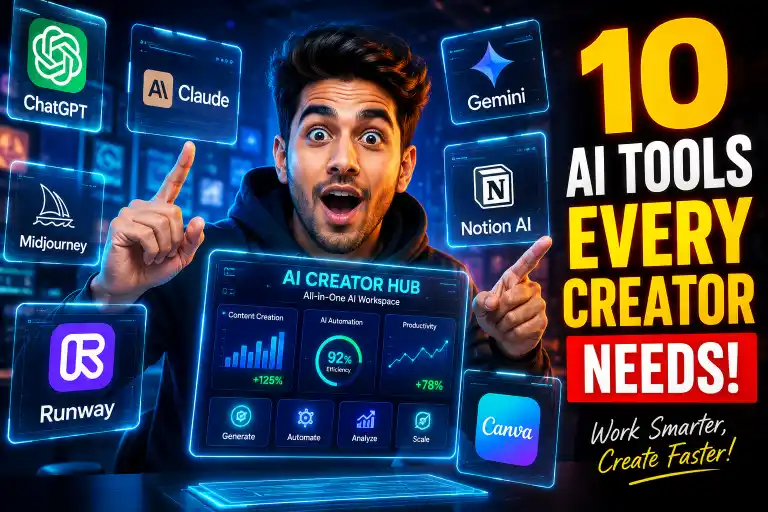
"Create an exciting thumbnail featuring multiple trending AI tools floating around a creator. Include realistic holographic interfaces, cinematic neon lighting, expressive face, premium modern layout, balanced negative space, current AI software trends, future-ready interface concepts, and proven engagement-focused thumbnail design backed by creator performance research."
7. Money with AI Thumbnail

"Generate a luxury YouTube thumbnail showing AI generating online income through futuristic dashboards and digital automation. Include premium financial visuals, realistic currency effects, cinematic depth, emotional excitement, bold visual contrast, mobile readability, future business AI concepts, current creator economy trends, and thumbnail design inspired by successful finance channels."
8. AI Prompt Master Thumbnail
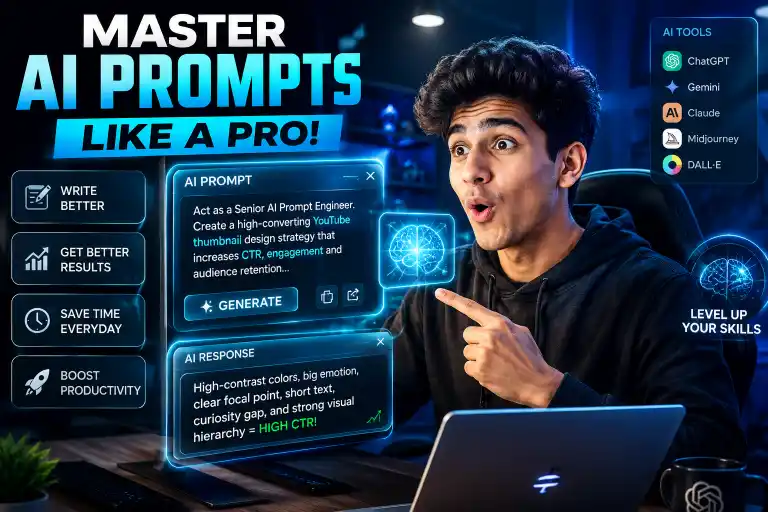
"Create a premium YouTube thumbnail featuring a creator mastering advanced AI prompts inside a futuristic workspace. Use glowing prompt windows, realistic computer screens, dramatic cinematic lighting, premium blue palette, expressive reactions, future AI interfaces, trending creator style, and research-backed thumbnail layouts designed to increase viewer engagement."
9. Breaking AI News Thumbnail
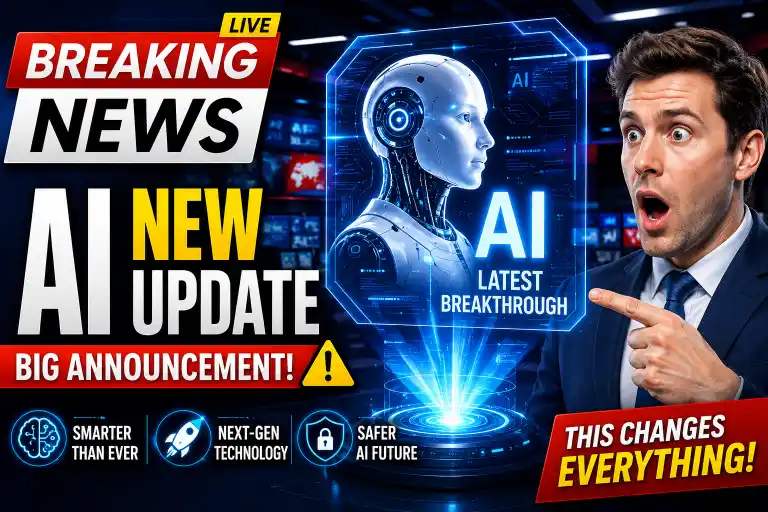
"Generate a high-impact breaking news thumbnail covering the latest AI announcement. Include realistic newsroom visuals, futuristic holographic graphics, dramatic red alerts, premium composition, mobile-first readability, bold headline space, future technology themes, current AI industry trends, and visual storytelling based on high-performing news thumbnail studies."
10. Ultimate Creator Thumbnail
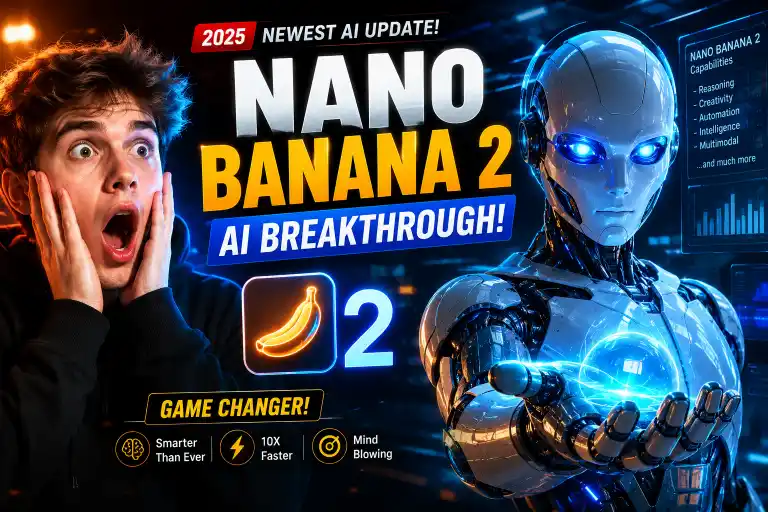
"Design an elite YouTube thumbnail featuring a successful creator surrounded by futuristic AI tools and viral analytics. Use cinematic portrait lighting, premium color grading, glowing interface effects, emotional confidence, mobile-first composition, current YouTube trends, future AI creator ecosystem concepts, and evidence-based visual techniques that improve click-through rates."
Quick Settings Guide
- Model: Nano Banana 2
- Style: Photorealistic
- Aspect Ratio: 16:9
- Resolution: 1920×1080 or higher
- Lighting: Cinematic HDR
- Quality: Ultra HD
- Focus: Nano Banana YouTube Thumbnail Prompts
- Composition: Mobile-first
- Contrast: High
- Text Space: 25–35%
Pro Tips
- Study top-performing thumbnails before generating new designs.
- Keep one main subject with a clear emotional expression.
- Test multiple thumbnail variations for higher CTR.
Final Thoughts
These Nano Banana YouTube Thumbnail Prompts provide a reliable starting point for creating visually compelling thumbnails that capture attention across devices.
Combine these prompts with clear branding, engaging titles, and valuable content for the best long-term YouTube growth.
Keep testing new styles, measure your click-through rate, and refine your creative approach with every upload. Consistent experimentation is often the fastest path to higher-performing thumbnails.
FAQs
They are AI instructions that generate professional YouTube thumbnails optimized for higher engagement.
They speed up design, improve consistency, and help create thumbnails with stronger click potential.
Yes. Simply copy, paste, and customize the prompts for your content niche.