
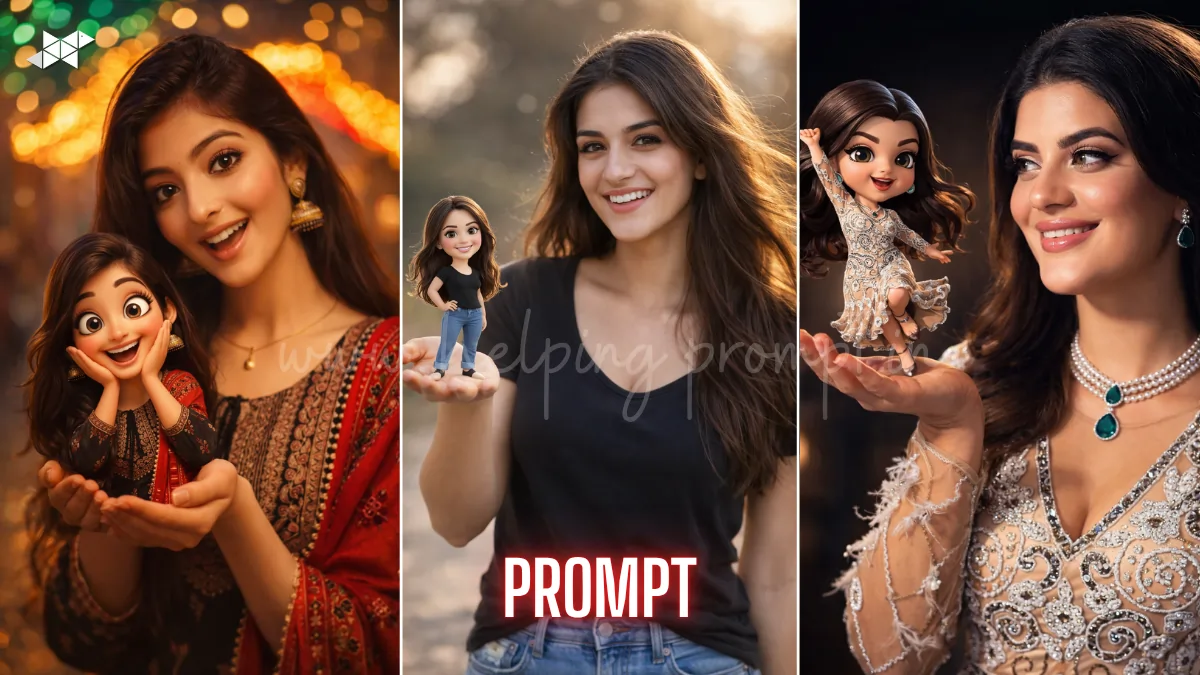
This AI trend is blowing up across Instagram and Reels right now.
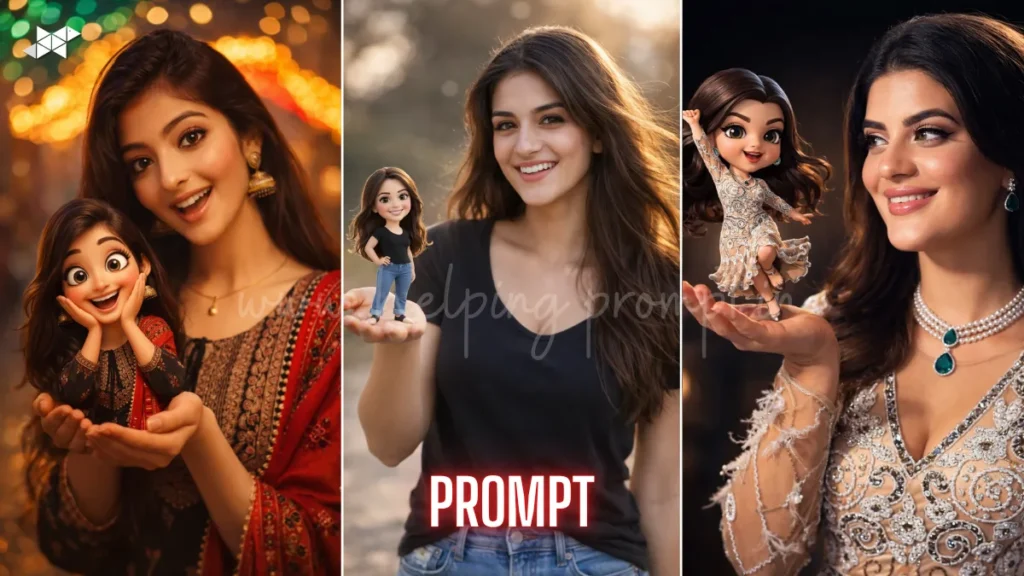
Creators are using MindMorph AI prompt to turn photos into cinematic mini-self art.
Tools like ChatGPT, Midjourney, Gemini, Leonardo AI, DALL·E, Ideogram AI, Krea AI are driving it.
You can create viral, ultra-realistic + Pixar-style portraits in seconds.
1: MindMorph AI Prompt
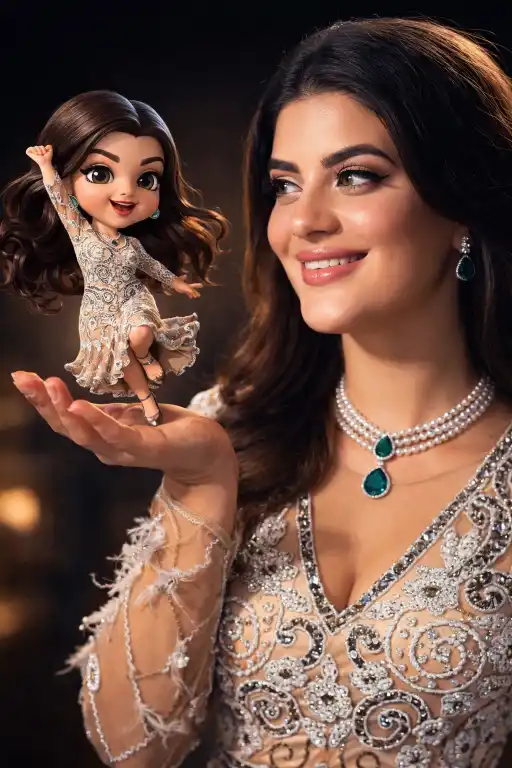
"Ultra-realistic cinematic portrait of a real woman, 100% based on uploaded reference photo, exact facial features preserved, natural skin pores, subtle imperfections, realistic hair strands, soft ambient lighting, wearing modern casual outfit, holding a tiny 3D cartoon version of herself with one hand, expressive amused smile, cinematic rim lighting, 85mm DSLR lens, shallow depth of field, ultra-detailed textures, volumetric light, Pixar-quality mini character, 8K resolution, photorealistic rendering, dramatic yet warm mood"
2: MindMorph Mini Self Cinematic Prompt
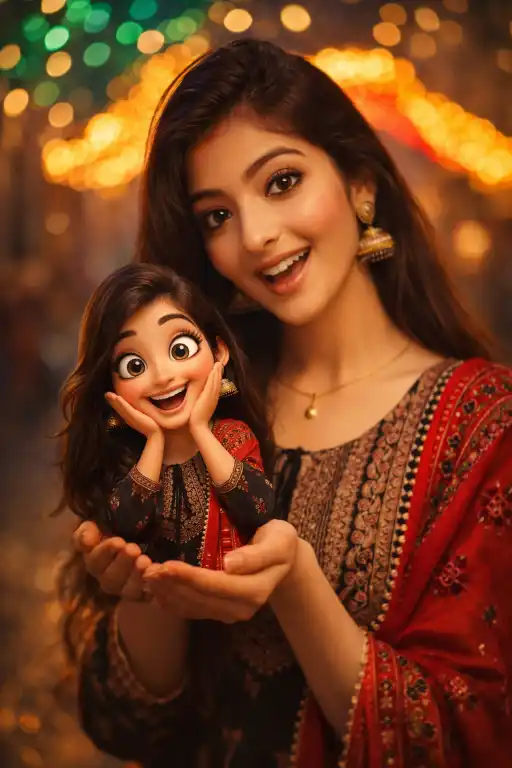
"Highly cinematic portrait of a real woman from reference image, face identity locked, hyper-realistic skin texture, natural lighting with soft shadows, holding miniature 3D stylized cartoon version of herself, exaggerated facial expression on mini character, smooth Pixar-level rendering, cinematic glow, 50mm lens, depth of field blur, ultra-HD 4K, detailed fabric texture, realistic reflections, emotional storytelling composition, warm color grading"
3: MindMorph Viral AI Portrait Prompt
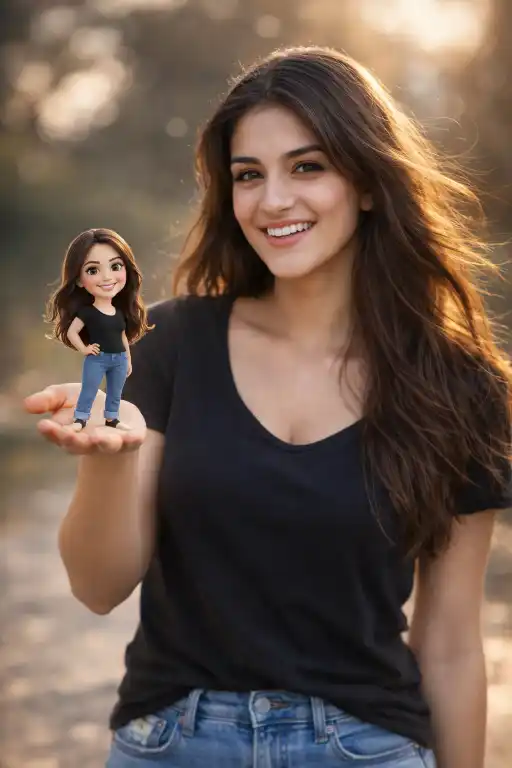
"Photorealistic cinematic scene of a woman identical to uploaded photo, accurate face structure and expression, holding tiny animated version of herself with oversized cartoon head, dynamic playful pose, high-end studio lighting, dramatic shadows, 35mm lens, depth of field, ultra-detailed skin pores, realistic hair flow, stylized 3D mini character with glossy finish, vibrant cinematic tones, 8K resolution, trending AI art style"
How To
Time needed: 1 minute
- How to create MindMorph AI prompts image?
Upload your photo, paste the MindMorph AI prompts, and generate in your AI tool.
- How to improve MindMorph AI prompts results?
Use high-quality photos and add lighting + lens details in your prompt.
- How to make MindMorph AI prompts viral?
Use cinematic lighting, emotional expressions, and trending styles consistently.
Quick Settings Guide
- Aspect Ratio: 1:1 or 4:5
- Stylize: Medium to High
- Quality: High / Max
- Negative Prompts: blurry, distorted face, extra fingers, low detail, cartoon main face
Pro Tips
- Always use a clear, front-facing photo for best results
- Add “face accuracy” or “identity lock” for realism
- Use warm cinematic lighting for viral appeal
Conclusion
The MindMorph AI prompts trend is not just creative-it’s addictive.
It blends realism with playful storytelling in a way people instantly connect with.
When you combine cinematic lighting, emotional expression, and a mini animated version,
you create content that stops scrolling and boosts engagement fast.
Experiment with angles, lighting, and expressions to make your version unique.
The more you refine your prompts, the more viral your results become.
Start now, test variations, and turn your everyday photo into a next-level AI masterpiece.
FAQs
MindMorph AI prompts creates cinematic portraits with a mini animated version of yourself.
You can use Midjourney, DALL·E, Leonardo AI, and others for MindMorph AI prompt results.
Yes, just copy the MindMorph AI prompts and upload a clear image.

Leave a Reply