
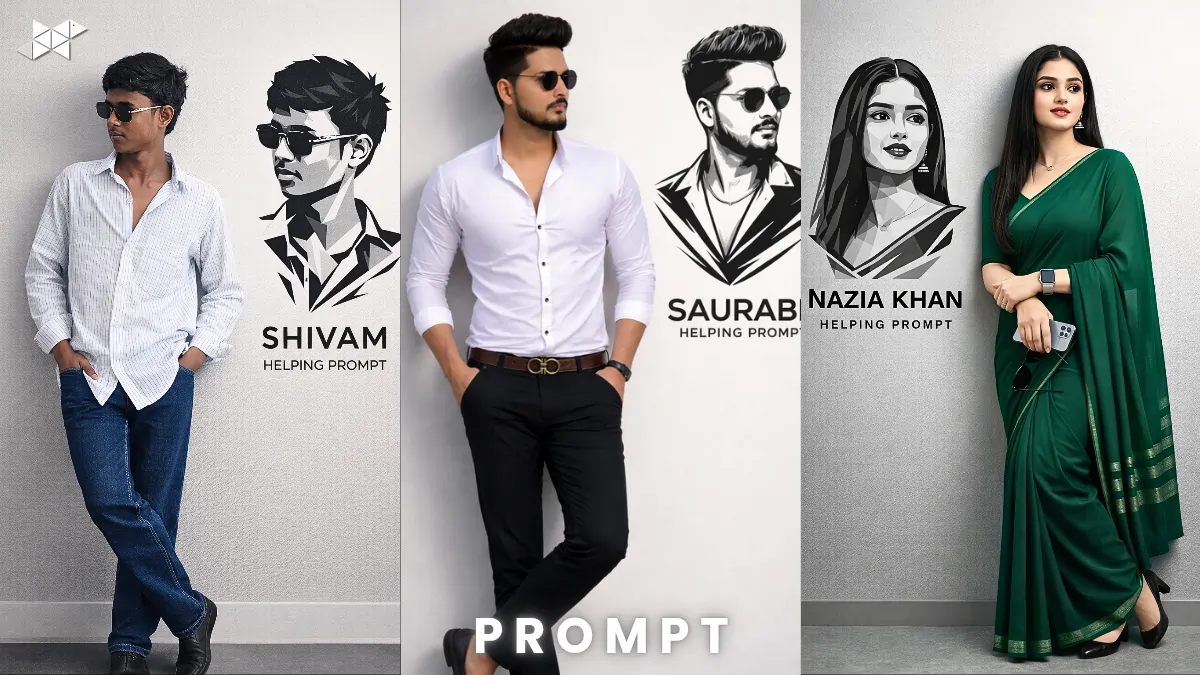
Want a stylish studio portrait that looks both confident and creative?
This trending Deocam-style AI setup blends a relaxed wall pose with bold vector wall art. Using ChatGPT-powered image prompts, you can generate a modern portrait where the subject leans casually against a light gray wall, while a sharp black-and-white vector graphic appears beside him. Here’s how to do it the right way.
Why This Deocam Studio Style Is Going Viral:
This pose works because it feels natural.
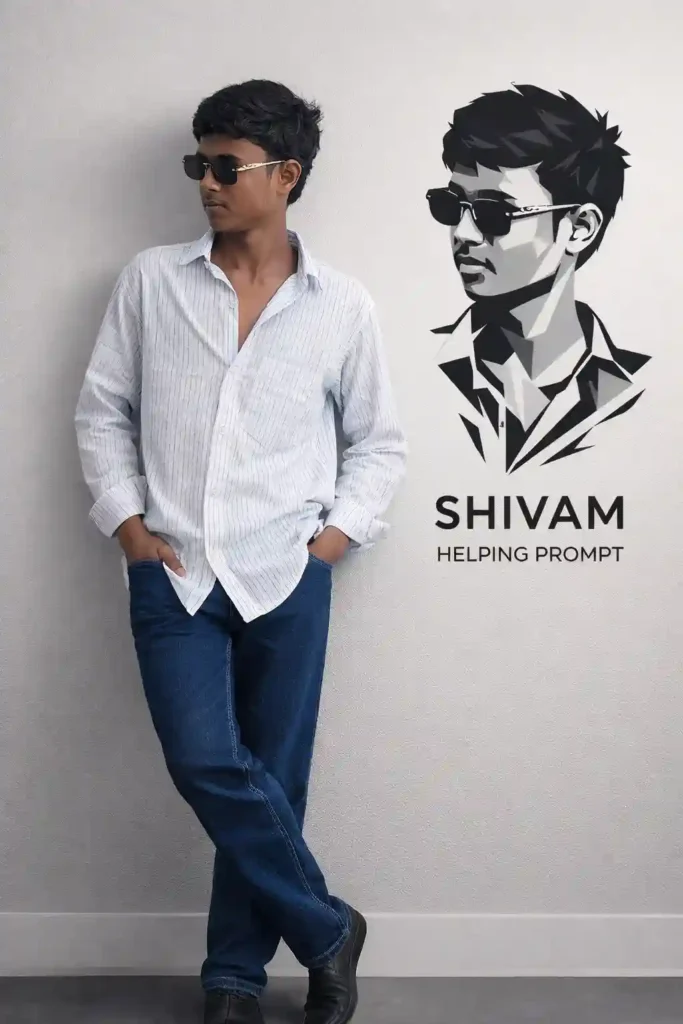
The subject leans casually against a smooth, light gray studio wall. His hands stay in his pockets. One leg crosses over the other. The body language is relaxed, yet confident.
However, what makes it stand out is the vector portrait design on the wall.
What Makes It Unique?
- Clean studio lighting
- Minimalist gray background
- Black-and-white angular vector art
- Sharp polygonal shapes
- Name branding below the artwork
Because of this mix, the result feels both personal and professional.
Moreover, this style is perfect for creators who want a bold identity image without overdoing the drama.
Why It Performs Well on Social Media
- Looks premium
- Eye-catching contrast
- Balanced composition
- Clear subject focus
- Modern graphic appeal
Therefore, it grabs attention quickly in feeds like Instagram and Snapchat.
1) Classic Leaning Pose Prompt:
Prompt in Quote:
“Use the uploaded reference image face exactly. Create a photorealistic studio portrait where he is casually leaning against a smooth light gray studio wall. His hands are inside his pockets and one leg is crossed over the other, showing relaxed and confident body language. Maintain soft diffused studio lighting and natural shadows. Add a prominent black and white vector portrait of his face and chest on the wall beside him, designed with sharp angular lines and overlapping polygonal shapes in a minimalist modern style. Below the artwork write: [YOUR NAME] and under it HELPING PROMPT.”
Explanation:
Balanced full-body studio composition.
Best Use:
Instagram profile photo, portfolio, LinkedIn DP.
2) Close Crop Creative Angle Prompt:
Prompt in Quote:
“Use the uploaded reference face without altering features. Generate a realistic half-body portrait of him leaning against a smooth light gray studio wall with hands in pockets and one leg slightly crossed. Keep relaxed yet confident posture. Use clean studio lighting and subtle shadow depth. On the wall beside him, add a bold black and white vector portrait of his face and chest using sharp polygonal shapes, angular lines, and modern minimalist graphic style. Below the vector write [YOUR NAME] and underneath HELPING PROMPT in clean typography.”
Explanation:
Focuses more on expression and branding.
Best Use:
WhatsApp DP, Snapchat story, personal branding.
3) Wide Frame Studio Identity Prompt:
Prompt in Quote:
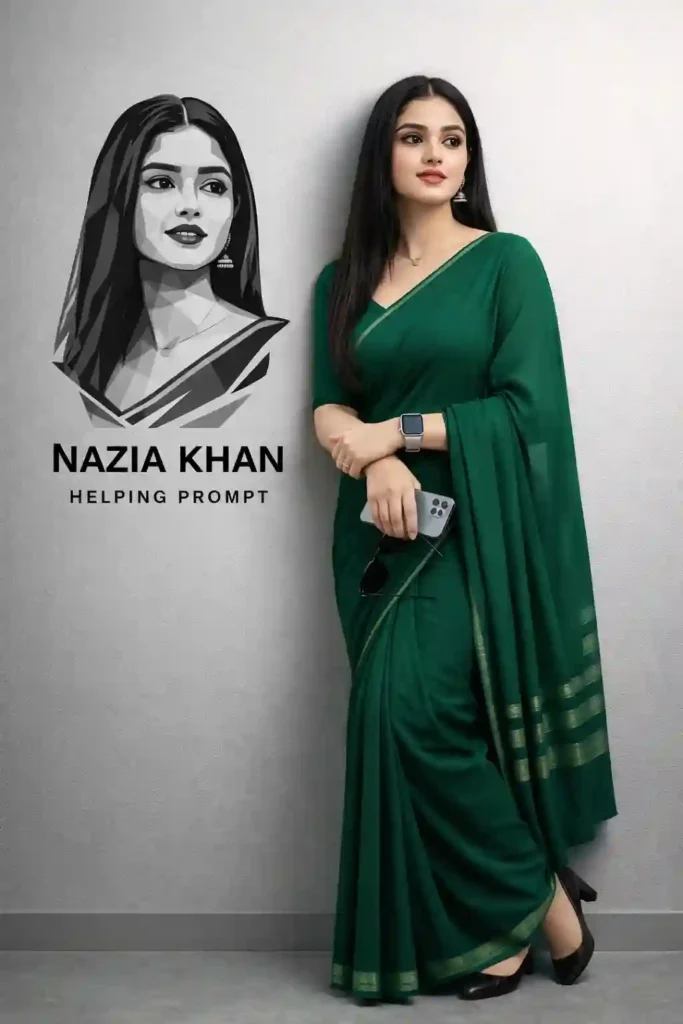
“Using the uploaded reference image face exactly, create a high-resolution studio image. He is leaning casually against a smooth light gray wall with hands in pockets and one leg crossed comfortably. The body language should appear natural, calm, and confident. Use professional softbox lighting with realistic skin texture and shadows. On the wall next to him add a large black and white vector portrait of his face and chest created with overlapping polygonal shapes, sharp edges, and minimalist geometric styling. Under the graphic place the name [YOUR NAME] and below it HELPING PROMPT in bold clean font.”
Explanation:
Gives more background space and graphic dominance.
Best Use:
YouTube banner, creative portfolio cover, reel thumbnail.
Quick Tips for Better Results
- Use a clear, high-resolution face reference.
- Keep lighting soft and evenly distributed.
- Avoid cluttered backgrounds.
- Maintain neutral facial expression for premium look.
- Ensure vector art contrast is strong against gray wall.
Conclusion
This Deocam-style leaning portrait blends realism and graphic art perfectly.
With the right prompt and clean lighting, you can create a bold identity image that stands out instantly.
FAQs:
1. What is Deocam style?
A clean studio portrait with modern graphic elements.
2. Best background color?
Light gray works best for contrast.
3. Can I use for DP?
Yes, perfect for profile photos.







Leave a Reply