
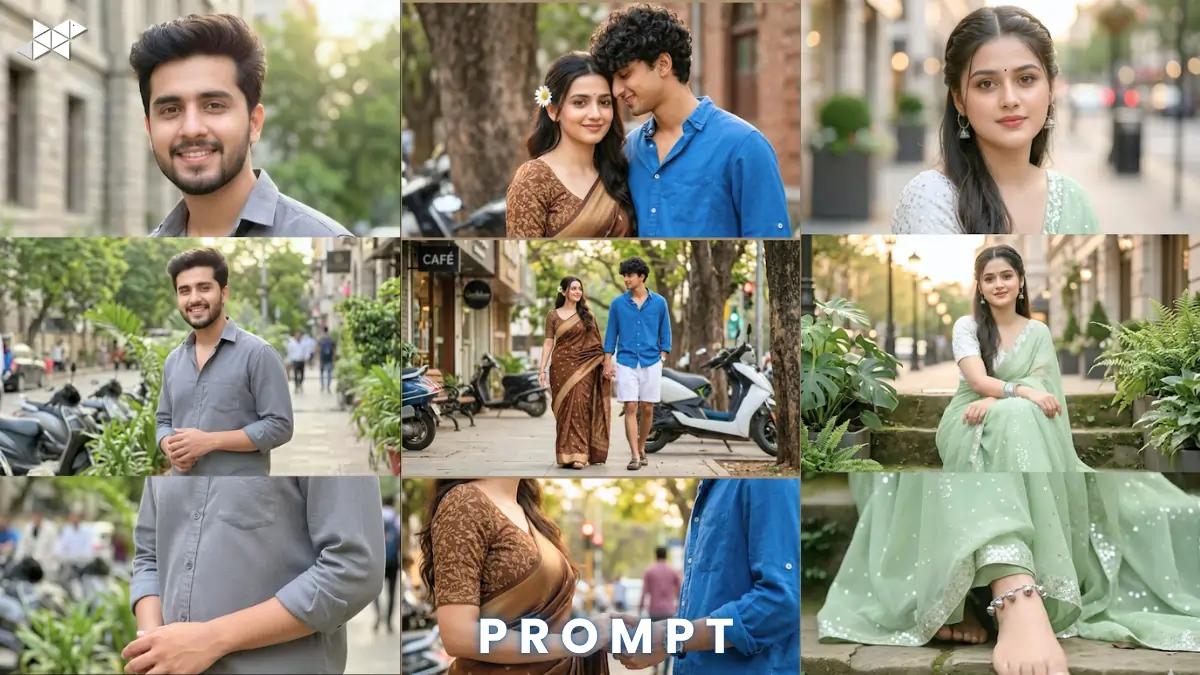
AI portraits are trending fast in 2026. Tools like ChatGPT, Midjourney, and Gemini lead this wave.
This iPhone 17 Pro Max collage prompt creates ultra-realistic vertical images.
You get cinematic lighting and natural skin textures.
Perfect for social media, branding, and viral content creation.
Copy & Paste iPhone 17 Pro Max collage prompt
Male Concept Prompt
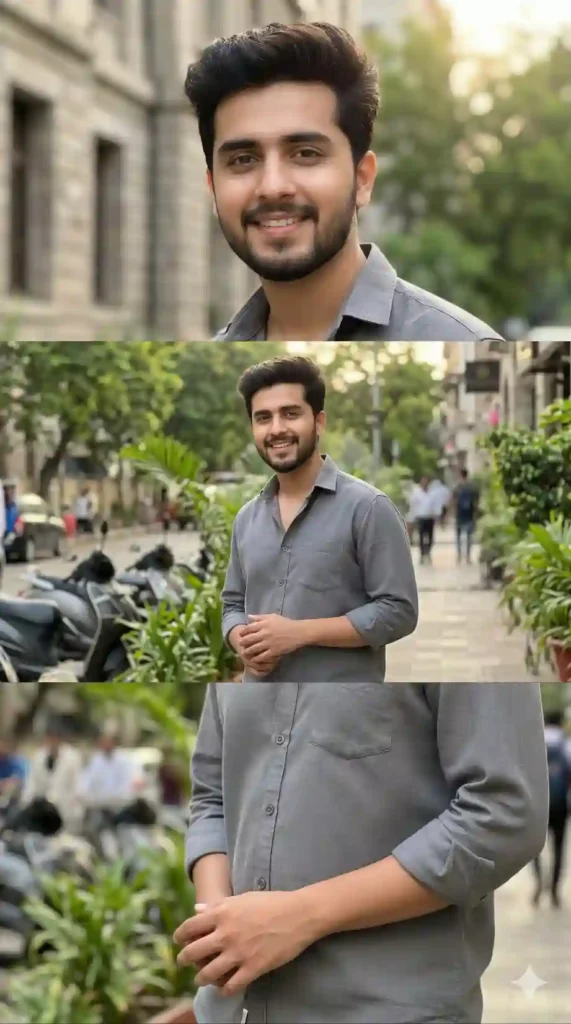
8K hyper-realistic iPhone 17 Pro Max vertical collage, 9:16 ratio, three stacked frames, authentic face preserved 100%, outdoor urban street with greenery, soft sunlight, cinematic natural lighting, 85mm lens, shallow depth of field, high dynamic range, realistic skin texture, detailed hair strands, sharp focus, blurred scooters and buildings in background, moody yet vibrant tone, ultra-detailed, photorealistic, natural shadows, depth-rich composition
Female Concept Prompt
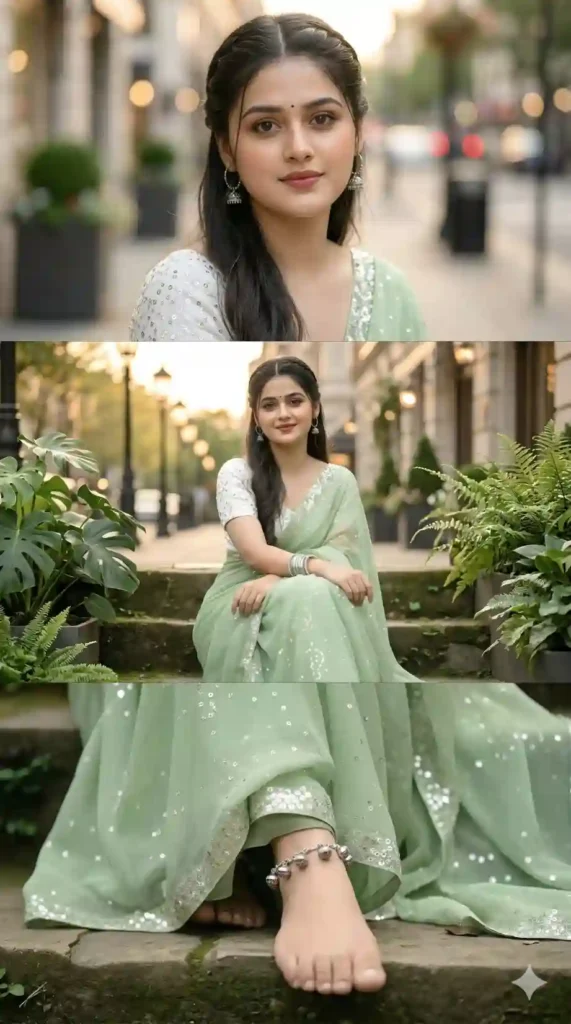
Ultra-realistic 8K vertical collage shot on iPhone 17 Pro Max, 9:16 aspect ratio, three stacked frames, preserve facial structure and skin tone, soft golden hour lighting, urban greenery street scene, 50mm portrait lens, creamy bokeh, smooth skin texture with natural pores, cinematic glow, high detail, HDR, shallow depth of field, elegant mood, soft shadows, realistic fabric textures, vibrant yet balanced colors.
Couple Concept Prompt
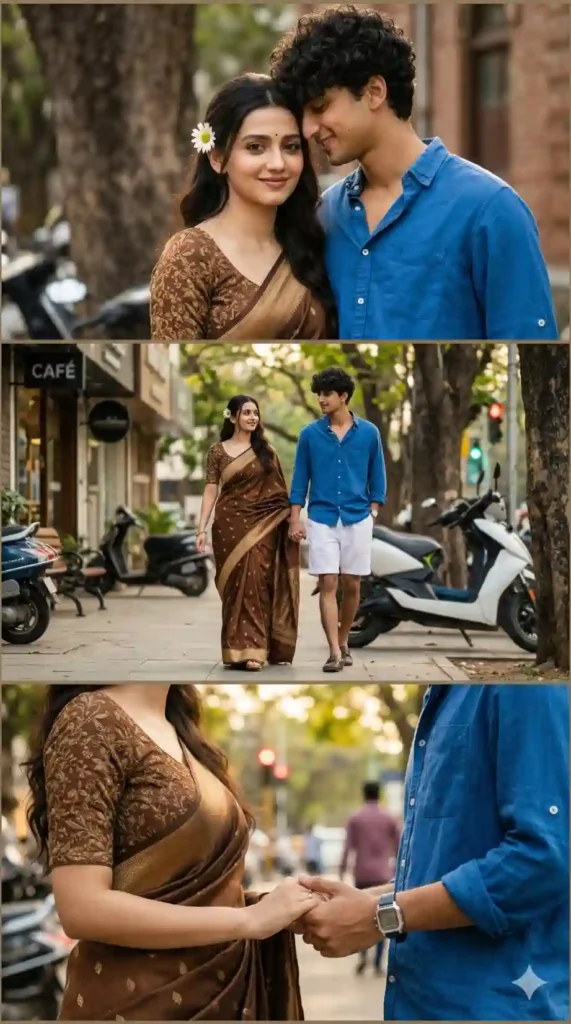
8K hyper-realistic couple collage photograph, iPhone 17 Pro Max style, vertical 9:16, three stacked frames, both faces fully preserved, natural expressions, outdoor urban street with trees and scooters, cinematic lighting, 85mm lens, depth of field, HDR rendering, ultra-detailed textures, realistic skin tones, soft highlights and shadows, romantic yet casual mood, blurred background, professional photography realism.
HOW TO USE IPHONE 17 PRO MAX IMAGE PROMPT GUIDE:
- Where should I use this prompt?
Use it in Midjourney, Leonardo AI, or Gemini image tools.
- Do I need reference images?
Yes, upload clear face images for best accuracy.
- Can I edit results later?
Yes, refine lighting or mood using AI upscale tools.
QUICK SETTINGS
- Aspect ratio: 9:16
- Stylize: 150–250
- Quality: High / 2
- Negative prompts: blur, low quality, distorted face, extra limbs
PRO TIPS
- Use high-resolution face images for sharp results.
- Choose golden hour lighting for natural glow.
- Keep backgrounds simple for better focus.
FAQs
Your input image may be low quality or poorly lit.
Yes, 9:16 format fits perfectly for vertical platforms.
Midjourney and Leonardo AI give the most realistic outputs.
CONCLUSION
This prompt gives you studio-level results with ease.
Start creating viral, hyper-realistic collages today.
Try it now and upgrade your AI content game




Leave a Reply