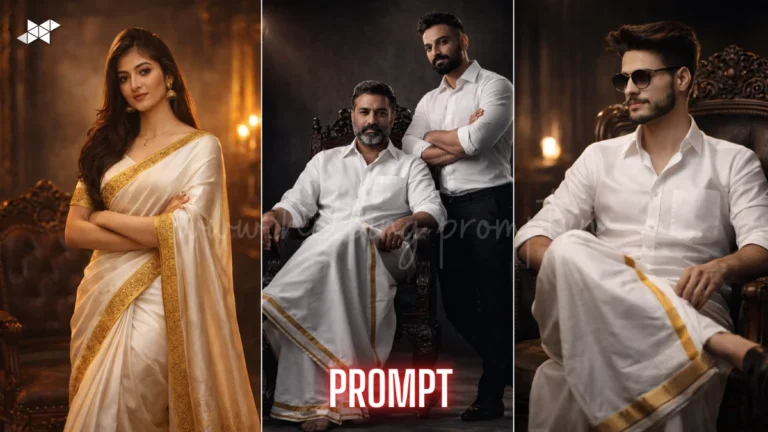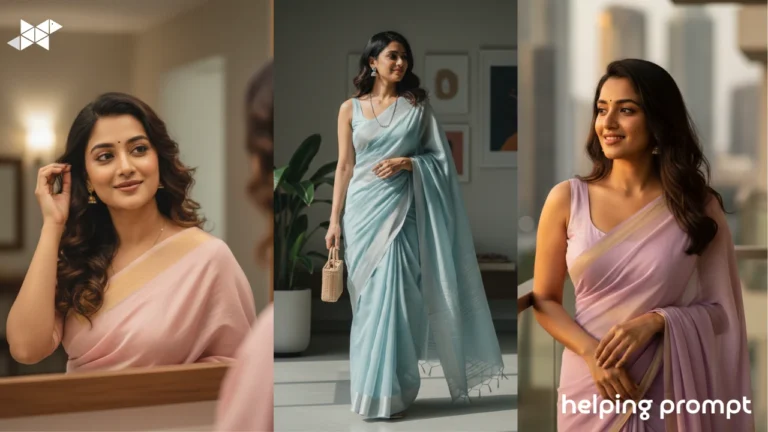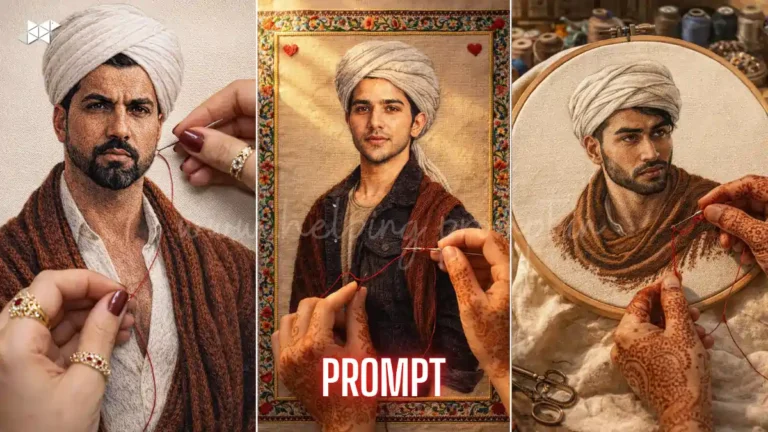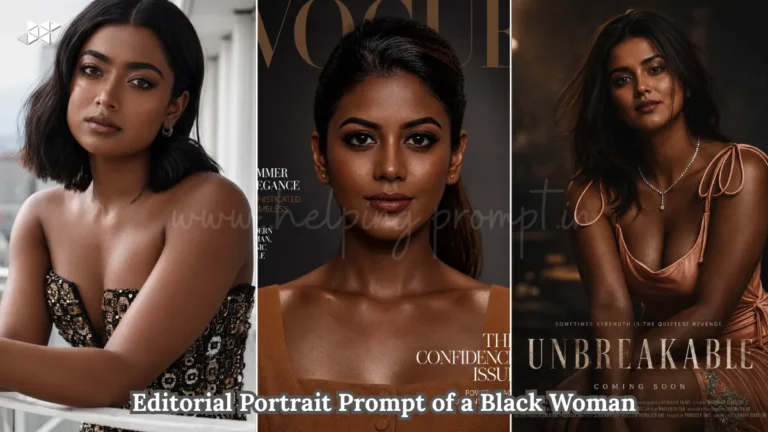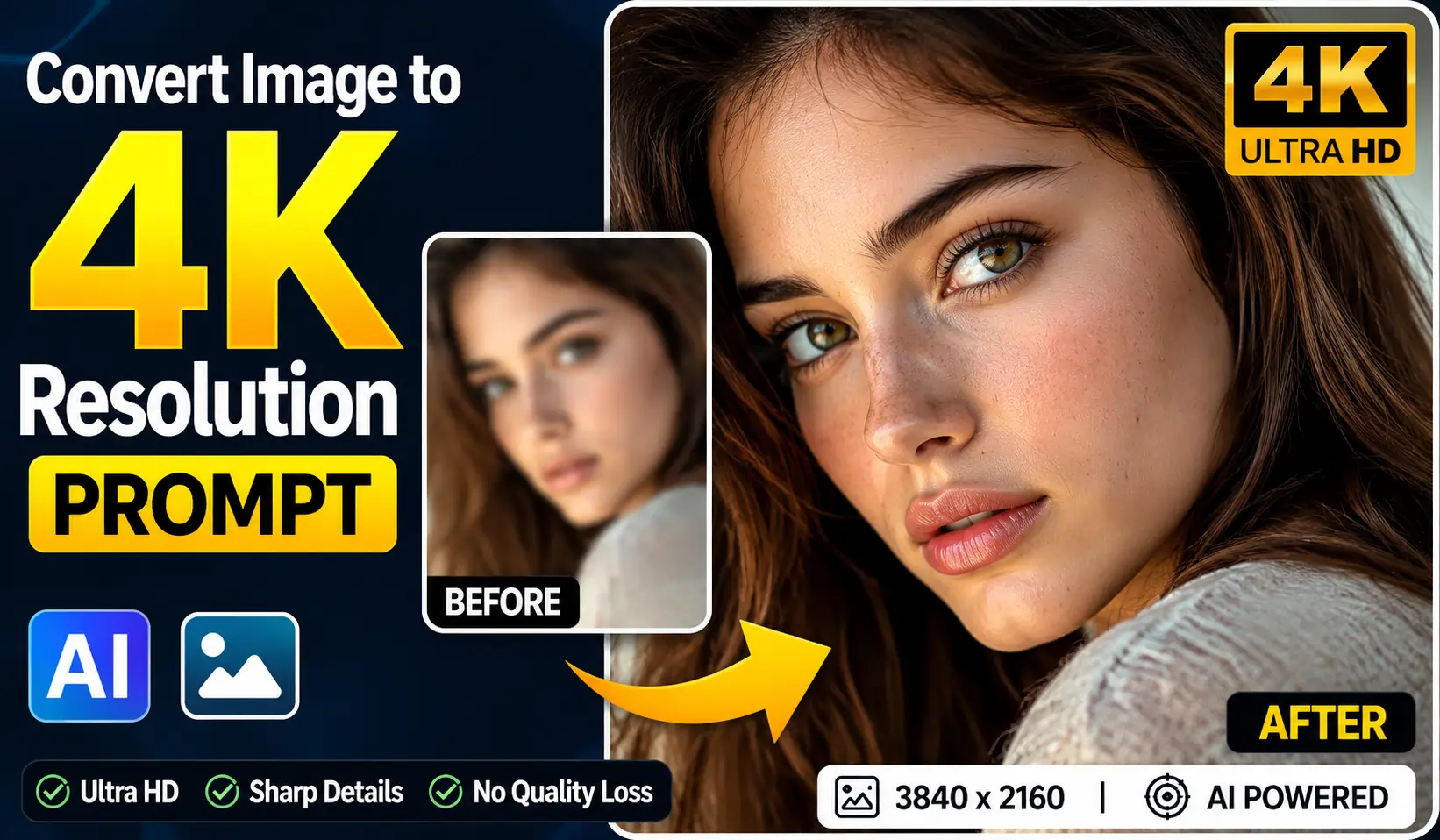
Instant 4K Upgrade Prompts: Convert Image to 4K Resolution Fast
Strong scroll-stopping hook AI upscaling is trending now Convert image to 4K resolution with top tools added with these link
How To Create convert image to 4K resolution
It depends on hardware; GPU takes seconds to minutes per image.
AI reconstructs plausible detail, improving perceived sharpness but not original data.
Use PNG for editing and WebP for web delivery to save bandwidth.
Convert Image to 4K Resolution Prompt – Quick Prompts
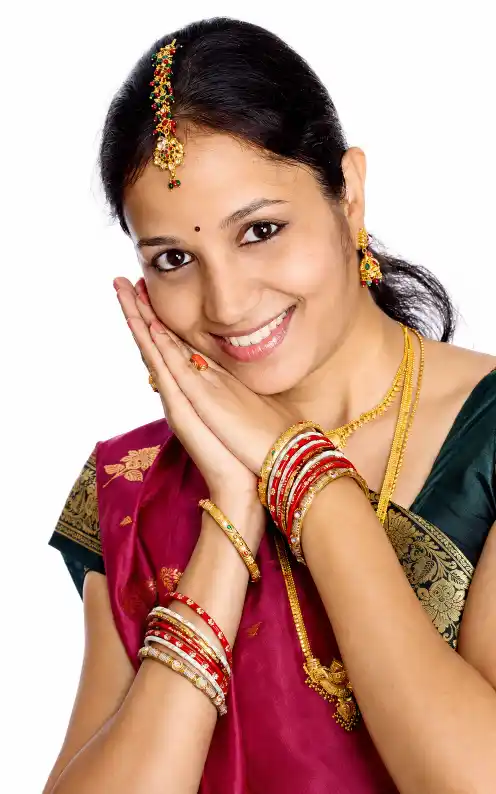
"Perform a 4k high-resolution upscale of this image. Preserve the original composition, subject, art style, and mood exactly. Enhance fine textures, clarify details within the shadows, and sharpen the facial features and fur patterns. Do not add, remove, or alter any objects or people. Focus strictly on increasing clarity and improving micro-details."
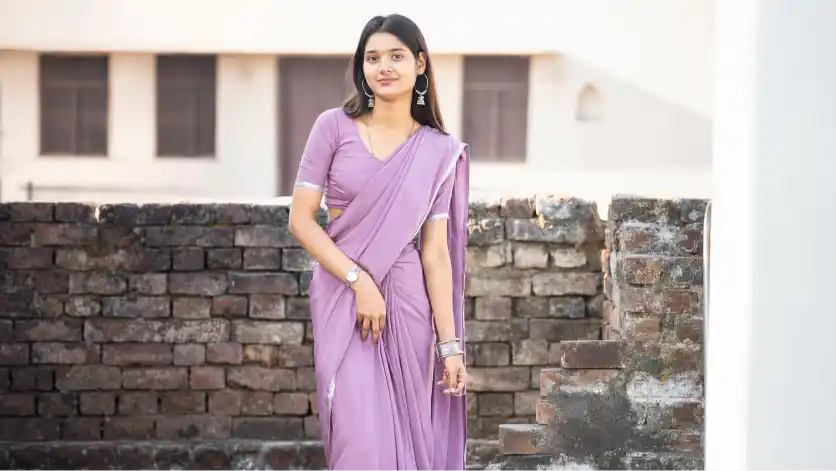
"Upscale this image to 4K resolution (3840x2160). Enhance natural textures (skin pores, hair, fabric) with original colors and lighting. Remove digital noise and blur, but do not smooth or alter the facial features and identity."
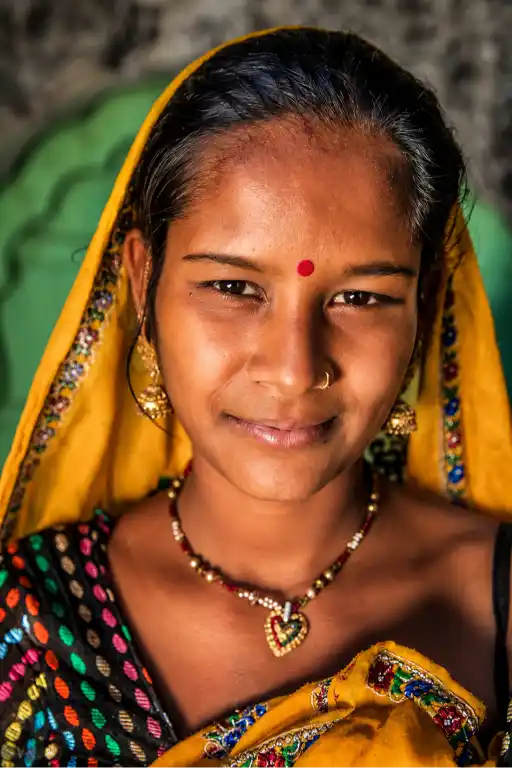
"Transform this into an ultra-realistic 4K image. Increase sharpness, improve texture detail, and optimize the dynamic range to make the lighting and colors pop. Preserve the original framing and composition exactly while removing any compression artifacts."
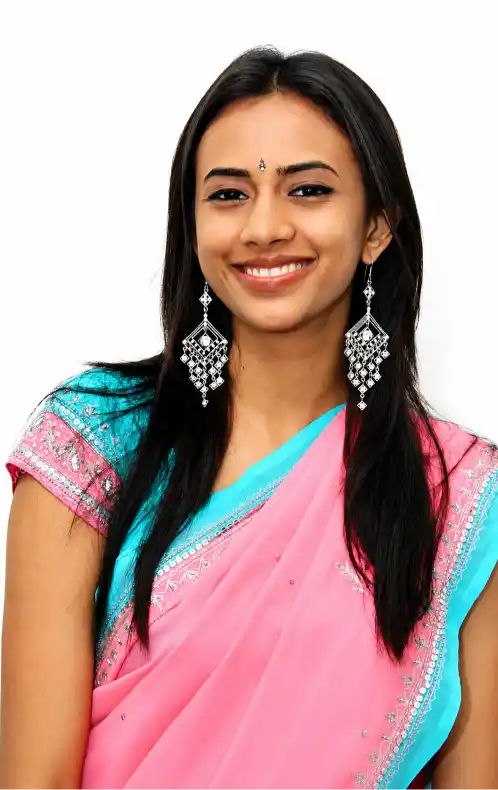
"Convert this image to 4K resolution. Reconstruct the fine details and textures clearly without adding digital noise. Ensure lines are sharp, and keep the exact colors, style, and composition of the original artwork."
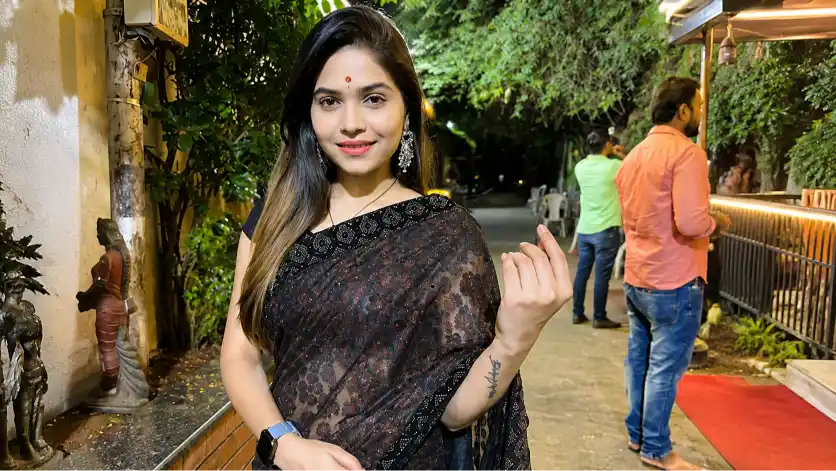
Photorealistic 4K resolution, ultra-high definition, 3840x2160 pixels, crisp textures, maximum detail retention, sharp focus, professionally enhanced, clean edges, zero artifacts, de-noised, flawless clarity.
Quick Settings Guide
- Mode: AI upscaler (x2 or x4) – convert image to 4K resolution.
- Denoise: 0.2–0.5 for photos; 0.6 for noisy scans.
- Sharpen: 0.15–0.35 to restore edges.
- Color: Preserve original; enable mild vibrance.
- Output: PNG for quality; WebP for web size.
- Batch: 8–16 images per GPU pass.
Pro Tips
- Use GPU acceleration to cut processing time.
- Compare PSNR and SSIM for objective checks.
- Keep originals for rollback and A/B testing.
Final Thoughts
Upscaling is now practical and fast. Experiment with presets and small adjustments. Measure results with objective metrics and user tests. Try different models, then pick the one that balances sharpness and natural texture. Share results and iterate often; small tweaks yield big visual gains. If you want, test one image now and compare outputs.
FAQs
- What’s the first step to convert image to 4K resolution?
Choose an AI upscaler and set scale factor to x2 or x4 before processing.
- How to keep skin tones natural when you convert image to 4K resolution?
Use color-preserve mode and low denoise to avoid oversmoothing skin.
- How to test mobile performance after you convert image to 4K resolution?
Run A/B tests and measure load time, file size, and perceived clarity.
More Posts Like This
- 10 Gemini AI Prompts That Turn Everyday Selfies into 4K Retro Portraits with Soul
- One AI Prompt to Transform Your Burj Khalifa Selfie into 4K Reality
- 4K Holi Portrait AI Prompts: Create Ultra HD Festival Photos That Truly Pop
- Turn Him Into Megumi in 4K Style 2026
- Turn Any Photo into a 64K Cinematic Portrait 2026