
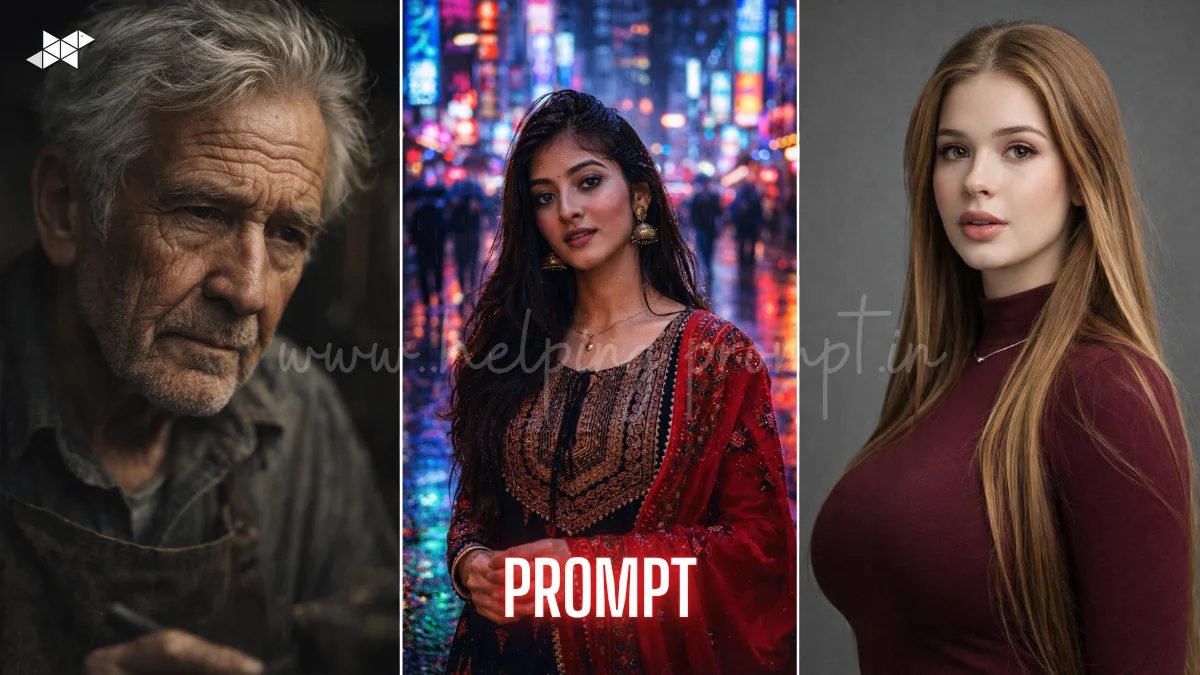
Stop settling for “plastic-looking” AI faces today. The latest trend in neural rendering is pure authenticity. Mastering Hyper-Realistic AI Portraits is now easier than ever. Use these prompts in ChatGPT, Midjourney, Gemini, Leonardo AI, DALL·E, Ideogram AI, Krea AI.
Top Prompts for Hyper-Realistic AI Portraits
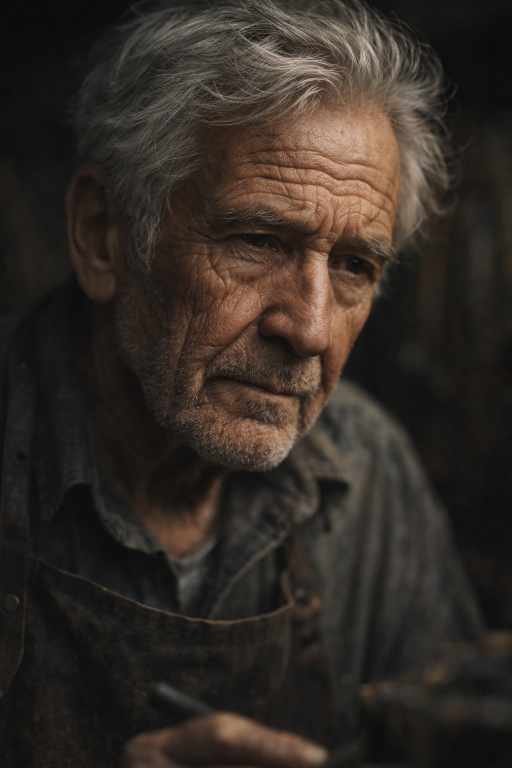
"Cinematic close-up of an elderly artisan, deep facial wrinkles, 8K resolution, shot on 85mm lens, soft Rembrandt lighting, moody atmosphere, visible skin pores and silver hair texture, ultra-realistic, shallow depth of field."
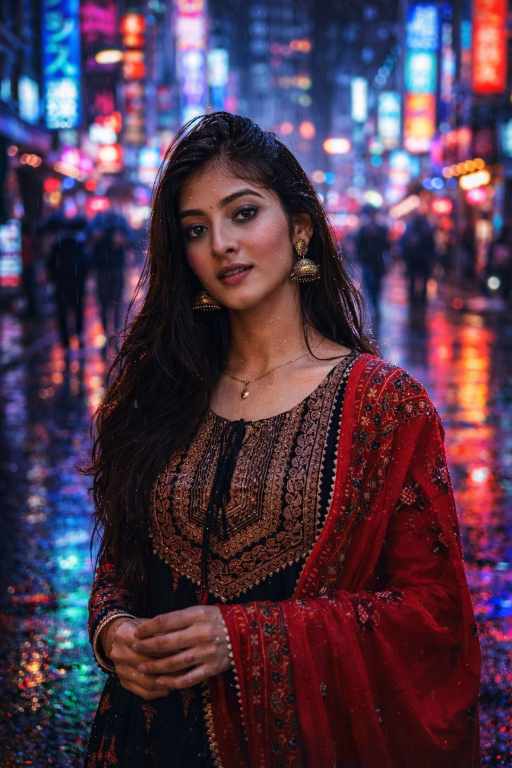
"Street style photography of a young woman in Tokyo, neon reflections, highly cinematic, f/1.8 aperture, rainy night mood, hyper-realistic skin moisture, shot on Sony A7R IV, crisp 4K detail, vibrant color grading."
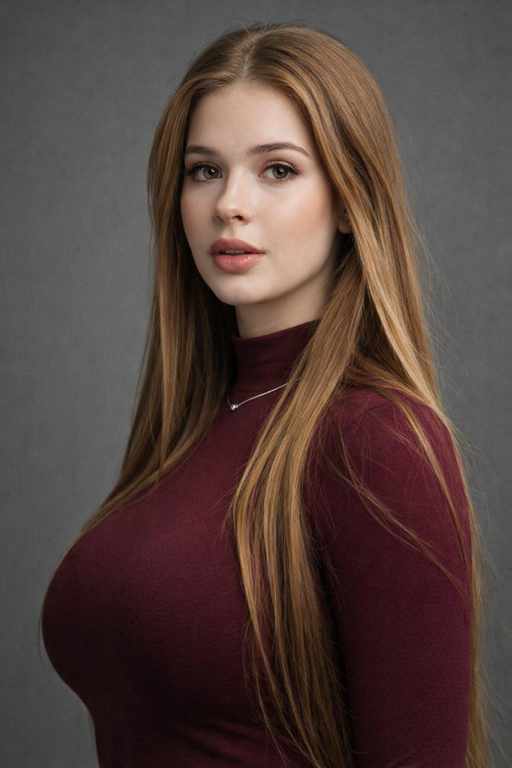
"Professional studio headshot, corporate lighting, 50mm prime lens, neutral grey background, high-end realism, sharp focus on eyes, 8K UHD, natural skin texture, masterpiece quality, soft shadows, elegant aesthetic."
How To
Time needed: 2 minutes
- How to upscale Hyper-Realistic AI Portraits?
Use a dedicated AI upscaler or the “U” buttons in Midjourney. This preserves the fine 8K details.
- How to change the mood of a portrait?
Adjust the “Lighting” keyword from “Studio” to “Cinematic” or “Moody” for instant shifts.
- How to save prompts for later?
Copy these into a dedicated notes app or a Discord server to build your personal library.
Quick Settings Guide
- Aspect Ratio: 2:3 or 9:16 for mobile.
- Stylize Level: Mid-range (S 250) for realism.
- Quality: High (–q 2 or Raw Mode).
- Negative Prompts: Plastic, blurry, distorted, 3D render, cartoon.
Pro Tips
- Always specify a specific camera lens (85mm is best for faces).
- Include “natural skin texture” to avoid the “AI smooth” look.
- Use “Golden Hour” lighting for instant professional warmth.
Conclusion
The world of Hyper-Realistic AI Portraits is evolving every single hour. By combining these specific prompts with tools like DALL·E, Ideogram AI, or Krea AI, you can create images that are indistinguishable from reality. Don’t be afraid to tweak the lighting or the lens settings to match your unique brand voice. Start experimenting today and watch your engagement soar as you push the boundaries of what AI can achieve. Your next masterpiece is just one prompt away!
FAQs
Focus on lighting and lens details in your prompt. Specific gear mentions help the AI simulate real physics.
Yes, these Hyper-Realistic AI Portraits prompts work across all major LLMs and image generators.
Usually, it lacks “texture detail.” Add keywords like “skin pores” or “film grain” for better results.



Leave a Reply