
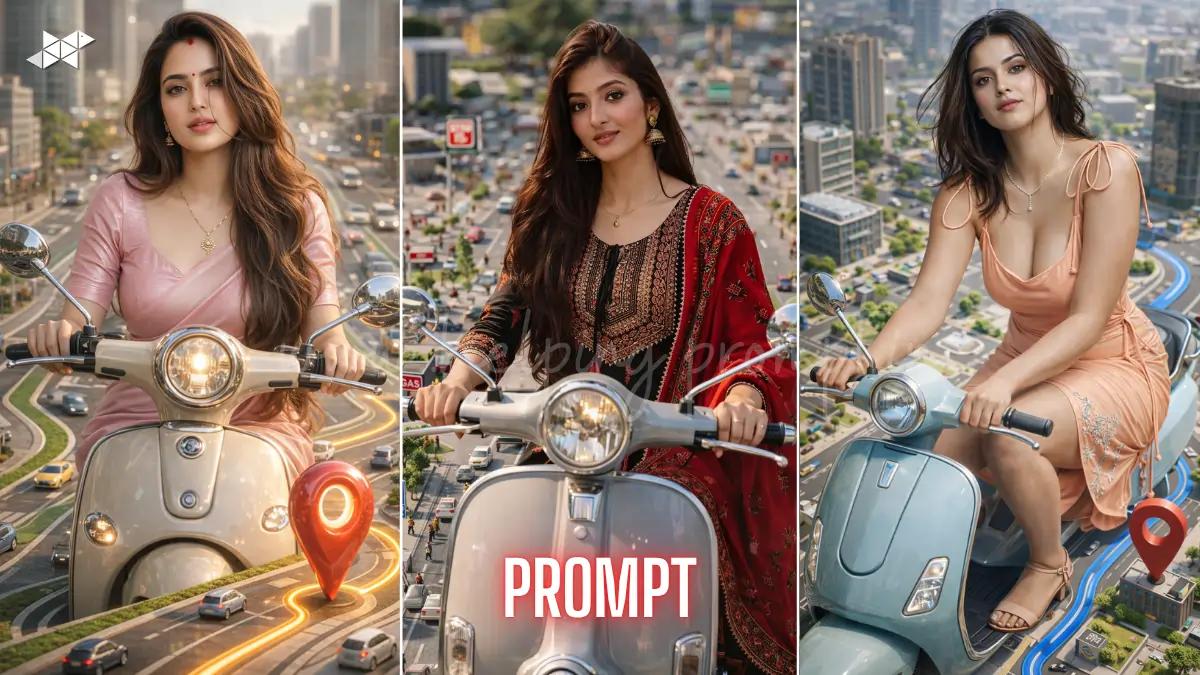
AI visuals are evolving faster than ever
Hyper-realistic scenes are trending across creators and brands.
This hyper-realistic 3D cinematic AI prompt unlocks next-level results instantly.
Use tools like MidJourney, Leonardo AI, and DALL·E.
Hyper-Realistic 3D Cinematic AI Prompt
Hyper-Realistic 3D Cinematic AI Prompt
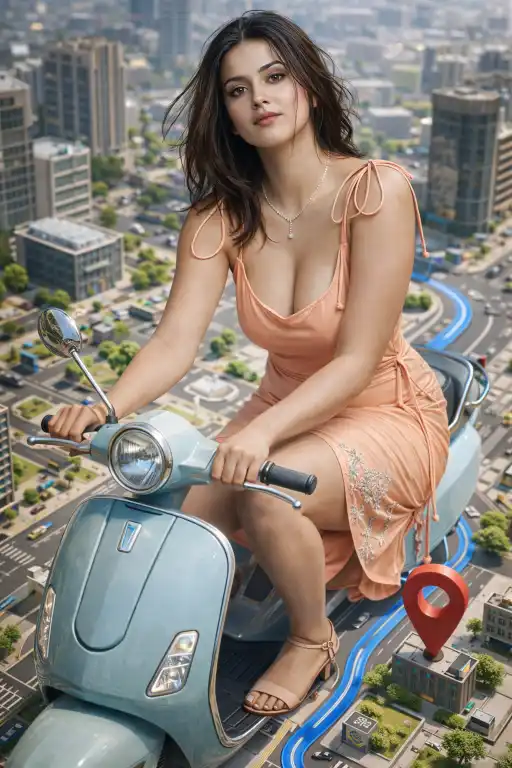
"Create a hyper-realistic 3D cinematic illustration using reference image, preserving 100% facial identity, exact structure, skin tone, hairstyle, expression. Full-body anatomy must match posture and outfit. Subject riding scooter on miniature city map with roads, blue navigation path, 3D pin, buildings. Bright daylight, HDR, ray tracing, Unreal Engine render, DOF, ultra-detailed textures, trending updates, real study data, future applicable, no distortion."
Ultra Realistic Map World AI Prompt
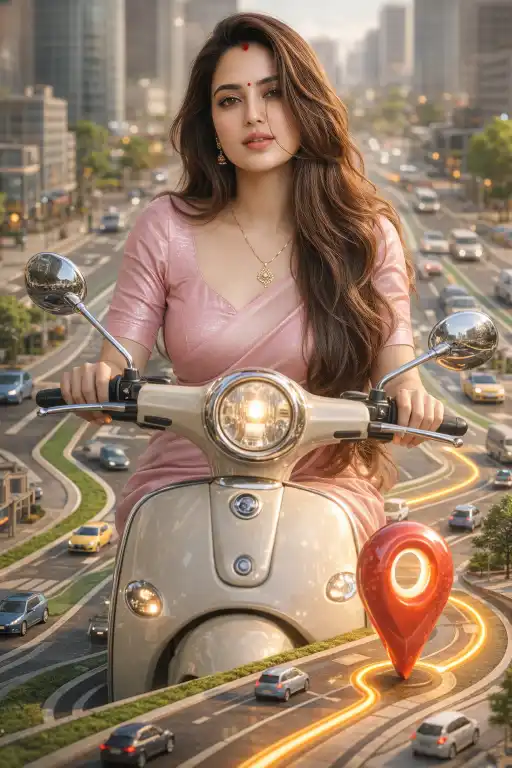
"Generate ultra-detailed 3D cinematic scene using reference image with perfect facial identity preservation, no stylization. Subject centered riding scooter on miniature GPS-style city map, smooth vector roads, glowing navigation line, glossy location pin, mini vehicles and buildings. Natural daylight, soft shadows, global illumination, Octane render, HDR 8K, cinematic DOF, realistic reflections, trending updates, real study data, future applicable, no mutation."
8K Cinematic Scooter Scene AI Prompt
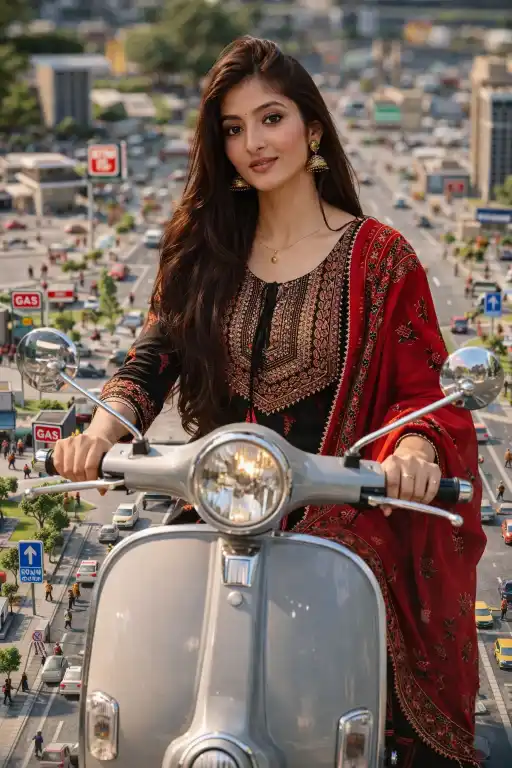
"Produce 8K hyper-realistic cinematic render from reference image maintaining exact facial identity and body proportions. Scene shows subject riding classic scooter over miniature city map with detailed streets, gas stations, road signs, tiny people. Bright daylight lighting, depth of field, Unreal Engine quality, ray tracing reflections, HDR, polished cinematic finish, trending updates, real study data, future applicable, no extra limbs or distortion."
How To
Time needed: 1 minute
- How to use hyper-realistic 3D cinematic AI prompts?
Copy the prompt, upload reference image, and run in your AI tool.
- How to get 8K output using hyper-realistic 3D cinematic AI prompts?
Enable high-quality settings and add “8K, HDR, ultra-detailed” in prompt.
- How to maintain face accuracy in hyper-realistic 3D cinematic AI prompts?
Include “100% facial identity preservation” and avoid stylization terms.
Quick Settings Guide
- Model: MidJourney v6 / Leonardo Diffusion XL
- Quality: High / 8K render
- Style: Hyper-realistic + cinematic
- Lighting: Natural daylight + soft shadows
- Camera: 85mm cinematic depth
- Focus: hyper-realistic 3D cinematic AI prompts
Pro Tips
- Always use a high-quality reference image
- Add “no distortion” and “no mutation” explicitly
- Use lighting + render engine keywords for realism
Conclusion
The future of AI visuals is no longer flat or generic. Instead, creators now demand immersive, cinematic, and hyper-real outputs that feel real at first glance. This hyper-realistic 3D cinematic AI prompts gives you that exact edge.
Moreover, by combining identity preservation with environment storytelling, you create visuals that stand out instantly. Whether you’re a designer, content creator, or marketer, this approach increases engagement and visual authority.
So experiment with variations, refine lighting, and test multiple renders. The more you iterate, the closer you get to perfection. Start now and turn simple images into cinematic masterpieces.
FAQs
It’s a prompt designed to generate ultra-detailed, lifelike 3D visuals using AI tools.
MidJourney, Leonardo AI, and DALL·E work best for such cinematic outputs.
Use high-quality references, detailed lighting, and strict identity preservation terms.



Leave a Reply