
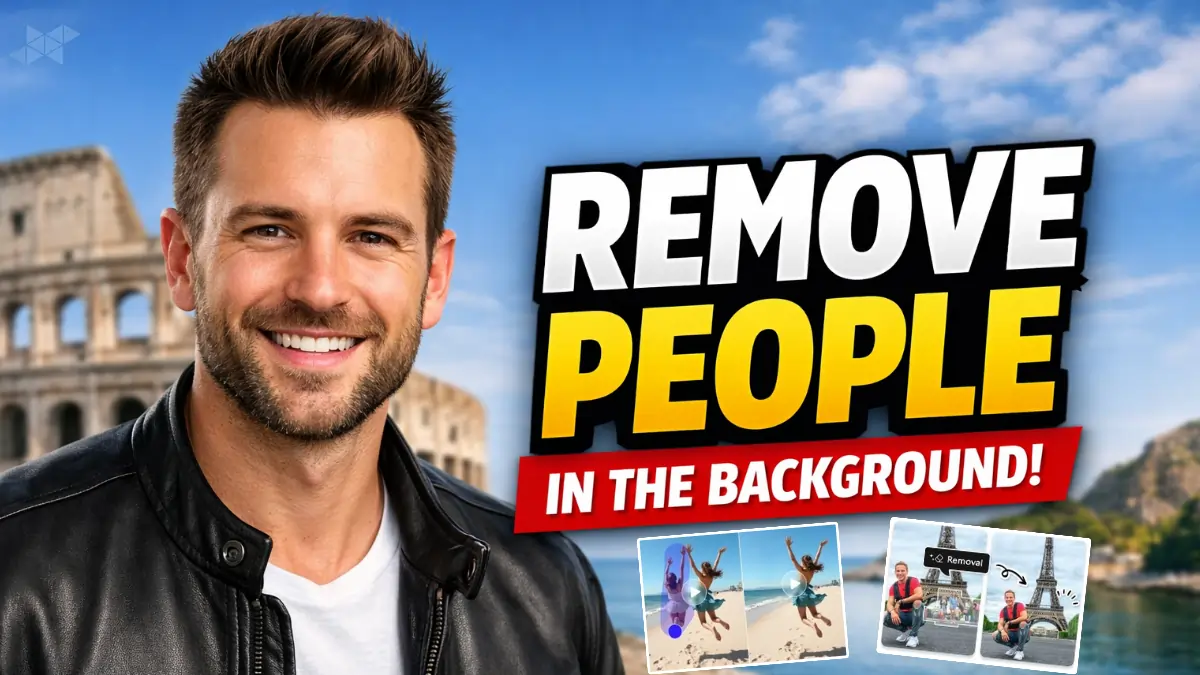
Let’s be honest-nothing ruins a great photo faster than random people sneaking into the background. Whether it’s a travel shot, product image, or a personal portrait, remove people in the background has become one of the most searched photo-editing needs right now. Thanks to AI-powered tools, you no longer need advanced Photoshop skills or hours of manual work. With the right prompts, AI can clean up distractions naturally, keeping your photo realistic and usable for social media, ads, or professional portfolios.
Remove People in the Background AI Prompt for Natural Photo Cleanup
Use this prompt when you want realistic results without obvious editing marks. It works well for portraits, travel photos, and street photography.
Remove all people from the background while keeping the main subject unchanged.
Reconstruct the background naturally using surrounding textures, colors, and lighting.
Maintain realistic shadows, depth, and perspective.
No blur, no smudges, no artificial artifacts.
Preserve original photo quality and sharpness.
Remove People in the Background Prompt for Crowded Places and Tourist Spots
Crowded landmarks and busy streets need a smarter approach. This prompt helps AI rebuild the environment convincingly.
Remove background people completely from the image.
Fill empty areas with realistic environment details such as buildings, pavement, sky, or greenery.
Ensure lighting consistency and natural depth.
Do not alter the main subject’s pose, face, or clothing.
Result should look like the place was empty when photographed.
Remove People in the Background Prompt for Product and E-Commerce Photos
For clean, distraction-free product images, clarity matters more than creativity.
Remove all human figures from the background.
Create a clean, minimal background that matches the original lighting.
Keep product edges sharp and colors accurate.
No added objects, no background noise.
Professional, studio-quality finish.
Remove People in the Background Prompt for Social Media and Reels
If the image is meant for Instagram, reels, or thumbnails, this prompt keeps it eye-catching without over-editing.
Erase people from the background while keeping the scene visually balanced.
Rebuild background elements naturally with soft details.
Maintain original color tones and contrast.
Optimized for social media clarity and realism.
No fake textures or unnatural blur.
Why AI Works So Well to Remove People in the Background
AI doesn’t just delete people-it understands context. It analyzes nearby textures, lighting patterns, and depth cues to rebuild what should be there. That’s why the right prompt matters. A clear instruction helps the AI avoid common mistakes like ghosting, warped walls, or muddy backgrounds. Keep prompts simple, specific, and realistic for the best outcome.
If you want, I can also create tool-specific prompts (Photoshop Generative Fill, Midjourney, Gemini, or mobile apps) or tailor them for portraits, real estate, or travel photography.







Leave a Reply