
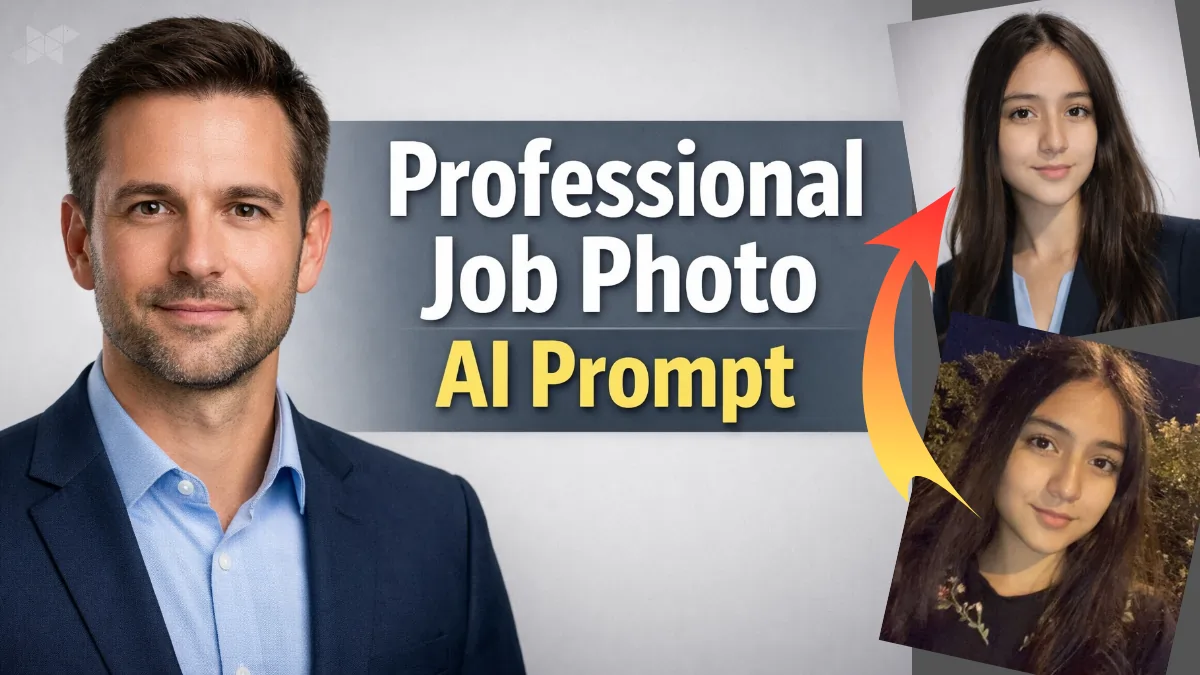
Creating a professional job photo using AI is no longer just for designers or tech insiders. Recruiters, fresh graduates, freelancers, and even experienced professionals now use AI image prompts to get clean, confident, resume-ready photos without booking an expensive studio.
This article breaks down how to create Resume & LinkedIn From AI Job Photo Prompt that actually works in real hiring scenarios-not glossy, not cartoonish, just credible and human.
Why a Professional Job Photo AI Image Prompt Matters Today
A professional job photo AI image prompt helps you control the outcome instead of leaving everything to chance. When prompts are vague, AI adds filters, smooth skin, or unrealistic lighting. That’s risky.
A well-written prompt ensures your photo looks like it was taken for an interview panel-clear face, neutral expression, formal attire, and honest lighting. This is especially useful for LinkedIn profiles, resumes, job portals, and corporate IDs.
1) Freshers and Entry-Level Roles:
Prompt:
“Create a clean, realistic professional job photo.
The subject is front-facing, centered, and photographed from chest-up.
Wear formal business attire: solid-colored shirt or blazer.
Neutral expression, polite and confident.
Plain light grey or soft blue background.
Even studio lighting, no harsh shadows.
Natural skin texture, no beauty filters.
High-resolution, realistic camera look.
Negative prompt: no cartoon style, no anime, no over-smooth skin, no beauty filters,
no exaggerated lighting, no dramatic shadows, no distorted face, no casual clothes, no fake smile”
2) Corporate and Office Professionals:
Prompt:
“Generate a professional corporate job photo.
Subject is an adult professional, front-facing, straight posture.
Business formal clothing, clean grooming.
Soft studio lighting with subtle depth.
Neutral background, minimal distractions.
Sharp focus, DSLR-style realism.
No face reshaping, no artificial glow.
Expression calm, trustworthy, and composed.
Negative prompt: no cartoon style, no anime, no over-smooth skin, no beauty filters,
no exaggerated lighting, no dramatic shadows, no distorted face, no casual clothes, no fake smile”
Professional Job Photo AI Image Prompt for LinkedIn and Personal Branding:
Prompt:
“Create a professional LinkedIn-style job photo.
Realistic facial features preserved exactly.
Natural skin texture, no smoothing.
Smart business-casual outfit.
Soft, balanced lighting with clean background.
Modern but formal composition.
Confident yet approachable expression.
Photorealistic, high clarity image.
Negative prompt: no cartoon style, no anime, no over-smooth skin, no beauty filters, no exaggerated lighting,
no dramatic shadows, no distorted face, no casual clothes, no fake smile”
Common Mistakes to Avoid in Prompt
- Using words like cinematic, glam, or fashion shoot
- Asking for “perfect skin” or “model look”
- Forgetting to mention lighting and background
- Not specifying “realistic” or “natural texture”
A professional job photo AI image prompt should feel boring-in a good way.
Final Thoughts: Keep It Simple, Honest, and Recruiter-Friendly
AI can help you create a strong first impression, but only if your prompt respects real-world hiring standards. The goal isn’t to look impressive-it’s to look employable.
Use these professional job photo AI image prompt formats as templates, tweak them slightly, and you’ll get results that feel authentic, not artificial.







Leave a Reply