
Holi is not just about colours.
It is about identity, joy, and expression.
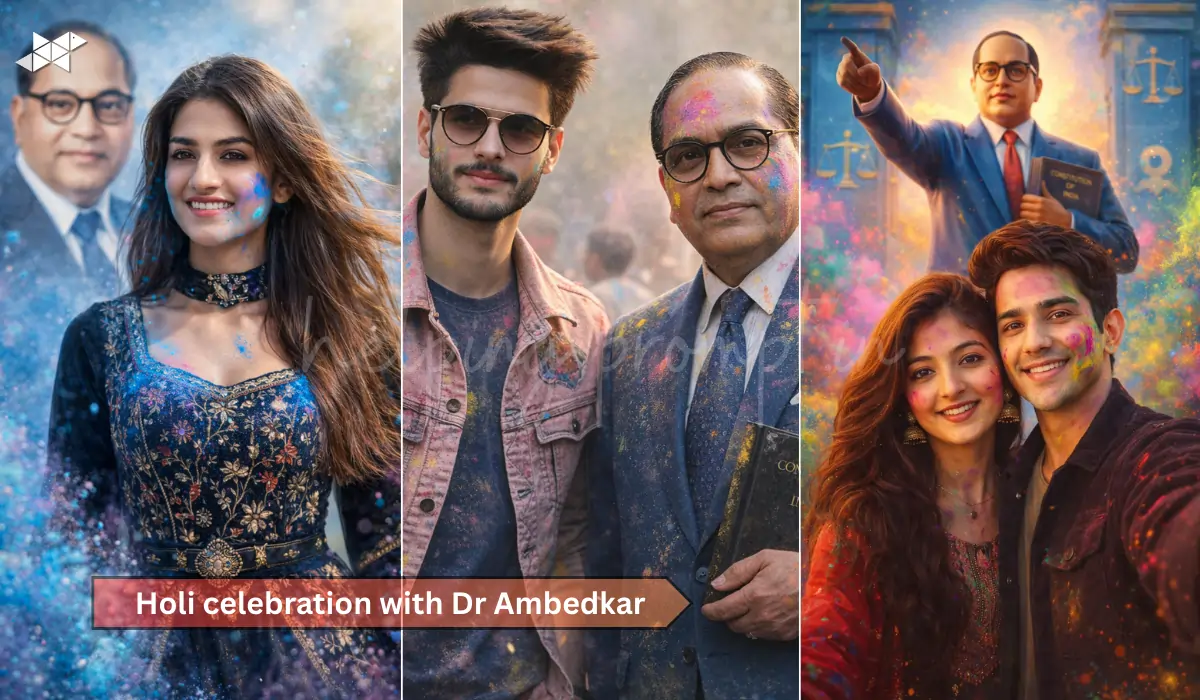
What if you could celebrate Holi with a powerful tribute to Baba Saheb Dr Ambedkar using your own selfie?
Now, with AI image tools, you can create a respectful, vibrant Holi-themed photo featuring yourself alongside Dr Ambedkar in a creative and symbolic way.
But how do you make it look powerful and not artificial?
Let’s break it down.
How to Create a Powerful Holi AI Image with Dr Ambedkar
First, understand the purpose. This is not just a festive edit. It is a tribute. Therefore, the tone must remain respectful while keeping Holi’s joyful spirit alive.
Dr Ambedkar represents equality, education, and empowerment. So your Holi AI image should reflect confidence, pride, and celebration – not exaggeration.
Moreover, lighting, colour balance, and expression matter a lot. A slight smile with natural posture works better than dramatic poses.
Interestingly, blue tones mixed with Holi colours create a visually strong combination because blue is strongly associated with Ambedkarite identity.
Now let’s move to the most important part – ready-to-use AI prompts.
1. For Boys – Confident Tribute Portrait
Best Use: Instagram Post, WhatsApp DP, Facebook Profile
“Using my uploaded selfie, create a realistic Holi celebration scene with Dr B R Ambedkar standing beside me in a respectful pose. Maintain 100% accurate facial structure of my face without beautifying. Add soft Holi colors like blue, pink, and yellow in the air. Dr Ambedkar should wear a classic blue suit, holding a book. Natural daylight, cinematic lighting, ultra-realistic 8K, sharp details, respectful atmosphere, balanced color grading, shallow depth of field.”
Why this works:
It keeps the tone respectful while adding festive energy.
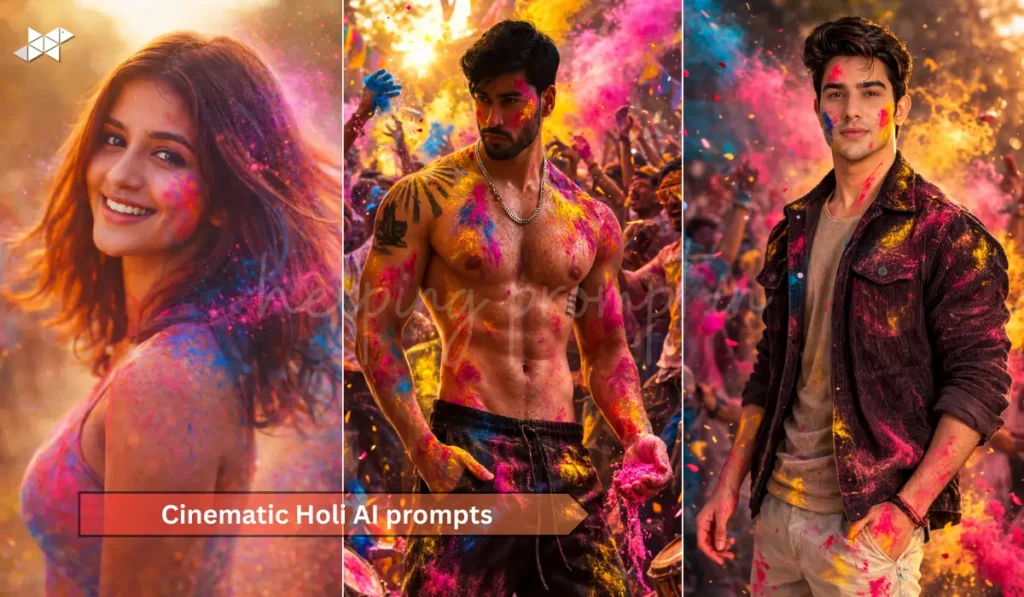
2. For Girls – Graceful Holi Tribute Image
Best Use: Instagram Story, Snapchat, Status
“Create a hyper-realistic Holi portrait using my uploaded selfie with Dr B R Ambedkar in the background smiling gently. Keep my natural skin tone and facial features untouched. Add soft flying gulal powder in pastel shades with blue theme dominance. Subtle sunlight glow, festive yet respectful mood, elegant color grading, ultra-HD clarity, natural shadows, realistic textures, portrait orientation, high detail, emotional and empowering composition.”
Why this works:
Soft colours + blue theme create emotional impact.
3. For Couple – Unity & Equality Holi Scene
Best Use: Couple DP, Anniversary Post, Holi Special Post
“Generate a realistic Holi celebration image using our uploaded couple selfie with Dr B R Ambedkar standing proudly behind us. Preserve exact facial features and expressions. Add vibrant but balanced Holi colors in the air. Blue themed background with symbolic equality elements. Golden-hour lighting, cinematic depth, ultra-detailed textures, natural smiles, respectful tribute tone, 8K resolution, symmetrical composition, emotional storytelling visual.”
Why this works:
It connects Holi with equality and unity symbolism.
4. Creative Artistic Poster Style
Best Use: Reel Cover, Poster, Social Share
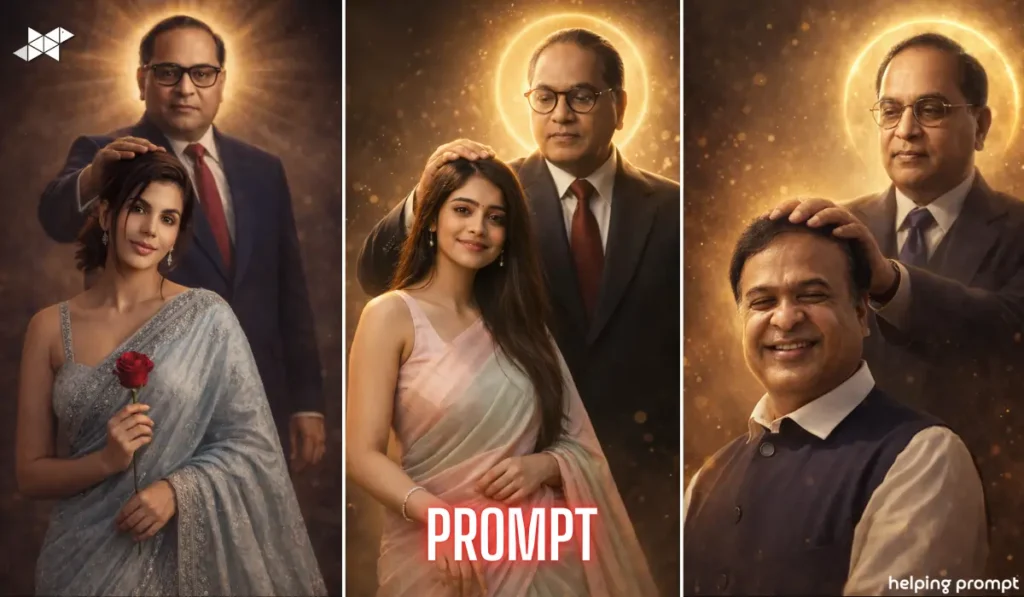
“Transform my uploaded selfie into a cinematic Holi tribute poster featuring Dr B R Ambedkar beside me. Maintain realistic facial proportions. Add dramatic blue and pink powder splash, dynamic lighting, sharp focus, poster-style composition, subtle glow effect, inspirational atmosphere, realistic fabric textures, volumetric color dust, high contrast, ultra-HD 8K clarity, powerful yet respectful visual storytelling.”
Why this works:
Perfect for high engagement and shareable content.
Quick Tips for Better AI Results
✔ Upload a clear, front-facing selfie with natural light.
✔ Avoid heavy filters before uploading.
✔ Use simple expressions – slight smile works best.
✔ Choose balanced Holi colours; too much red may overpower blue tones.
✔ Keep background instructions clear in the prompt.
Conclusion
A Holi AI image with Dr Ambedkar can be festive and meaningful at the same time.
With the right prompt and respectful tone, your selfie can turn into a powerful visual tribute.







Leave a Reply