
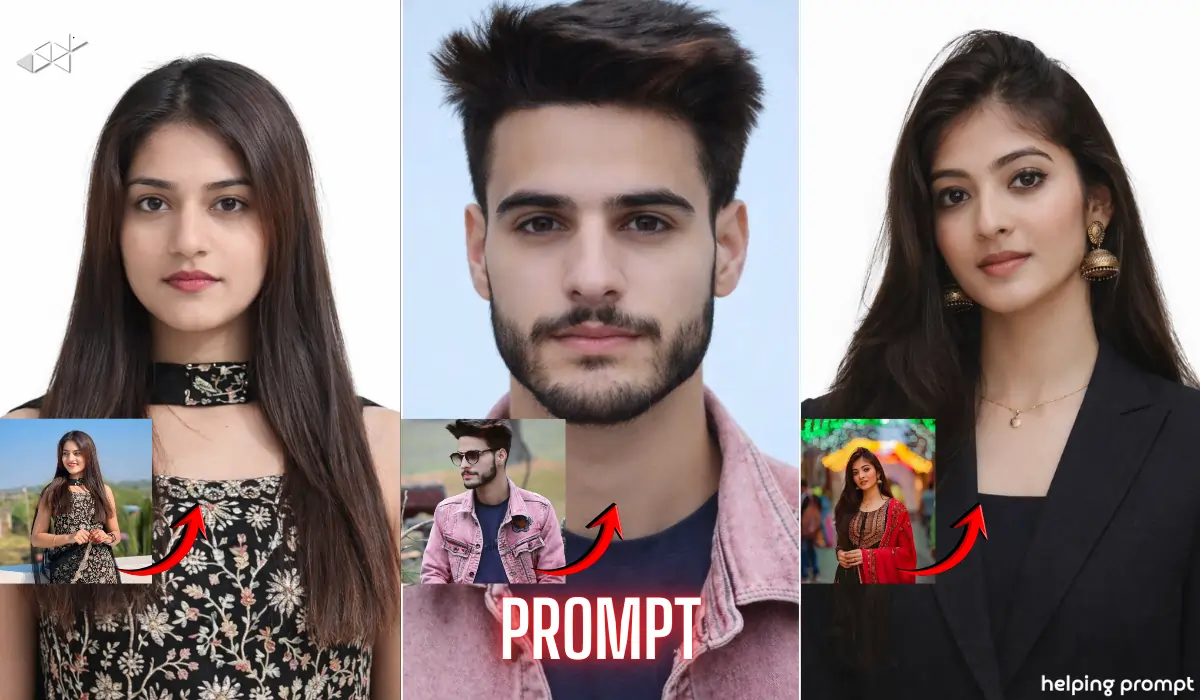
Need a passport size photo urgently but don’t want to visit a studio?
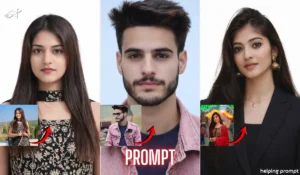
Now you can create a clean, professional passport photo in seconds using AI.
The secret is not the app – it’s the right prompt.
In this guide, you’ll get ready-to-copy AI prompts that help you generate passport-size images for official forms, job applications, and ID cards with better accuracy and clarity.
Why AI Passport Photos Are Trending in 2026
Passport photos look simple.
But they require perfect lighting, plain background, neutral expression, and proper framing.
Many people struggle with:
- Wrong face angle
- Uneven lighting
- Incorrect background color
- Over-edited skin
That’s where AI prompts help.
Instead of randomly generating an image, you give clear instructions. As a result, AI produces a studio-like passport photo – without heavy filters or unrealistic edits.
Interestingly, most errors happen because people don’t describe technical details properly. So below, you’ll find prompts designed with real-world ID requirements in mind.
Copy-Paste AI Prompts for Perfect Passport Size Photos
1. Studio-Quality White Background Passport Photo
Prompt:
“Create a realistic passport-size photo of me with a straight face and neutral expression. Ensure direct eye contact with the camera, shoulders visible, and head centered. Use a pure white background with even studio lighting and no harsh shadows. Keep natural skin texture without heavy smoothing. Formal appearance, high-resolution, sharp details, proper framing from chest up, symmetrical face alignment, no filters, no artistic effects.”
Best For: Boys / Girls
Use Case: Passport, Aadhaar, job forms, government ID
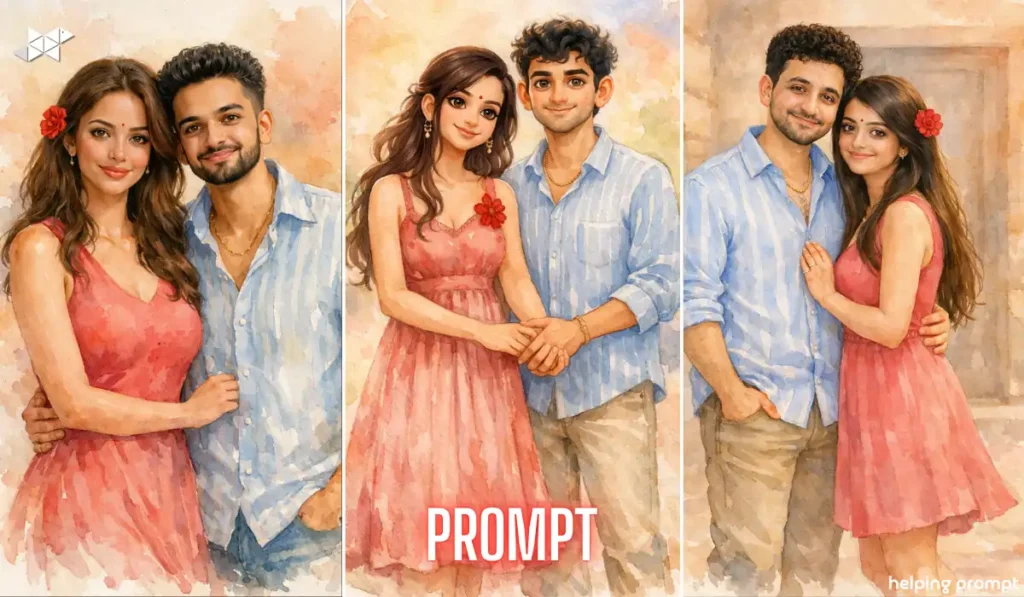
2. Light Blue Background Government Style Photo
Prompt:
“Generate a professional passport-size image with a light blue background. Keep my face centered and upright with neutral expression and closed mouth. Use soft studio lighting evenly distributed on both sides of the face. Maintain natural skin tone and real facial features without beauty filters. Frame from upper chest to slightly above head. Clear, sharp, realistic, official document style photograph.”
Best For: Boys / Girls
Use Case: Online application forms, visa documents
3. Formal Suit Passport Portrait (Premium Look)
Prompt:
“Create a high-quality passport-style photo of me wearing a formal dark blazer or suit. Keep a clean white background with balanced studio lighting and no shadows. Maintain neutral facial expression, direct eye contact, natural skin texture, and sharp clarity. Frame correctly for official ID use, showing shoulders and upper chest. No artistic filters, no background blur, strictly professional document format.”
Best For: Boys / Girls
Use Case: LinkedIn, corporate ID, job profiles
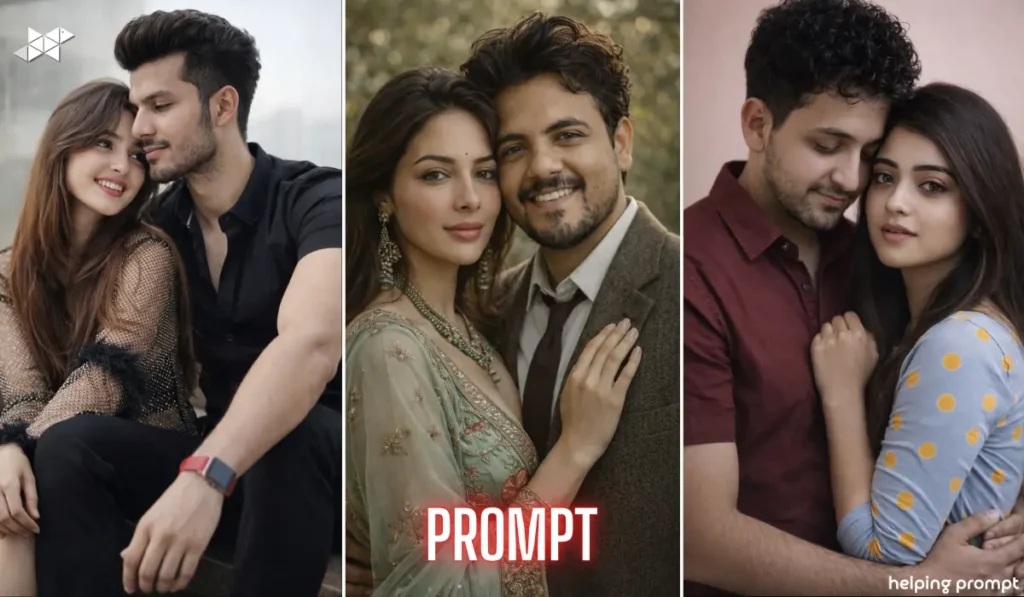
4. Couple Passport Style Photo (For Visa or ID Use)
Prompt:
“Generate two separate passport-size photos of a couple in professional document style. Each image must have a plain white background, neutral facial expression, proper head alignment, and even lighting. Maintain natural skin texture and real facial features. Frame from chest up, centered positioning, sharp high-resolution output, no filters, no artistic effects, official ID compliant format.”
Best For: Couple
Use Case: Visa, embassy documents
Quick Tips for Better Results
- Use a front-facing camera in natural daylight.
- Stand straight and keep your face directly aligned.
- Avoid patterned or dark backgrounds while taking the base photo.
- Keep a neutral expression (no wide smile).
- Wear simple, solid-colored clothes for better clarity.
Conclusion
Creating a passport size image no longer requires a studio visit.
With the right AI prompt and proper lighting, you can generate official-style photos in seconds – clean, sharp, and ready to use.

Leave a Reply