
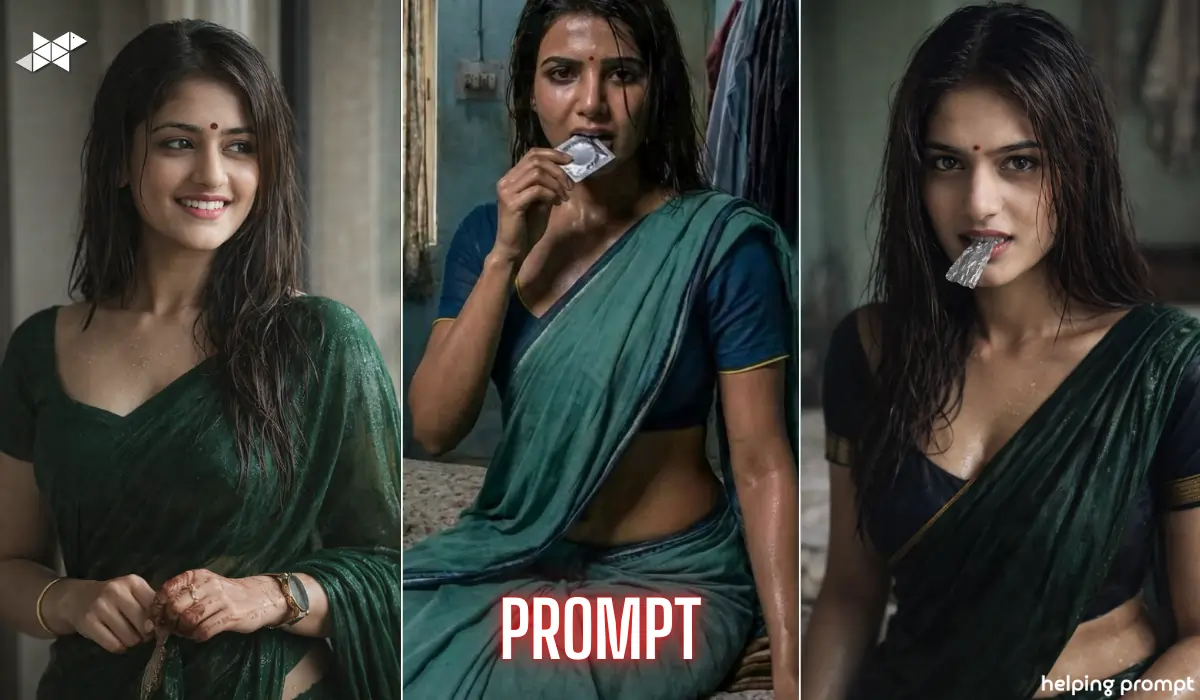
Moody Wet-Look AI Prompt: Want to turn a reference image into a DSLR-level cinematic portrait that looks absolutely real?
Today’s AI tools can recreate faces with stunning accuracy – if your prompt is precise.
However, most people miss key details like lighting, anatomy, and environment.
Here’s how to write a powerful AI prompt that delivers a true-to-life, hyper-realistic result.
How to Create a 100% Realistic Cinematic Portrait from a Reference Image
Creating a photorealistic portrait is not about adding fancy words. Instead, it’s about controlling structure, lighting, texture, and realism step by step.
Start With Facial Accuracy (Most Important)
100% facial match
Identical facial structure
Same skin tone
Same expression
Accurate body proportions
Your prompt must clearly instruct:
Because AI tools sometimes “beautify” or alter faces, you should explicitly mention no stylization and strict photorealism.
This ensures the output looks like a real DSLR photograph, not a digital painting.
Below are ready-made prompts you can directly use in AI image tools like ChatGPT, Gemini AI, Midjourney-style generators, or cinematic rendering engines.
Prompt 1 – Full Cinematic Portrait
“Create a hyper-realistic, high-resolution cinematic portrait of the same Indian woman as in the reference image with 100% facial match. Maintain identical facial structure, skin tone, expression, and accurate whole-body proportions. She has wet hair falling naturally around her face and a small red bindi on her forehead. She is wearing a deep green sari and dark blue blouse with thin gold sleeve borders. The sari appears slightly wet and clings naturally. She is seated indoors on a bed in a modest room with muted green walls and hanging clothes in the background. The air feels slightly humid. A small silver plastic wrapper is held between her lips, partially inside the mouth, lightly bitten, realistic texture visible. Skin appears slightly wet with natural highlights. Use dramatic soft lighting, shallow depth of field, high dynamic range, ultra-detailed skin texture, sharp focus on eyes. Strict photorealism, no stylization, DSLR-quality output.”
Explanation: Complete control over realism and environment.
Best Use: Cinematic portrait, profile photo, high-end Instagram post.
Prompt 2 – Ultra Close-Up Version
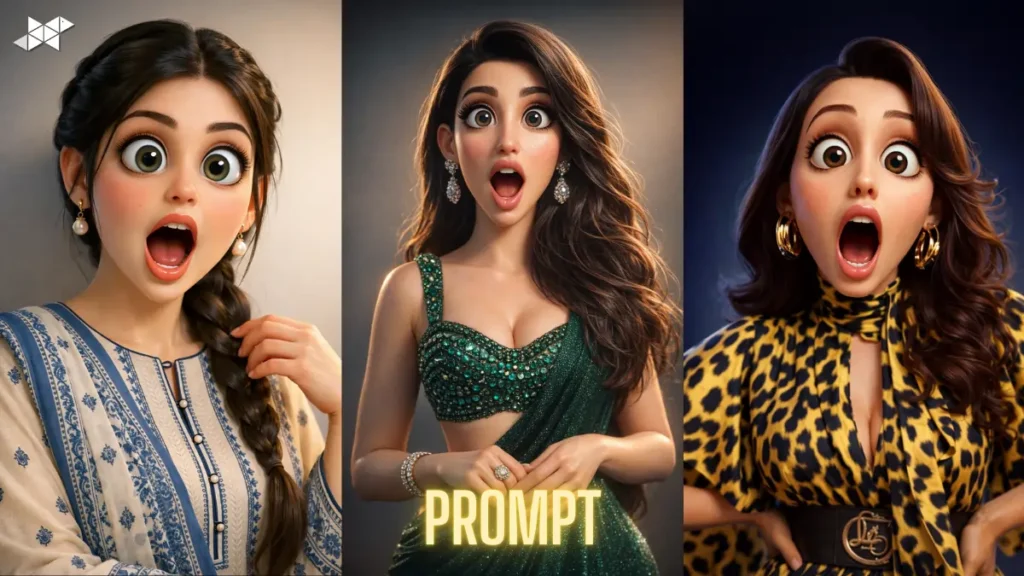
“Generate an ultra-detailed DSLR-quality close-up portrait of the same Indian woman as in the reference image with exact facial match and identical skin tone. Wet hair frames her face naturally, small red bindi centered on forehead, intense direct eye contact. Skin slightly wet with realistic highlights. Silver plastic wrapper lightly bitten between lips, visible texture. Background softly blurred modest room with muted green walls. Dramatic soft lighting, shallow depth of field, high dynamic range, extreme skin detail. No stylization, no cartoon effect, strict photorealism.”
Explanation: Focuses heavily on face and emotional intensity.
Best Use: WhatsApp DP, Instagram profile, cinematic story post.
Prompt 3 – Full-Body Realism Focus
“Create a full-body hyper-realistic DSLR portrait of the same Indian woman from the reference image with 100% facial and body proportion accuracy. She is seated naturally on a bed indoors in a modest room with muted green walls and hanging clothes. Deep green sari slightly wet and clinging naturally to realistic anatomy, dark blue blouse with thin gold sleeve borders. Wet hair around face, small red bindi, direct eye contact. Silver plastic wrapper held between lips, partially inside, lightly bitten, realistic texture. Soft dramatic lighting, humid atmosphere, shallow depth of field, ultra-detailed skin, strict photorealism.”
Explanation: Controls posture, environment, and fabric realism.
Best Use: Portrait photography simulation, creative showcase.
Quick Tips for Better Results
- Always upload a high-quality reference image.
- However, avoid overly compressed images.
- Use “strict photorealism” to stop stylization.
- Moreover, specify lighting direction for dramatic effect.
- Finally, mention anatomy accuracy to avoid distortion.
Small prompt changes can dramatically improve realism.
Conclusion
Hyper-realistic AI portraits depend on clarity and precision.
When your prompt controls anatomy, lighting, and texture carefully, the result feels truly cinematic and lifelike.







Leave a Reply