
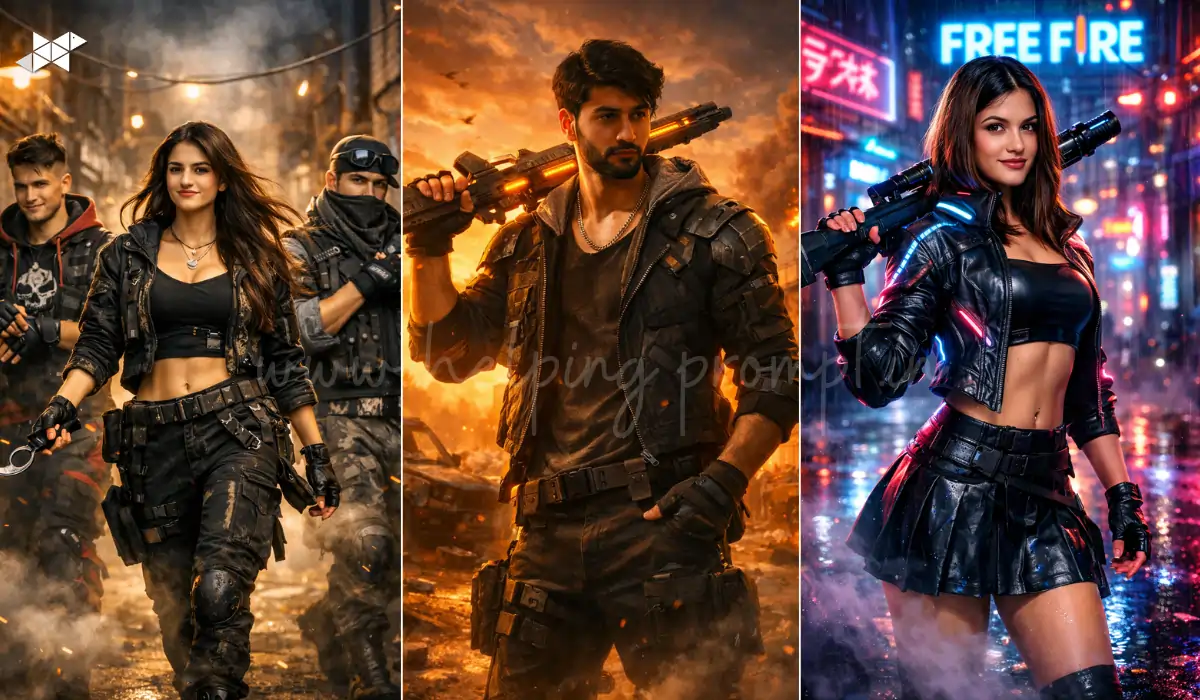
Scroll through Instagram today and you’ll notice something interesting: gaming-inspired AI portraits are everywhere. From stylized avatars to cinematic action poses, creators are turning ordinary selfies into dramatic game-style visuals. Free Fire fans, in particular, are experimenting with AI prompts that recreate the intense energy of the battlefield.
Many people think adding words like “ultra HD” or “8K” automatically improves results. In reality, the realism usually depends on more nuanced visual directions.
Here are some elements that consistently improve Free Fire style AI images:
How to Create Free Fire AI Photo Edits Using ChatGPT Prompts
Time needed: 5 minutes
Learn how to create cinematic Free Fire style AI photos using ChatGPT prompts and AI image tools. This guide explains the process of selecting the right photo, generating prompts, and producing gaming-style visuals perfect for Instagram, DP, or gaming profiles.
- Choose a Clear Portrait Photo
Upload or select a high-quality portrait image where the face and upper body are visible. Natural lighting works best because AI models detect facial details more accurately. Avoid blurry images, heavy filters, or extremely dark backgrounds.
- Open an AI Image Generator
Use an AI image generator that supports prompt-based editing such as ChatGPT image tools, Leonardo AI, Midjourney, or similar platforms. These tools allow you to convert normal photos into stylized gaming characters.
- Write a Detailed Free Fire Style Prompt
Describe the scene clearly in the prompt. Mention elements like battle environment, cinematic lighting, character outfit, weapon style, and camera perspective. The more descriptive the prompt, the more realistic the AI image result becomes.
Example prompt elements:
– battlefield or neon city background
– tactical gaming outfit
– dramatic lighting
– confident character pose - Generate the AI Image
Paste the prompt into the AI tool and run the generation process. The AI will create a stylized Free Fire inspired image based on your prompt description and uploaded photo.
You can generate multiple variations to choose the best result. - Adjust Prompt for Better Results
If the image looks unrealistic, modify the prompt by adding more environment details, lighting directions, or camera angles. Small changes in prompt wording can significantly improve the final image quality.
- Download and Use the Image
After generating the final image, download the high-resolution version. You can use the AI gaming portrait as:
– Instagram DP
– Gaming profile picture
– YouTube thumbnail
– Gaming reel cover
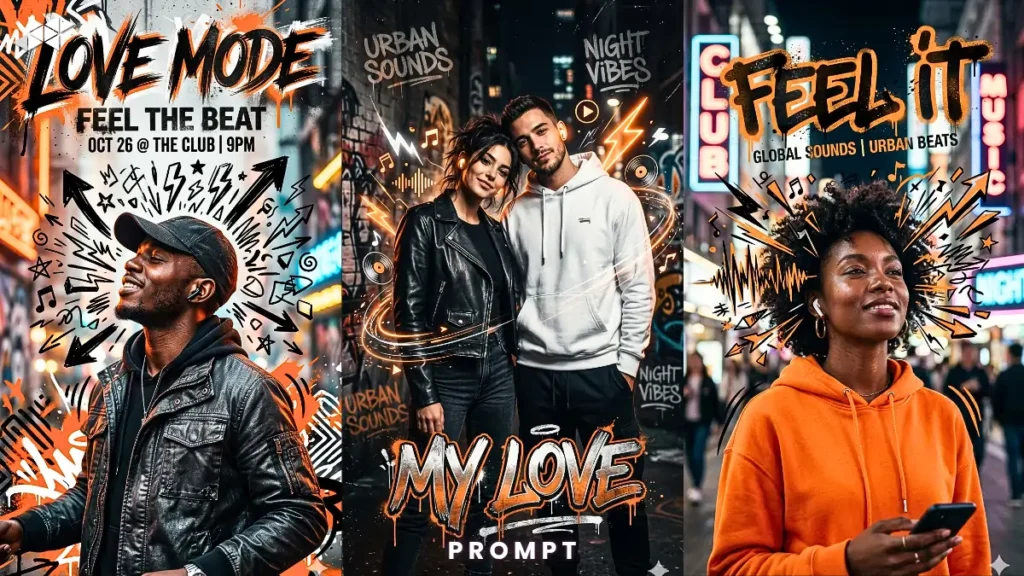
Free Fire AI Editing Prompts (Copy & Paste)
Below are detailed prompts designed for different visual styles. Each one generates a distinct Free Fire inspired look.
Prompt 1 – Cinematic Battlefield Entrance
Prompt
“Create a dramatic Free Fire inspired portrait of a young gamer standing confidently in the middle of a smoky battleground at sunset. The character wears tactical streetwear mixed with futuristic armor elements, holding a glowing weapon casually over the shoulder. The sky behind is filled with orange sunset haze and distant explosions. Dust particles float in the air while warm cinematic light reflects on the character’s face. The camera angle is slightly low, giving a heroic presence. Background shows abandoned buildings and broken vehicles suggesting a recent battle. The character expression is calm but powerful, like a champion entering the arena. Maintain realistic textures, subtle depth of field, and natural shadow contrast.”
Use Case: Hero-style gaming profile picture
Audience: Boys
Best Platform: Instagram DP / Gaming profile
Prompt 2 – Neon Cyber Free Fire Avatar
Prompt
“Design a futuristic Free Fire inspired portrait in a neon cyberpunk street environment during night rain. The character stands under glowing blue and magenta neon signs while rain reflects light on the pavement. Outfit includes sleek cyber armor jacket with glowing edges and fingerless gloves. The character slightly turns toward the camera with a confident half smile while holding a high-tech weapon resting against the shoulder. Neon reflections bounce off wet surfaces creating a moody urban atmosphere. Fog drifts across the street while distant city lights blur softly. Camera uses a portrait lens perspective with strong contrast between dark background and vibrant neon lighting.”
Use Case: Stylish gaming avatar
Audience: Boys / Girls
Best Platform: Instagram / Discord DP
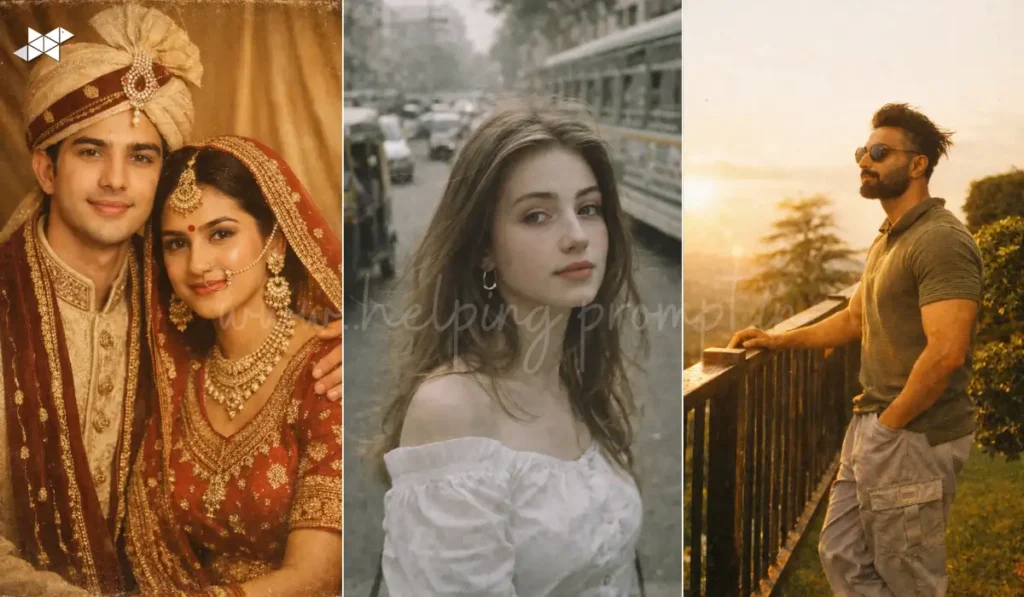
Prompt 3 – Free Fire Squad Street Style
Prompt
“Generate a cinematic Free Fire squad scene showing three friends walking confidently through an urban alley filled with smoke and dramatic lighting. Each character wears unique battle-style outfits inspired by street fashion and combat gear. One character spins a weapon casually while another adjusts a tactical glove. The environment includes graffiti walls, dim industrial lights, and faint sparks floating through the air. The camera angle captures them from a slightly low perspective like a movie poster entrance shot. Expressions should feel fearless and relaxed, as if the squad just finished a mission. Background blur creates depth while warm backlighting outlines the characters.”
Use Case: Gaming squad poster
Audience: Group / Friends
Best Platform: Instagram post / YouTube thumbnail
Prompt 4 – Free Fire Champion Poster Style
Prompt
“Create an esports poster inspired portrait of a Free Fire champion standing under powerful studio spotlights with dramatic shadows. The character holds a futuristic rifle while standing on a cracked battlefield surface illuminated by golden light rays from above. The atmosphere carries floating dust particles and glowing embers. Outfit combines modern streetwear with subtle armor textures. Facial expression is intense and focused like a professional tournament player. Background remains dark and minimal while the spotlight highlights the character sharply, similar to an official esports championship poster. Maintain high detail on clothing textures and weapon reflections.”
Use Case: Gaming poster aesthetic
Audience: Boys
Best Platform: Gaming channel banner / DP
Prompt 5 – Casual Gamer to Free Fire Hero Transformation
Prompt
“Create a visual transformation style Free Fire image where an ordinary young gamer slowly turns into a battle-ready character. The scene begins with casual clothing on one side and transitions into tactical combat gear glowing with futuristic energy. The background shifts from a simple gaming room into a smoky battleground environment filled with dramatic lighting. Energy particles surround the character as the transformation completes. The pose shows the gamer stepping forward confidently while gripping a weapon. Lighting transitions from soft indoor tones to powerful cinematic battlefield lighting with strong contrast and motion energy.”
Use Case: Reel cover or transformation edit
Audience: Boys / Girls
Best Platform: Instagram Reels / Shorts
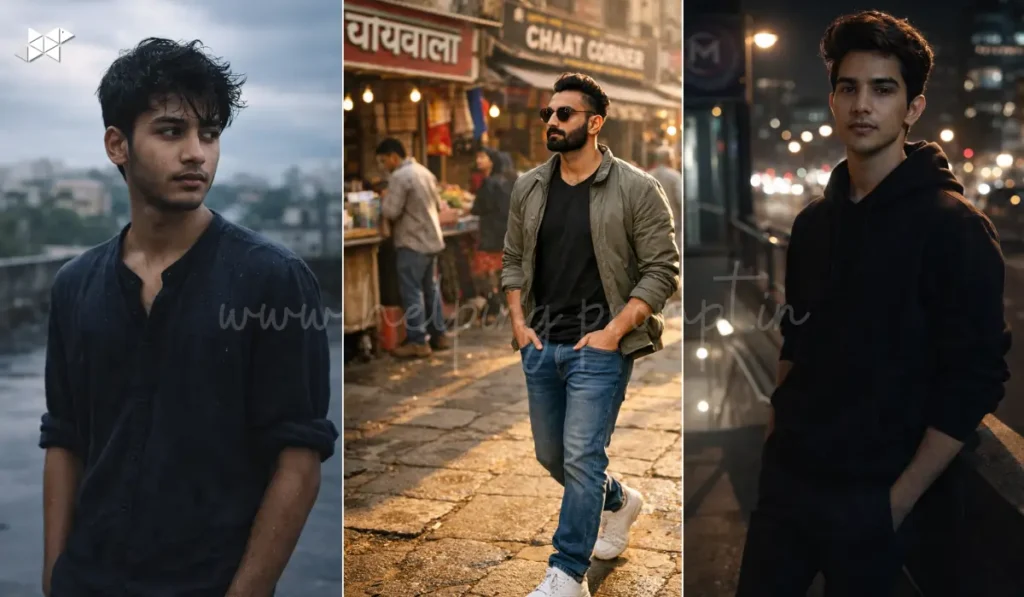
Prompt 6 – Free Fire Desert Warrior Scene
Prompt
“Generate a realistic Free Fire inspired desert warrior portrait during golden hour with strong warm sunlight and blowing sand. The character stands on a rocky desert ridge overlooking a massive battlefield landscape with distant smoke rising into the sky. Outfit includes desert combat gear with scarf, tactical vest, and futuristic weapon slung across the back. Wind moves the clothing slightly while sunlight highlights dust particles in the air. The character looks toward the horizon with a determined expression as if preparing for the next mission. The camera captures a wide cinematic frame with natural sunlight creating strong highlights and shadows.”
Use Case: Epic gaming wallpaper
Audience: Boys
Best Platform: Instagram post / Wallpaper
Mistakes That Make AI Gaming Images Look Fake
Even good prompts can produce weak results if certain mistakes are present.
Overusing “ultra HD” keywords
Resolution keywords alone don’t create realism. Without environment detail and lighting direction, images still look flat.
Ignoring character posture
Standing straight with no movement often produces stiff results. Slight motion cues add natural energy.
Generic backgrounds
Plain or empty backgrounds remove the storytelling aspect that makes gaming visuals exciting.
Too many visual effects
Excessive sparks, flames, and glow can make the image look artificial rather than cinematic.
Quick Questions People Often Ask
Yes. With detailed prompts describing lighting, environment, and character style, AI models can create gaming-style visuals that resemble professional artwork.
Front-facing portraits with clear lighting usually work best. Images where the face and posture are visible help AI adapt the character into a gaming scene more accurately.
Yes. These prompts generally work with many AI image generators including Midjourney, Leonardo AI, and other prompt-based editors.
Instagram DPs, gaming profile pictures, YouTube thumbnails, and Discord avatars tend to perform well for Free Fire style edits.
Final Thoughts
AI prompts are quickly becoming a creative tool for gamers who want to express their digital identity visually. When prompts include strong storytelling, lighting direction, and environmental detail, the final image often feels far more immersive than simple filters.
Free Fire inspired edits continue evolving, and experimenting with different visual styles is where the most interesting results appear.







Leave a Reply