
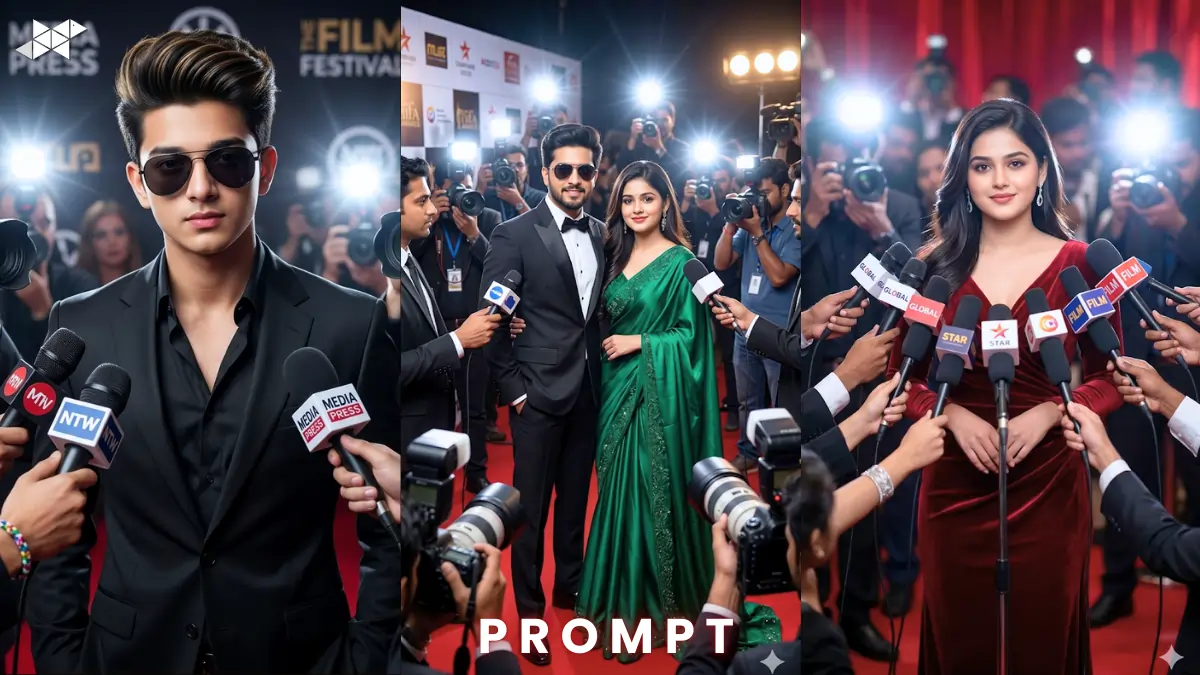
Celebrity paparazzi scenes are trending in AI art right now. Creators are using the paparazzi press conference AI prompt to produce viral cinematic portraits. Tools like Gemini, Midjourney, and ChatGPT make these scenes incredibly realistic. With the right prompt, you can create a Hollywood-style press conference moment instantly.
Cinematic Paparazzi Male Celebrity Scene
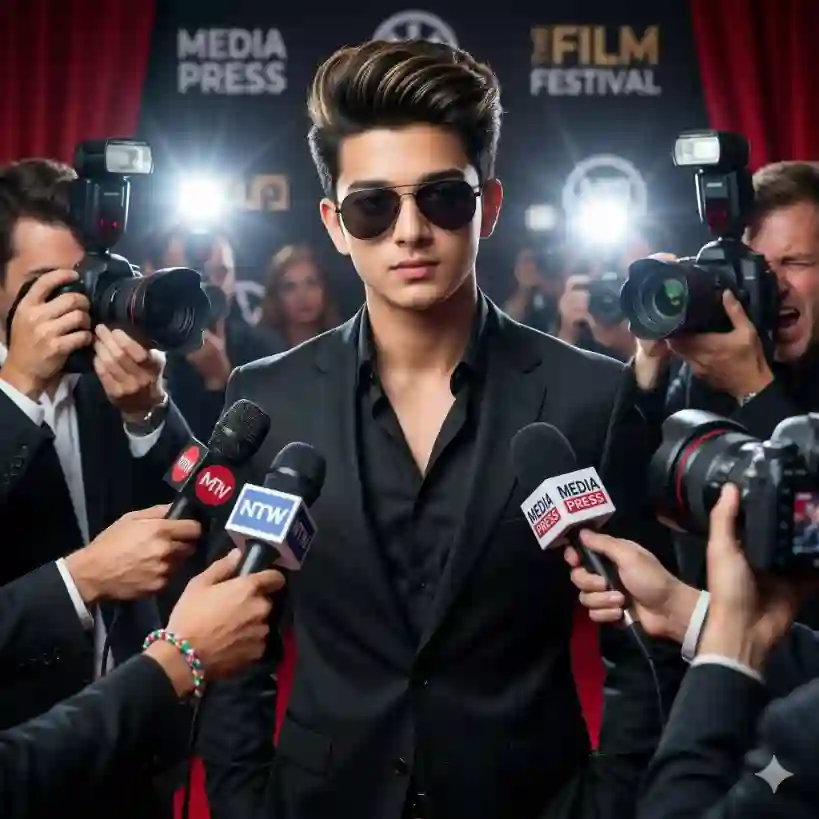
"Ultra-realistic paparazzi press conference scene, confident stylish Asian male celebrity with voluminous pompadour hair with golden highlights, defined Greek-god physique, wearing sleek black suit and black shirt with dark sunglasses, standing confidently in front of reporters, microphones and professional cameras surrounding him, intense camera flashes lighting the scene, dramatic red carpet backdrop, cinematic lighting, shallow depth of field, shot on 85mm lens, ultra-detailed skin texture, photorealistic paparazzi atmosphere, sharp focus subject, blurred crowd background, cinematic mood, HDR lighting, 8K resolution, professional press conference realism"
Glamorous Female Celebrity Paparazzi Scene
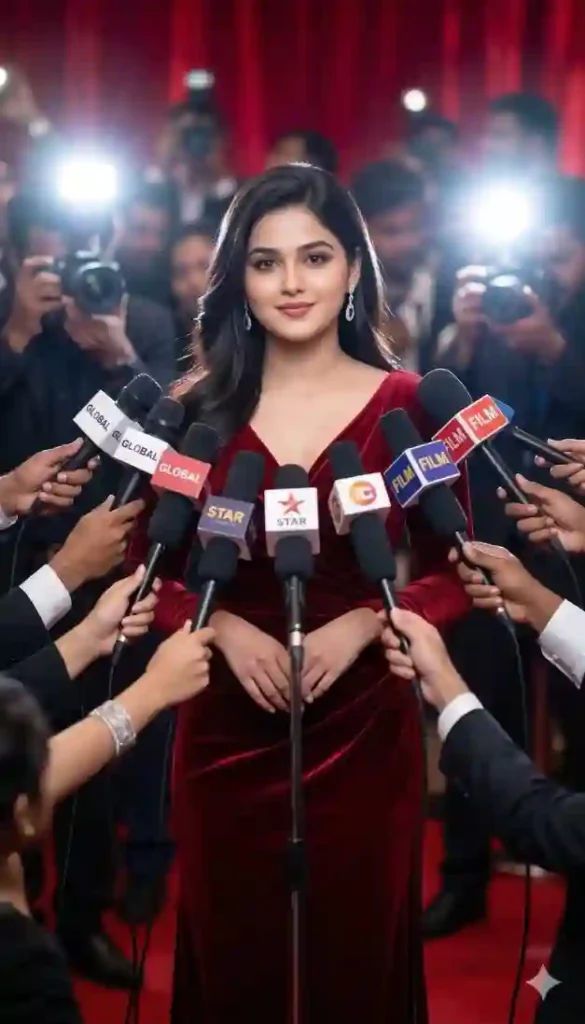
"Ultra-realistic paparazzi press conference scene, confident glamorous female celebrity wearing elegant deep red evening gown with diamond earrings, standing confidently before journalists and photographers, dozens of microphones pointed toward her, bright camera flashes illuminating her face, luxurious red carpet backdrop, cinematic lighting, captured on 85mm portrait lens, dramatic spotlight glow, soft depth of field, ultra detailed skin texture and fabric folds, photorealistic celebrity press conference atmosphere, high contrast lighting, Hollywood glamour mood, professional photography style, 8K resolution"
Power Couple Paparazzi Press Conference Scene
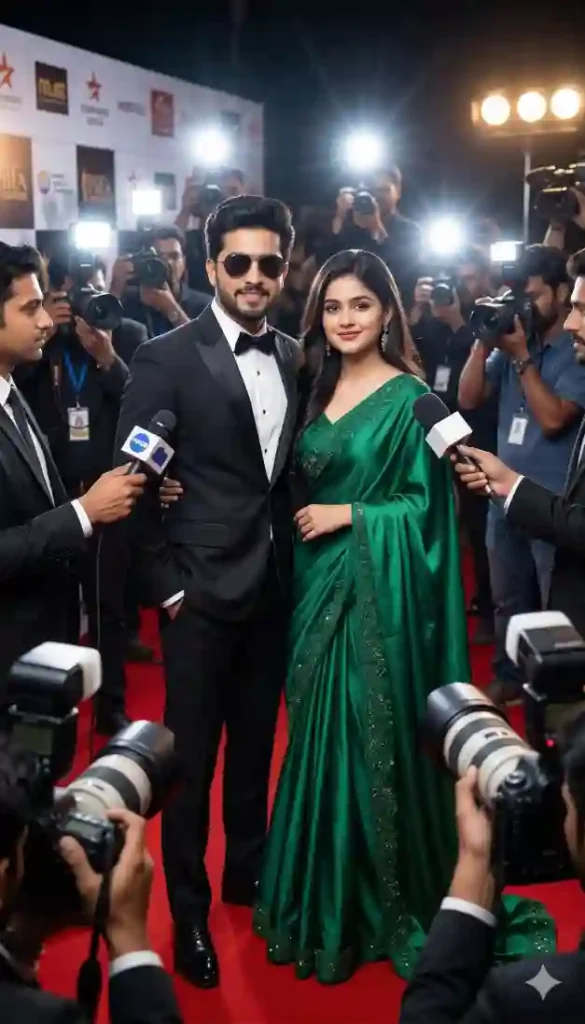
"Ultra-realistic paparazzi press conference scene featuring a stylish celebrity couple standing together confidently, male wearing tailored black tuxedo and sunglasses, female wearing elegant emerald green gown with flowing fabric, surrounded by reporters holding microphones and cameras, intense paparazzi flash bursts illuminating the couple, luxury red carpet environment, cinematic lighting, shot with 50mm cinematic lens, shallow depth of field, ultra-detailed clothing textures, photorealistic skin detail, dramatic Hollywood press event mood, high dynamic range lighting, professional celebrity photography style, 8K resolution"
How To Press Conference Ai Prompt Guide
Time needed: 6 minutes
- How to create a paparazzi press conference AI prompt image?
Paste the paparazzi press conference AI prompt into Midjourney or Gemini and generate the image.
- How to make paparazzi scenes more realistic?Add lens type,
flash lighting, depth of field, and crowd details to the paparazzi press conference AI prompt.
- How to make viral AI celebrity images?Use cinematic lighting,
red carpet settings, and detailed textures in your paparazzi press conference AI prompt.
Quick Settings Guide
- Aspect Ratio: 3:4 or 4:5
- Stylize Level: 150–250
- Quality: High / HD / 8K
- Negative Prompts: blur, low quality, distorted face, extra limbs, oversaturated, unrealistic lighting
Pro Tips
- Use 85mm portrait lens wording for sharper celebrity realism.
- Add camera flash lighting for authentic paparazzi vibes.
- Include crowd blur + depth of field for cinematic focus.
Conclusion
AI photography prompts are evolving rapidly. Try experimenting with the paparazzi press conference AI prompt to generate viral celebrity visuals. Test variations, tweak lighting, and create your own cinematic masterpiece.
FAQs
press conference AI prompt is a detailed instruction used to generate cinematic celebrity press scenes with AI image tools.
Gemini, and ChatGPT-based image generators produce excellent paparazzi press conference visuals.
Simply copy the prompt and paste it into an AI image generator to create realistic results.







Leave a Reply