
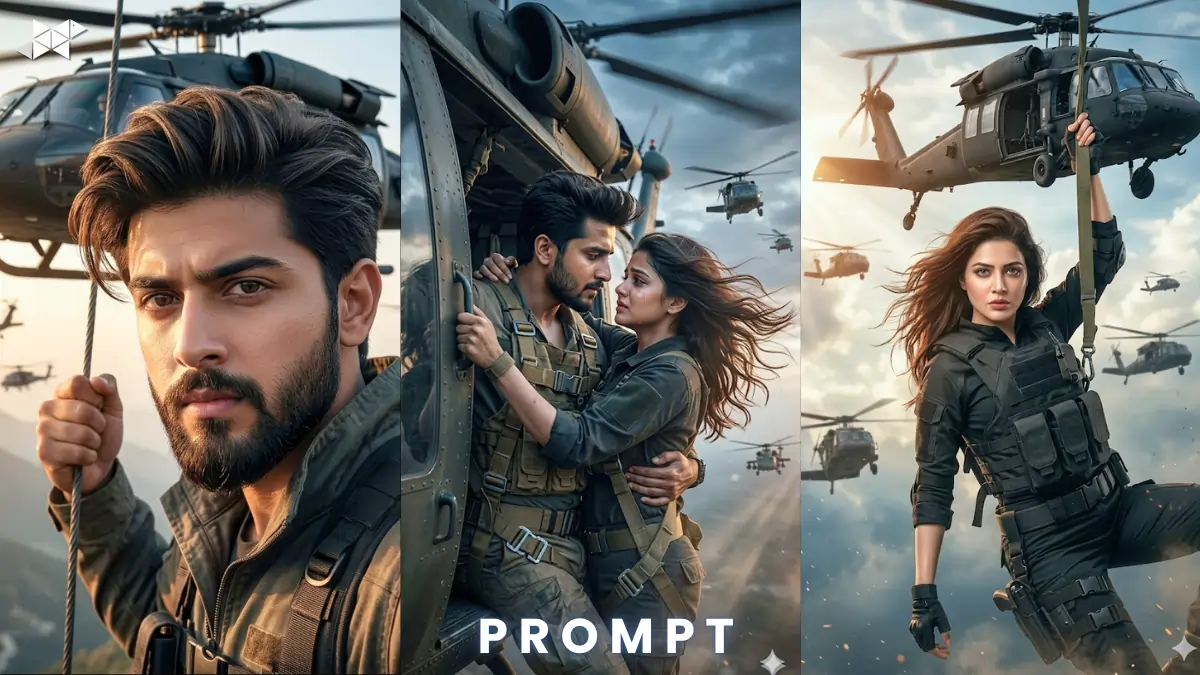
Cinematic AI visuals are trending fast. Creators now use tools like ChatGPT, Midjourney, Gemini, Leonardo AI, DALL·E, Ideogram AI, Krea AI daily. This cinematic helicopter scene AI prompt delivers bold action and realism. Imagine a hero hanging mid-air with helicopters behind him. The scene feels intense and premium. Use this prompt to create viral, movie-level content in seconds with stunning cinematic depth.
Copy & Paste Cinematic Helicopter Scene AI Prompt
Male Concept Prompt
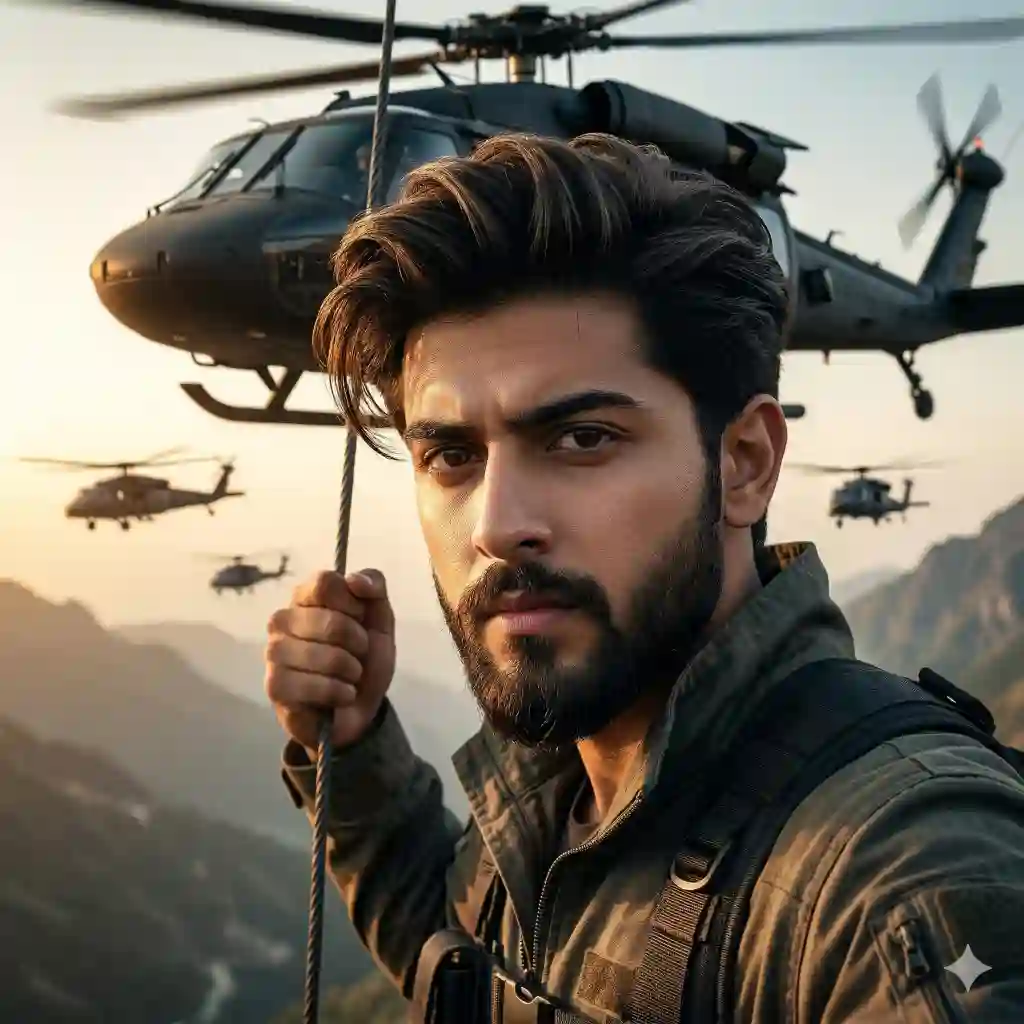
"Ultra realistic face match prompt of a heroic man hanging from a black military helicopter mid-air, strong grip, intense expression, stylish modern haircut, well-groomed beard, cinematic golden hour lighting, dramatic shadows, 85mm lens, shallow depth of field, ultra-detailed textures, wind-swept clothes, high altitude sky, fleet of 10 helicopters in formation behind, action-packed mood, hyper-realistic, 8K resolution, volumetric lighting, motion blur, film grain, IMAX style composition"
Female Concept Prompt
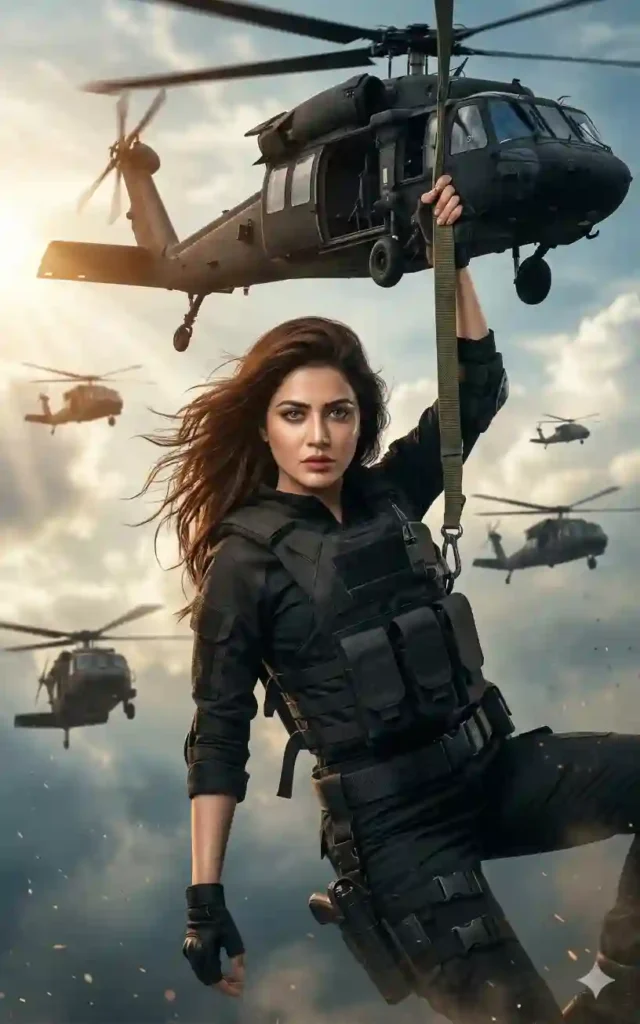
"Ultra realistic face match prompt of a fearless woman hanging from a black military helicopter mid-air, confident gaze, flowing hair in wind, cinematic lighting with warm highlights and cool shadows, 85mm lens, shallow DOF, ultra-detailed skin texture, tactical outfit, sky background with helicopter fleet formation, intense action mood, hyper-realistic, 8K quality, volumetric lighting, dynamic motion blur, dramatic composition"
Couple Concept Prompt
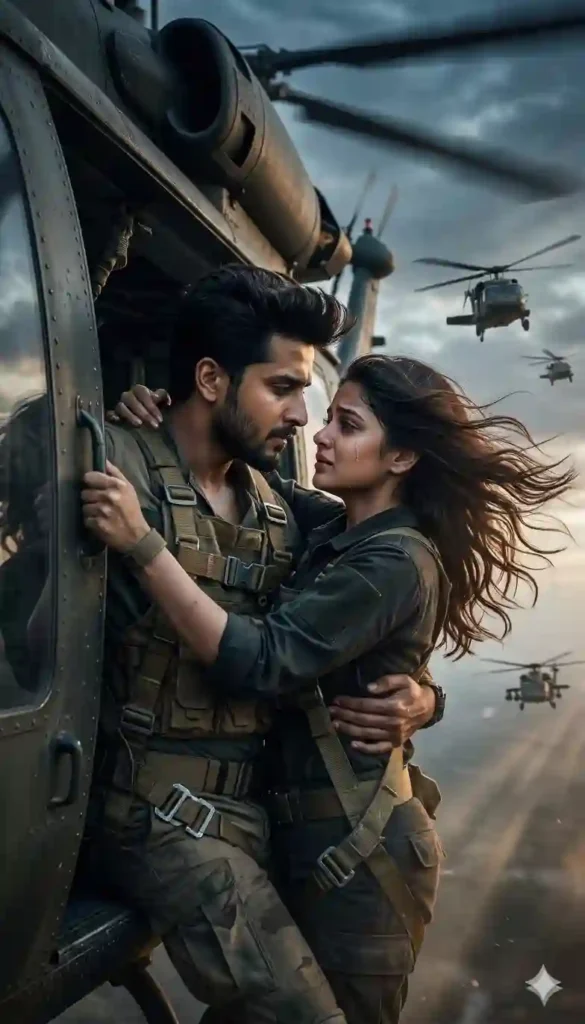
"Ultra realistic face match prompt of a couple hanging from a military helicopter, holding each other tightly, emotional yet intense expressions, cinematic lighting with high contrast, 50mm lens, shallow depth of field, ultra-detailed textures, wind movement, dramatic sky, multiple helicopters flying in formation behind, romantic-action mood, hyper-realistic, 8K resolution, volumetric light rays, film-style color grading"
HOW TO USE CINEMATIC HELICOPTER SEANE AI IMAGE PROMPT
How do I use this prompt?
Copy the prompt and paste into MidJourney or similar AI tool. Replace face details if needed.
Can I customize the scene?
Yes, adjust lighting, mood, or background elements. Keep core cinematic structure intact.
Which AI tool works best?
MidJourney gives best visuals. However, Leonardo AI and DALL·E also work well.
QUICK SETTINGS
• Aspect ratio: 16:9
• Stylize: 750
• Quality: 2
• Negative prompts: blurry, low quality, extra limbs, distorted face, oversaturated
PRO TIPS
• Tip 1: Use dramatic lighting keywords for cinematic depth
• Tip 2: Add lens details like 85mm for realism boost
• Tip 3: Include motion blur for action intensity
FAQs
1: Can beginners use this prompt?
Yes, it is copy-paste ready. No advanced skills needed.
2: Why include helicopter formation?
It adds scale, depth, and cinematic storytelling instantly.
3: How to make it more realistic?
Use 8K, DOF, and texture keywords consistently.
CONCLUSION
Create bold cinematic visuals today. Use this powerful prompt to stand out. Start generating high-quality AI scenes and elevate your creative game instantly



Leave a Reply