
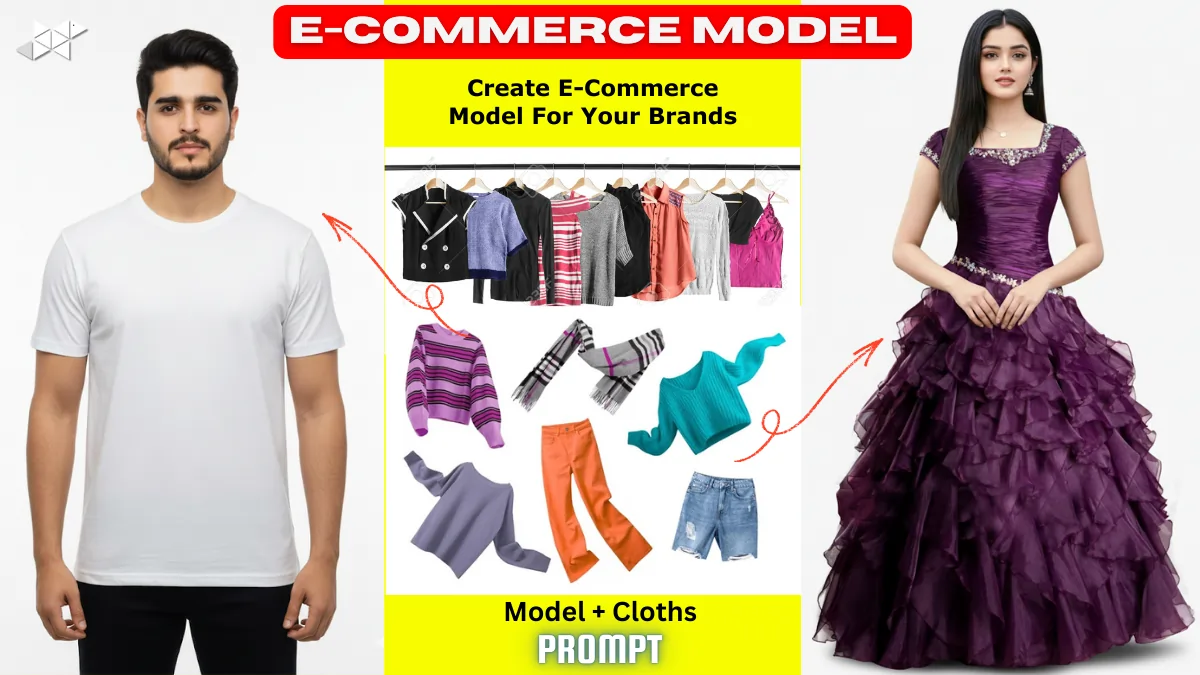
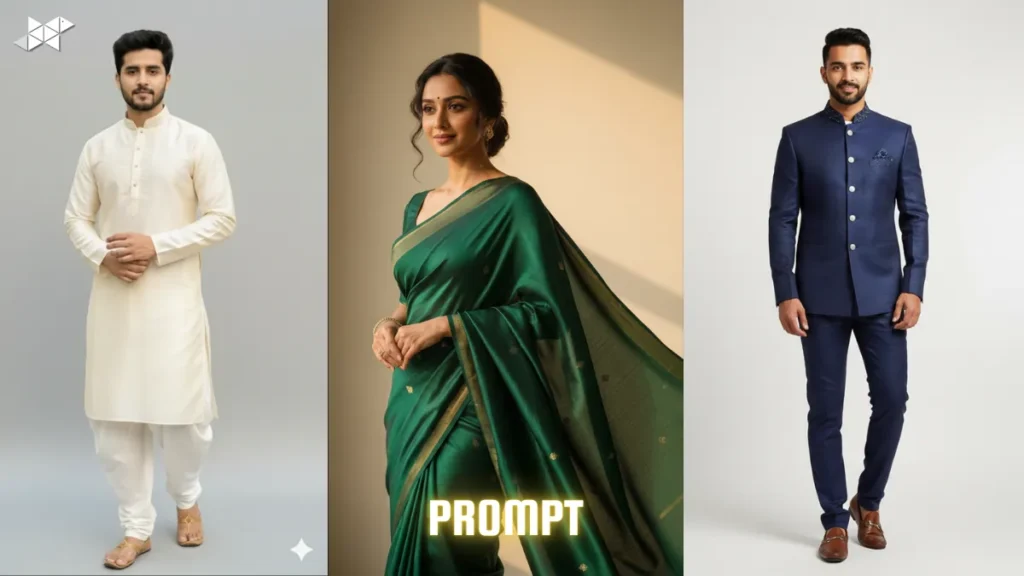
Creating product photos with AI is easy today, but getting marketplace-ready catalog images is still tricky. Many outputs look artistic instead of sellable. However, e-commerce platforms demand strict visual standards. Clean background, true product colors, and real human identity matter most. Therefore, prompt precision becomes critical. This guide gives you ready prompts that lock model identity and clothing accuracy for Amazon-style listings using AI image tools.
Why Marketplace Catalog Prompts Need Extra Precision
E-commerce catalog images are not creative posters. Instead, they are trust signals for buyers. The face must stay unchanged, and the clothing must match the real product exactly.
Moreover, platforms often reject images that look stylized or editorial. That means no dramatic shadows, no cinematic mood, and no beauty filters. Consequently, your prompt must restrict creativity and enforce realism.
Prompt 1
“Use Image 1 strictly as the only human model identity and Image 2 strictly as the only clothing reference. Do not change face, skin tone, age, hairstyle, or body shape. No beauty retouching allowed. Apply the clothing with exact fabric texture, stitching, and color accuracy. Studio e-commerce photography, plain white #FFFFFF background, soft even lighting, front-facing eye-level camera, neutral standing pose, arms relaxed, marketplace catalog style, high clarity, buyer-trust output only.”
Short use: Basic identity + product lock prompt.
Prompt 2
“Keep the model from Image 1 completely unchanged with zero facial enhancement or stylization. Transfer only the clothing from Image 2 with exact fit and realistic drape physics. Maintain true product color and material detail. Clean catalog shoot setup, white background, shadow-controlled lighting, straight posture, no fashion styling, no cinematic tone, no creative pose, product listing photo standard.”
Short use: Strong realism control.
Prompt 3
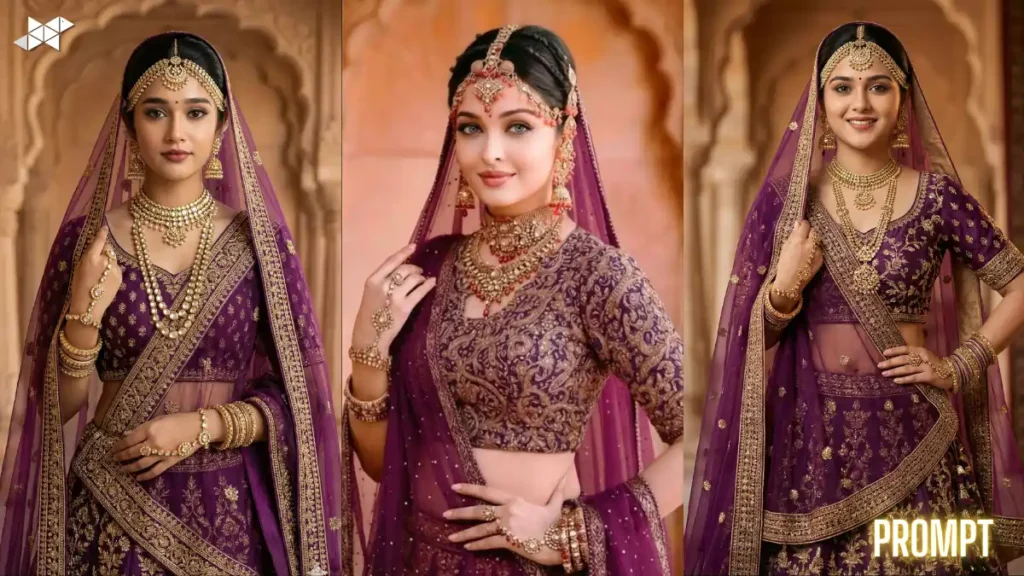
“Reference Image 1 for the same person only, no model variation permitted. Use Image 2 only for garment design and fabric reference. Clothing must look naturally worn and properly aligned on the body. No distortion or floating cloth effects. E-commerce studio conditions, uniform lighting, neutral pose, front camera, product marketplace compliance, ultra clear detail.”
Short use: Prevents garment distortion.
Prompt 4
“Lock identity to Image 1 and block any face swap or beautification filters. Apply Image 2 apparel with exact stitching placement and correct sizing proportion. No editorial styling. White background only, catalog lighting, eye-level camera, relaxed arms, symmetrical framing, online retail product photography look.”
Short use: Marketplace framing control.
Prompt 5
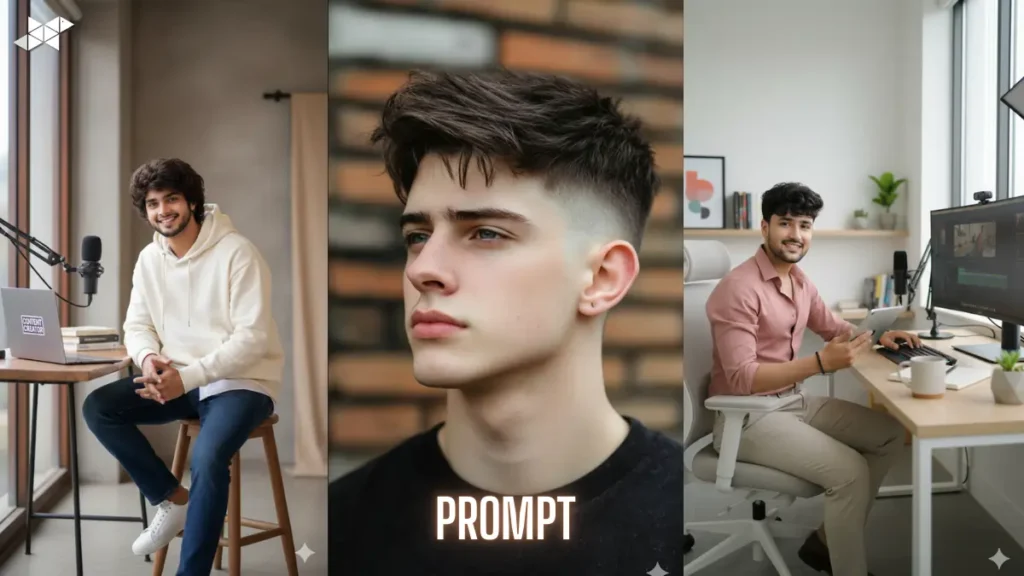
“Same human subject as Image 1 with zero edits to facial structure or expression. Outfit must replicate Image 2 exactly in color, texture, and seams. Maintain wearable realism and correct fit. Studio catalog photography, plain white backdrop, soft diffused lighting, no dramatic shadows, straight stance, commercial listing ready.”
Short use: Fit + realism focus.
Prompt 6
“Do not modify the model identity from Image 1 in any way. No smoothing, no reshaping, no enhancements. Transfer only the clothing from Image 2 with accurate fabric behavior and color truth. Marketplace catalog shoot style, controlled lighting, centered composition, neutral posture, product trust visual standard.”
Short use: Anti-retouch prompt.
Prompt 7
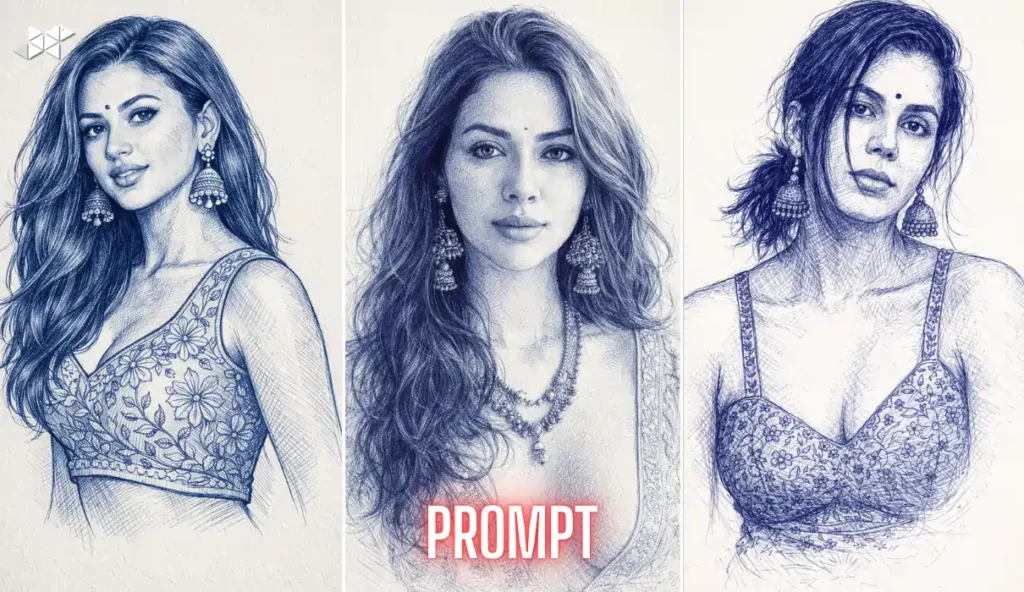
“Use Image 1 person unchanged and Image 2 garment unchanged. No creative styling allowed. Ensure garment alignment, sleeve length, and folds appear realistic. White studio background, e-commerce lighting, front camera, static pose, high-resolution catalog output for online marketplaces.”
Short use: Alignment control.
Prompt 8
“Identity locked to Image 1 only. Clothing locked to Image 2 only. Reject artistic edits, color grading, or mood lighting. Maintain accurate garment texture and stitching visibility. Standard catalog photography rules, soft light, white background, eye-level framing, neutral expression, buyer-trust presentation.”
Short use: Rejects artistic effects.
Prompt 9
“Same model as Image 1 with no pose variation and no facial edits. Apply Image 2 clothing with exact product accuracy and correct wear fit. No fabric distortion or AI artifacts. Studio product listing photo style, plain white background, soft even light, centered subject.”
Short use: Artifact prevention.
Prompt 10
“Strict product catalog generation: Image 1 face and body unchanged, Image 2 clothing unchanged. No enhancements, no stylization, no filters. Front-facing neutral pose, arms relaxed, white #FFFFFF background, shadow-balanced lighting, retail-ready clarity and realism.”
Short use: Full compliance prompt.
Core Rules for Identity-Locked Product Photos
First, the human model identity must remain untouched across generations. No face swap, no skin smoothing, and no beautification should appear.
Next, the clothing reference must be followed like a blueprint. Fabric texture, stitching lines, and color tones must match precisely. As a result, the output feels like a genuine studio shoot rather than an AI composition.
Studio Setup Requirements You Must Mention in Prompts
AI tools respond strongly to environment instructions. Therefore, always specify white background, soft lighting, and front camera angle.
In addition, include pose control and body alignment instructions. This prevents editorial or fashion-style outputs. Most importantly, mention “e-commerce catalog standards” to guide rendering behavior.
Quick Tips for Better Catalog Outputs
Use higher resolution settings first; otherwise fabric detail gets lost. Then lock seed or reference strength if your tool supports it.
Choose soft diffused lighting keywords because harsh light adds unwanted drama. Meanwhile, always mention “catalog” or “marketplace” style for control.
Avoid words like cinematic or fashion; instead, use “commercial product photo.” Finally, keep pose instructions simple to prevent creative variation.
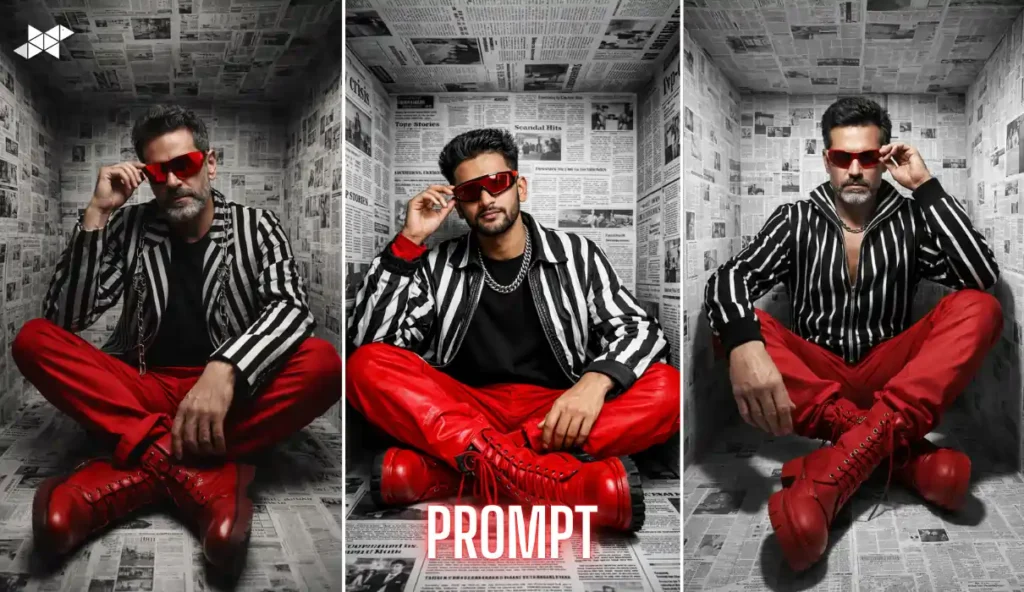
Accurate catalog images depend more on prompt discipline than creativity. Use identity locks, product locks, and studio rules together. Clean prompts produce clean marketplace results.







Leave a Reply