
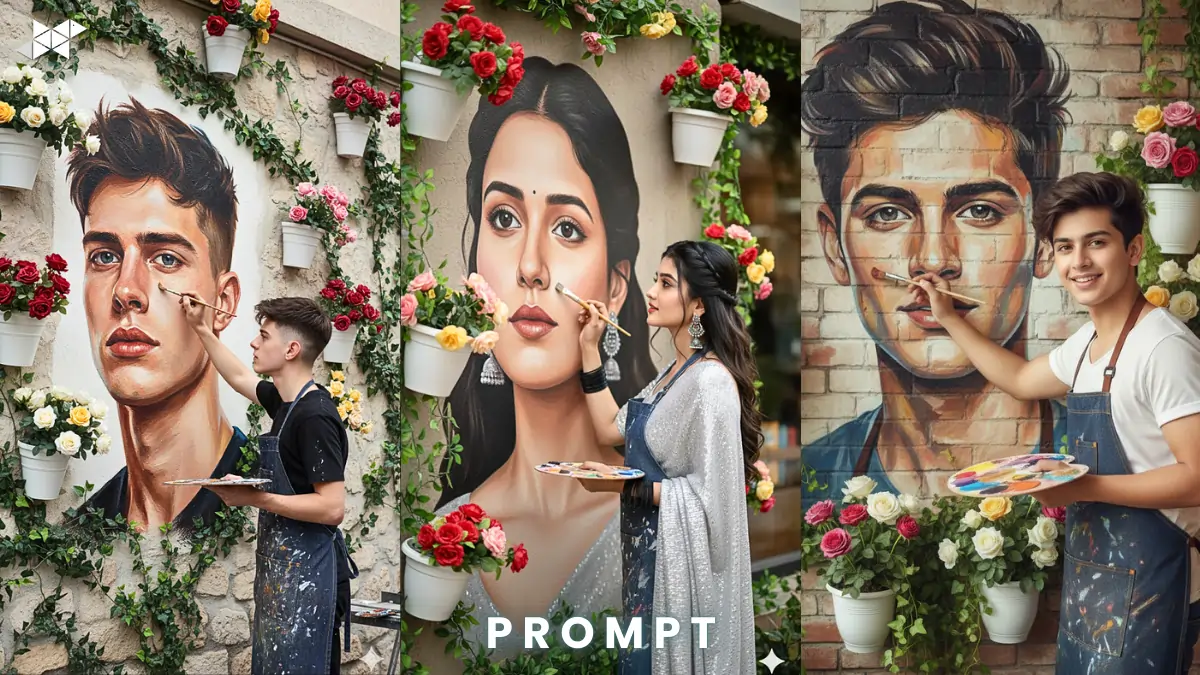
What if your portrait looked powerful, artistic – but still 100% you?
Many AI tools unintentionally alter facial features. The jaw changes. The nose sharpens. The eyes look different.
If you’re using Gemini AI or any advanced image model, this guide shows how to create a realistic 8K vertical mural portrait without changing your face – just enhancing the story.
Create a Realistic 8K Vertical Mural Portrait Without Changing Your Face
The idea is simple but visually striking.
You are painting a large mural of your own face on a café wall. The mural reflects your real expression – like you’re painting your own reflection.
However, the challenge is keeping facial accuracy intact.
Why AI Changes Faces (And How to Stop It)
Most AI tools “improve” faces automatically. They enhance symmetry or smooth skin.
To avoid this:
- Clearly instruct “Do not modify facial features”
- Mention “same expression, same proportions”
- Ask for “identity preservation”
- Specify “high facial detail, realistic skin texture”
The more precise you are, the more control you get.
Scene Breakdown for Better Results
Here’s how your image should look:
- Vertical 9:16 frame
- 8K ultra-high resolution
- You painting a mural of your own face
- Café wall with natural texture
- Decorative white pots
- Colorful roses
- Climbing vines and plants
- Soft natural light (not too warm, not too harsh)
Because AI responds to context, environmental detail improves realism.
E-E-A-T Boost: Why This Style Works on Social Media
Vertical 8K portraits perform better on:
- Instagram profile photos
- WhatsApp DP
- Snapchat stories
- Creator branding posts
Moreover, realistic identity-based art builds authenticity. People connect more when the face looks natural, not filtered beyond recognition.
Identity-Preserved Realistic Mural Prompt:
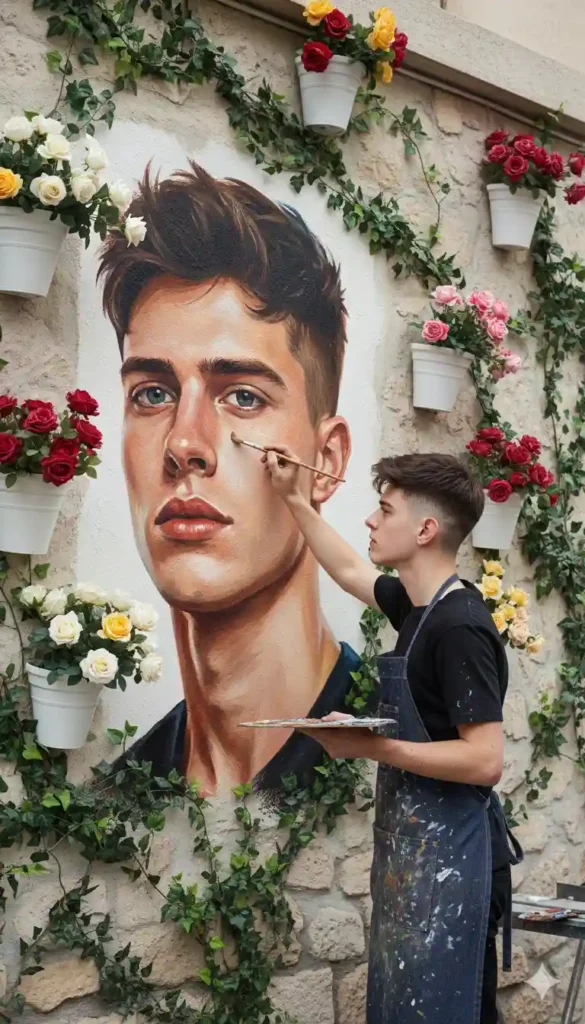
Prompt:
“Create a realistic vertical 9:16 8K portrait using the uploaded image. Do not change or modify my facial features in any way. Keep the exact same expression, proportions, skin tone, and facial structure. The person is painting a large mural on a café wall, and the mural is a realistic artistic reflection of his own face with identical features. The wall has natural texture, decorative white pots filled with colorful roses, climbing vines, and greenery. Use soft natural lighting, balanced and not overly warm.”
Why it works:
Strong identity lock instructions prevent facial distortion.
Best for: Instagram DP, WhatsApp profile photo
Cinematic Soft-Light Reflection Prompt:
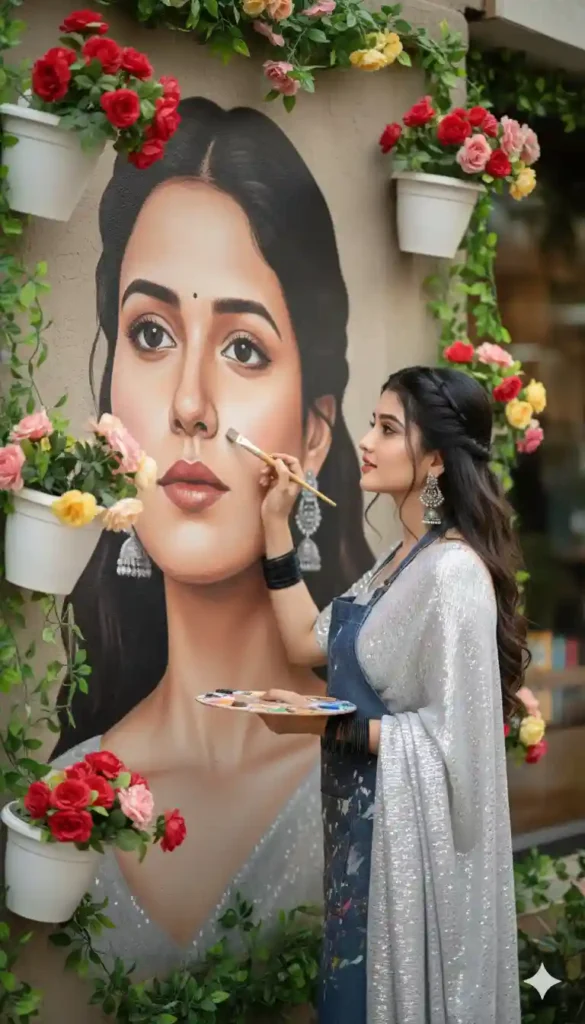
Prompt:
“Generate an ultra-detailed 8K vertical portrait from the uploaded photo. Preserve my real face exactly as it appears – no reshaping, no beautifying, no stylizing. I am painting a life-size mural of my own face on a textured café wall. The mural must mirror my real expression and features precisely. Surround the wall with elegant white flower pots filled with red, pink, and yellow roses, with climbing vines. Use soft natural daylight with realistic shadows, not dramatic or overly warm.”
Why it works:
Adds lighting precision for realistic skin texture.
Best for: Instagram posts, Snap story highlights
Ultra-Real Artistic Café Portrait Prompt:
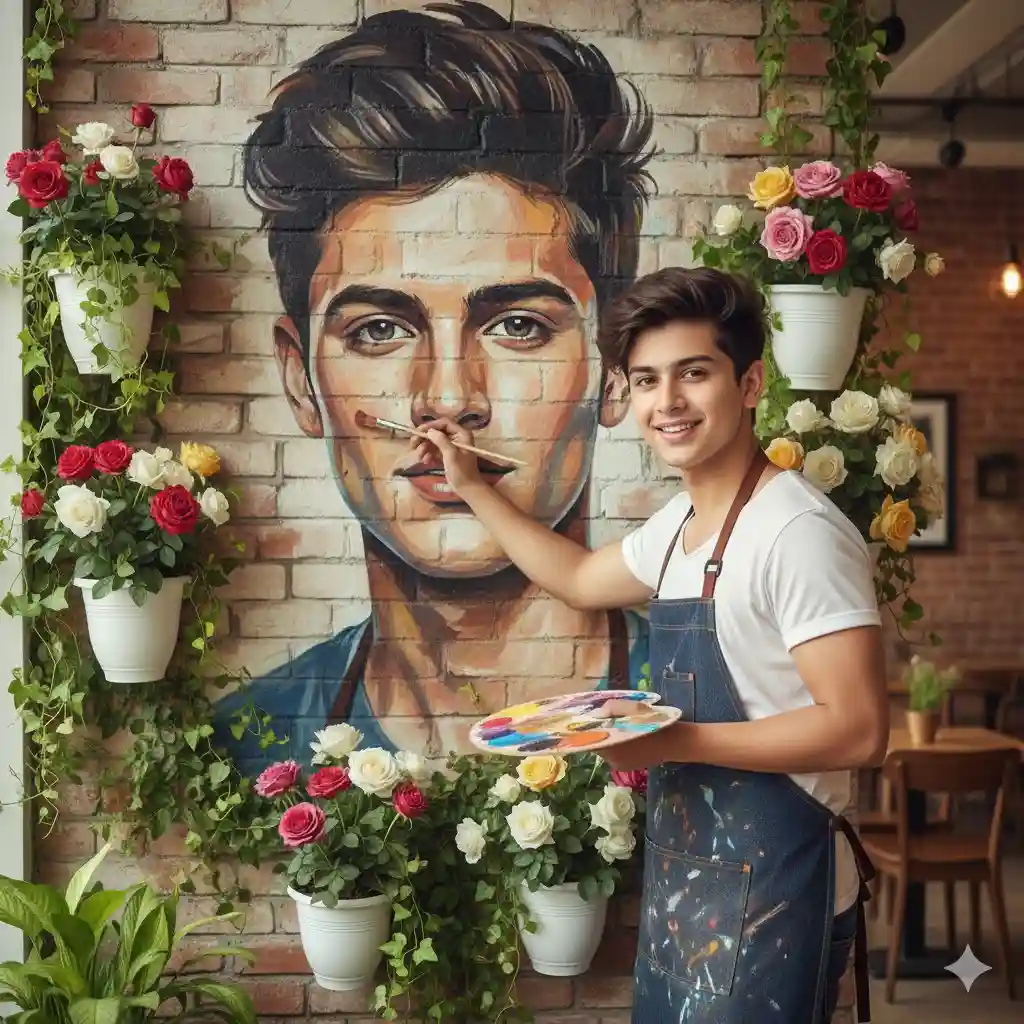
Prompt:
“Create a hyper-realistic 8K vertical portrait using my uploaded image. Maintain 100% facial accuracy – same eyes, nose, lips, jawline, expression, and natural skin texture. The scene shows me painting a large artistic mural of my own face on a café wall, like painting my reflection. The wall has raw natural texture, surrounded by white decorative pots containing colorful roses and lush climbing plants. Lighting should be soft natural daylight, evenly balanced, cinematic yet realistic.”
Why it works:
Detailed environment instructions increase realism and depth.
Best for: Creator branding, professional profile photos
Quick Tips for Better AI Portrait Results
- Use a clear front-facing photo with natural light.
- Avoid heavy filters before uploading.
- Keep a neutral expression for best identity preservation.
- Mention “exact facial structure” in prompts.
- Additionally, use high-resolution source images for sharper 8K results.
Small adjustments significantly improve output quality.
Conclusion
You don’t need to sacrifice your real identity for dramatic AI art.
With precise prompts and clear instructions, you can create a powerful 8K mural portrait that looks artistic – yet completely you.


Leave a Reply